Remove Visible Tiling from Large Concrete Surfaces
Practical ways to hide repeated concrete texture patterns on large walls, floors and exterior surfaces in realtime and archviz scenes.
What this guide helps you optimize
Use this page when texture quality is acceptable but file size, GPU memory, loading time or WebGL responsiveness needs tighter control.
Large concrete surfaces reveal repeated stains, cracks and trowel marks. The solution is not always a larger texture; often it is better variation.
Use the seamless texture as a base layer, then add local masks, decals and subtle color shifts so the wall has detail without repeating the same mark every few meters.
Practical Material Parameters
| Material focus | Recommended UV scale | Roughness range | Normal strength range | Best use cases | Common visual issues |
|---|---|---|---|---|---|
| Concrete walls and slabs | 2-5 m per tile for walls, 1-3 m for floors | 0.55-0.9 | 0.15-0.55 | Walls, floors, sidewalks, industrial props | Baked stains repeating in a grid, AO too dark, inflated cracks |
Realtime Texture Budget
| Asset type | Recommended max texture size | Compression notes | Performance risk |
|---|---|---|---|
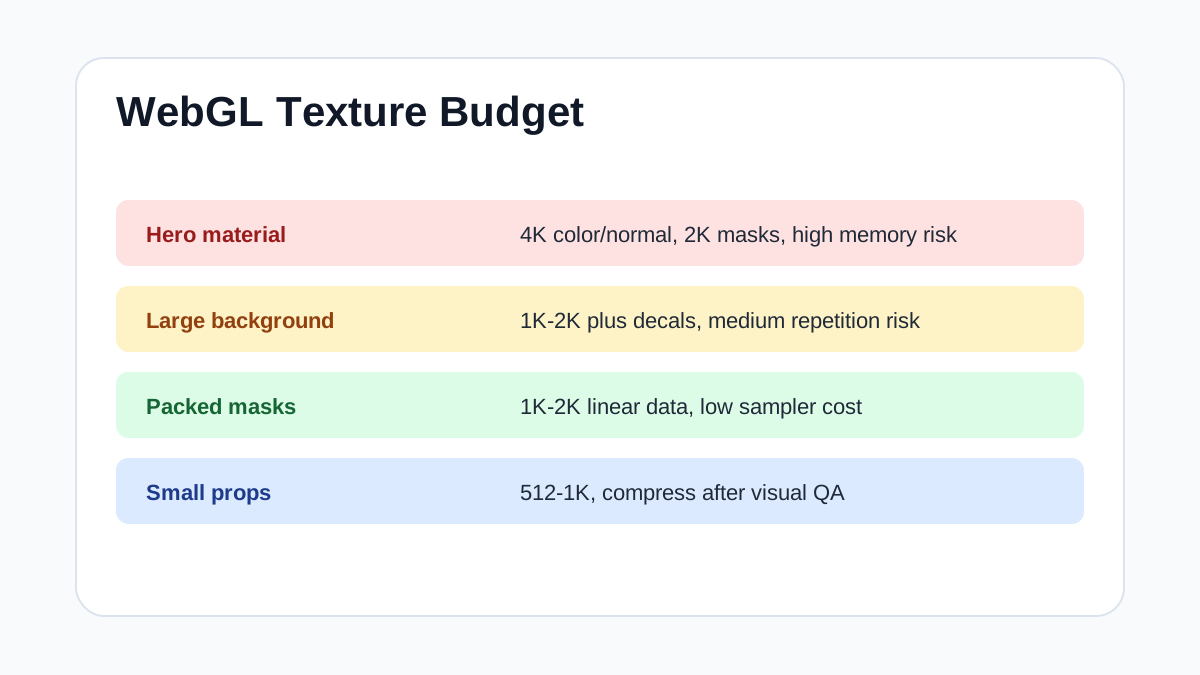
| Hero material close to camera | 4K base color/normal, 2K masks | Use platform texture compression; keep normals in a normal-friendly format | High if several hero materials are visible together |
| Large background wall or floor | 1K-2K | Prefer tiling quality plus decals over a single oversized map | Medium; repetition and memory can both become issues |
| Packed ORM / mask maps | 1K-2K | Pack grayscale channels and import as linear data | Low to medium; wrong sRGB setting is the biggest visual risk |
| Water ripple normal layers | 1K per normal layer | Loopable normal maps with mipmaps; avoid noisy high-frequency compression | Medium; multiple animated layers add sampler cost |
| Small props and distant set dressing | 512-1K | Compress aggressively after checking silhouettes and normal detail | Low unless many unique materials are loaded at once |
Step-by-Step Workflow
- Set the base UV scale so pores and aggregate look realistic.
- Add a low-frequency color variation mask over the base material.
- Place decals for cracks, leaks, dirt and repairs only where needed.
- Blend a second concrete texture at a different scale for large surfaces.
- Check the result from the final camera path or gameplay distance.
Quality Checklist
- No dark stain repeats in a visible grid.
- Decals do not cover every surface evenly.
- The material still looks like concrete after variation is added.
- Texture memory is lower than using one oversized unique map.
Common Mistakes
- Scaling the base texture until repetition disappears but material scale becomes wrong.
- Adding too much procedural noise over the whole wall.
- Using the same crack decal repeatedly without rotation or masking.
Useful Next Steps
- Browse Concrete PBR textures for source materials that match this workflow.
- Use Online PBR preview to preview, pack or prepare maps before importing them into your scene.
- Return to the workflow guide library for related Blender, Unreal Engine, Unity and optimization workflows.
Recommended Textures for This Workflow
FAQ
Which texture maps do I need for Remove Visible Tiling from Large Concrete Surfaces?
Start with base color, normal and roughness. Add AO, height, metallic or packed engine maps when the material and target renderer support them.
Should I always use 4K or 8K textures for this workflow?
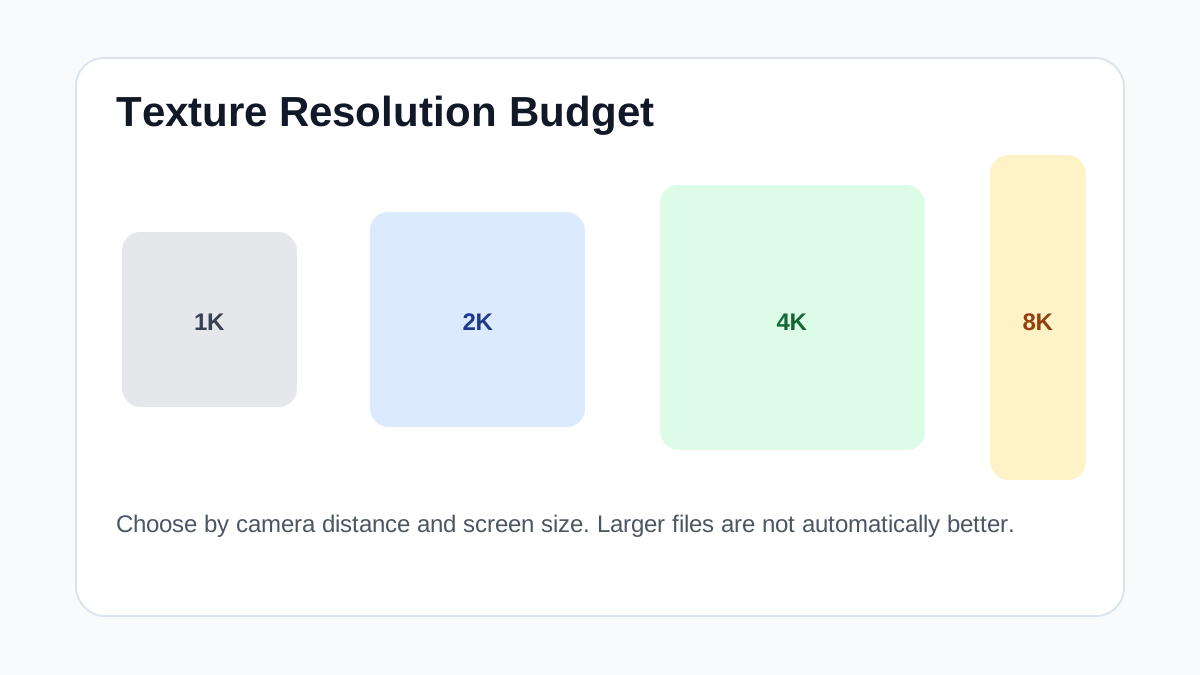
No. Use 4K or 8K only for close camera views or hero assets. For background surfaces, 1K or 2K textures with good tiling and mipmaps are often more efficient.
How does this guide fit into a Optimization pipeline?
Use the guide as a setup checklist before final material tuning. Check scale, color space, map routing, tiling and performance in the target scene rather than judging the texture from the thumbnail alone.