Overview of 3D Generation Software: Differences and Installation on Windows, macOS, and Linux
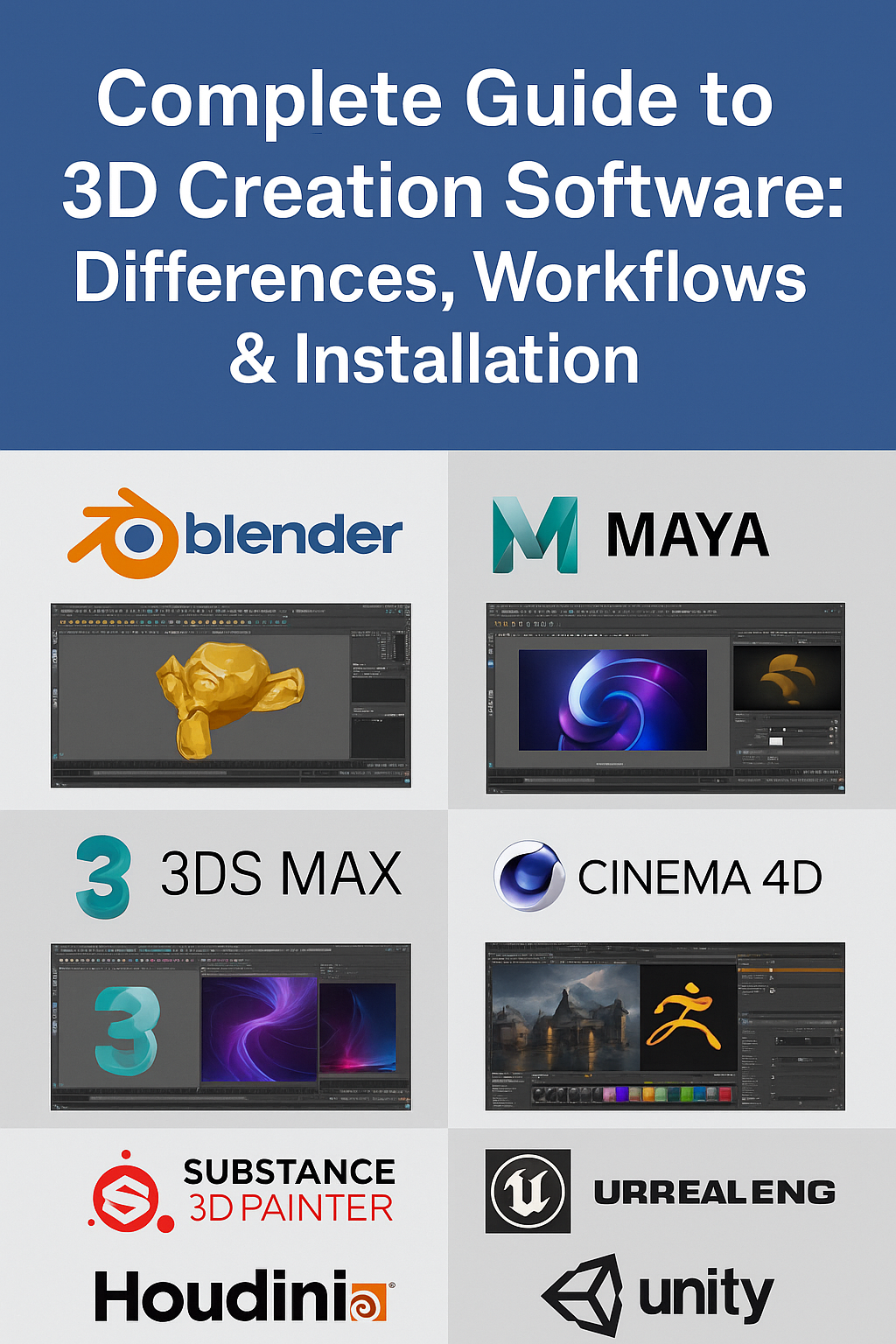
1) Popular 3D Generation Programs
- Blender – free and open-source, covers modeling, sculpting, animation, texturing, simulation, and rendering. Excellent for PBR workflow with support for Albedo, Normal, Roughness, AO maps.
- Autodesk Maya – industry standard for animation and VFX. Paid software, used in film studios and AAA game development.
- 3ds Max – widely used in architecture and product visualization, strong in polygonal modeling and rendering pipelines.
- Cinema 4D – popular in motion graphics and VFX. User-friendly, with powerful plugins for rendering and simulation.
- ZBrush – focused on digital sculpting with millions of polygons. Essential for character artists and highly detailed meshes.
- Substance 3D Painter – specialized in PBR texture painting. Often used together with Blender or Maya for creating realistic materials.
- Houdini – procedural 3D software with node-based workflows. Extremely powerful for simulations (fluids, smoke, destruction).
- Unreal Engine / Unity – game engines, but also used as real-time renderers and platforms for building interactive 3D worlds.
2) Key Differences Between Programs
- License & Cost – Blender is free; Autodesk products are subscription-based; ZBrush and Substance use perpetual or subscription models.
- Learning Curve – Blender and Cinema 4D are more beginner-friendly, while Maya, Houdini, and ZBrush require more time to master.
- Use Case – ZBrush is best for sculpting, Substance for texturing, Maya for animation, Houdini for simulations, while Blender covers all but may require add-ons for specialized pipelines.
- System Requirements – Autodesk and Houdini demand powerful hardware; Blender runs even on mid-range PCs; ZBrush is CPU-based and runs well without high-end GPUs.
- Community & Ecosystem – Blender has the largest open community, while commercial tools have dedicated professional support and plugin ecosystems.
3) Installation on Different Operating Systems
Windows
- Blender – Download from blender.org. Run the `.exe` installer.
- Maya / 3ds Max – Available via Autodesk. Requires an Autodesk account.
- Cinema 4D – Install via `.exe` or Maxon App.
- ZBrush – Install from Maxon site.
- Substance Painter – Available through Adobe Creative Cloud desktop app.
- Houdini – Download from SideFX; includes Apprentice free version.
- Unreal Engine / Unity – Use Epic Games Launcher for Unreal, Unity Hub for Unity.
macOS
- Blender – `.dmg` installer for Intel and Apple Silicon.
- Maya – macOS supported; 3ds Max is Windows-only.
- Cinema 4D – Native `.dmg` installer or Maxon App.
- ZBrush – macOS installer from Maxon.
- Substance Painter – Available through Adobe Creative Cloud.
- Houdini – Native `.dmg` package with licensing system.
- Unreal / Unity – Both support macOS, but performance is lower compared to Windows/Linux.
Linux
- Blender – Available as `.tar.xz`, Snap, or Flatpak.
- Maya – Officially supports RHEL/CentOS; Ubuntu requires tweaks.
- 3ds Max – Windows only.
- Cinema 4D – No native Linux version.
- ZBrush – Not supported natively; only via Wine/VM.
- Substance Painter – No Linux version; some use Wine.
- Houdini – Native Linux support; widely used in professional VFX pipelines.
- Unreal Engine / Unity – Both editors work on Linux, Unreal available from source on GitHub.
4) Comparison Table of 3D Generation Software
| Program | License / Price | Supported OS | Main Specialization |
|---|---|---|---|
| Blender | Free, Open Source (GPL) | Windows, macOS, Linux | All-in-one: modeling, sculpting, animation, rendering |
| Autodesk Maya | Paid, subscription | Windows, macOS, Linux (RHEL/CentOS) | Animation, VFX, rigging |
| 3ds Max | Paid, subscription | Windows only | Modeling, architecture visualization |
| Cinema 4D | Paid, subscription / perpetual | Windows, macOS | Motion graphics, VFX |
| ZBrush | Paid, perpetual / subscription | Windows, macOS | Digital sculpting |
| Substance 3D Painter | Paid, Adobe subscription | Windows, macOS | PBR texture painting |
| Houdini | Paid, Apprentice free edition | Windows, macOS, Linux | Procedural modeling, simulations |
| Unreal Engine | Free (royalties after revenue threshold) | Windows, macOS, Linux | Game engine, real-time rendering |
| Unity | Free (Personal), Paid (Pro) | Windows, macOS, Linux | Game engine, interactive 3D |
5) Conclusion
Each 3D program has its strengths: Blender for an all-in-one free workflow, ZBrush for sculpting, Substance for texturing, Houdini for simulations, Maya for animation. Your choice depends on your pipeline and operating system. Blender is the easiest to install across all platforms, while Autodesk and Adobe tools require paid licenses. Linux users often rely on Blender, Houdini, and Unreal for professional pipelines. Experiment with different tools to find the best fit for your workflow.
FAQ
What is covered in this guide?
This guide explains Overview of 3D Generation Software: Differences and Installation on Windows, macOS, and Linux with practical notes for seamless PBR materials, texture setup, and production use.
Can I use these texture techniques in Blender, Unreal Engine, and Unity?
Yes. The workflow focuses on standard PBR maps and tileable materials that can be used in Blender, Unreal Engine, Unity, archviz, games, and VFX pipelines.
Where can I find textures for this workflow?
Use the AITextured texture library and the related texture links on this page to find seamless PBR materials and preview them before download.
Related Textures
 Procedural Brushed Stainless Steel PBR Texture
 Procedural Oxidized Bronze Metal PBR Texture
 Rusty Cracked Metal Texture With Peeling White Paint And Corrosion
 Rusty Metal Texture Featuring Cracked, Corroded Surface with Orange-Brown Rust Patches
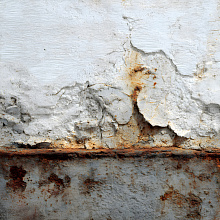 Cracked and Rusty Metal Texture with Flaking Paint and Corrosion
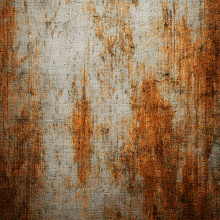 Rusty Metal PBR Texture Featuring Cracked and Weathered Surface
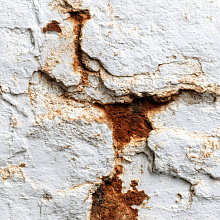 Cracked Rusty Metal PBR Texture with Chipped White Paint and Rust Stains
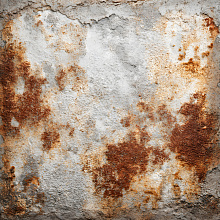 Cracked Rusty Metal PBR Texture with Corroded Surface Details