Brick Wall Texture Scale for Archviz Rendering
Set realistic brick texture scale for architectural visualization, including UV size, mortar depth, repetition control and render checks.
What this material workflow helps you fix
Use this guide when Brick Wall Texture Scale for Archviz Rendering needs practical scale, roughness, normal strength and visual QA settings rather than only a preview thumbnail.
Brick walls are scale-sensitive. If the brick size is wrong relative to windows, doors and furniture, the viewer notices before they notice shader quality.
Treat the texture as a construction material first and an image second. Match the brick module, mortar width and row height to the scene, then tune roughness and normal strength.
Practical Material Parameters
| Material focus | Recommended UV scale | Roughness range | Normal strength range | Best use cases | Common visual issues |
|---|---|---|---|---|---|
| Brick and mortar wall | Match real brick height: usually 6-8 cm plus mortar | 0.5-0.85 | 0.25-0.7 | Facades, interior walls, paving, old masonry | Mortar too deep, brick size mismatched to doors, repeated damaged brick |
Step-by-Step Workflow
- Measure a reference brick size for the region or style you are rendering.
- Set UV scale so the brick height and mortar gap match the model.
- Check the wall from eye level and from the final camera angle.
- Use decals for stains, chipped corners and vertical weathering.
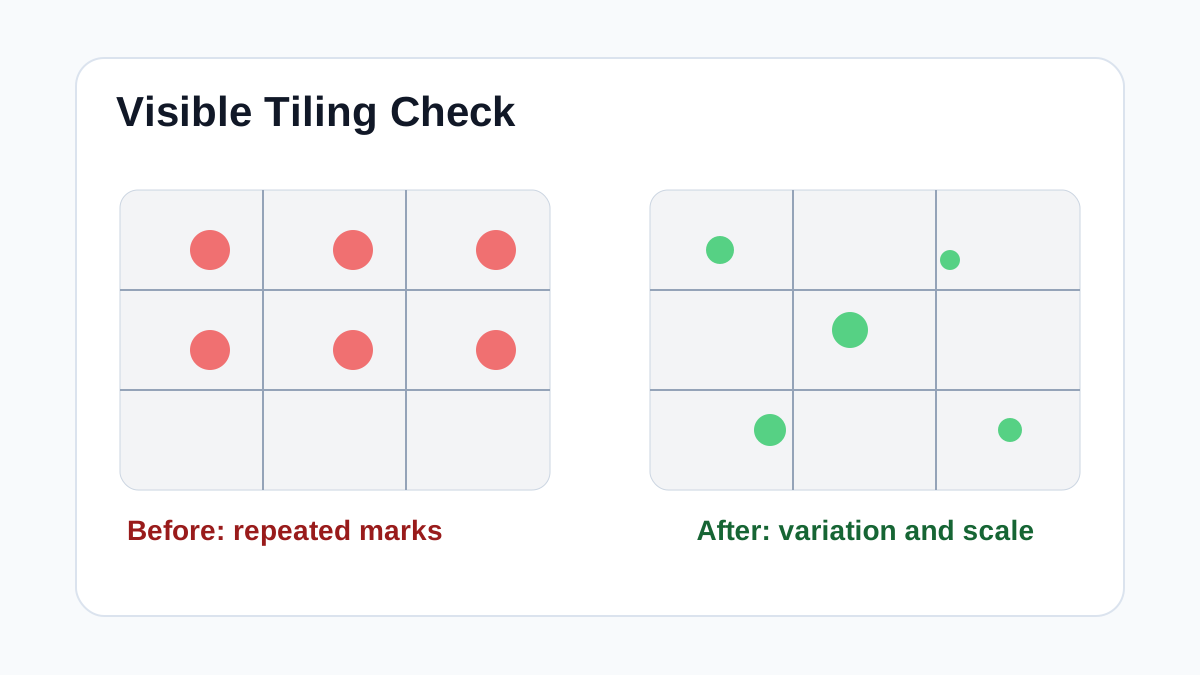
- Keep color variation subtle so repeated bricks do not form a pattern grid.
Quality Checklist
- Brick rows align with architectural openings.
- Mortar depth is readable but not exaggerated.
- No single damaged brick repeats too often.
- The material works in both daylight and interior lighting.
Common Mistakes
- Scaling the texture by eye on a blank wall without checking doors or windows.
- Using a very strong height map on a flat facade.
- Baking dirt into the tile instead of using local decals.
Useful Next Steps
- Browse Brick PBR textures for source materials that match this workflow.
- Use PBR Texture Generator to preview, pack or prepare maps before importing them into your scene.
- Return to the workflow guide library for related Blender, Unreal Engine, Unity and optimization workflows.
Recommended Textures for This Workflow
FAQ
Which texture maps do I need for Brick Wall Texture Scale for Archviz Rendering?
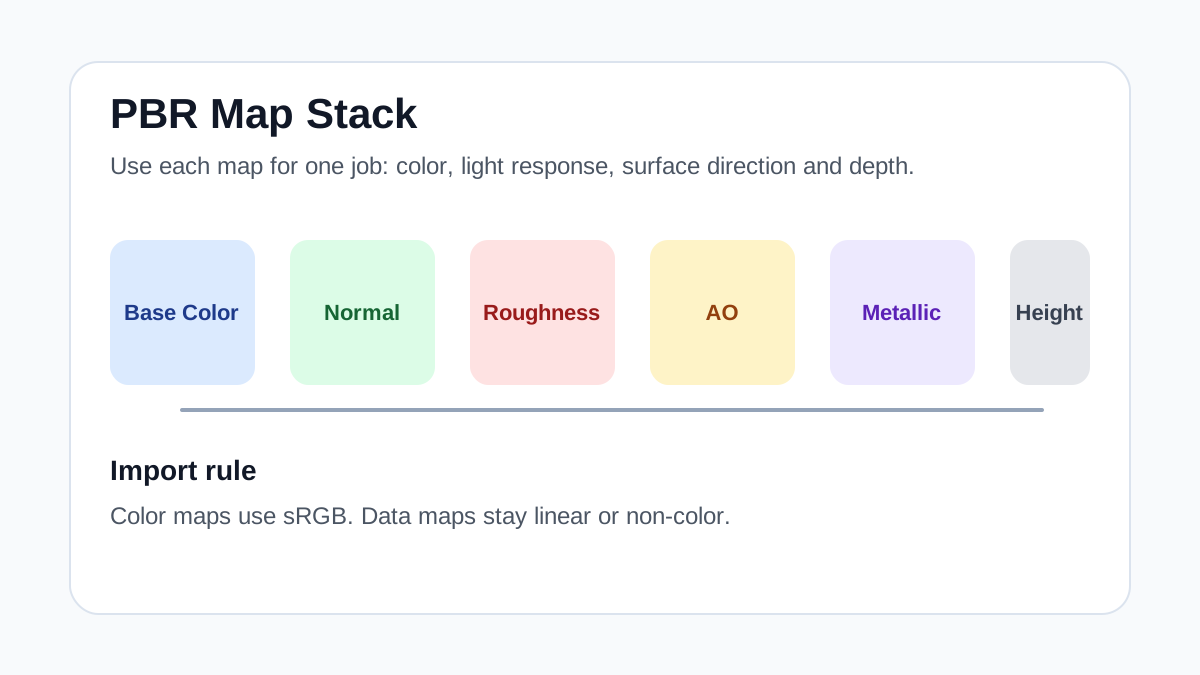
Start with base color, normal and roughness. Add AO, height, metallic or packed engine maps when the material and target renderer support them.
Should I always use 4K or 8K textures for this workflow?
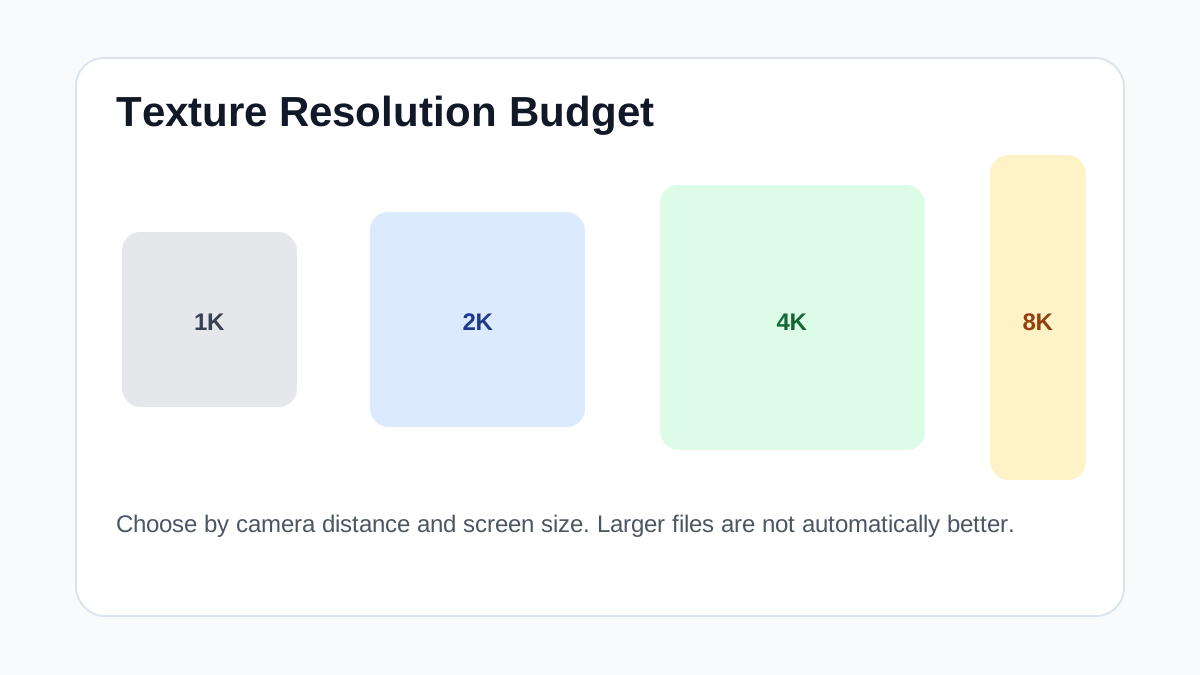
No. Use 4K or 8K only for close camera views or hero assets. For background surfaces, 1K or 2K textures with good tiling and mipmaps are often more efficient.
How does this guide fit into a Archviz pipeline?
Use the guide as a setup checklist before final material tuning. Check scale, color space, map routing, tiling and performance in the target scene rather than judging the texture from the thumbnail alone.