Fabric PBR Textures for Upholstery in Blender
Use seamless fabric PBR textures for sofas, cushions and chairs in Blender with correct weave scale, roughness and normal map setup.
When to use this workflow
Use this workflow when the material imports into Blender but the surface still looks flat, glossy in the wrong places, incorrectly scaled or miswired.
Upholstery materials should feel soft, woven and slightly uneven. The weave should come from normal and roughness data, not from harsh shadows baked into the color map.
Scale matters: a fabric that looks correct on a cushion can become too large on a chair arm or too noisy on a wide sofa.
Texture Import Settings
| Texture map | Import setting | Color space / sRGB | Usage notes |
|---|---|---|---|
| Base color / albedo | Image Texture node into Principled BSDF Base Color | sRGB enabled | Keep lighting out of the image; use Mapping scale for floor, fabric or wall size. |
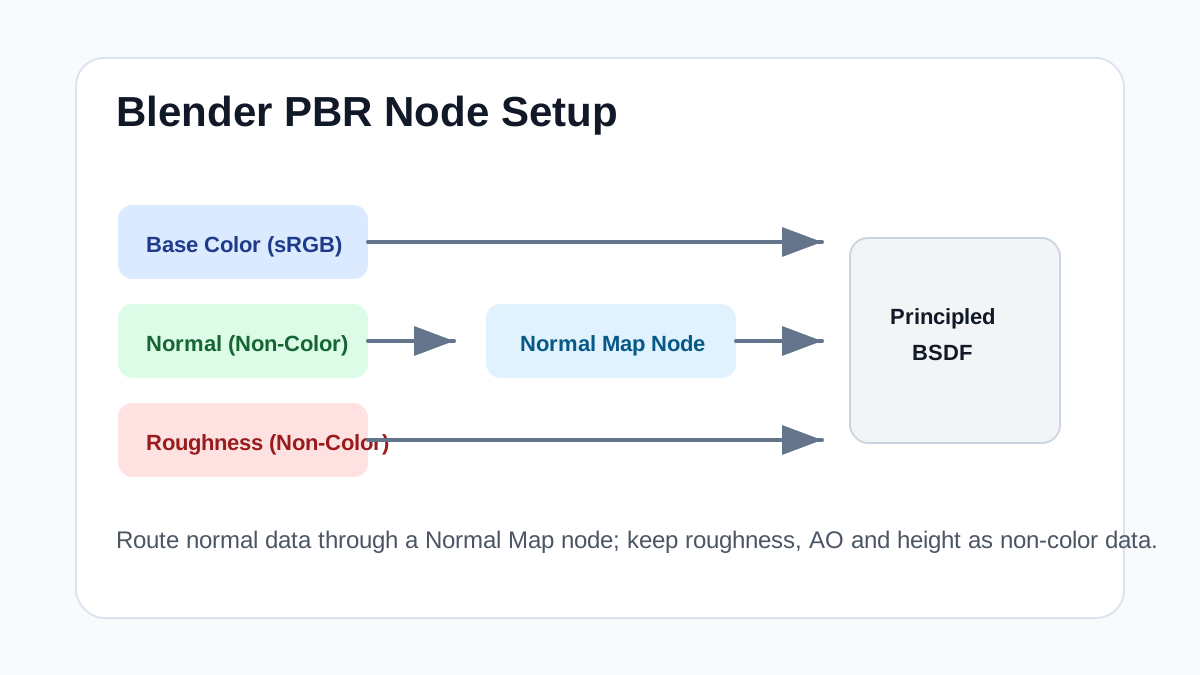
| Normal map | Image Texture -> Normal Map node -> Principled BSDF Normal | Non-Color | Start around 0.3-0.8 strength for fabric/wood, then judge under side lighting. |
| Roughness map | Image Texture into Principled BSDF Roughness | Non-Color | Higher values make fabric, raw wood and stone more matte; lower values suit varnish or polished surfaces. |
| AO / height | AO mixed subtly with color; height through Bump or Displacement only when needed | Non-Color | Use height lightly on flat floors and upholstery so surfaces do not look inflated. |
Practical Material Parameters
| Material focus | Recommended UV scale | Roughness range | Normal strength range | Best use cases | Common visual issues |
|---|---|---|---|---|---|
| Fabric weave and upholstery | 20-100 cm per tile; keep weave scale object-appropriate | 0.65-0.95 matte, 0.35-0.65 satin | 0.1-0.45 | Sofas, cushions, curtains, textile previews | Gloss too high, weave stretched on cushions, pattern scale mixed with weave scale |
Step-by-Step Workflow
- Use base color in sRGB and weave maps as non-color data.
- Connect normal through a Normal Map node and keep strength subtle.
- Increase roughness for matte fabric and reduce it only for satin-like materials.
- Use UV unwraps that follow cushion seams and object direction.
- Add separate seam geometry or masks instead of expecting the tile to create seams.
Quality Checklist
- Weave scale remains consistent across cushions.
- The fabric does not show baked directional lighting.
- Normal strength reads under close-up and wide shots.
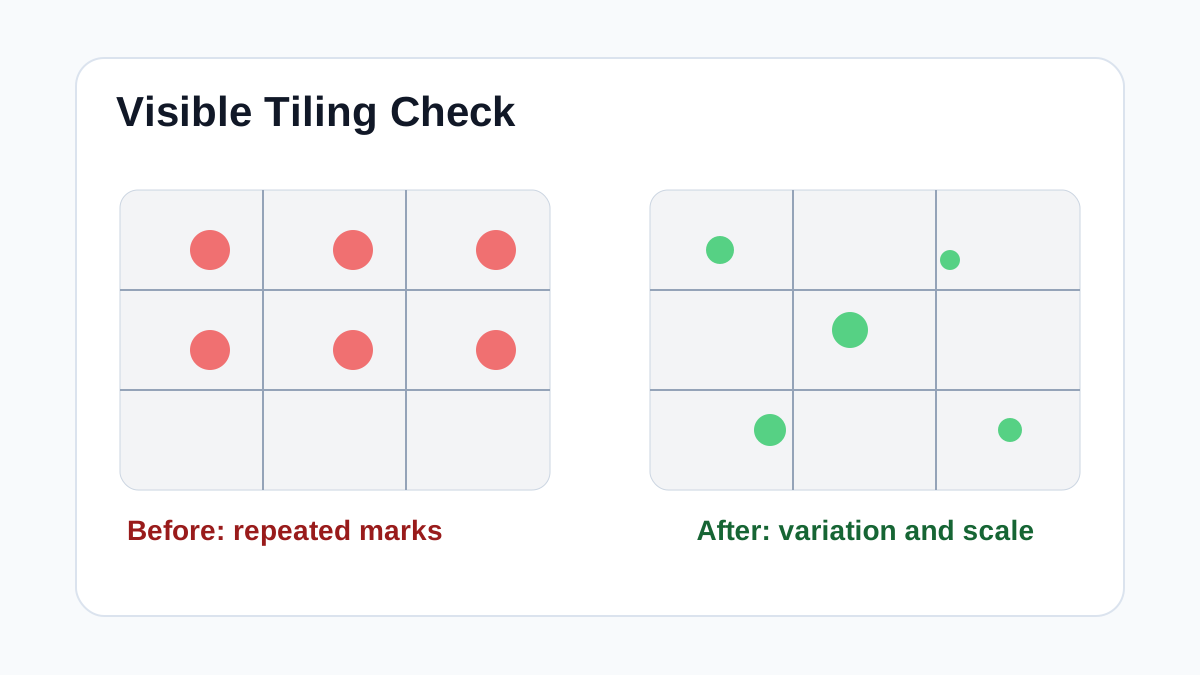
- Large upholstery pieces do not reveal obvious repeats.
Common Mistakes
- Making fabric too glossy because the preview light looks flat.
- Stretching UVs over rounded cushions.
- Using pattern scale and weave scale as if they were the same thing.
Useful Next Steps
- Browse Fabric PBR textures for source materials that match this workflow.
- Use PBR Texture Generator to preview, pack or prepare maps before importing them into your scene.
- Return to the workflow guide library for related Blender, Unreal Engine, Unity and optimization workflows.
Recommended Textures for This Workflow
FAQ
Which texture maps do I need for Fabric PBR Textures for Upholstery in Blender?
Start with base color, normal and roughness. Add AO, height, metallic or packed engine maps when the material and target renderer support them.
Should I always use 4K or 8K textures for this workflow?
No. Use 4K or 8K only for close camera views or hero assets. For background surfaces, 1K or 2K textures with good tiling and mipmaps are often more efficient.
How does this guide fit into a Blender pipeline?
Use the guide as a setup checklist before final material tuning. Check scale, color space, map routing, tiling and performance in the target scene rather than judging the texture from the thumbnail alone.