Sci-Fi Panel Textures for Modular Game Levels
Plan sci-fi panel PBR textures for modular walls, spaceship corridors, trims and realtime game levels with fewer visible repeats.
What this material workflow helps you fix
Use this guide when Sci-Fi Panel Textures for Modular Game Levels needs practical scale, roughness, normal strength and visual QA settings rather than only a preview thumbnail.
Sci-fi panels are repetitive by nature, but the repetition should look intentional. Strong panel rhythm, trims and masks help modular walls read as designed systems instead of wallpaper.
Keep the base tile reusable and push unique storytelling through decals, emissive strips, dirt masks and mesh variation.
Practical Material Parameters
| Material focus | Recommended UV scale | Roughness range | Normal strength range | Best use cases | Common visual issues |
|---|---|---|---|---|---|
| Sci-fi panels and trims | Panel tile aligned to modular kit dimensions | 0.25-0.7 | 0.25-0.8 | Corridors, spaceship walls, doors, crates | Too many unique symbols per tile, emissive overuse, panels not aligned |
Step-by-Step Workflow
- Choose panel scale based on the modular wall kit dimensions.
- Use normal maps for grooves and bevel-like detail, but avoid inflated panels.
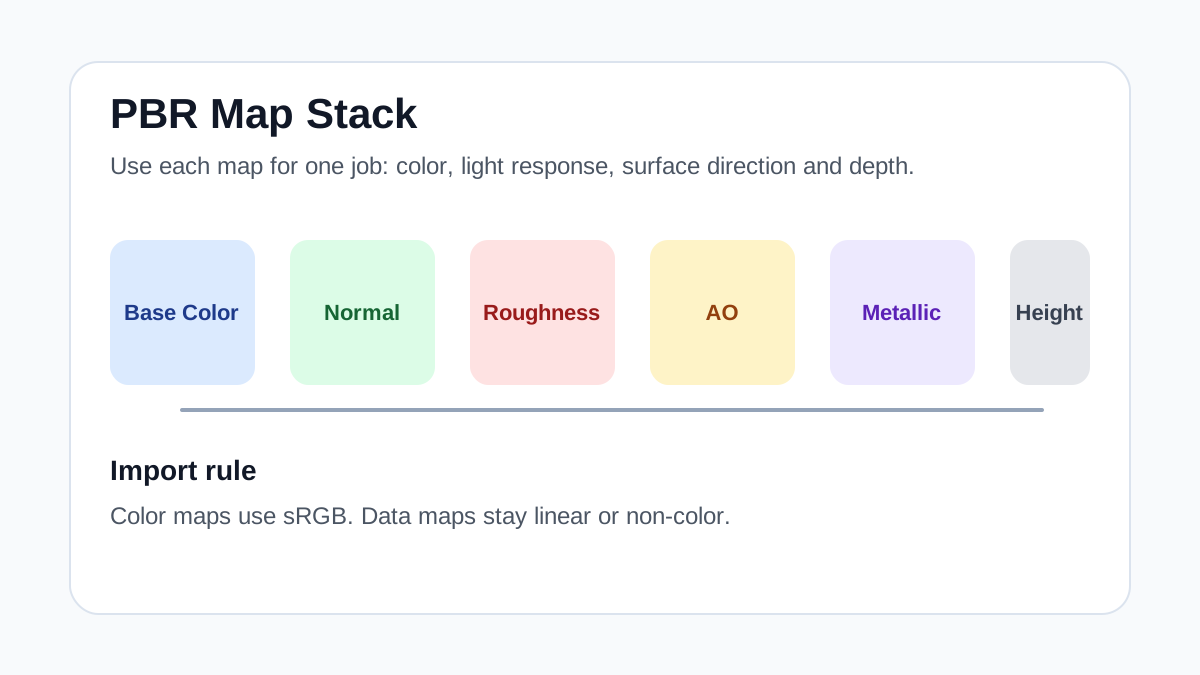
- Pack roughness, metallic and AO for engine-friendly materials.
- Use emissive masks only where the design needs readable light elements.
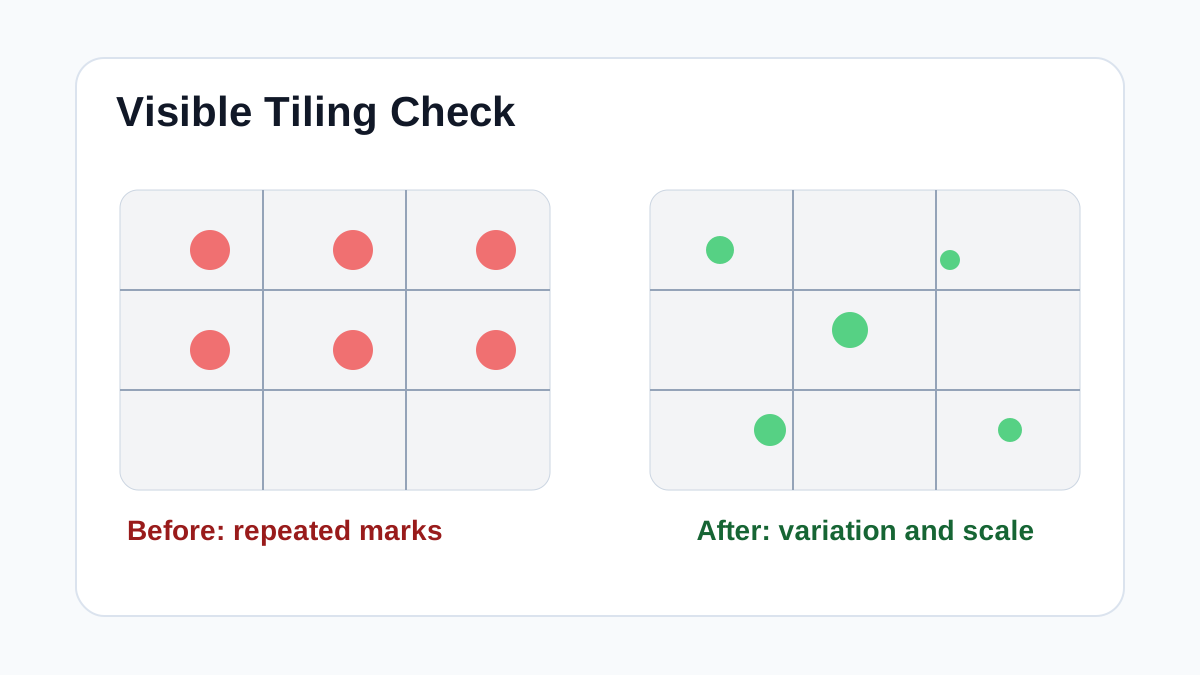
- Rotate modules and add decals to break long corridor repetition.
Quality Checklist
- Panel lines align across modular pieces.
- Metallic and roughness values match painted metal or exposed metal areas.
- Emissive details do not dominate every tile.
- The material still works when repeated for a long corridor.
Common Mistakes
- Putting too many unique symbols into one repeating tile.
- Using pure black roughness or pure white metallic without masks.
- Baking lighting into the base color.
Useful Next Steps
- Browse Sci-Fi PBR textures for source materials that match this workflow.
- Use Unity Unreal Blender Mapper to preview, pack or prepare maps before importing them into your scene.
- Return to the workflow guide library for related Blender, Unreal Engine, Unity and optimization workflows.
Recommended Textures for This Workflow
FAQ
Which texture maps do I need for Sci-Fi Panel Textures for Modular Game Levels?
Start with base color, normal and roughness. Add AO, height, metallic or packed engine maps when the material and target renderer support them.
Should I always use 4K or 8K textures for this workflow?
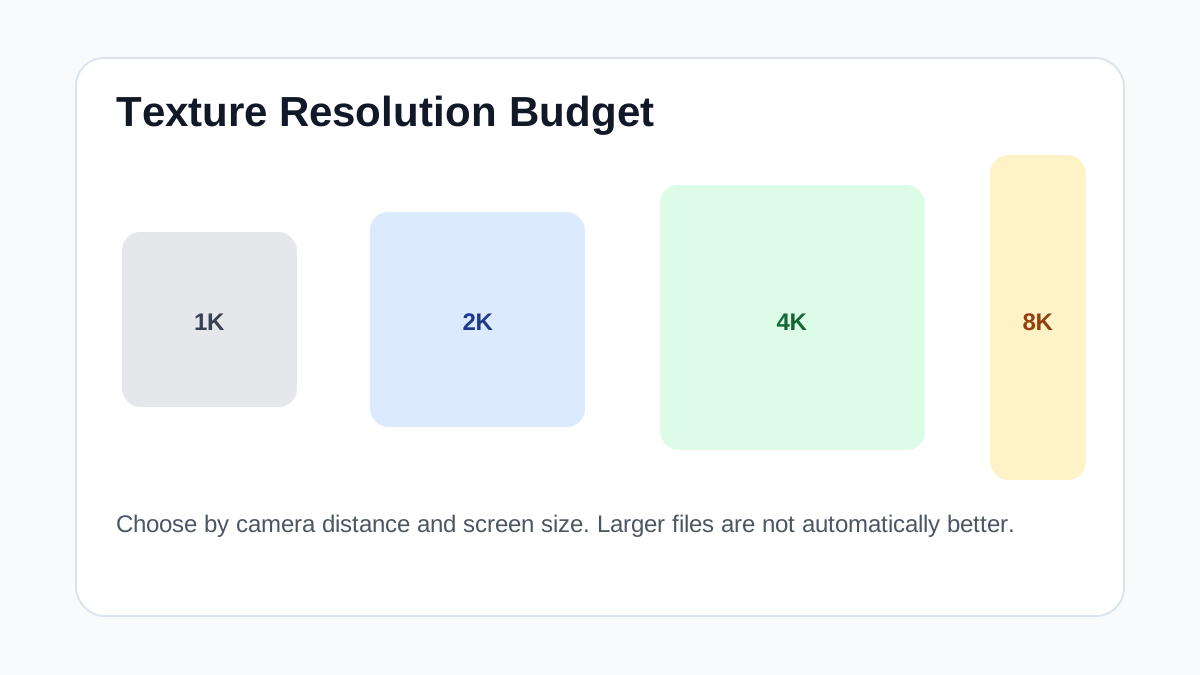
No. Use 4K or 8K only for close camera views or hero assets. For background surfaces, 1K or 2K textures with good tiling and mipmaps are often more efficient.
How does this guide fit into a Game Art pipeline?
Use the guide as a setup checklist before final material tuning. Check scale, color space, map routing, tiling and performance in the target scene rather than judging the texture from the thumbnail alone.