Free Seamless Sci-fi PBR Textures
Browse sci-fi seamless PBR textures for panels, futuristic walls, spaceship interiors, emissive details and hard-surface environments.
Select by:
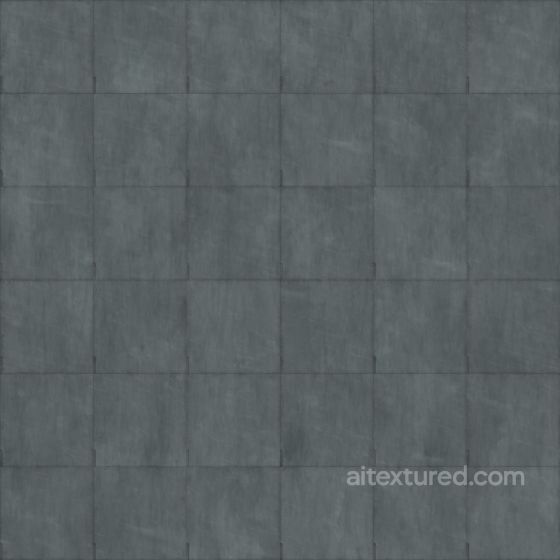
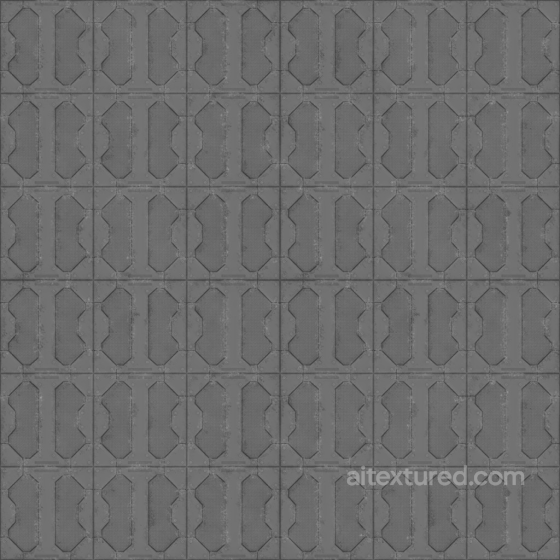
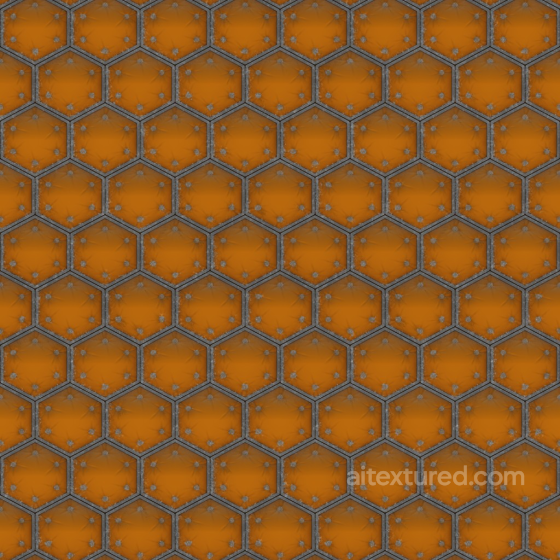
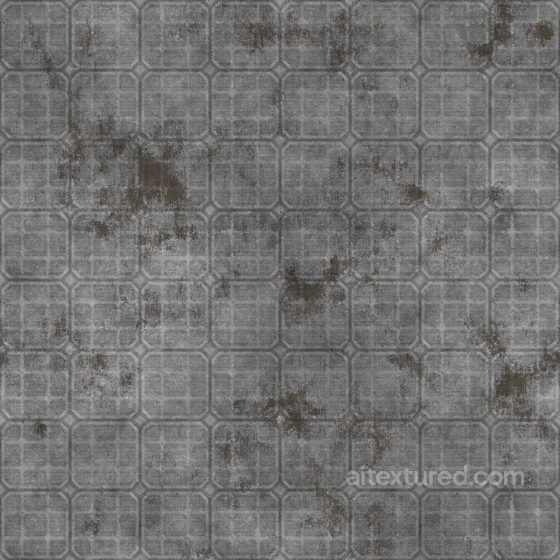
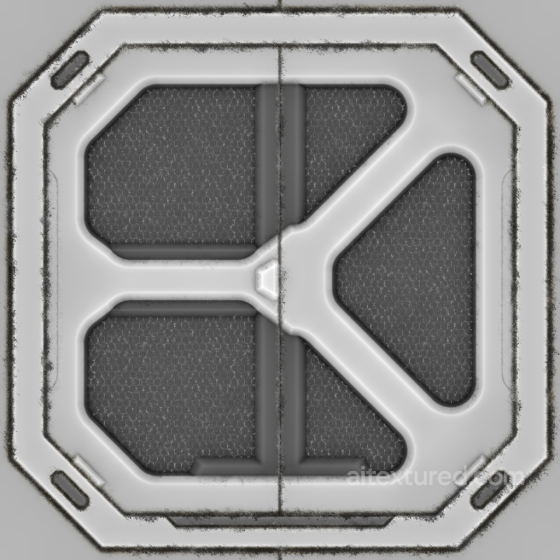
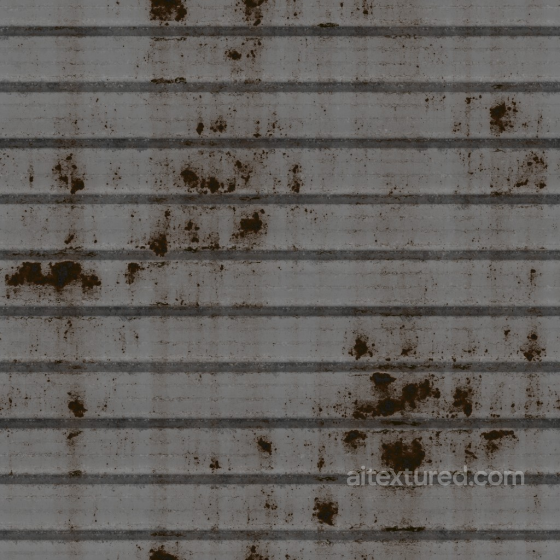
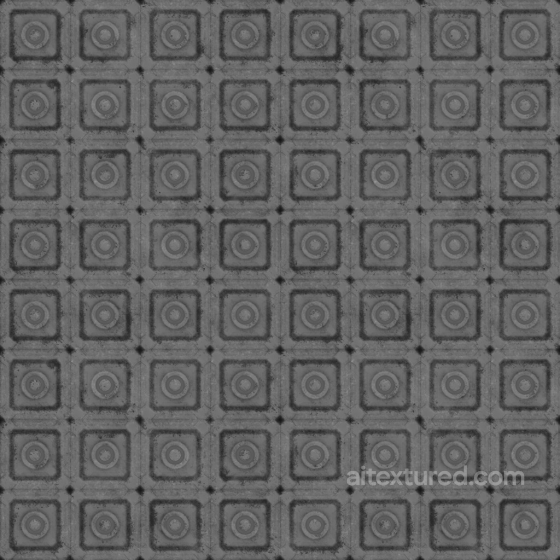
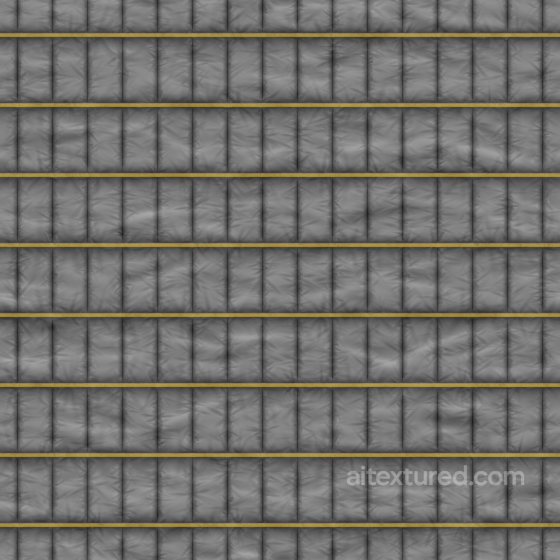
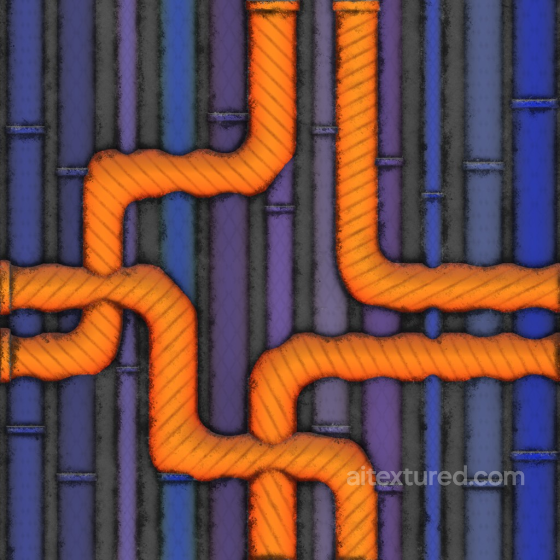
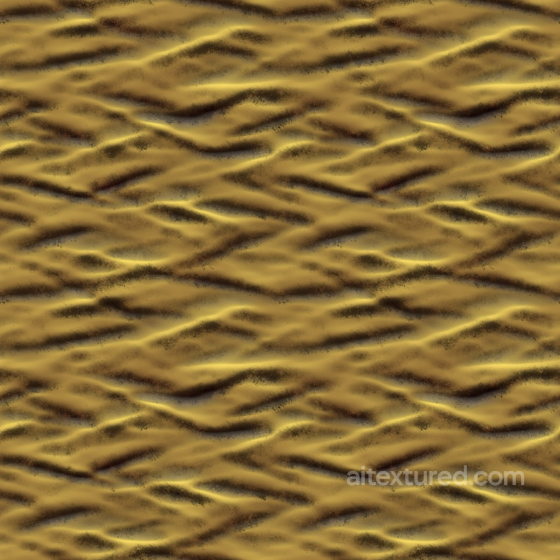
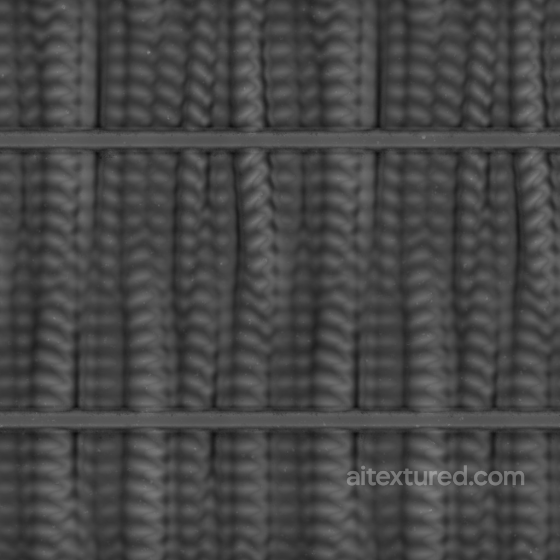
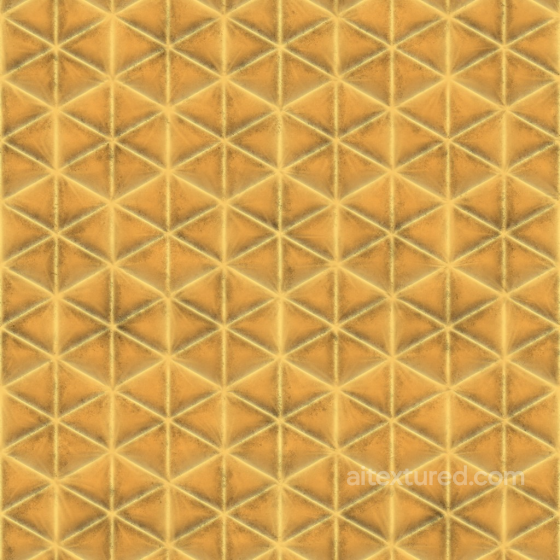
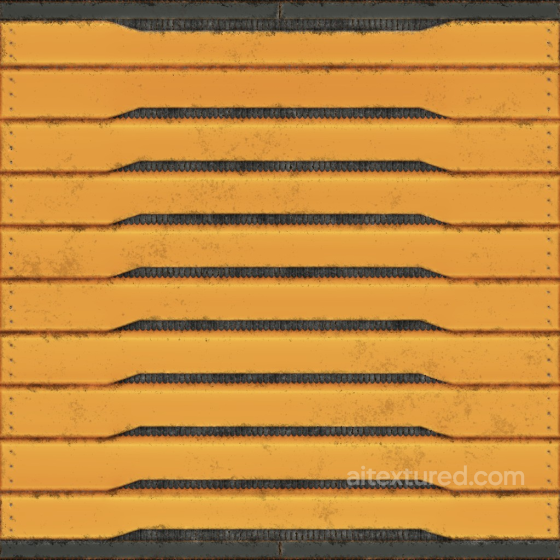
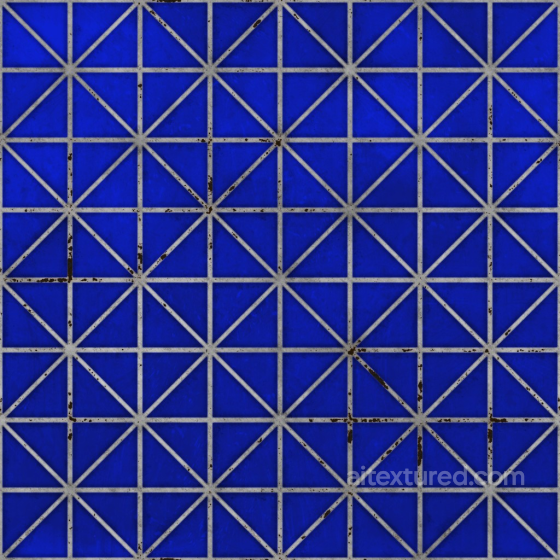
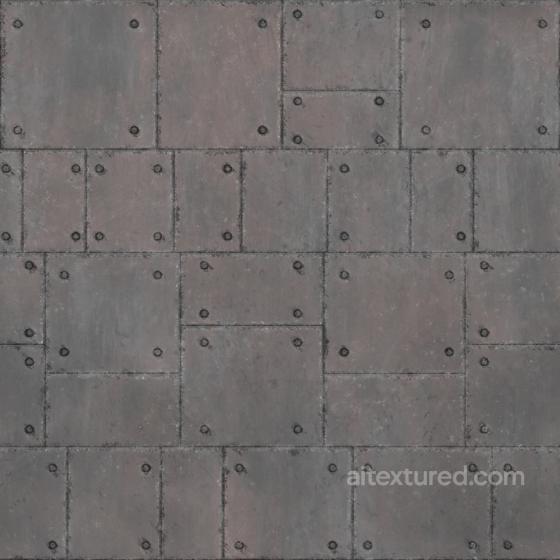
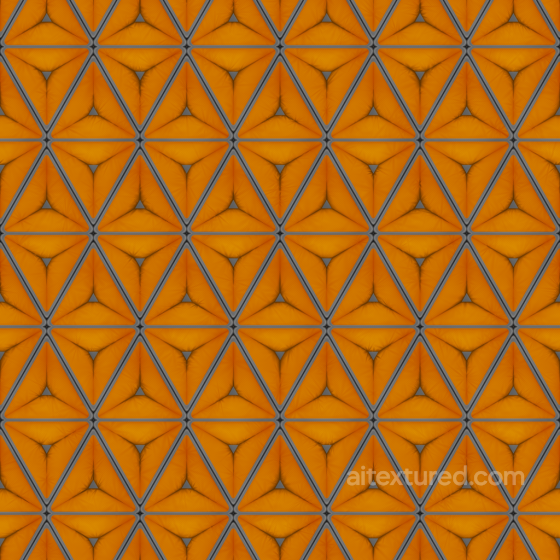
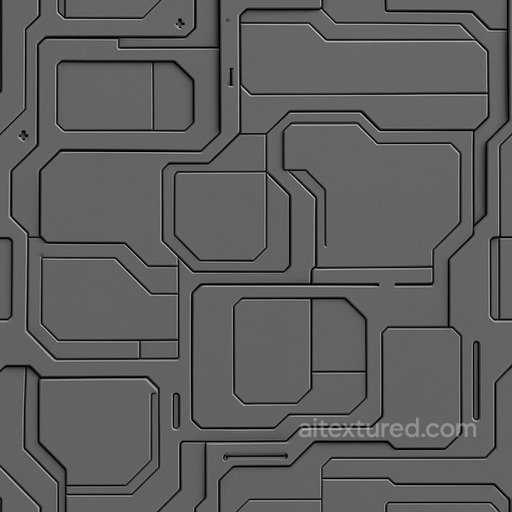
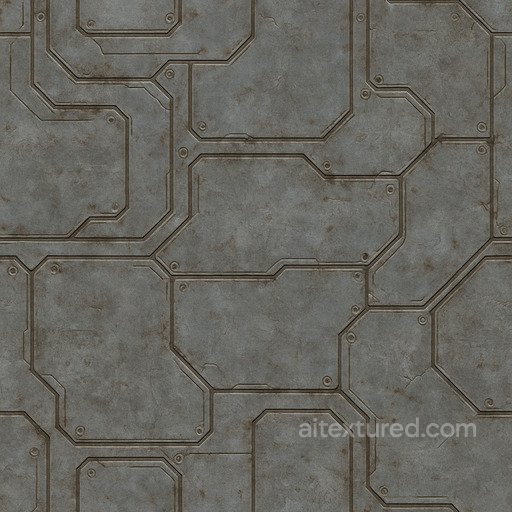
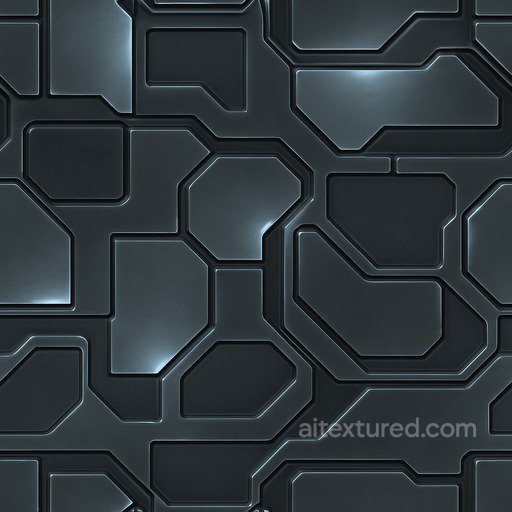
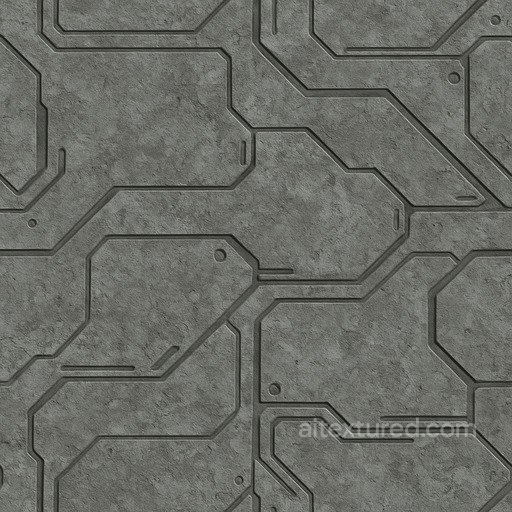
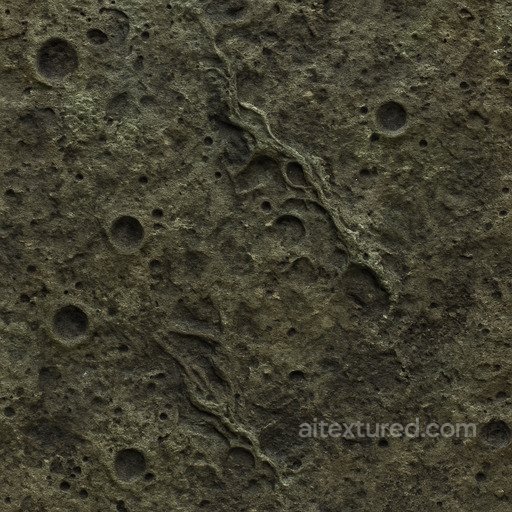
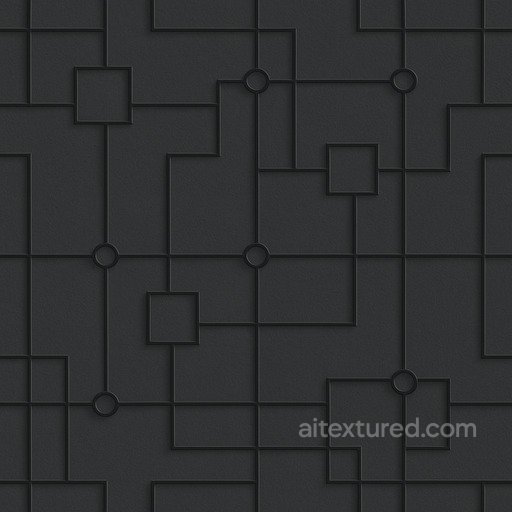
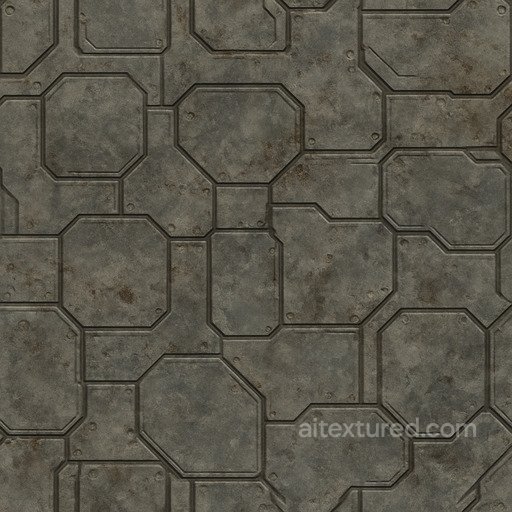
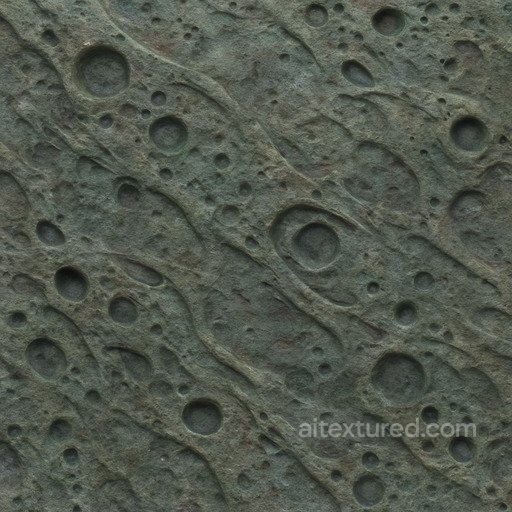
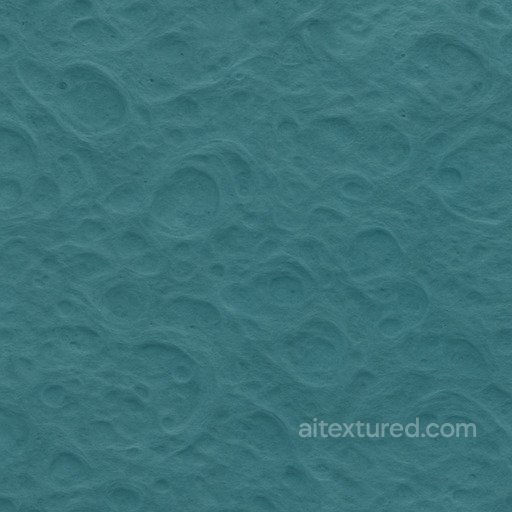
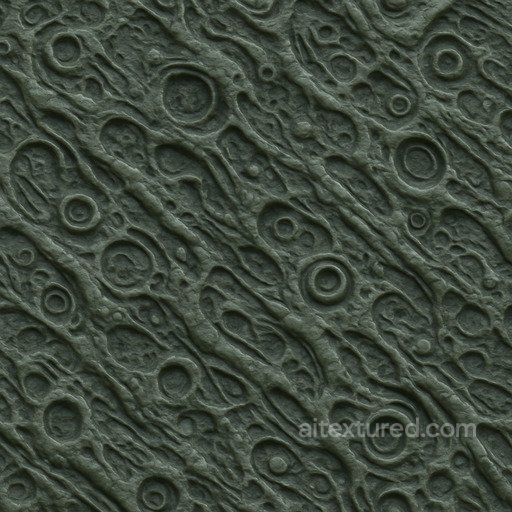
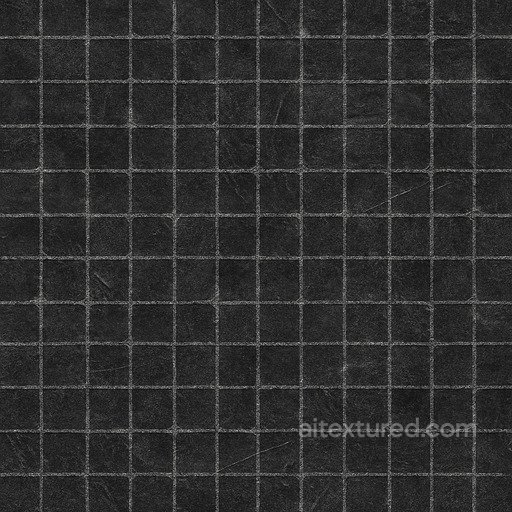
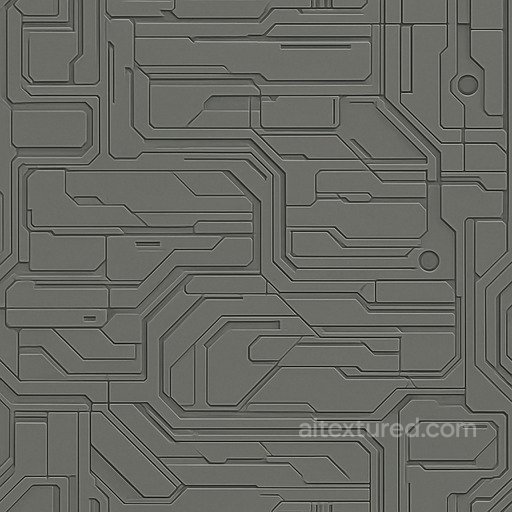
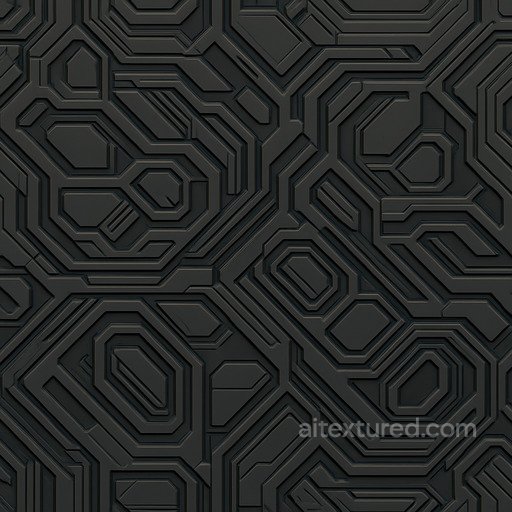
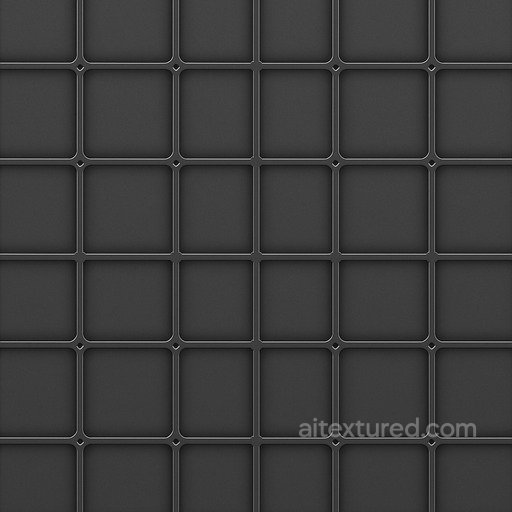
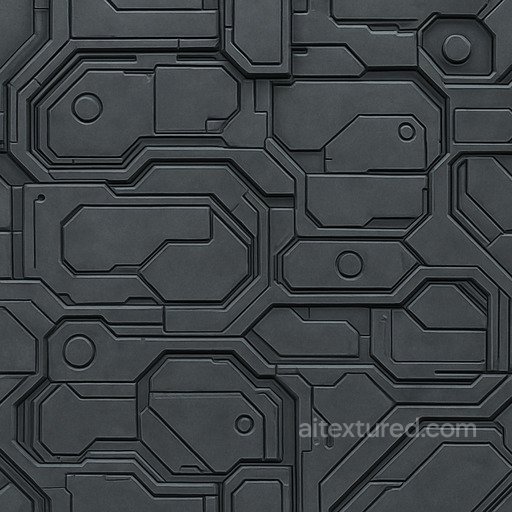
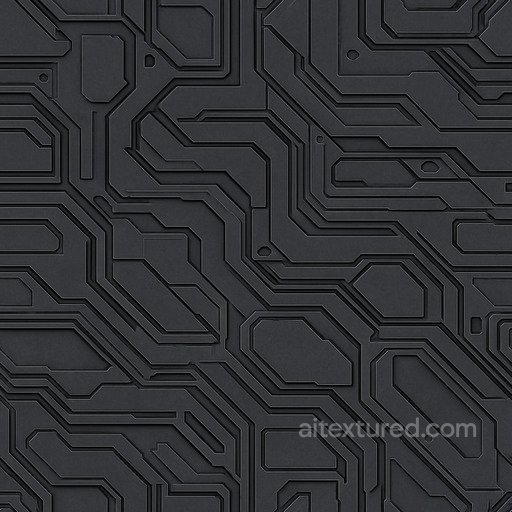
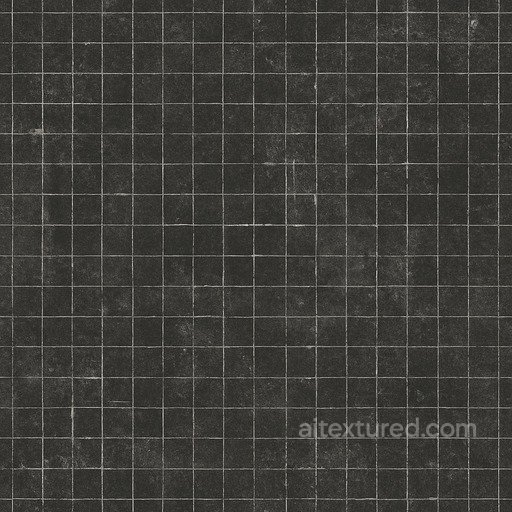
The Sci-fi texture collection offers a diverse range of seamless, tileable PBR textures designed to bring futuristic environments and objects to life with remarkable detail. These textures come in resolutions up to 8K, providing crisp and high-quality visuals suitable for close-up renders and large-scale projects alike. Each texture set typically includes BaseColor (Albedo), Normal, Roughness, Metallic, Ambient Occlusion, and Height/Displacement maps, allowing for comprehensive material customization and realistic shading. Whether you are working on sleek, polished panels or worn, weathered surfaces, these textures capture a wide variety of synthetic and alien aesthetics, from shiny techno grids to matte, rough, and dirty finishes. The designs feature fine patterns and decorative elements that add depth and complexity to sci-fi models, including intricate grid layouts and ornate surface details. Many textures emulate natural wear and aging effects, making them ideal for creating believable environments that feel used and lived-in, rather than overly sterile. The combination of smooth and coarse textures enables users to craft environments ranging from clean, high-tech interfaces to gritty, aged machinery. This versatility supports a broad spectrum of sci-fi themes, from pristine spaceship interiors to rugged alien landscapes. These textures are fully compatible and ready to use in popular 3D software such as Blender, Unity, and Unreal Engine, ensuring streamlined integration into your workflow. For practical use, when applying these tileable textures to large surfaces, consider layering subtle dirt or wear masks in your shader to enhance realism and break up repetitive patterns, especially on panel or grid-based designs. This approach helps maintain a natural, aged appearance while preserving the futuristic and synthetic qualities essential to sci-fi aesthetics.
Source and license status varies by asset; review the detail page before use.
Sci-Fi Material Workflow Notes
Sci-fi surfaces need readable panel rhythm, trim detail and controlled roughness. Too many high-contrast shapes in one tile can make repetition obvious on corridors and large walls.
Use emissive masks and decals as separate layers when possible. This keeps the base material reusable across doors, floors, consoles and modular kits.
Best use cases
- Spaceship corridors and futuristic wall panels
- Hard-surface props, crates and machinery
- Cyberpunk floors, doors and decorative trims
PBR map tips
- Keep panel normals crisp but not inflated.
- Pack masks for roughness, metallic and emissive control.
- Break repetition with trim sheets, decals and rotated modules.
Related categories
Related guides
Sci Fi Texture FAQ
Are these sci-fi textures seamless?
Tiling support varies by asset. Open a texture page and use the tiled preview to verify scale, seams and visible repetition before final production use.
Which PBR maps are most important for sci-fi materials?
Base color, normal and roughness are the core maps. AO, height, metallic or packed engine maps may be included depending on the asset and should be connected as non-color data where appropriate.
Can I use these sci-fi textures in Blender, Unreal Engine and Unity?
Review the maps available on each texture page. Separate maps can be connected in common DCC workflows, and the engine mapper can create supported target-specific packing.
How do I avoid visible tiling on large sci-fi surfaces?
Set the UV scale first, then combine texture variants, decals, masks or subtle color variation. Preview at the final camera distance and choose only a resolution that the asset actually offers.
Explore More Texture Resources
Related texture categories
Texture workflow tools
AITextured Tools
Generate maps from existing images, preview materials, convert channels, and package compatible inputs for Blender, Unity, and Unreal Engine.
PBR Material Tools
Choose a verified workflow for generating maps, previewing tiling, converting channels, or starting from the texture catalog.
Input: image or existing maps → Output: preview, PBR maps, or engine-ready package
Explore tools
PBR Texture Generator
Derive Normal, Roughness, AO, Metallic, Height and optional ORM maps from one or more source images, then review the results.
Input: PNG/JPG/WEBP → Output: Normal, Roughness, AO, Height, Metallic, ORM ZIP
Create PBR maps
Online Texture Preview
Instant WebGL viewer: inspect materials on a sphere, plane, and cube. Check tiling and lighting in real time.
Input: material maps → Output: interactive render and tiling check
Preview material
Unity / Unreal / Blender Mapper
Re-packages maps per engine: Unreal (BaseColor + ORM), Unity (Mask/MetallicSmoothness), Blender (separate channels).
Input: PBR maps → Output: Blender, Unreal, Unity channel packages
Convert maps
Image Converter
PNG ↔ JPG ↔ SVG: fast convert, SVG rasterize, embed/trace options, quality & background controls.
Input: PNG/JPG/SVG → Output: converted image format
Convert images