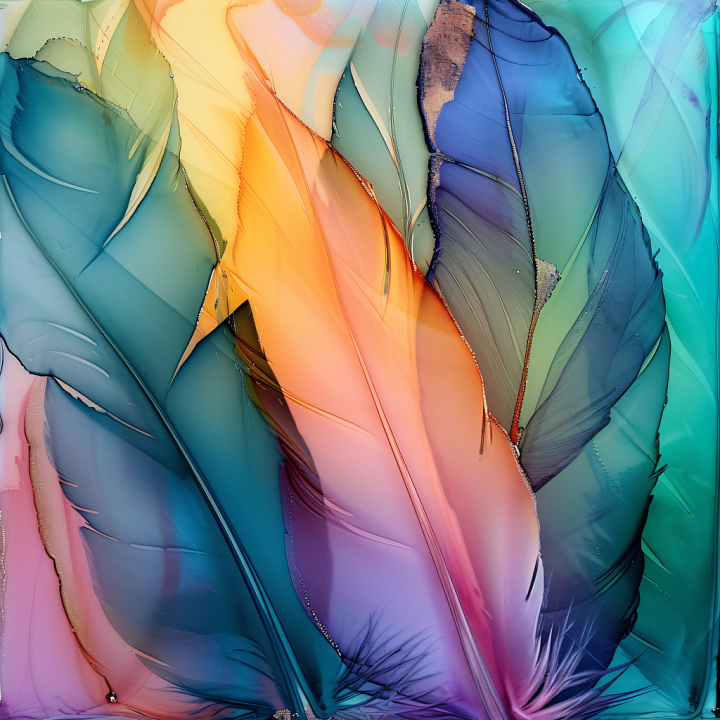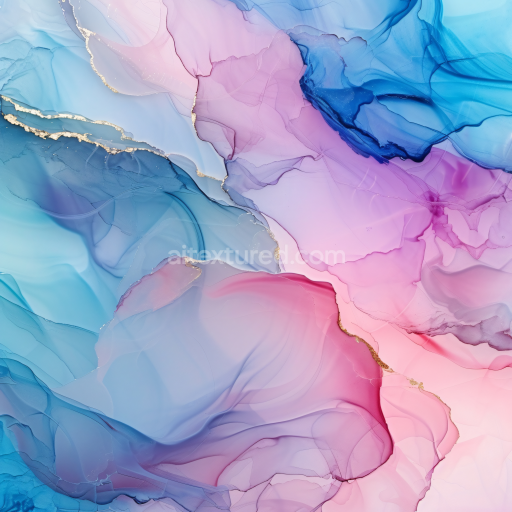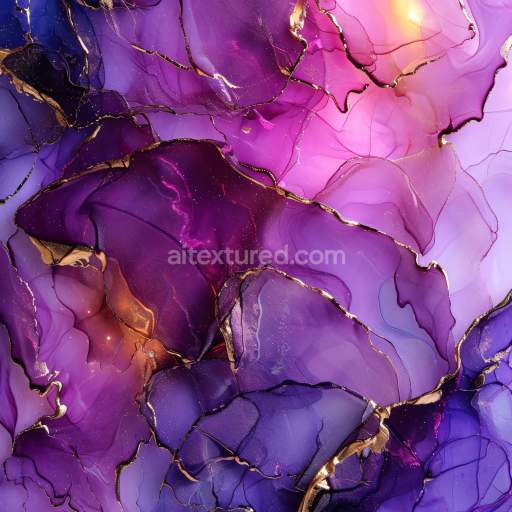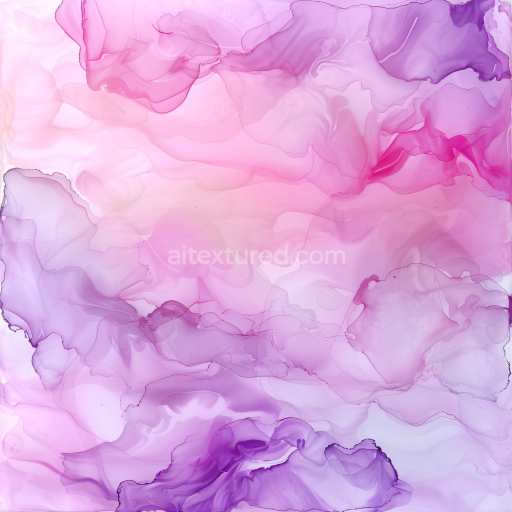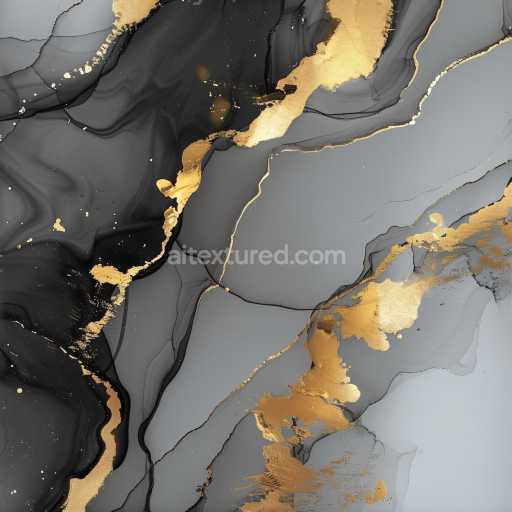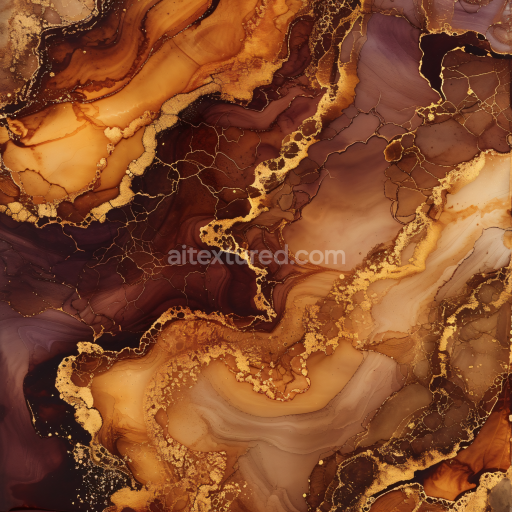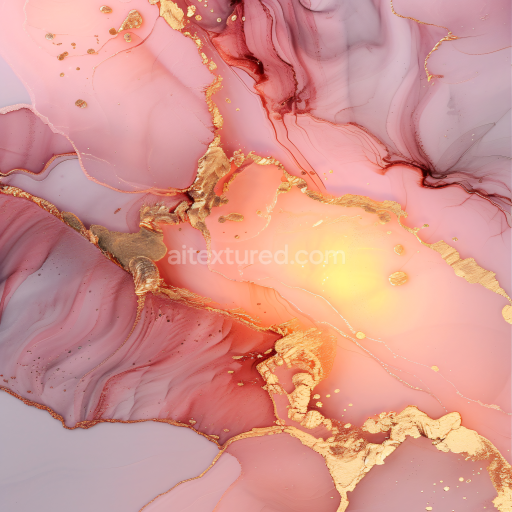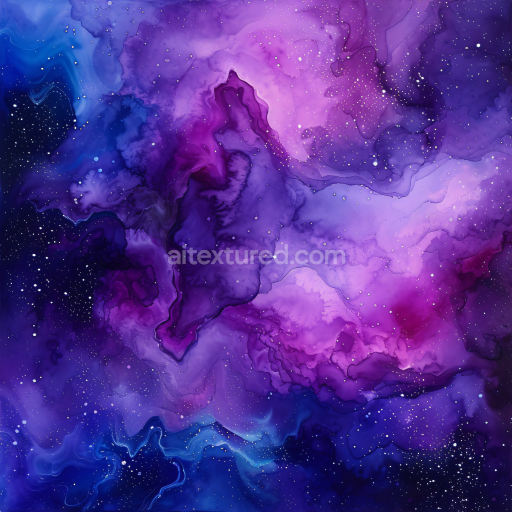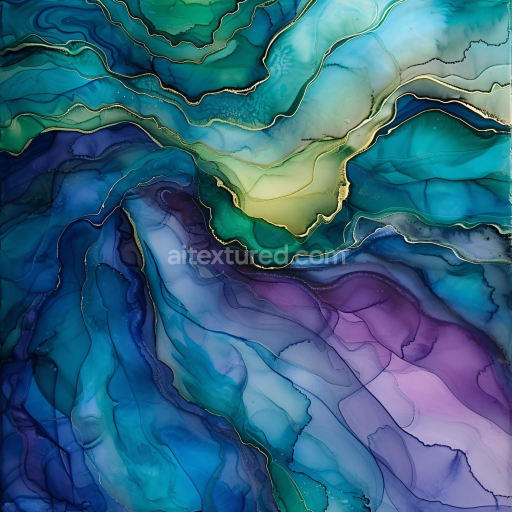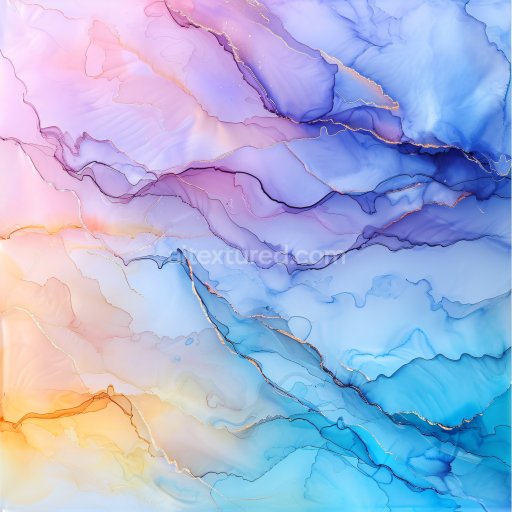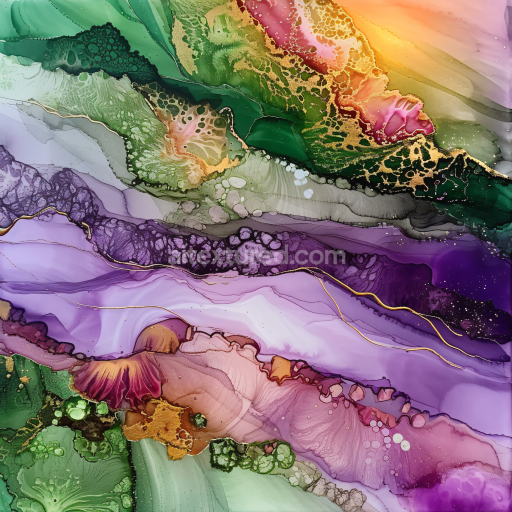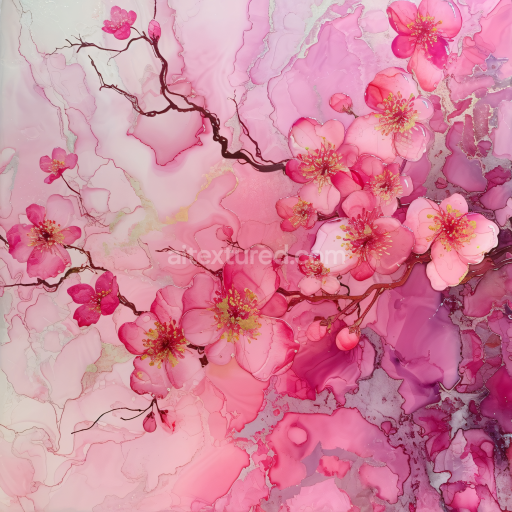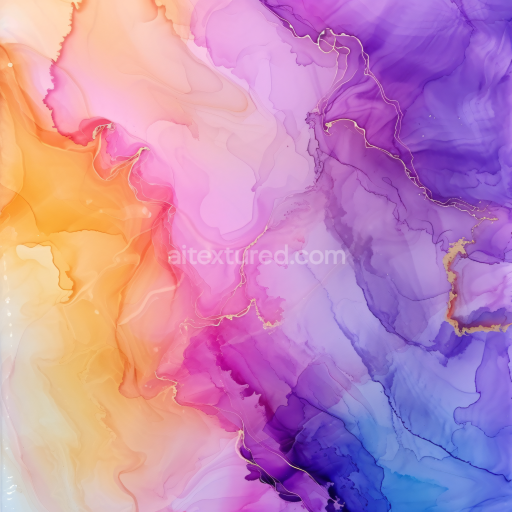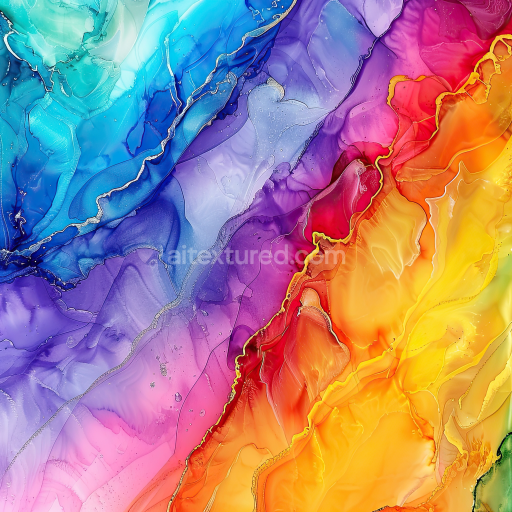
Seamless 3D Alcohol Ink PBR Texture with Feathered Swirls and Gradient Veins

Texture · PNG. License: Free for personal & commercial use.

Preview — Seamless 3D Alcohol Ink PBR Texture with Feathered Swirls and Gradient Veins

Texture Info

IDalcohol-ink-seamless-pbr-alcohol-ink-feathered-swirls-texture
CategoryAlcohol ink
FormatsPNG
Size1k (1024x1024px), 2k (2048x2048px), 4k (4096x4096px), 8k (8192x8192px)
ColorsRGB
TileableYes
Discover a striking seamless alcohol ink PBR texture characterized by its dynamic feathered swirls and intricate vein-like patterns. The ink flows gracefully across the surface forming overlapping organic shapes that resemble delicate feathers or petals, enhanced by subtle fine lines and wispy details. Colors transition smoothly from deep blues and teals into warm peach, orange, and lavender hues, creating a vibrant yet harmonious gradient. The presence of translucent layers adds depth, enabling light to interact softly with the texture for an ethereal feel. Edges are defined by slender, almost metallic-looking veins that emphasize the fluid movement inherent in alcohol ink art. Designed as a tileable and PBR-ready texture, it can seamlessly integrate into various 3D applications such as architectural visualization, stylized game environments, product mockups, or motion graphics. Compatible with Blender, Unreal Engine, Unity, and other 3D software, this texture elevates any scene needing an elegant abstract surface, modern interior wall art, luxury branding elements, or editorial backgrounds. Its balance of bold color accents and soft transitions brings a contemporary sophistication ideal for visual storytelling in digital and physical projects alike.

How to Use These Seamless PBR Textures in Blender

This quick guide shows how to connect a seamless PBR texture set in Blender using Principled BSDF. The workflow works for tileable materials used in Blender, Unreal Engine, Unity, archviz, and game environments.

What Is Included

  • albedo or base color for the visible surface color
  • normal for fine surface relief
  • roughness for gloss and reflectivity control
  • metallic for metal or dielectric response
  • ao for ambient occlusion in cavities
  • height for bump, parallax, or displacement
  • ORM packed maps for optimized real-time workflows
Blender node setup overview for a seamless PBR texture
Example node layout for a standard PBR material in Blender.

Quick Start

  1. Open the Shader Editor and create a new material.
  2. Add an Image Texture node for each map you want to use.
  3. Set Color Space to sRGB for Albedo and to Non-Color for Normal, Roughness, Metallic, AO, Height, and ORM.
  4. Connect the maps to the matching inputs on Principled BSDF.

Recommended Connections

  • Albedo -> Base Color
  • Roughness -> Roughness
  • Metallic -> Metallic
  • Normal -> Normal Map node -> Normal
  • Height -> Bump or Displacement, depending on your render setup
Adding an image texture node in Blender
Add an Image Texture node before assigning the downloaded maps.

Using ORM Maps

If your download includes a packed ORM texture, split its RGB channels: R = AO, G = Roughness, B = Metallic. This is useful for Unreal Engine and other optimized real-time pipelines.

Tiling and UV Scale

Because these textures are seamless, you can repeat them across large surfaces without visible seams. Use a Mapping node to increase or reduce tiling density on floors, walls, terrain, props, and modular assets.

Common Mistakes

  • Using sRGB on non-color maps
  • Connecting a Normal map directly without a Normal Map node
  • Overdriving Height or Bump values so the surface looks unnatural
  • Ignoring texture scale, which makes seamless materials look repetitive
Loading a downloaded texture set into Blender
Load the downloaded texture set and wire the maps to Principled BSDF.

For more examples, browse related categories such as Wood Textures, Concrete Textures, and Metal Textures.

AITEXTURED Tools

Build, preview, and export seamless PBR materials. Generate full map sets from a single image, inspect them in a real-time WebGL viewer, and re-package maps for Unreal, Unity, and Blender—directly in your browser.