Free Seamless Wood PBR Textures
Download free seamless wood PBR textures for floors, furniture, wall panels, cabinetry and archviz scenes in Blender, Unreal Engine and Unity.
Select by:
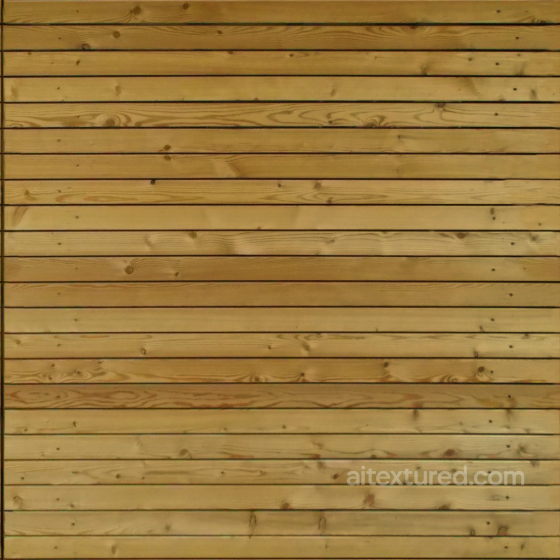
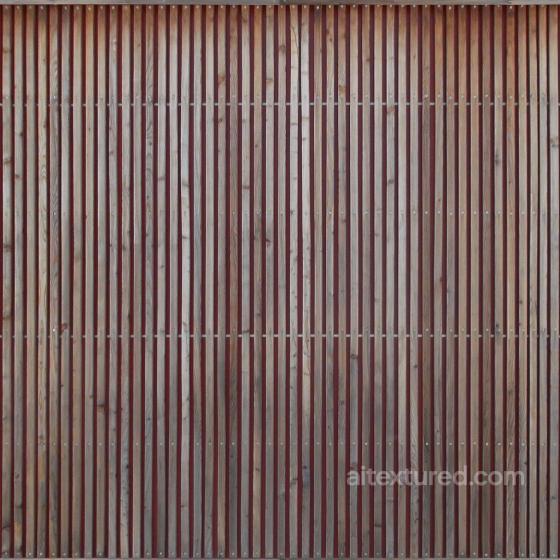
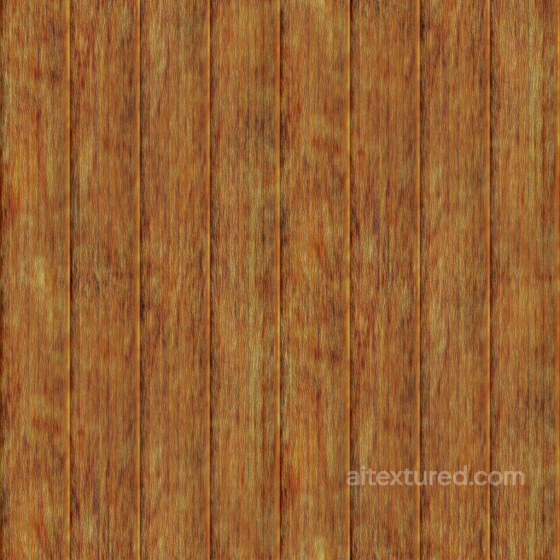
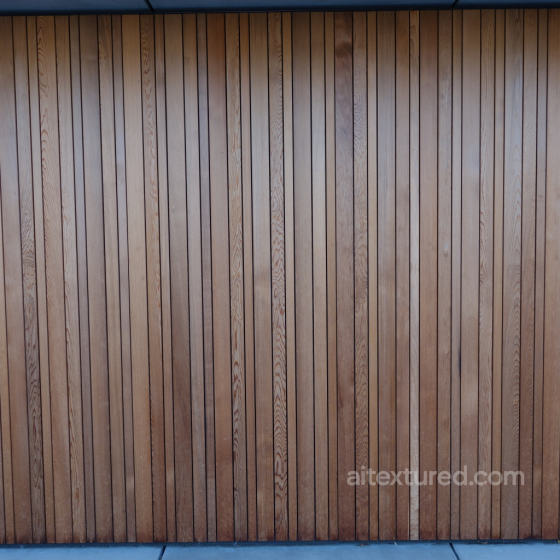
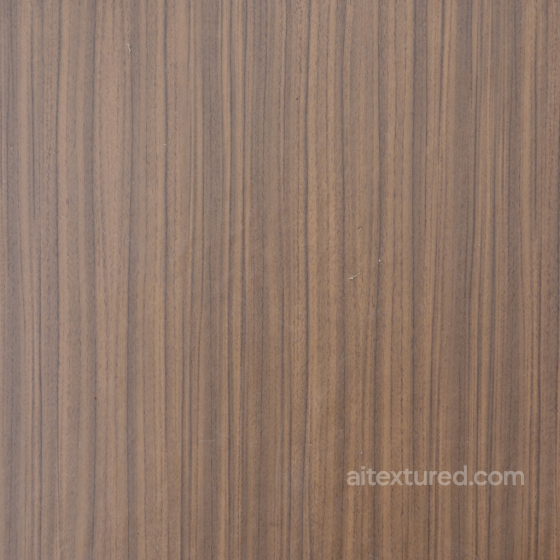
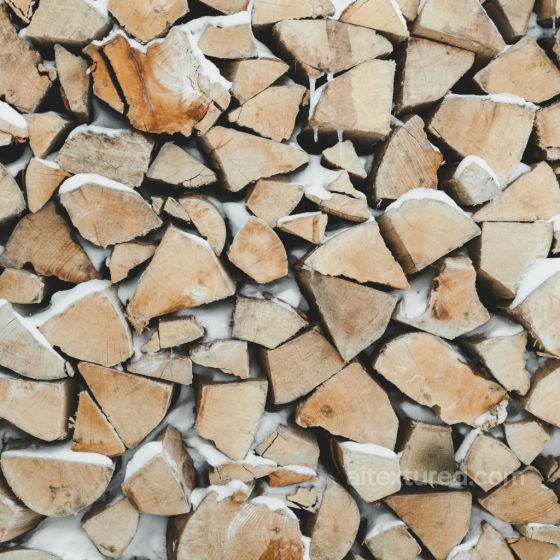
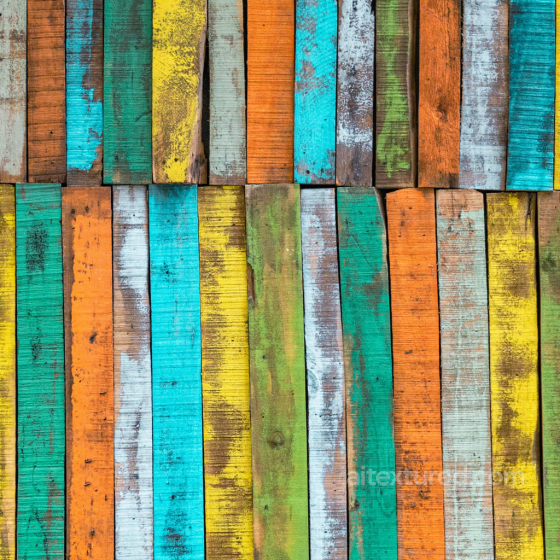
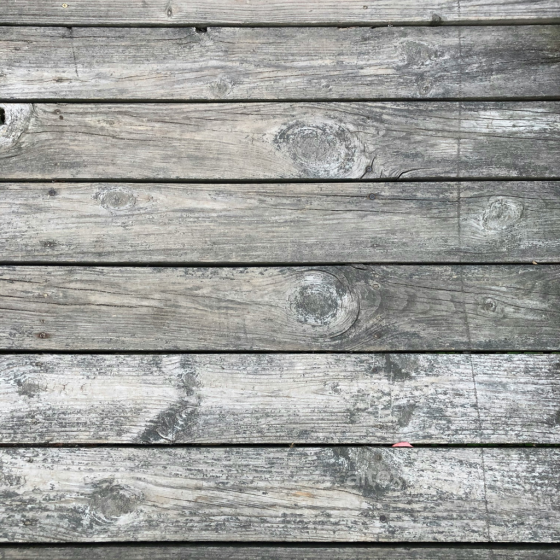
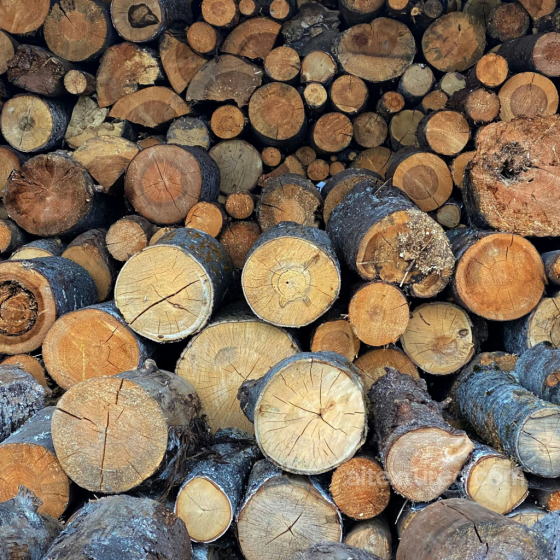
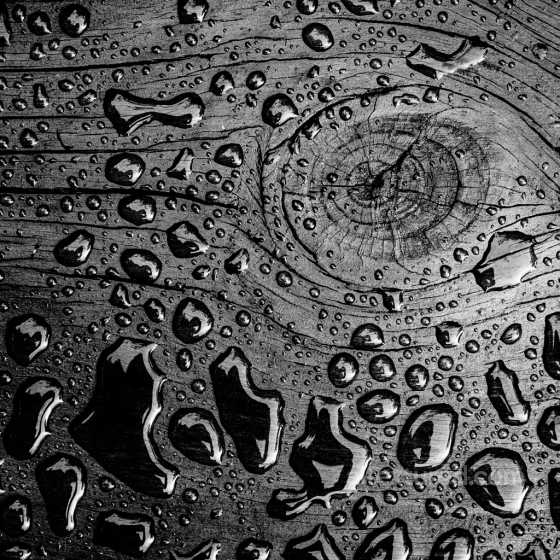
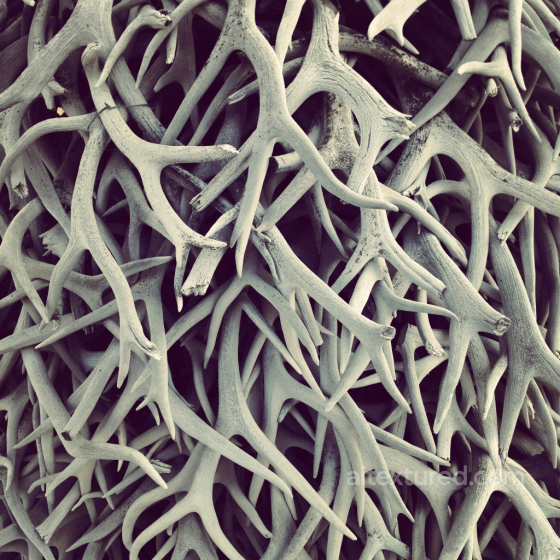
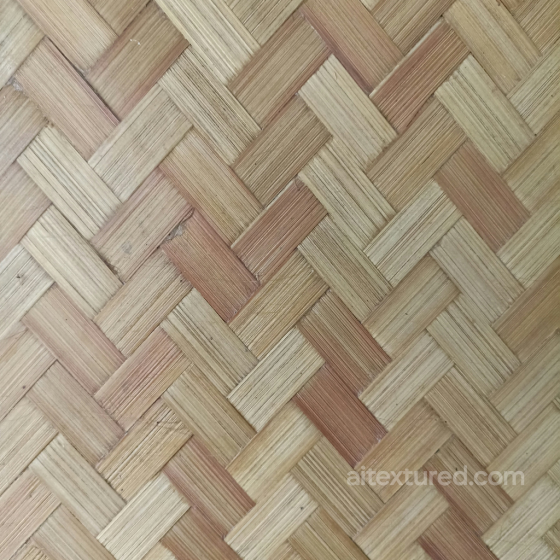
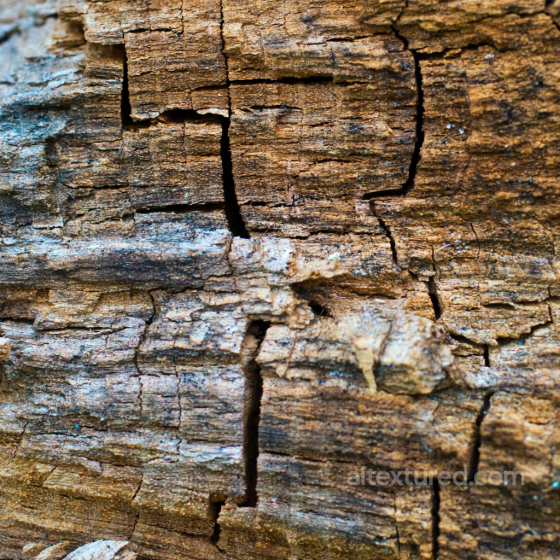
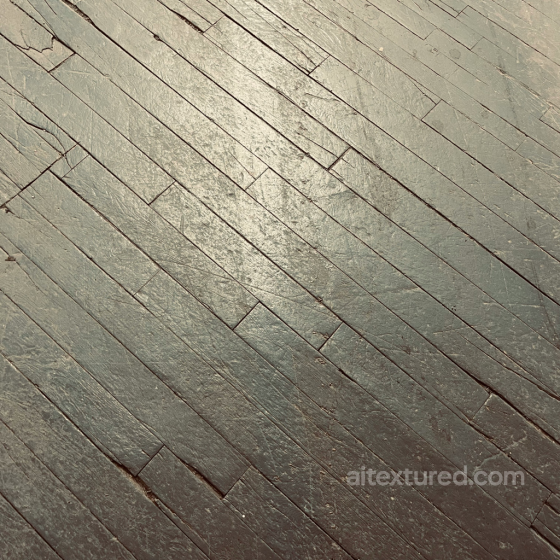
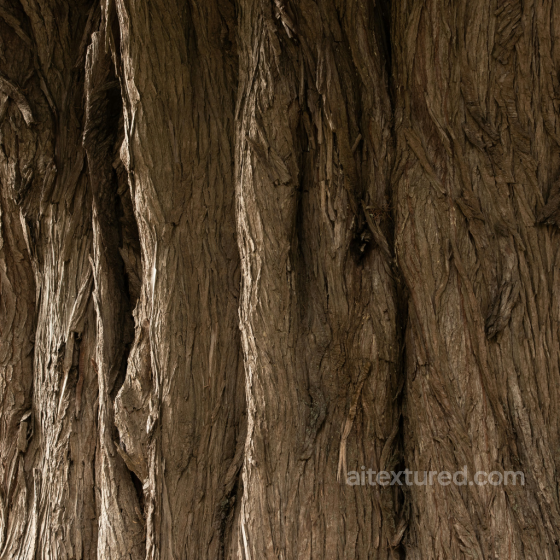
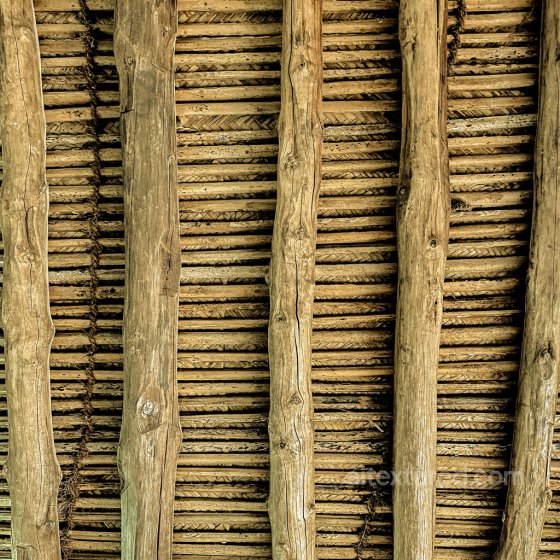
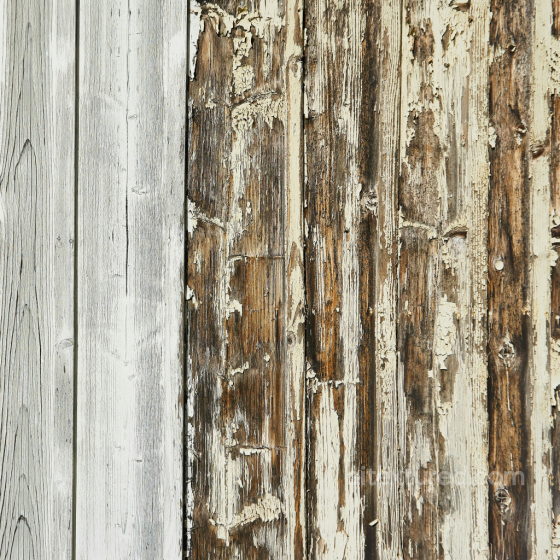
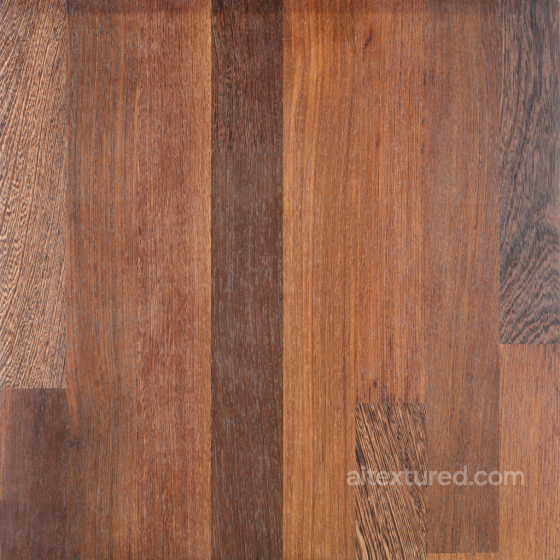
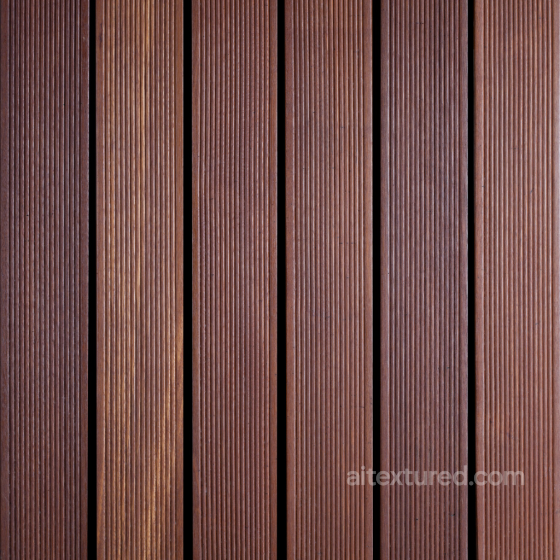
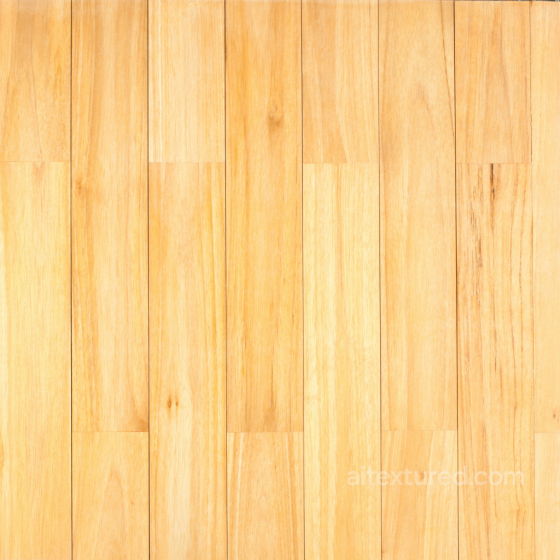
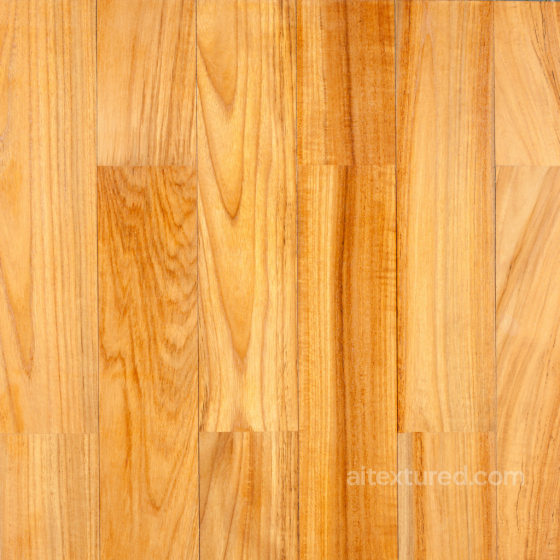
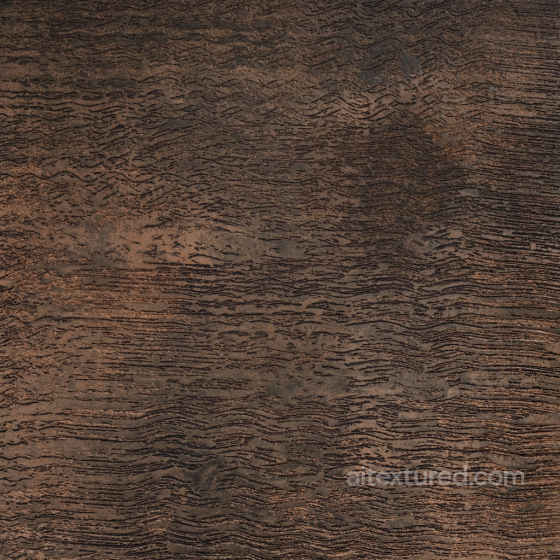
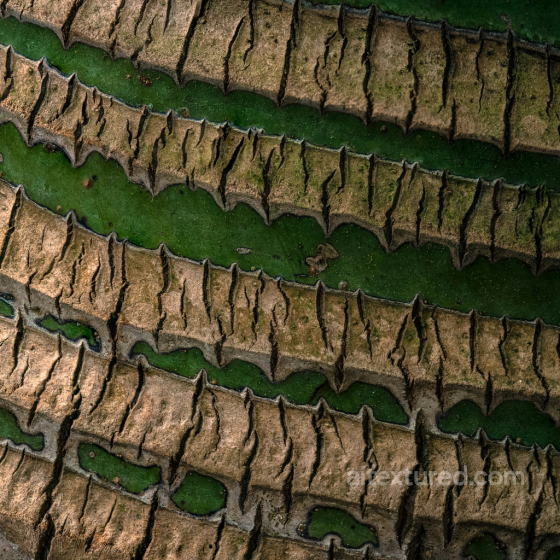
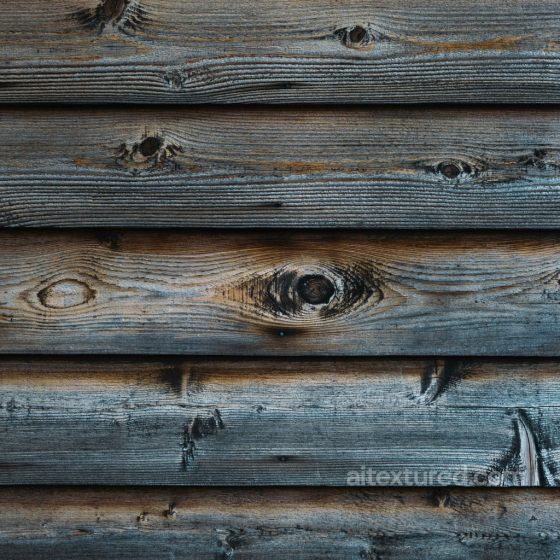
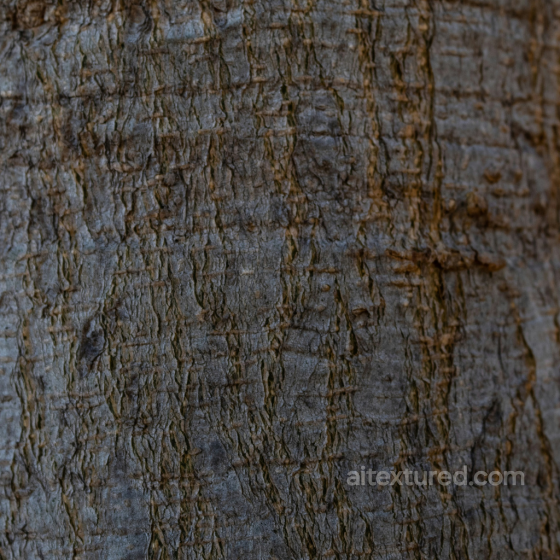
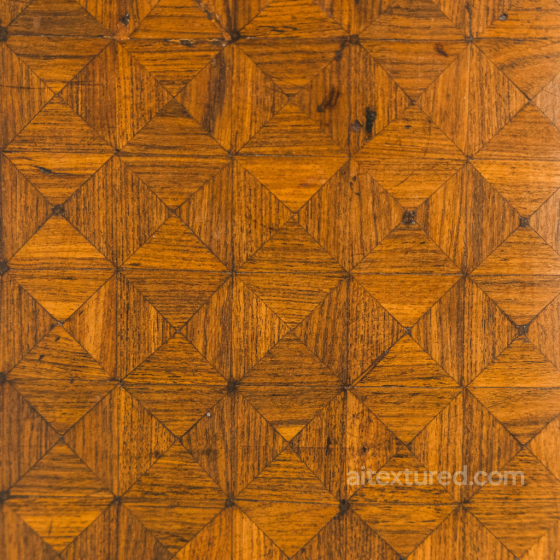
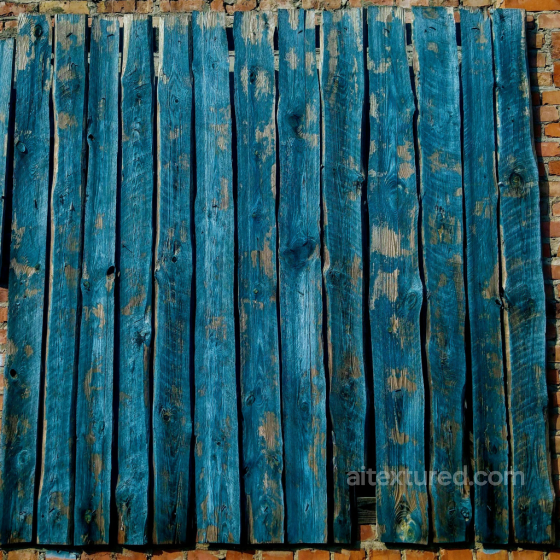
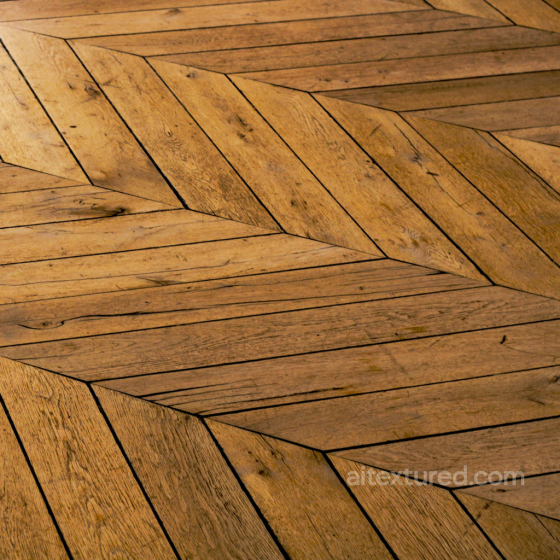
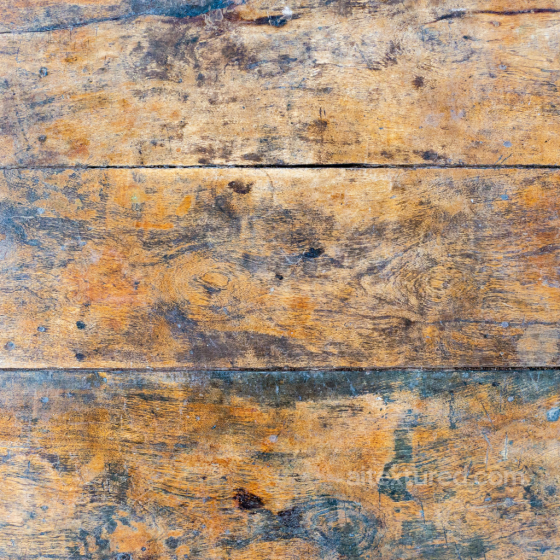
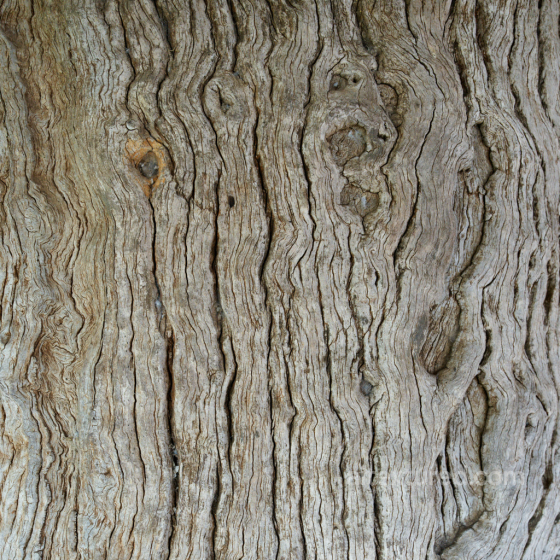
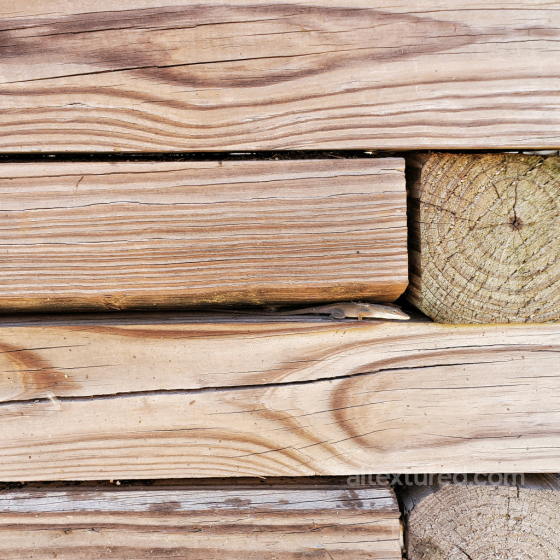
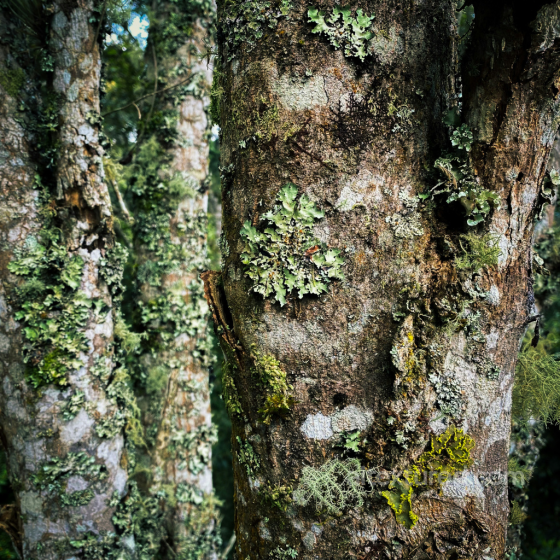
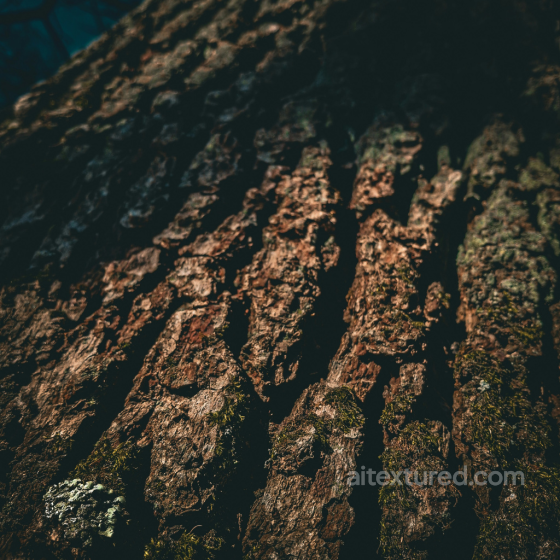
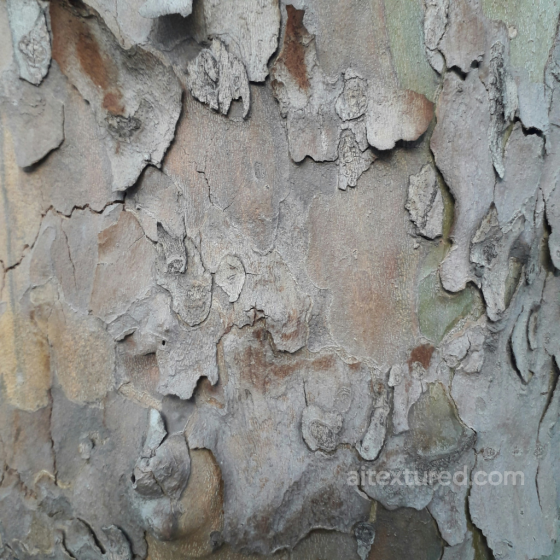
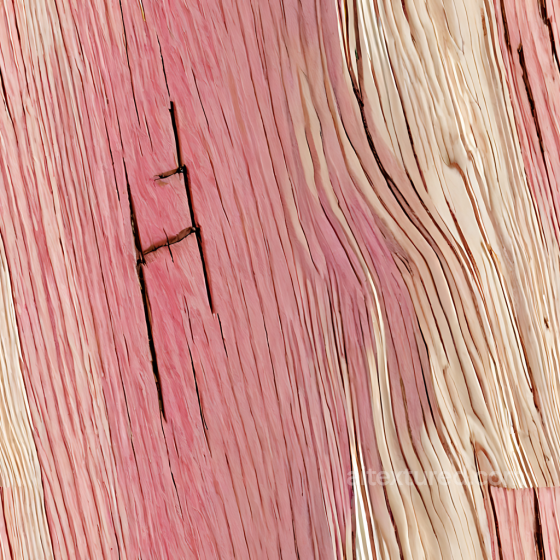
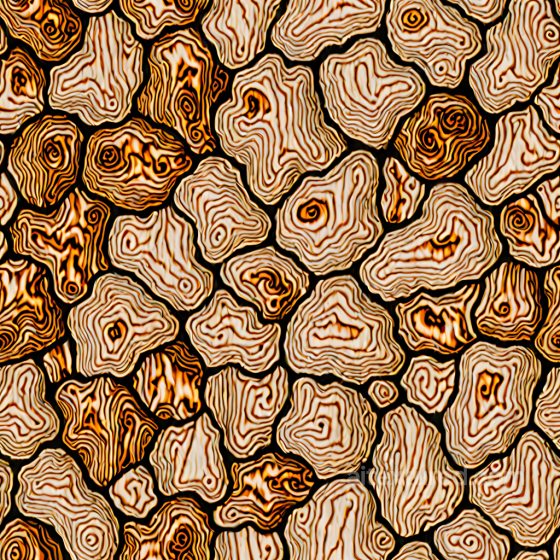
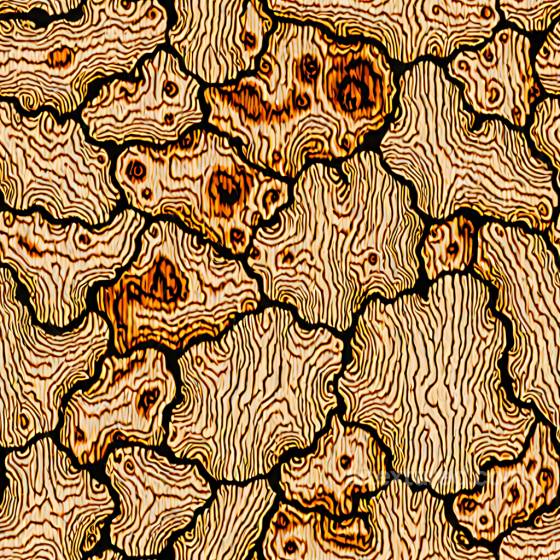
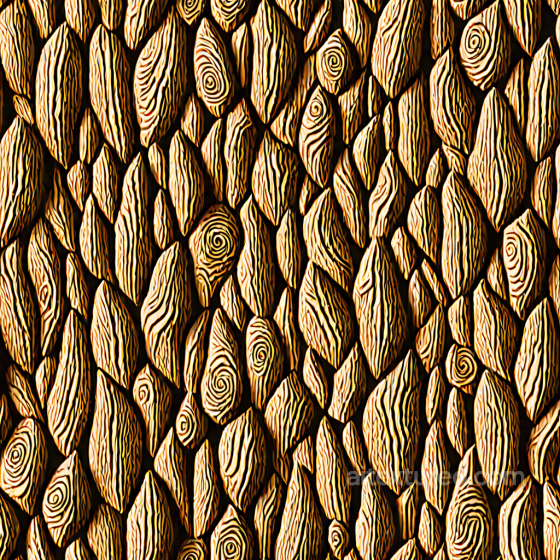
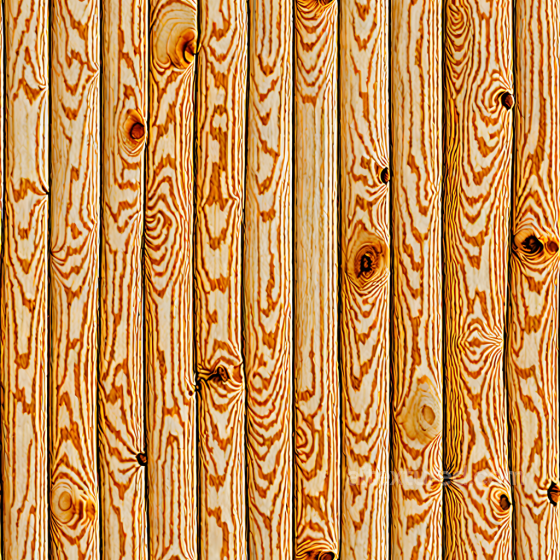
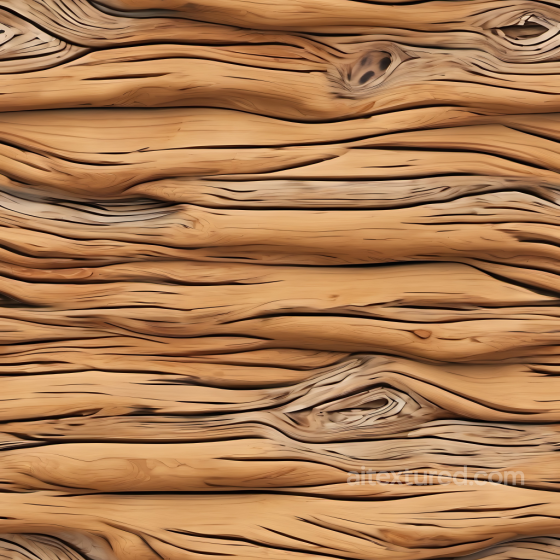
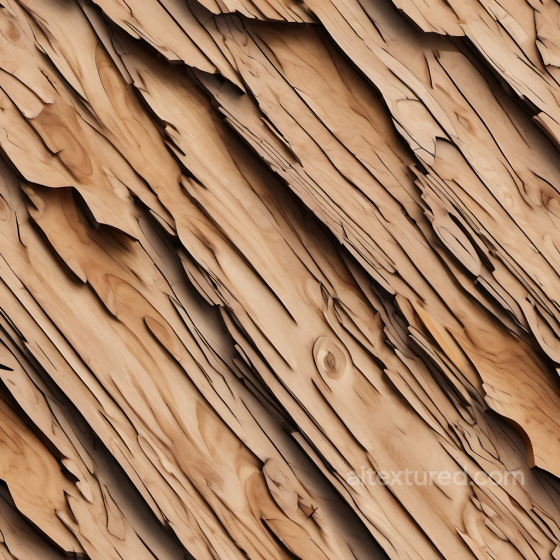
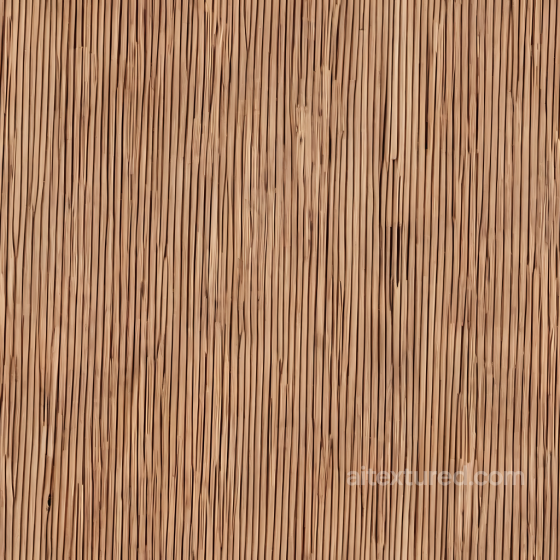
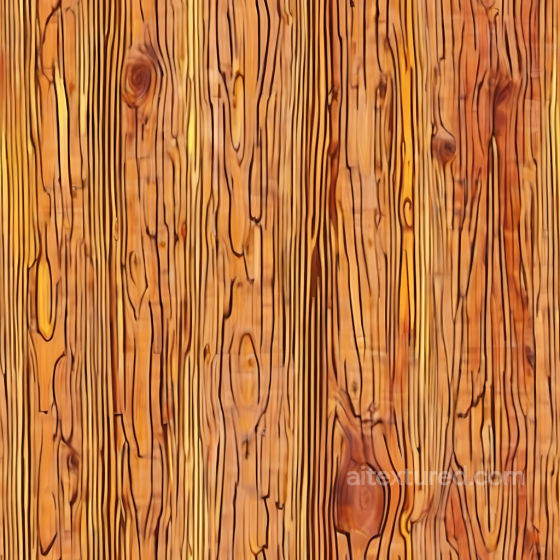
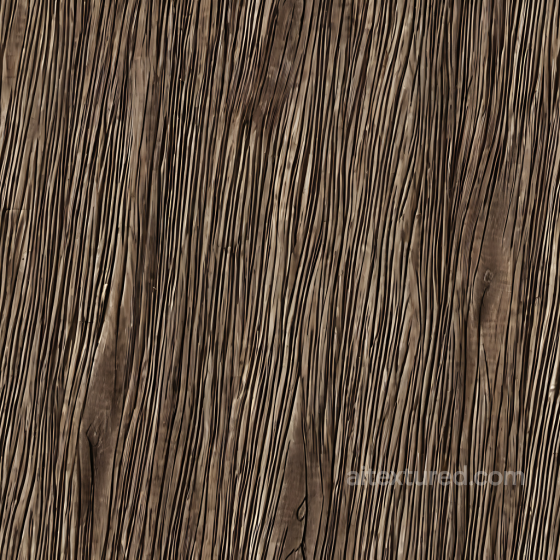
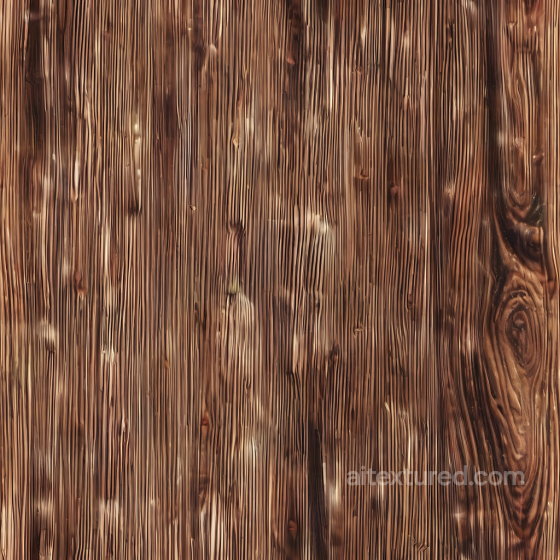
Explore a wide range of wood textures crafted to meet the demands of photorealistic projects, featuring seamless and tileable PBR textures that bring out the natural beauty of wood surfaces. These textures include BaseColor (Albedo), Normal, Roughness, Metallic, Ambient Occlusion, and Height/Displacement maps, each designed to capture the intricate grain, pores, and layered details found in wood varieties such as maple, oak, walnut, pine, birch, and mahogany. Whether you need clean and polished planks with a shiny, smooth finish or weathered, coarse, and rough surfaces with a matte, worn look, these textures allow you to achieve solid, detailed wood appearances at resolutions up to 8K for the highest level of clarity and realism. Ideal for use in Blender, Unity, and Unreal Engine, these wood textures provide versatility across both decorative and industrial applications. From fine, ornate wood patterns to natural, aged, and whitewashed finishes, the collection captures a wide spectrum of wood styles including synthetic and porcelain-inspired looks. The textures are prepared to simulate everything from granular, dirty surfaces to pristine, polished wood with layered depth, ensuring an authentic feel whether you are aiming for rustic roughness or a smooth, refined grain. High-resolution maps allow you to emphasize the pores and subtle surface variations that make wood so visually compelling in 3D environments. When working with these textures, consider using the Height/Displacement maps to enhance surface realism by adding actual depth to your models, especially for planks or patterned wood panels. This practical tip helps bring out the wood’s natural layered structure, whether the surface is coarse and aged or sleek and decorative. Combining these maps with Ambient Occlusion and Roughness layers further accentuates the worn, dirty, or shiny characteristics of the wood, making your renders more believable and visually engaging. These textures are a reliable choice for achieving a natural wood look that stands out in any digital project.
Source and license status varies by asset; review the detail page before use.
Choosing Wood PBR Textures
Wood textures work best when the grain direction, plank scale and roughness response match the asset. Use tight grain for furniture, wider boards for floors, and weathered surfaces for exterior beams or props.
For large rooms, mix several wood variants with small UV offsets so repeated knots do not become obvious. Normal and roughness maps matter as much as base color because they control the varnish, pores and worn edges under grazing light.
Best use cases
- Hardwood flooring and parquet layouts
- Cabinet fronts, tables and product renders
- Exterior timber, beams and stylized game props
PBR map tips
- Use non-color data for normal, roughness and AO maps.
- Keep board scale consistent across connected floor pieces.
- Lower roughness for polished varnish and increase it for aged timber.
Related categories
Related guides
Wood Texture FAQ
Are these wood textures seamless?
Tiling support varies by asset. Open a texture page and use the tiled preview to verify scale, seams and visible repetition before final production use.
Which PBR maps are most important for wood materials?
Base color, normal and roughness are the core maps. AO, height, metallic or packed engine maps may be included depending on the asset and should be connected as non-color data where appropriate.
Can I use these wood textures in Blender, Unreal Engine and Unity?
Review the maps available on each texture page. Separate maps can be connected in common DCC workflows, and the engine mapper can create supported target-specific packing.
How do I avoid visible tiling on large wood surfaces?
Set the UV scale first, then combine texture variants, decals, masks or subtle color variation. Preview at the final camera distance and choose only a resolution that the asset actually offers.
Explore More Texture Resources
Related texture categories
Texture workflow tools
AITextured Tools
Generate maps from existing images, preview materials, convert channels, and package compatible inputs for Blender, Unity, and Unreal Engine.
PBR Material Tools
Choose a verified workflow for generating maps, previewing tiling, converting channels, or starting from the texture catalog.
Input: image or existing maps → Output: preview, PBR maps, or engine-ready package
Explore tools
PBR Texture Generator
Derive Normal, Roughness, AO, Metallic, Height and optional ORM maps from one or more source images, then review the results.
Input: PNG/JPG/WEBP → Output: Normal, Roughness, AO, Height, Metallic, ORM ZIP
Create PBR maps
Online Texture Preview
Instant WebGL viewer: inspect materials on a sphere, plane, and cube. Check tiling and lighting in real time.
Input: material maps → Output: interactive render and tiling check
Preview material
Unity / Unreal / Blender Mapper
Re-packages maps per engine: Unreal (BaseColor + ORM), Unity (Mask/MetallicSmoothness), Blender (separate channels).
Input: PBR maps → Output: Blender, Unreal, Unity channel packages
Convert maps
Image Converter
PNG ↔ JPG ↔ SVG: fast convert, SVG rasterize, embed/trace options, quality & background controls.
Input: PNG/JPG/SVG → Output: converted image format
Convert images