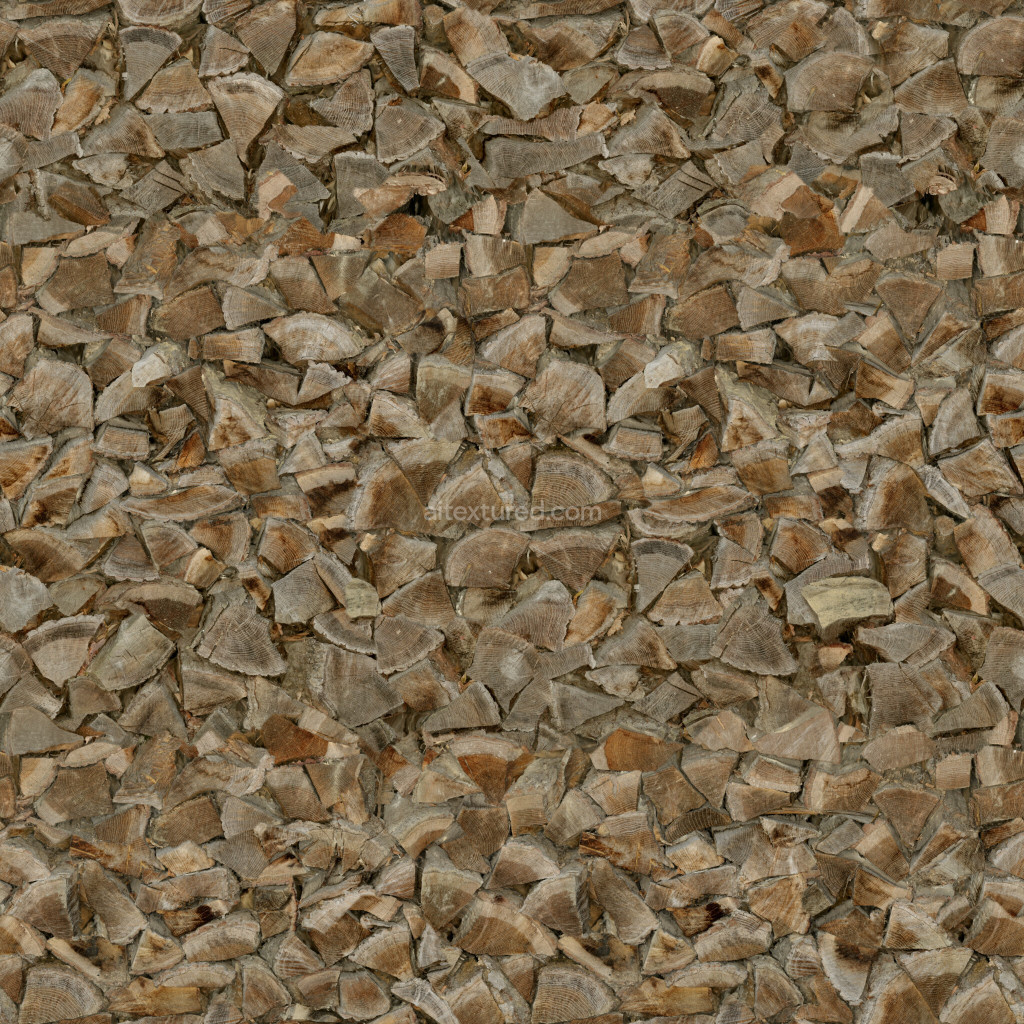
This seamless PBR logs texture is an essential asset for any 3D artist seeking to create realistic environments. With its detailed surface and natural wood grain, this texture captures the essence of actual logs, making it ideal for various applications, including games, architectural visualizations, and animations. Available in resolutions ranging from 1K to 8K, it ensures that every detail is preserved, whether you're working on close-ups or distant shots. The texture set includes BaseColor, Normal, Roughness, Ambient Occlusion, and Height/Displacement maps, providing you with all the necessary components for a comprehensive material setup. This tileable texture guarantees a seamless appearance, allowing for easy integration into your projects without visible seams or repetition. Enhance your 3D scenes with this versatile logs texture today.
Using This PBR Texture in Blender
Import the texture maps into Blender with sRGB color space for albedo/base color and
Non-Color for normal, roughness, metallic, AO, height, and ORM maps. Connect normal maps
through a Normal Map node, then adjust UV scale with a Mapping node so the material repeats naturally on
your model.
- Albedo -> Principled BSDF Base Color
- Roughness -> Roughness, Metallic -> Metallic
- Normal -> Normal Map node -> Normal
- Height -> Bump or Displacement depending on render setup
For the full step-by-step setup, see
How to Use Seamless Textures in Blender.
Browse related material examples in
wood,
concrete, and
metal.