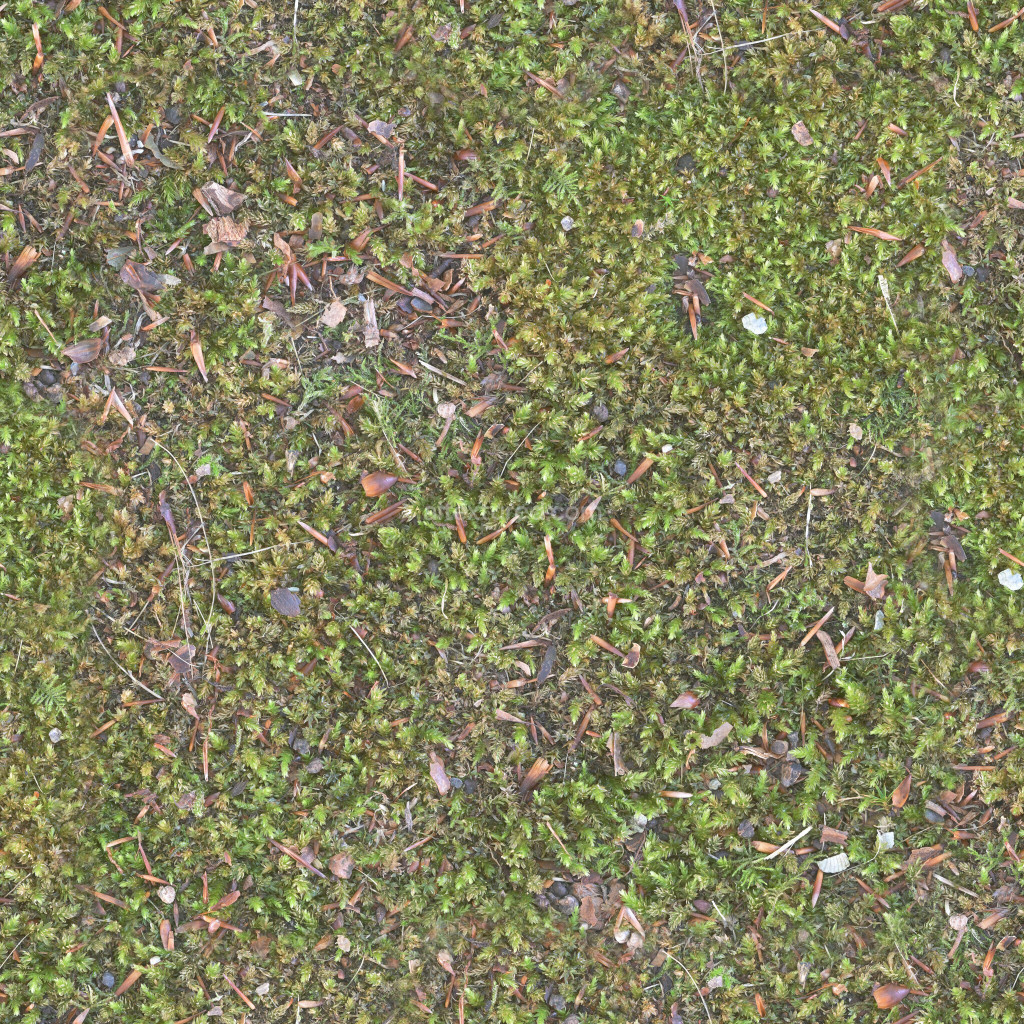
Enhance your 3D projects with our seamless PBR moss texture, designed to provide a realistic and organic look. This tileable texture features intricate details, capturing the essence of natural moss with its vibrant green tones and earthy undertones. Perfect for a variety of applications, including game design, architectural visualization, and digital art, this texture is available in resolutions ranging from 1K to 8K. Each texture includes essential maps such as BaseColor, Normal, Roughness, Ambient Occlusion, and Height/Displacement, ensuring that your renders achieve the highest level of realism. The versatile nature of this moss texture allows it to fit seamlessly into any environment, whether you’re creating lush forests, serene landscapes, or detailed close-ups. Elevate your creative projects with this essential resource today.
Using This PBR Texture in Blender
Import the texture maps into Blender with sRGB color space for albedo/base color and
Non-Color for normal, roughness, metallic, AO, height, and ORM maps. Connect normal maps
through a Normal Map node, then adjust UV scale with a Mapping node so the material repeats naturally on
your model.
- Albedo -> Principled BSDF Base Color
- Roughness -> Roughness, Metallic -> Metallic
- Normal -> Normal Map node -> Normal
- Height -> Bump or Displacement depending on render setup
For the full step-by-step setup, see
How to Use Seamless Textures in Blender.
Browse related material examples in
wood,
concrete, and
metal.