Stone Wall PBR Texture Setup for Game Environments
Set up stone wall PBR textures for realtime game environments with correct scale, normal strength, height usage and variation.
What this material workflow helps you fix
Use this guide when Stone Wall PBR Texture Setup for Game Environments needs practical scale, roughness, normal strength and visual QA settings rather than only a preview thumbnail.
Stone walls in games need to hold up at player distance while staying efficient. The best setup balances readable blocks, mortar depth, roughness and variation.
Avoid relying on one dramatic tile for an entire wall. Use the PBR texture as a base and add mesh breaks, decals or vertex color blending for local history.
Practical Material Parameters
| Material focus | Recommended UV scale | Roughness range | Normal strength range | Best use cases | Common visual issues |
|---|---|---|---|---|---|
| Stone blocks and rock walls | 1-4 m per tile depending on block size | 0.45-0.85 | 0.35-0.9 | Masonry, cliffs, paths, landscape props | Stone scale too small, height too strong, repeated bright stones |
Step-by-Step Workflow
- Set UV scale so stone size matches doors, stairs and props.
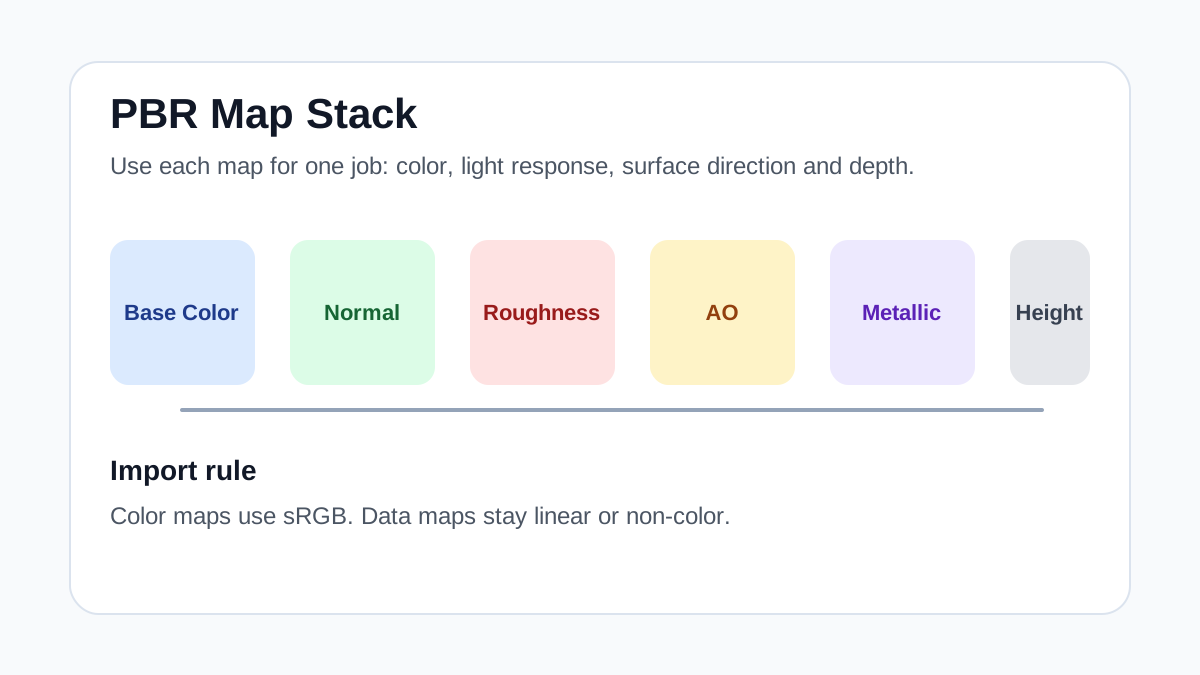
- Connect normal and roughness maps as linear data.
- Use height for parallax only when it helps the camera distance.
- Blend moss, dirt or damage masks where the level design needs them.
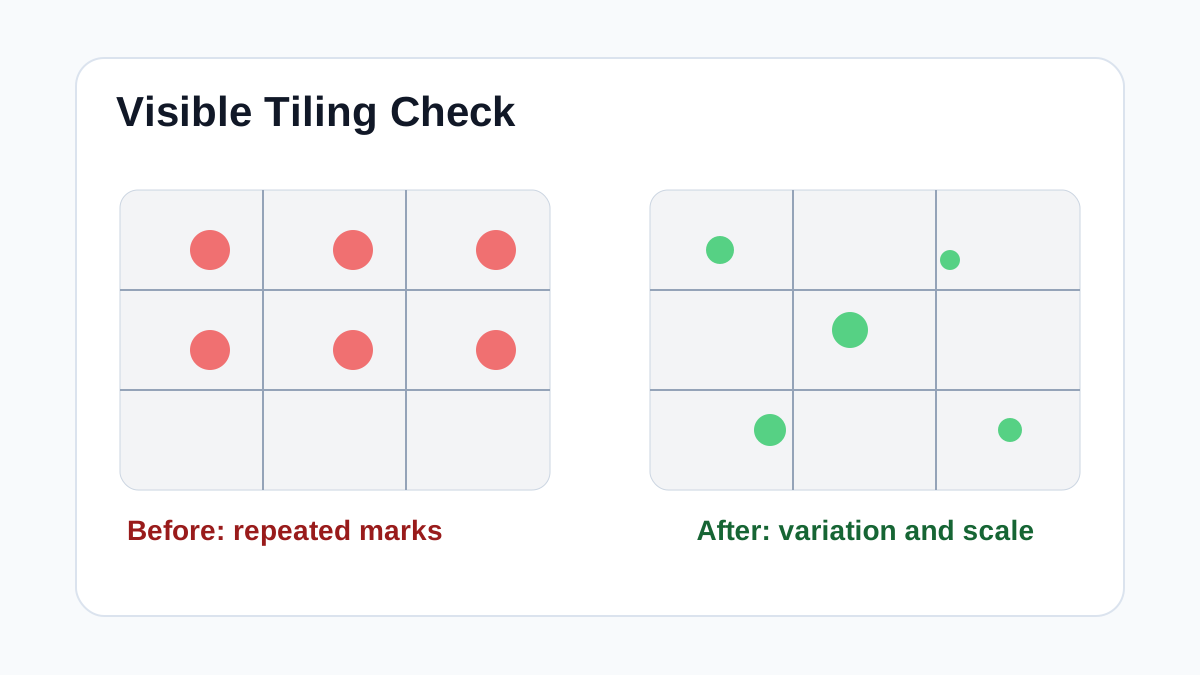
- Check repetition along long corridors and exterior walls.
Quality Checklist
- Stone blocks are not too small or too large for the scene.
- Normal strength does not create inflated mortar.
- The material works with baked and dynamic lighting.
- Variation is placed intentionally rather than uniformly everywhere.
Common Mistakes
- Using high displacement on simple wall meshes.
- Letting one bright stone repeat across the whole level.
- Forgetting roughness variation when adding moss or dirt.
Useful Next Steps
- Browse Stone PBR textures for source materials that match this workflow.
- Use Online PBR preview to preview, pack or prepare maps before importing them into your scene.
- Return to the workflow guide library for related Blender, Unreal Engine, Unity and optimization workflows.
Recommended Textures for This Workflow
FAQ
Which texture maps do I need for Stone Wall PBR Texture Setup for Game Environments?
Start with base color, normal and roughness. Add AO, height, metallic or packed engine maps when the material and target renderer support them.
Should I always use 4K or 8K textures for this workflow?
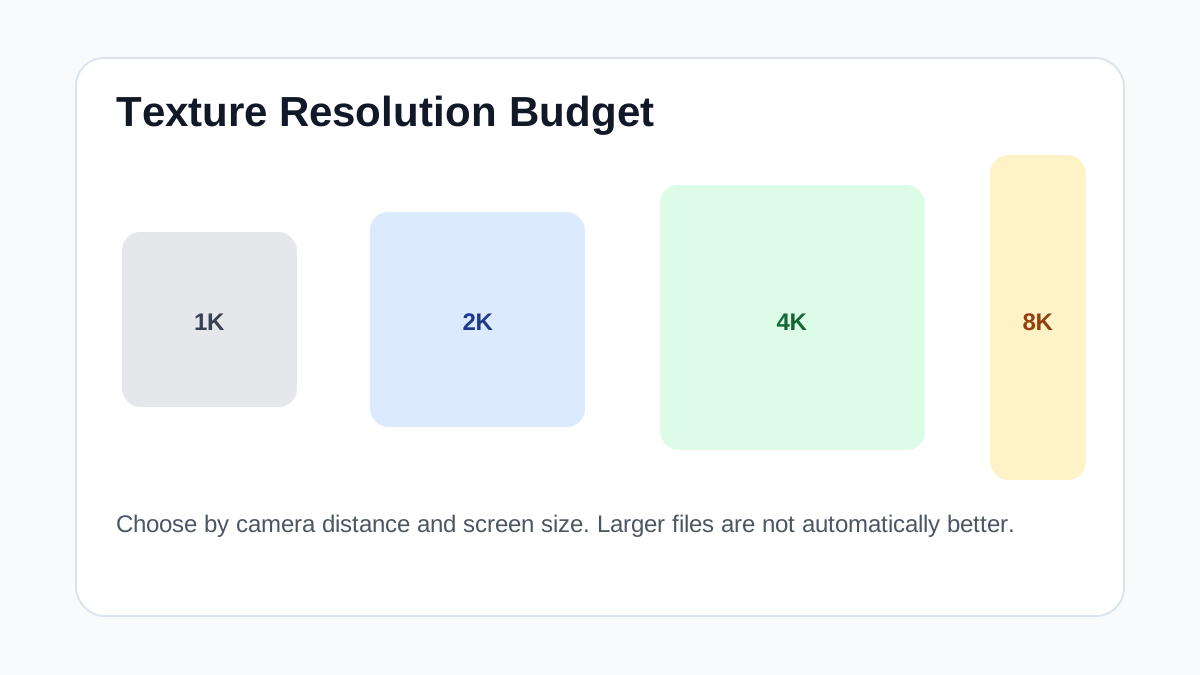
No. Use 4K or 8K only for close camera views or hero assets. For background surfaces, 1K or 2K textures with good tiling and mipmaps are often more efficient.
How does this guide fit into a Game Art pipeline?
Use the guide as a setup checklist before final material tuning. Check scale, color space, map routing, tiling and performance in the target scene rather than judging the texture from the thumbnail alone.