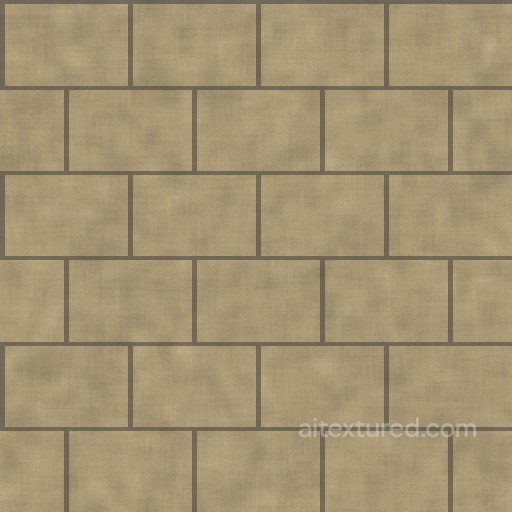
Free Seamless Stone PBR Textures
Download seamless stone PBR textures for rock walls, paving, cliffs, masonry, landscaping and architectural visualization.
Select by:
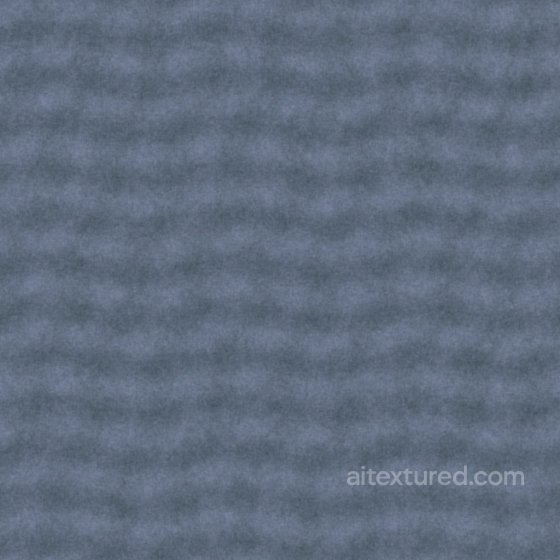
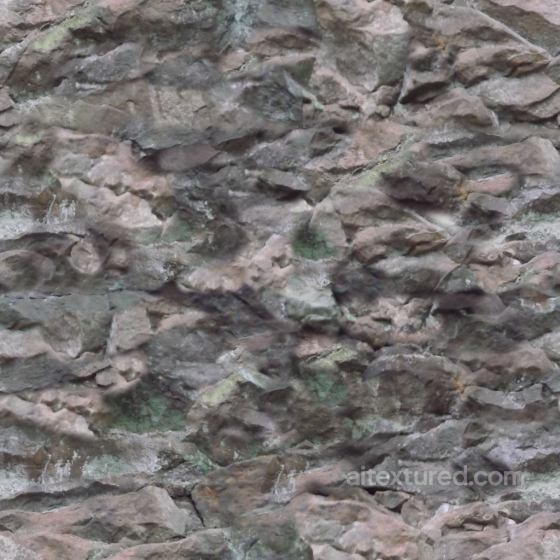
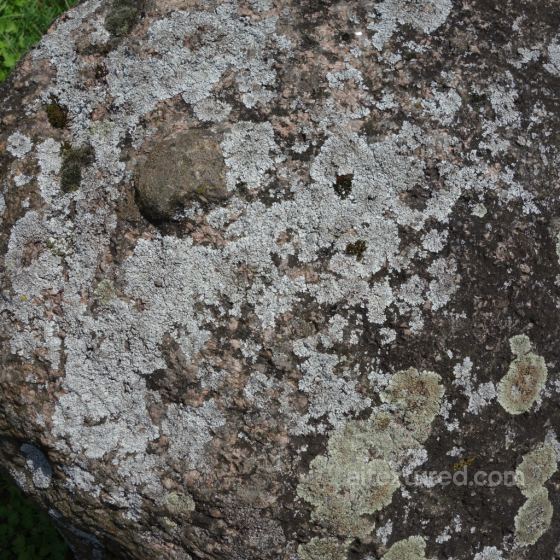
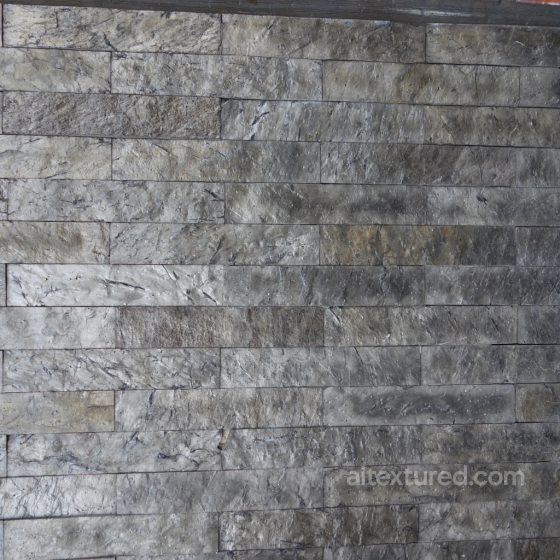
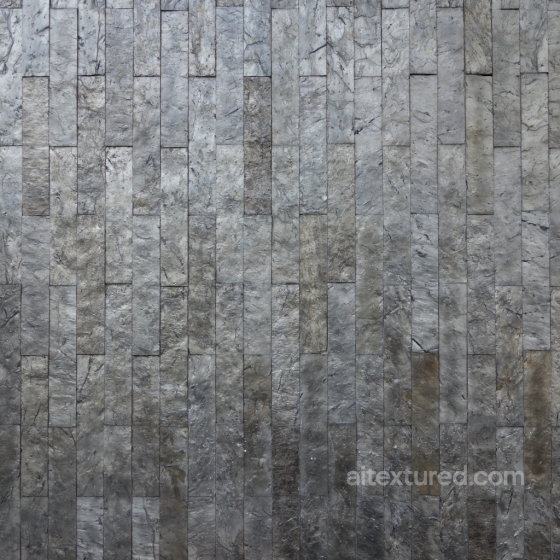
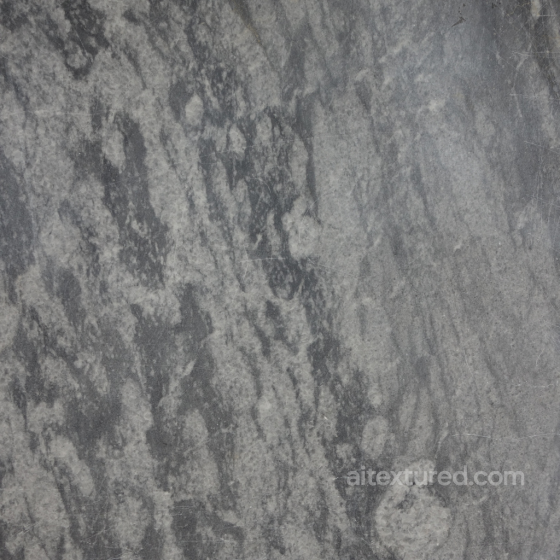
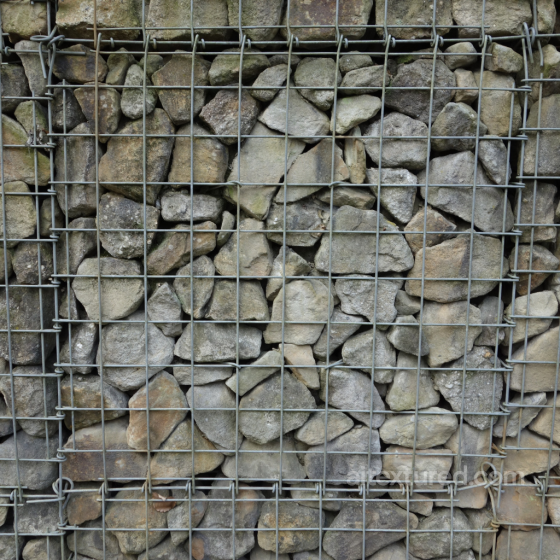
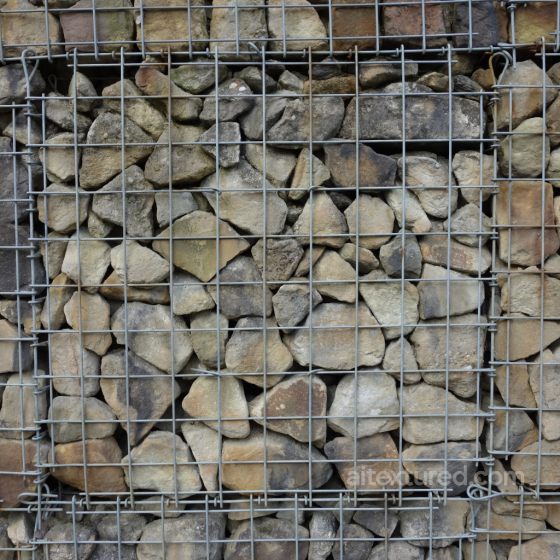
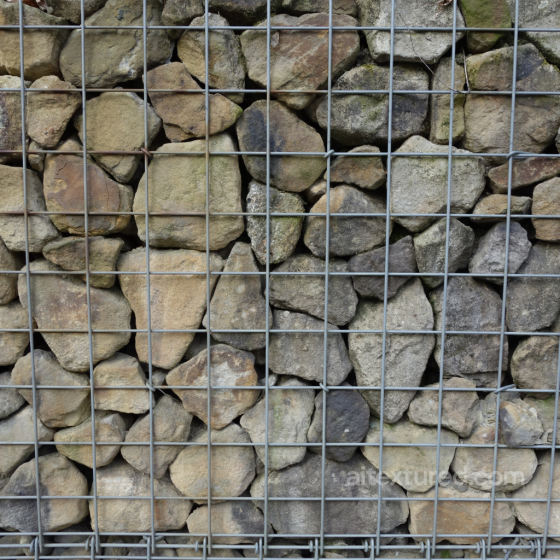
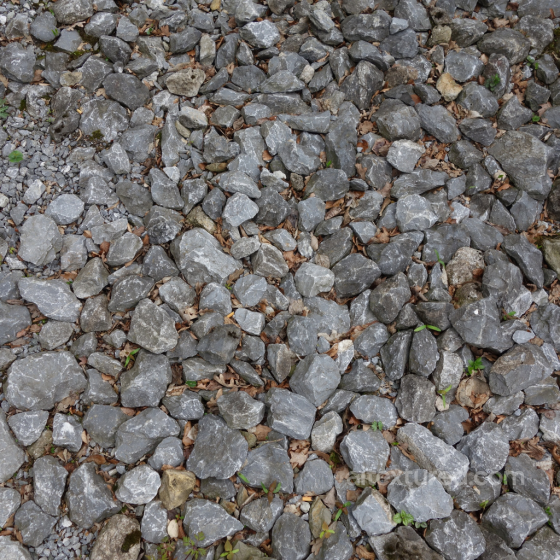
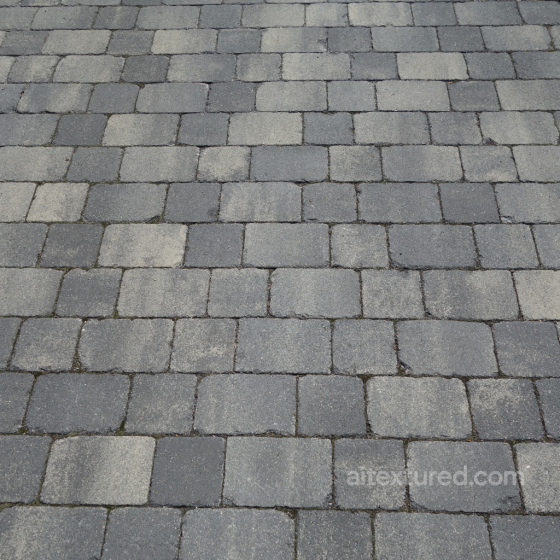
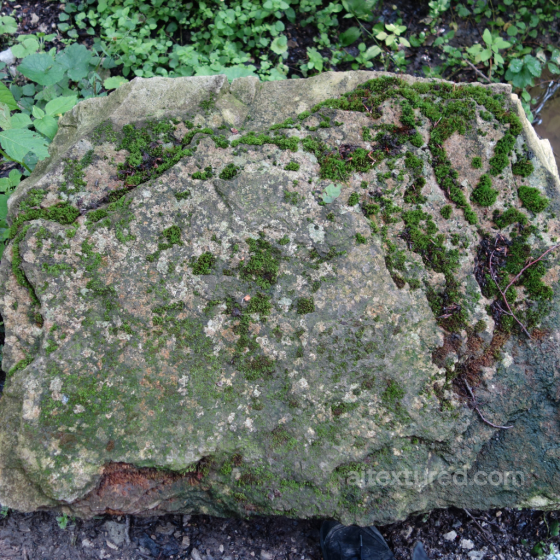
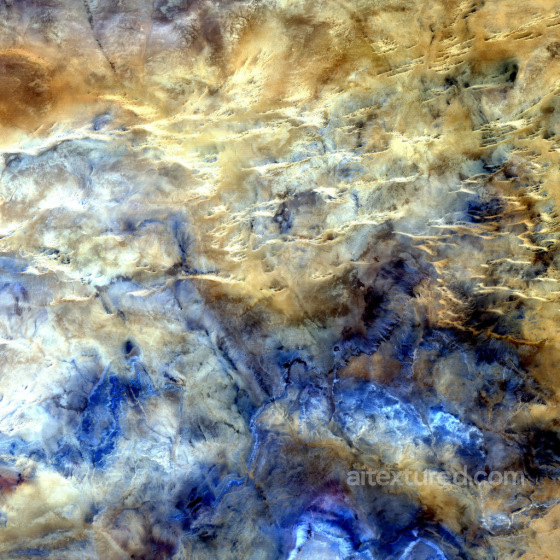
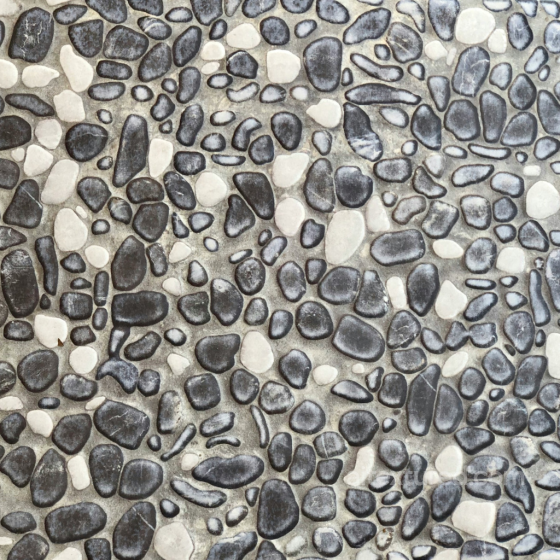
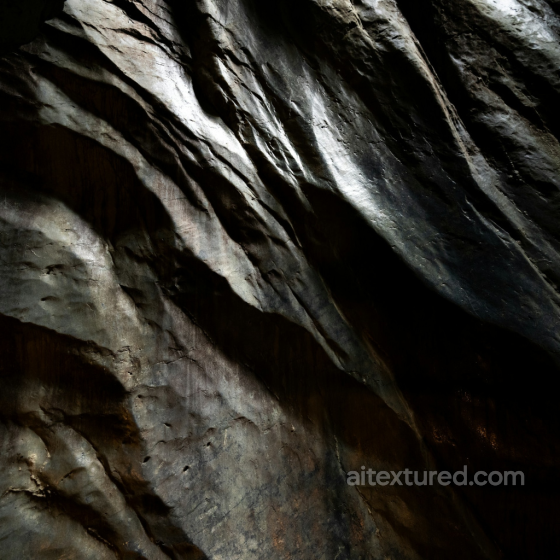
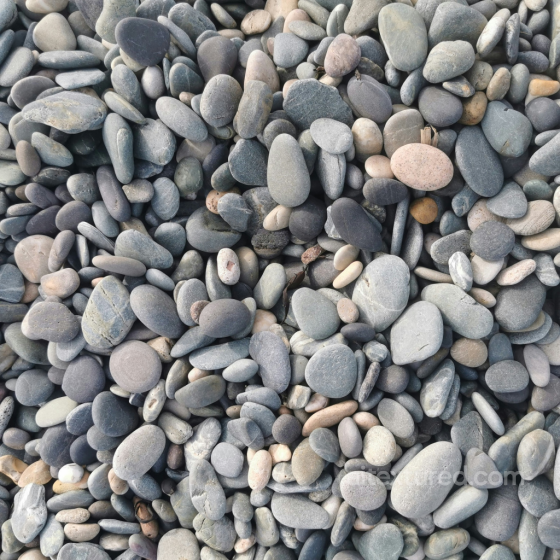
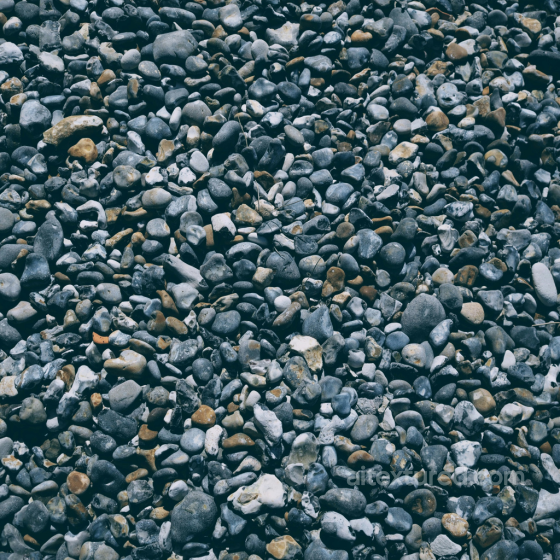
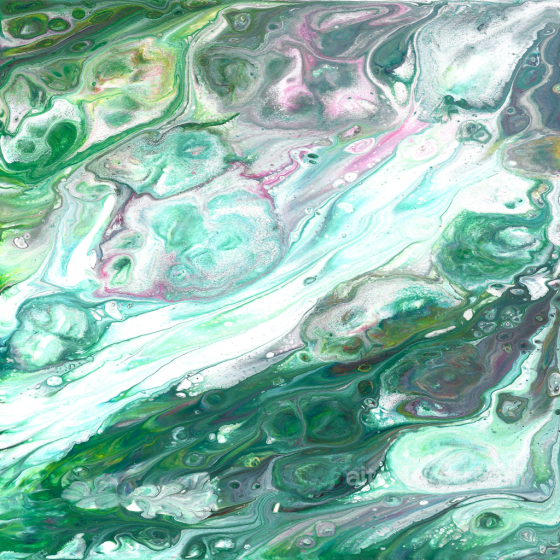
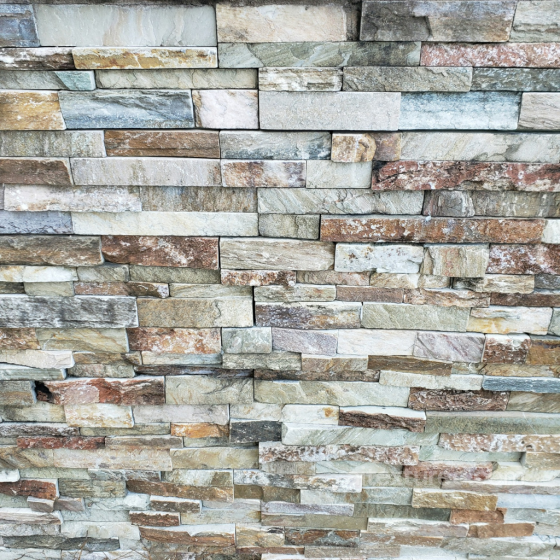
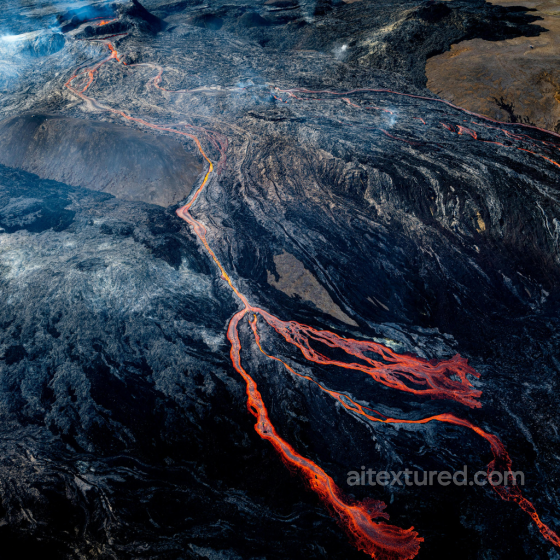
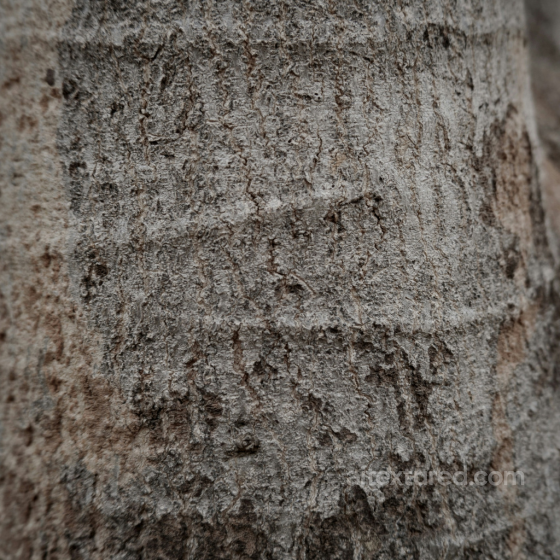
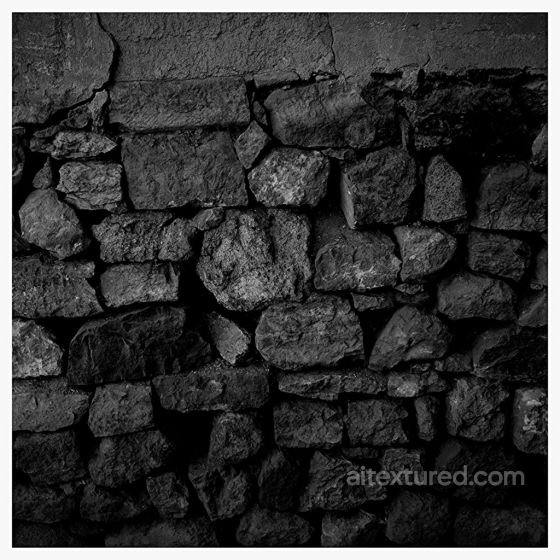
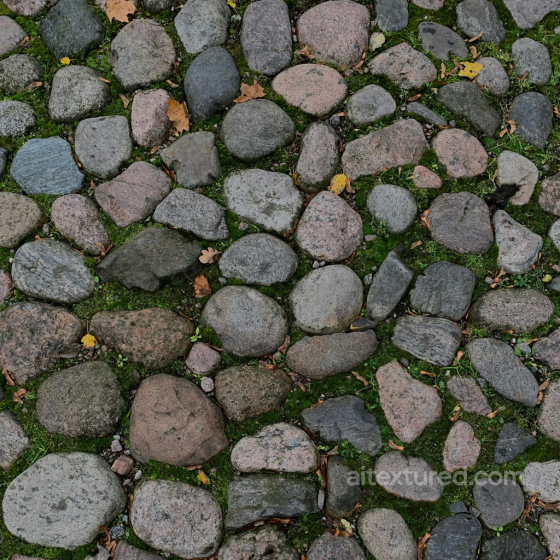
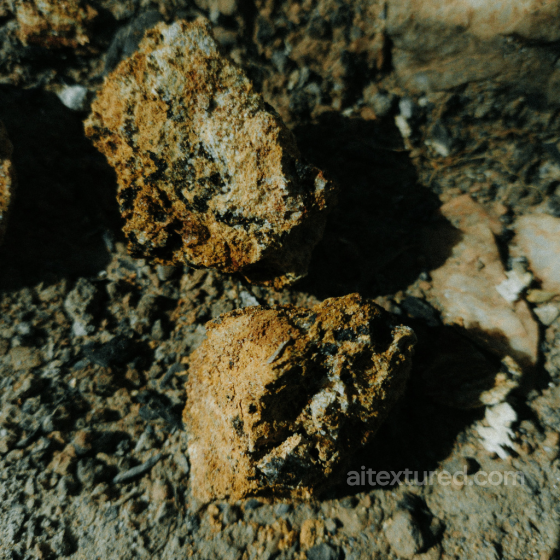
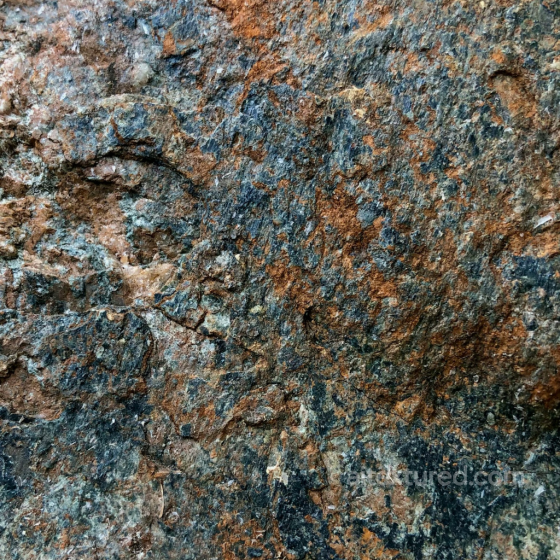
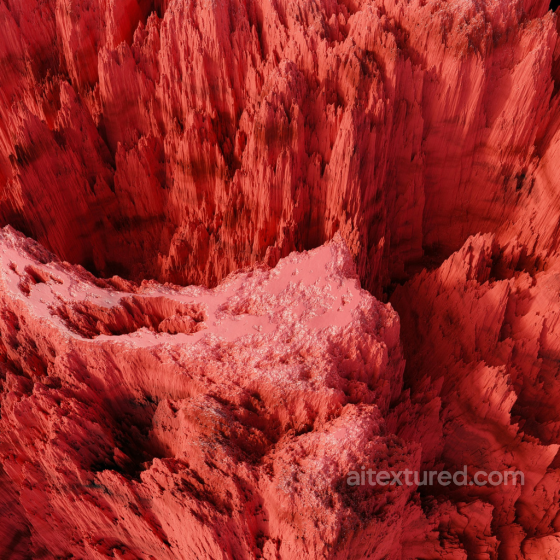
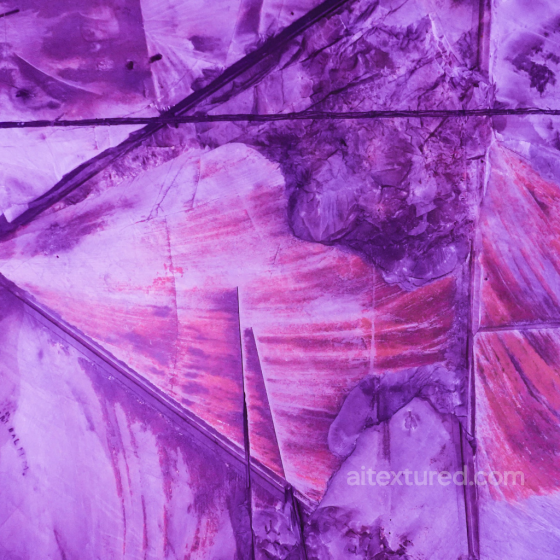
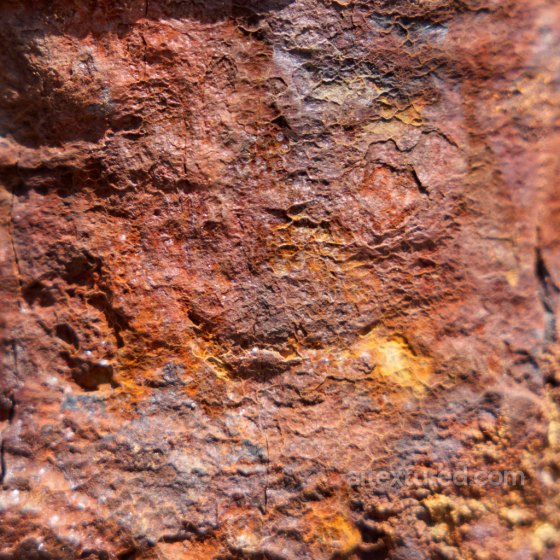
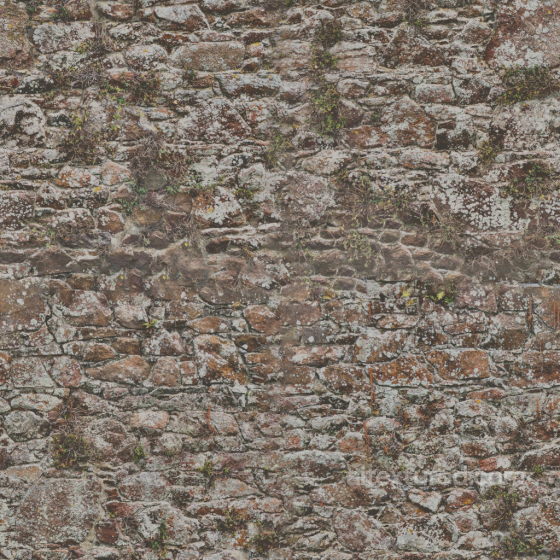
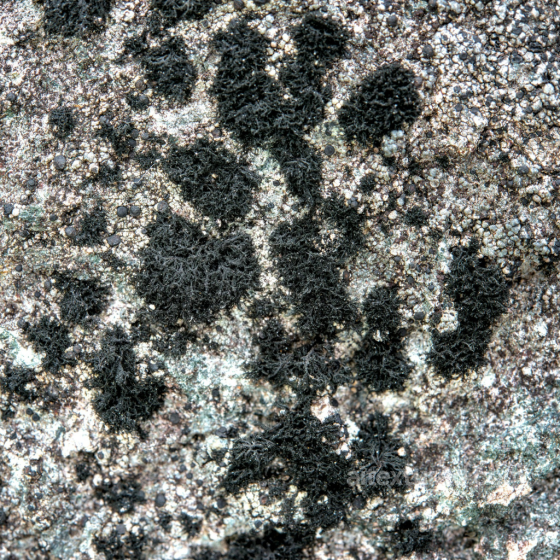
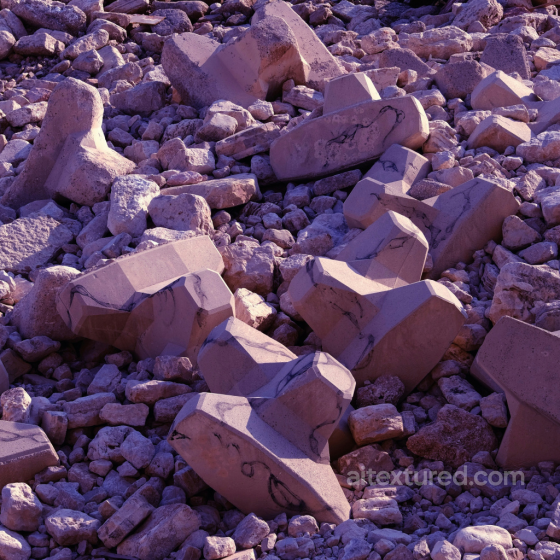
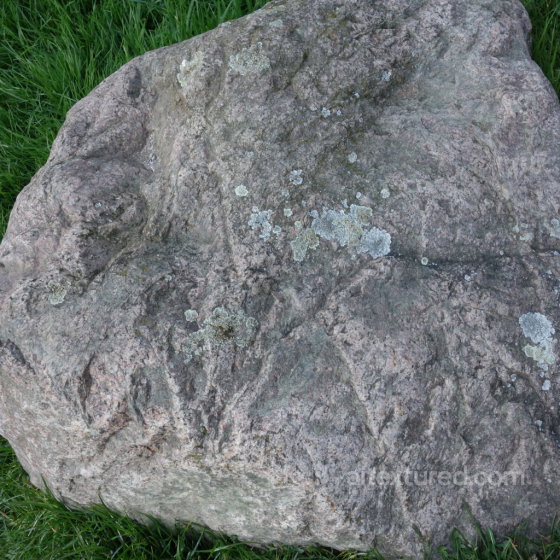
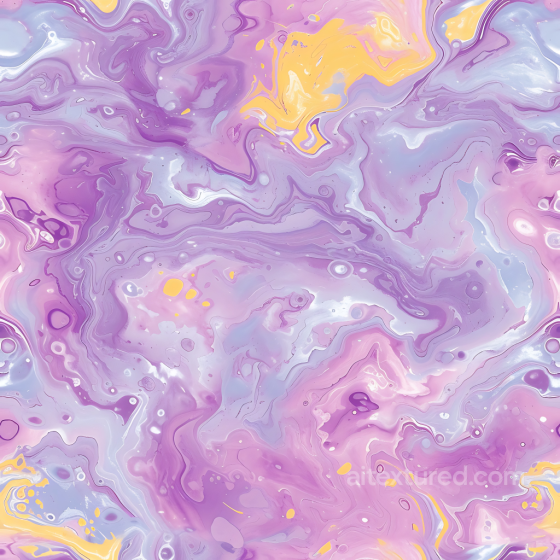
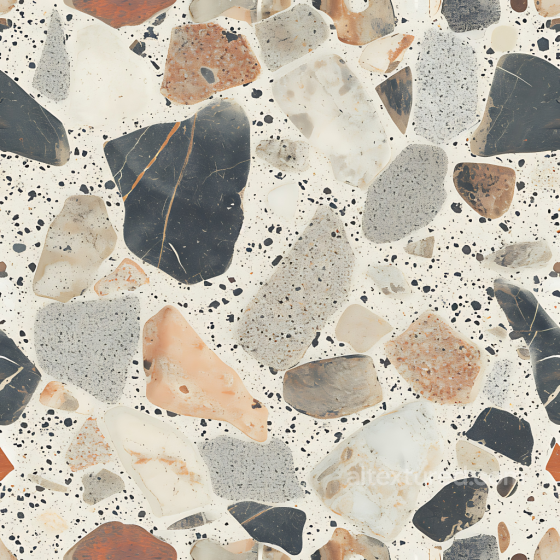
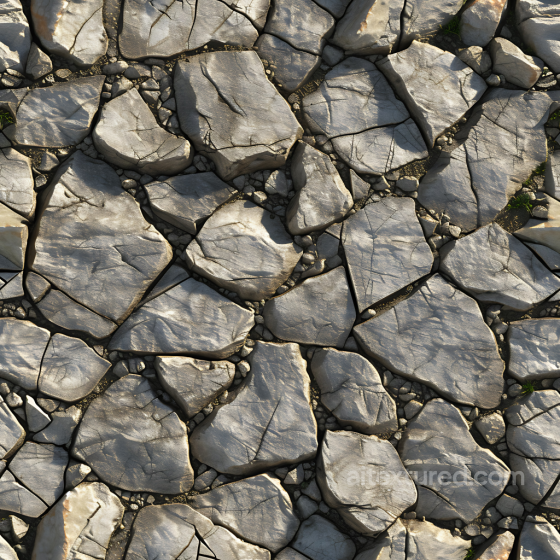
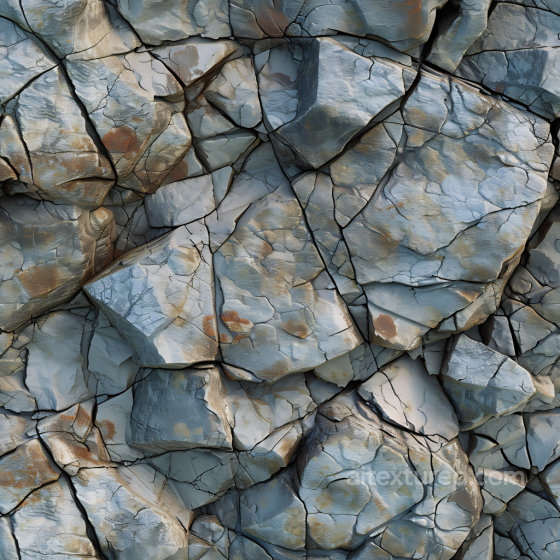
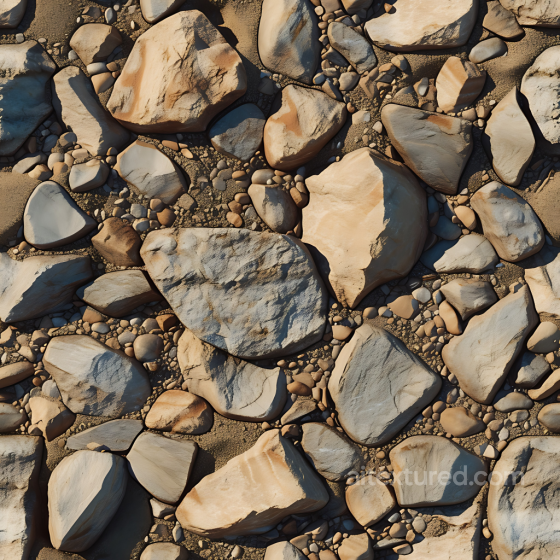
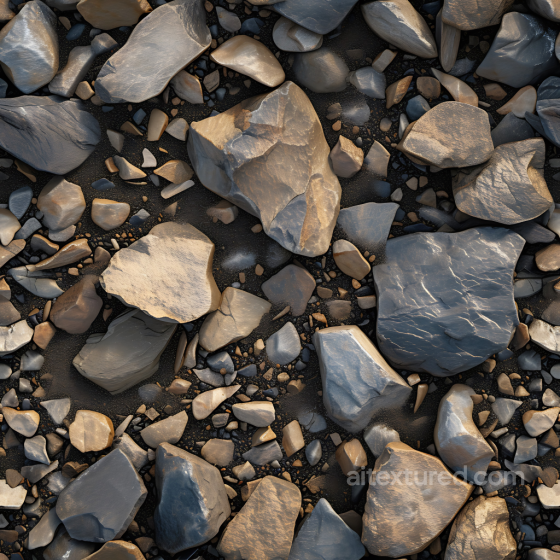
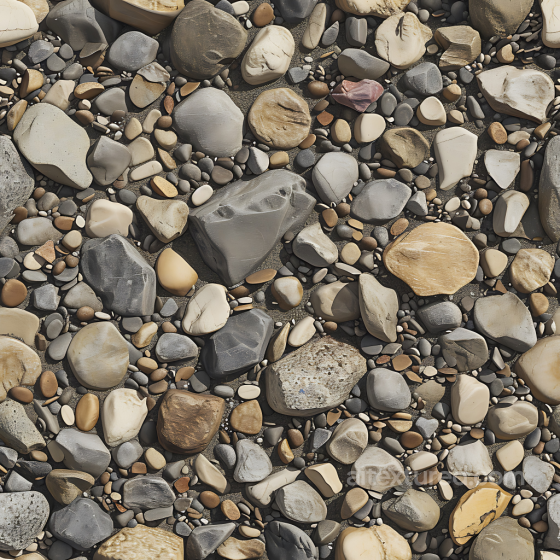
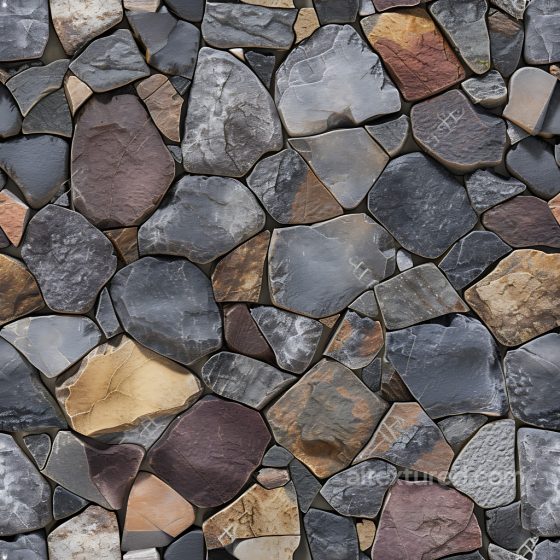
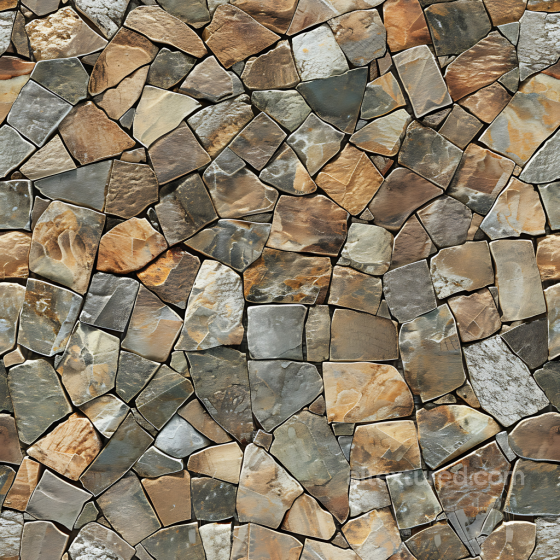
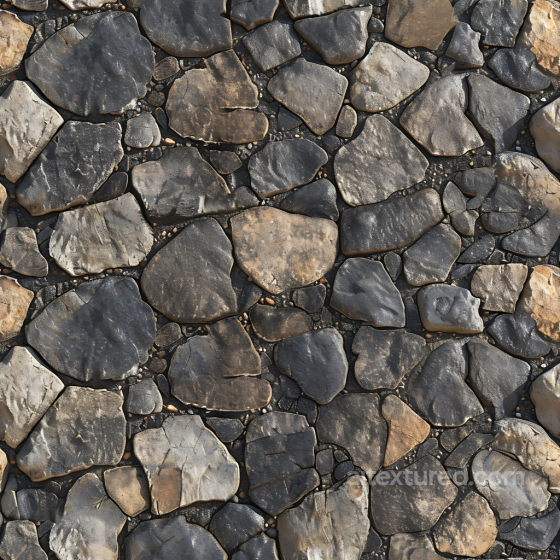
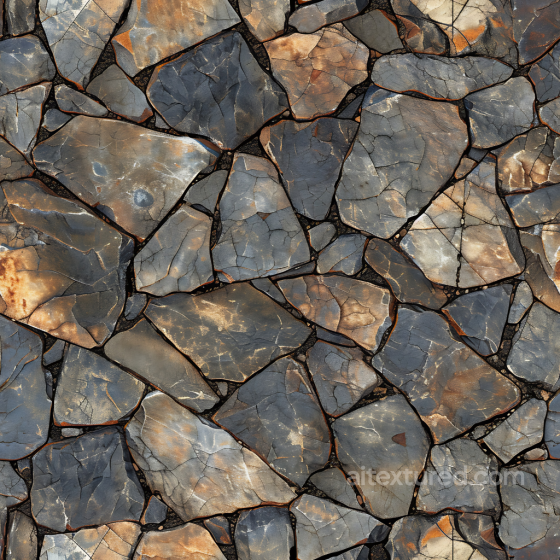
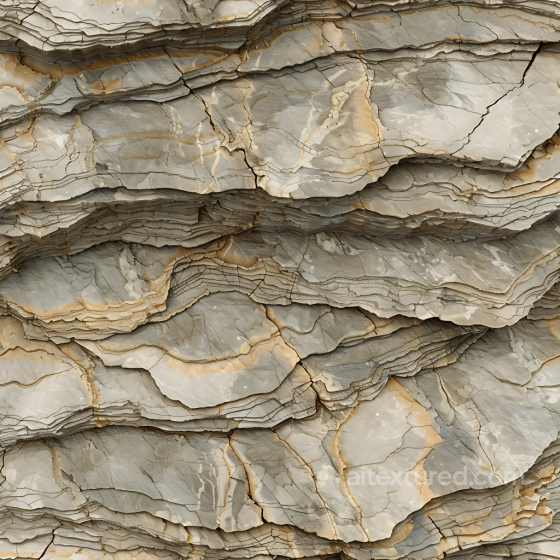
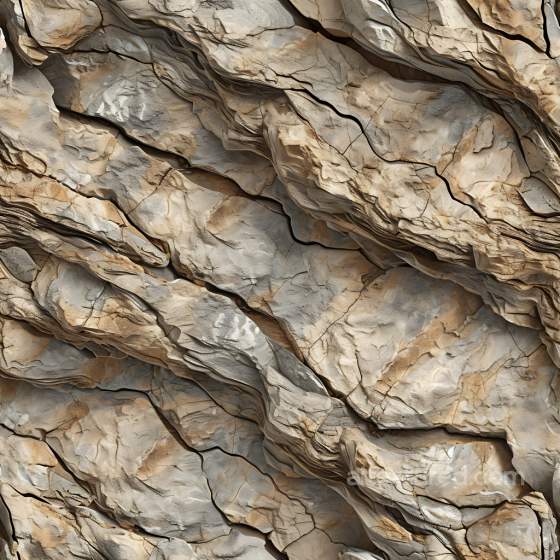
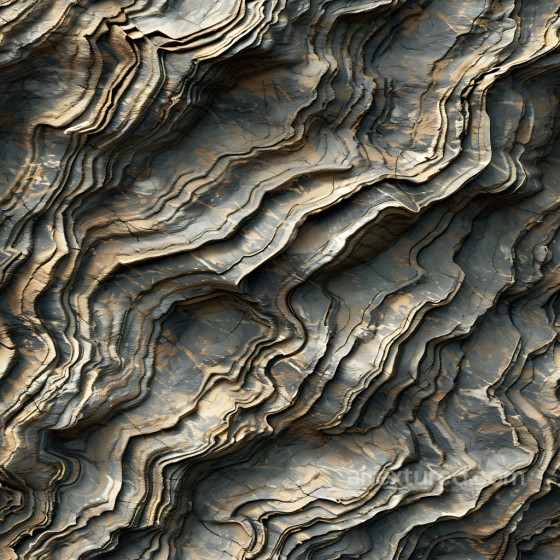
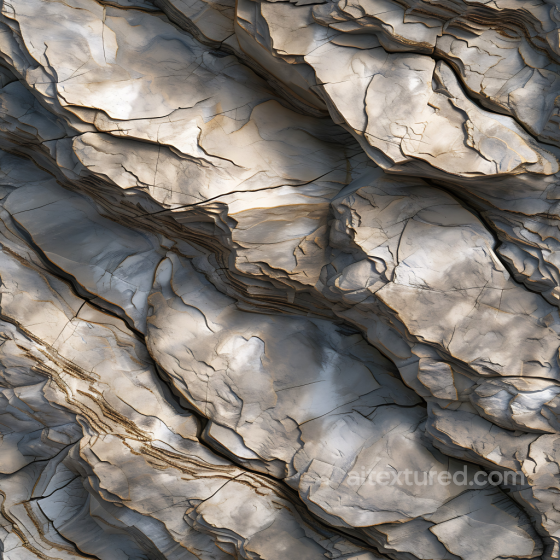
Explore our diverse collection of seamless PBR stone textures capturing the essence of natural rock, weathered masonry, and cut stone surfaces. These textures feature varying grain structures, subtle cracks, and realistic erosion effects, ranging from smooth sandstone to rough moss-covered rocks. Dominant earthy tones like soft grays, sandy beiges, and warm browns enhance their authentic, matte appearances, while natural imperfections and aging details add depth and character.
Ideal for 3D artists, architects, and game developers, these stone textures are perfect for rendering realistic walls, cliffs, ruins, terrains, and outdoor environments. Their high realism and seamless quality ensure flexibility for close-up details or large-scale surfaces, making them invaluable for natural scenes and architectural visualizations. Elevate your projects with these versatile, high-fidelity stone PBR materials designed to bring any scene to life with authentic stone aesthetics.
Ideal for 3D artists, architects, and game developers, these stone textures are perfect for rendering realistic walls, cliffs, ruins, terrains, and outdoor environments. Their high realism and seamless quality ensure flexibility for close-up details or large-scale surfaces, making them invaluable for natural scenes and architectural visualizations. Elevate your projects with these versatile, high-fidelity stone PBR materials designed to bring any scene to life with authentic stone aesthetics.
Source and license status varies by asset; review the detail page before use.
Stone Texture Workflow Notes
Stone textures cover everything from limestone blocks to rough cliff faces, so scale is the first decision. Small pebble detail can look noisy on walls, while large fracture patterns can repeat on close-up ground.
Use height and normal maps carefully: stone benefits from relief, but overdriven displacement can make flat masonry look inflated.
Best use cases
- Exterior walls, garden paths and retaining walls
- Natural cliffs, rocks and terrain blends
- Masonry props and fantasy environment kits
PBR map tips
- Match UV scale to stone size before tuning roughness.
- Blend with moss, dirt or decals for outdoor surfaces.
- Use height maps mostly for close camera distances.
Related categories
Related guides
Stone Texture FAQ
Are these stone textures seamless?
Tiling support varies by asset. Open a texture page and use the tiled preview to verify scale, seams and visible repetition before final production use.
Which PBR maps are most important for stone materials?
Base color, normal and roughness are the core maps. AO, height, metallic or packed engine maps may be included depending on the asset and should be connected as non-color data where appropriate.
Can I use these stone textures in Blender, Unreal Engine and Unity?
Review the maps available on each texture page. Separate maps can be connected in common DCC workflows, and the engine mapper can create supported target-specific packing.
How do I avoid visible tiling on large stone surfaces?
Set the UV scale first, then combine texture variants, decals, masks or subtle color variation. Preview at the final camera distance and choose only a resolution that the asset actually offers.
Explore More Texture Resources
Related texture categories
Texture workflow tools
AITextured Tools
Generate maps from existing images, preview materials, convert channels, and package compatible inputs for Blender, Unity, and Unreal Engine.
PBR Material Tools
Choose a verified workflow for generating maps, previewing tiling, converting channels, or starting from the texture catalog.
Input: image or existing maps → Output: preview, PBR maps, or engine-ready package
Explore tools
PBR Texture Generator
Derive Normal, Roughness, AO, Metallic, Height and optional ORM maps from one or more source images, then review the results.
Input: PNG/JPG/WEBP → Output: Normal, Roughness, AO, Height, Metallic, ORM ZIP
Create PBR maps
Online Texture Preview
Instant WebGL viewer: inspect materials on a sphere, plane, and cube. Check tiling and lighting in real time.
Input: material maps → Output: interactive render and tiling check
Preview material
Unity / Unreal / Blender Mapper
Re-packages maps per engine: Unreal (BaseColor + ORM), Unity (Mask/MetallicSmoothness), Blender (separate channels).
Input: PBR maps → Output: Blender, Unreal, Unity channel packages
Convert maps
Image Converter
PNG ↔ JPG ↔ SVG: fast convert, SVG rasterize, embed/trace options, quality & background controls.
Input: PNG/JPG/SVG → Output: converted image format
Convert images