Water Normal Map Textures for Realtime Shaders
Use water normal map textures in realtime shaders for ripples, puddles, pools and stylized water without static-looking repetition.
What this shader workflow helps you fix
Use this page when a realtime material looks static, repeats too obviously, or needs clearer map routing before it goes into a shader.
Water is usually a shader system, not just a static texture. Normal maps create ripple direction and highlight movement, while color and opacity depend on depth, lighting and art direction.
A single tiled normal map can look frozen. Blend two normal maps at different scales or pan speeds to make the surface feel alive.
Practical Material Parameters
| Material focus | Recommended UV scale | Roughness range | Normal strength range | Best use cases | Common visual issues |
|---|---|---|---|---|---|
| Water ripples and wet surfaces | Layered UVs: one broad ripple plus one fine ripple | 0.02-0.25 for water, 0.35-0.7 for wet ground | 0.05-0.4 | Pools, puddles, ripples, stylized liquid | Static repeats, baked highlights, normals too strong for calm water |
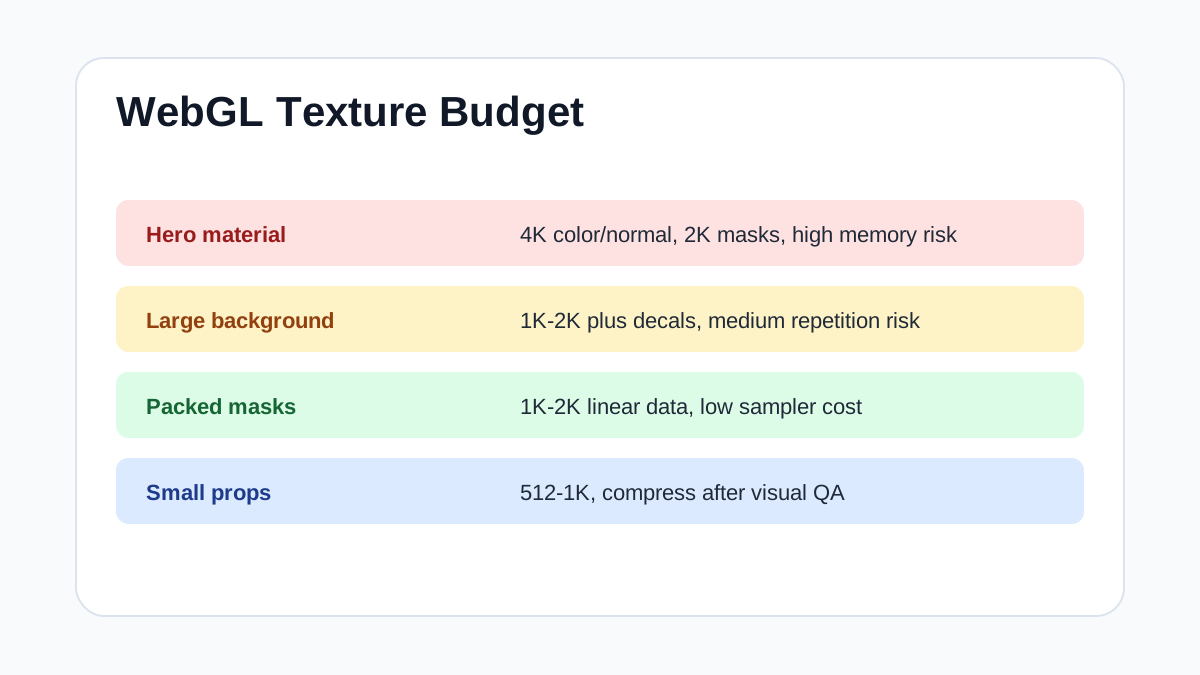
Realtime Texture Budget
| Asset type | Recommended max texture size | Compression notes | Performance risk |
|---|---|---|---|
| Hero material close to camera | 4K base color/normal, 2K masks | Use platform texture compression; keep normals in a normal-friendly format | High if several hero materials are visible together |
| Large background wall or floor | 1K-2K | Prefer tiling quality plus decals over a single oversized map | Medium; repetition and memory can both become issues |
| Packed ORM / mask maps | 1K-2K | Pack grayscale channels and import as linear data | Low to medium; wrong sRGB setting is the biggest visual risk |
| Water ripple normal layers | 1K per normal layer | Loopable normal maps with mipmaps; avoid noisy high-frequency compression | Medium; multiple animated layers add sampler cost |
| Small props and distant set dressing | 512-1K | Compress aggressively after checking silhouettes and normal detail | Low unless many unique materials are loaded at once |
Step-by-Step Workflow
- Import normal maps as linear normal data.
- Layer two ripple normal maps with different UV scale.
- Pan each layer slowly in different directions.
- Use roughness or smoothness to control highlight sharpness.
- Add foam or edge masks separately for shorelines and puddle borders.
Quality Checklist
- Ripples animate without obvious looping squares.
- Highlights follow the lighting model instead of being baked into color.
- Normal strength is lower for calm water and higher for stylized effects.
- The shader still performs on the target device.
Common Mistakes
- Using a colorful base texture for physically clear water.
- Panning every map at the same speed and direction.
- Adding too much normal strength to shallow puddles.
Useful Next Steps
- Browse Water textures for source materials that match this workflow.
- Use Online PBR preview to preview, pack or prepare maps before importing them into your scene.
- Return to the workflow guide library for related Blender, Unreal Engine, Unity and optimization workflows.
Recommended Textures for This Workflow
- Seamless Clear Water Surface PBR Texture with Light Reflections
- water PBR texture with shimmering blue and reflective gold liquid surface
- Photorealistic Sea Seamless Texture
- 4K PBR Seamless Water Surface Texture with Reflective Ripple Patterns
- Water PBR Texture Featuring Golden Sunset Light Reflections and Gentle Ripples
FAQ
Which texture maps do I need for Water Normal Map Textures for Realtime Shaders?
Start with base color, normal and roughness. Add AO, height, metallic or packed engine maps when the material and target renderer support them.
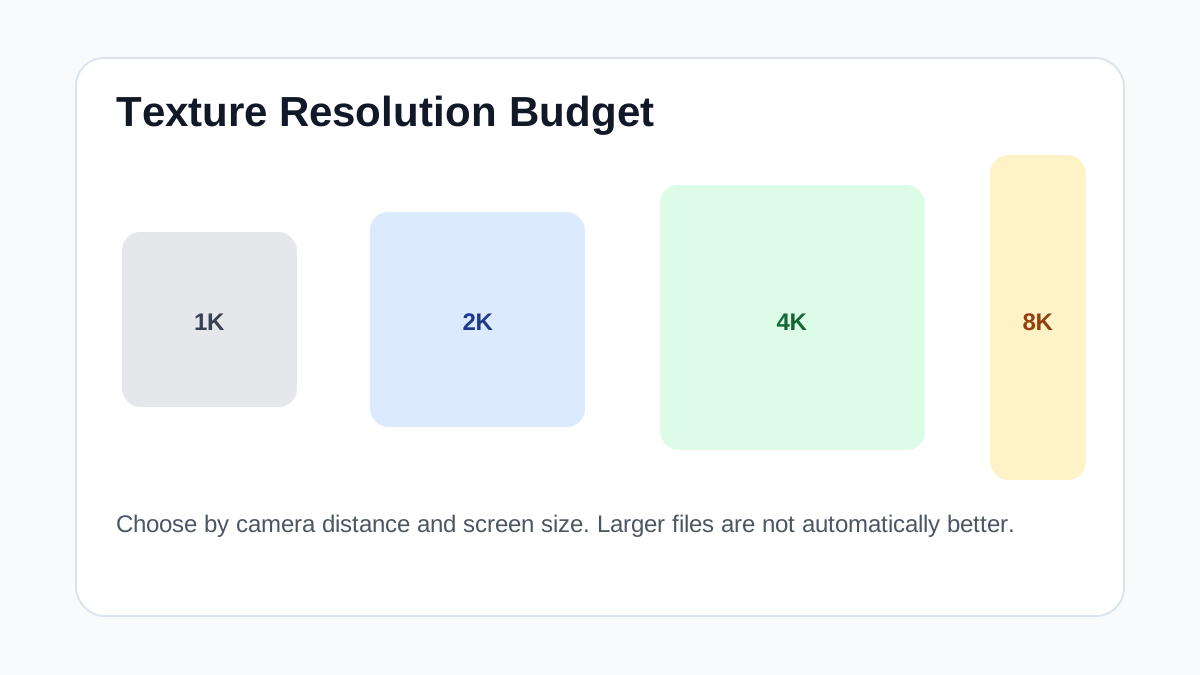
Should I always use 4K or 8K textures for this workflow?
No. Use 4K or 8K only for close camera views or hero assets. For background surfaces, 1K or 2K textures with good tiling and mipmaps are often more efficient.
How does this guide fit into a Realtime pipeline?
Use the guide as a setup checklist before final material tuning. Check scale, color space, map routing, tiling and performance in the target scene rather than judging the texture from the thumbnail alone.