Free Seamless Water PBR Textures
Find seamless water textures for puddles, ripples, pools, stylized liquids, wet surfaces and real-time material effects.
Select by:
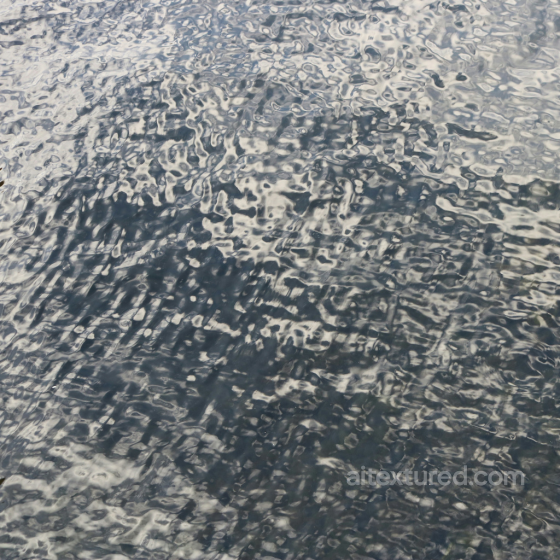
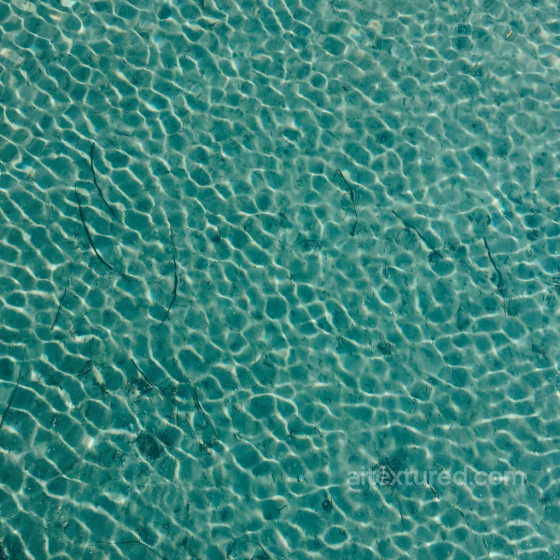
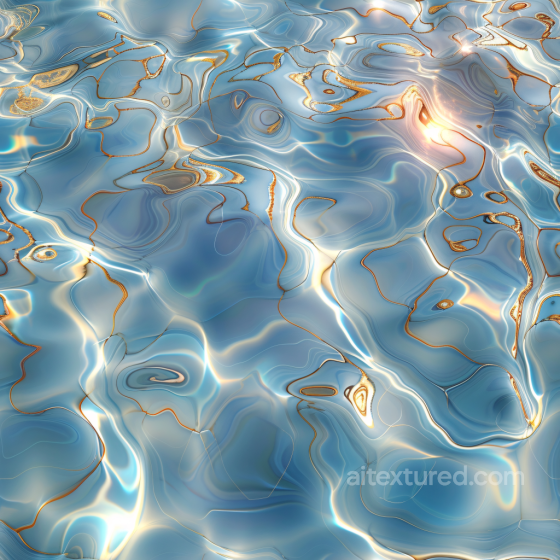
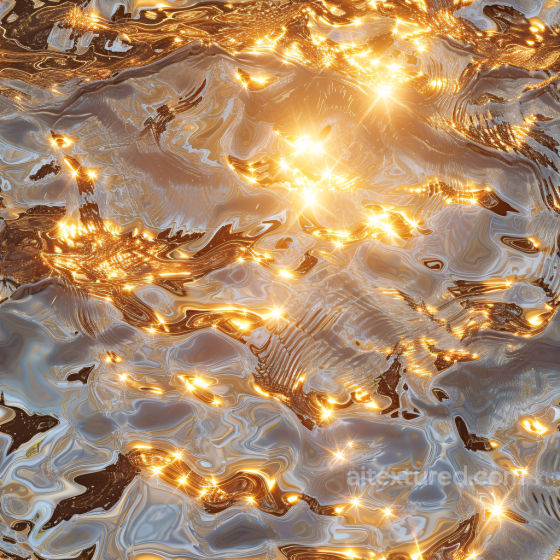
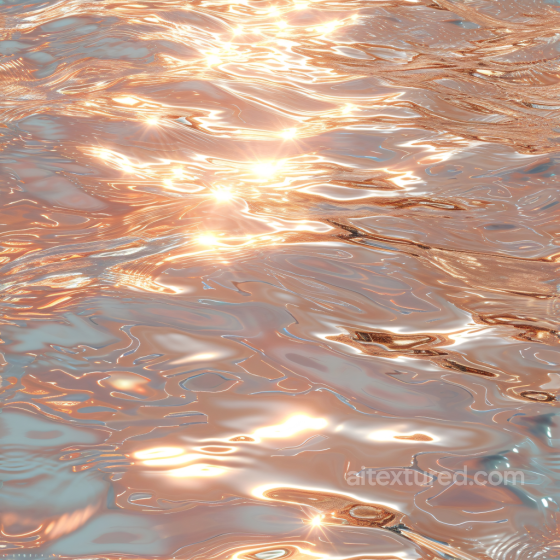
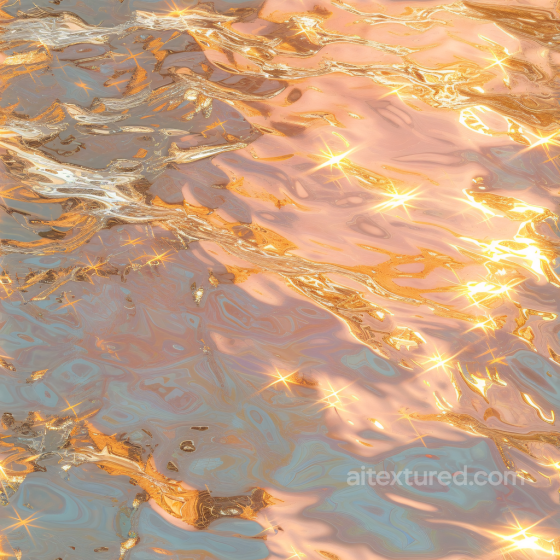
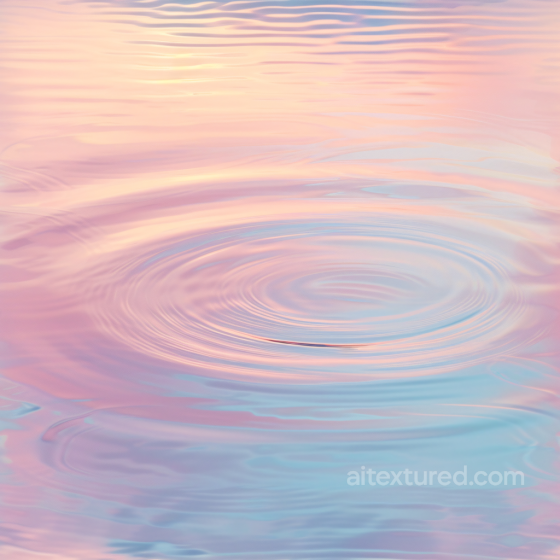
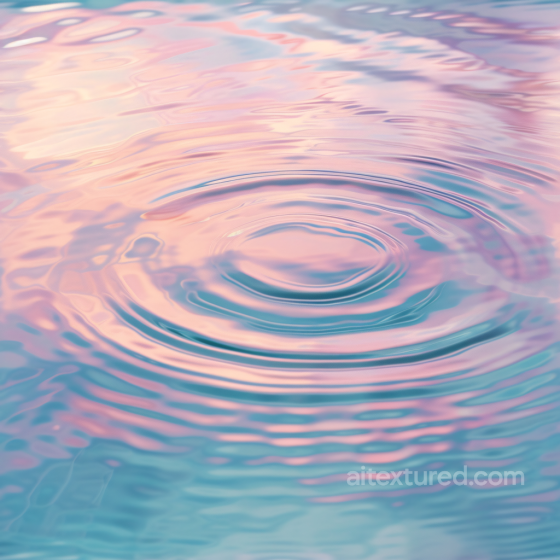
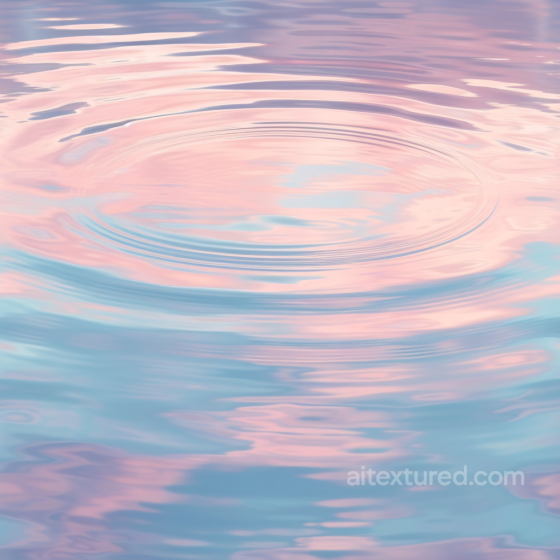
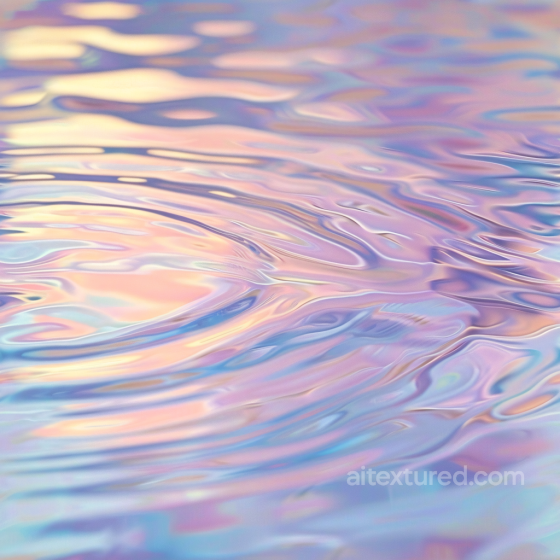
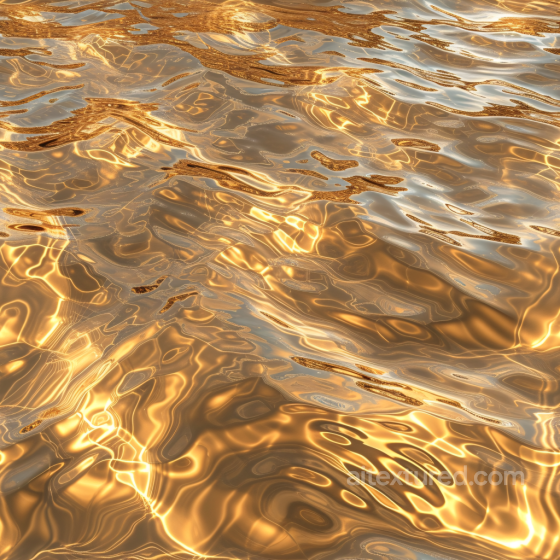
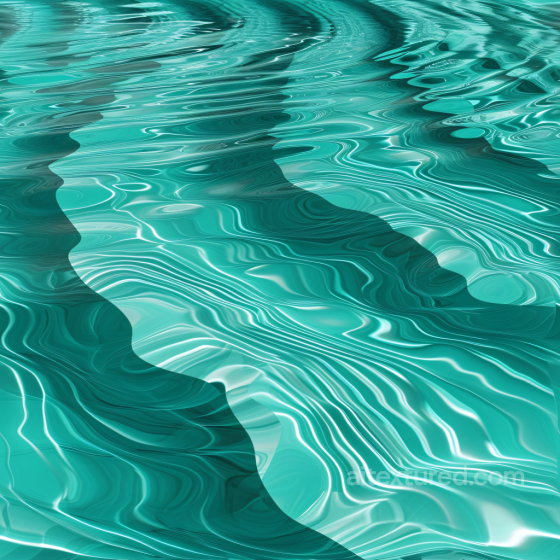
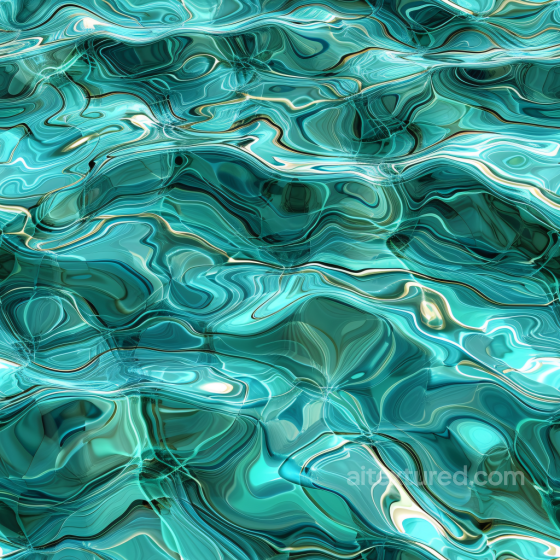
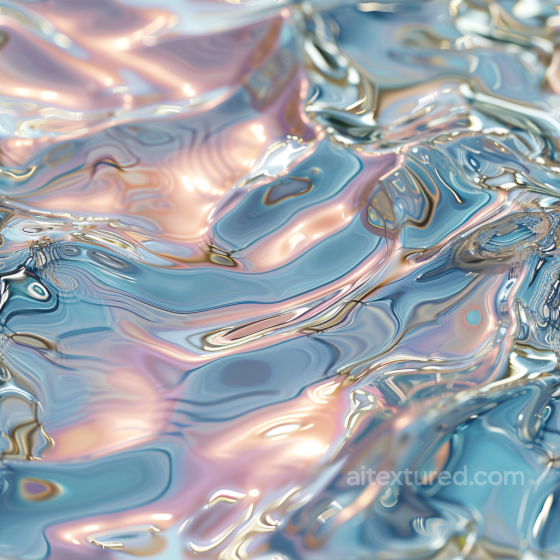
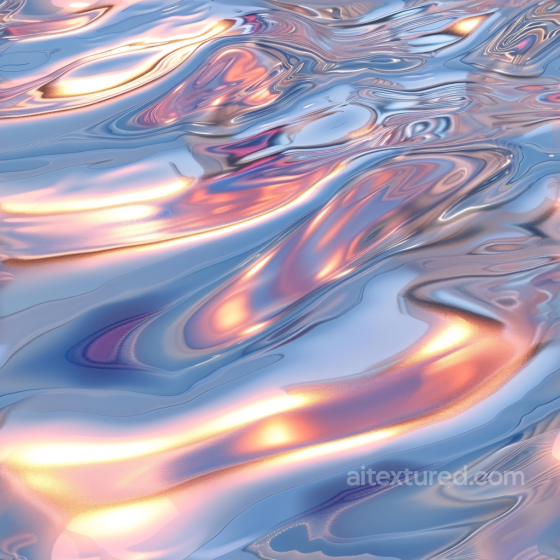
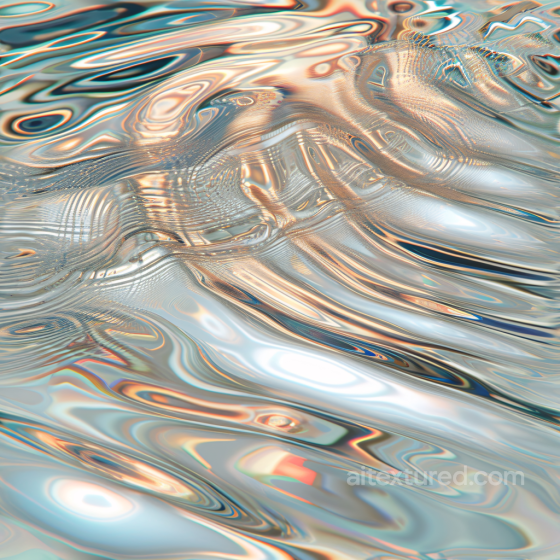
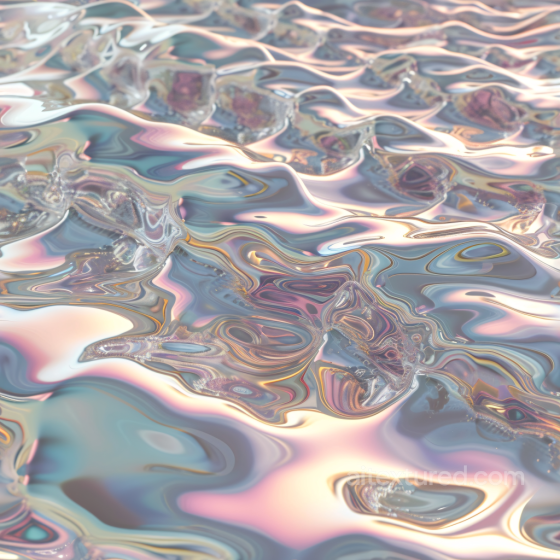
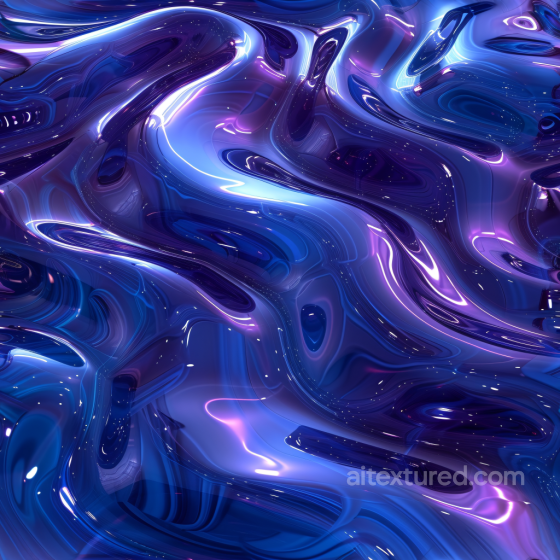
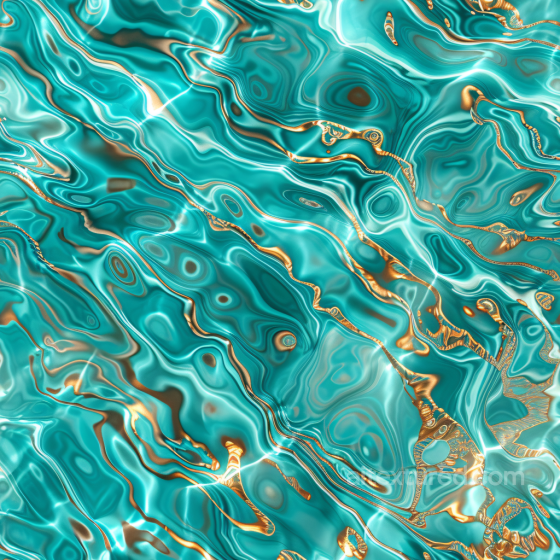
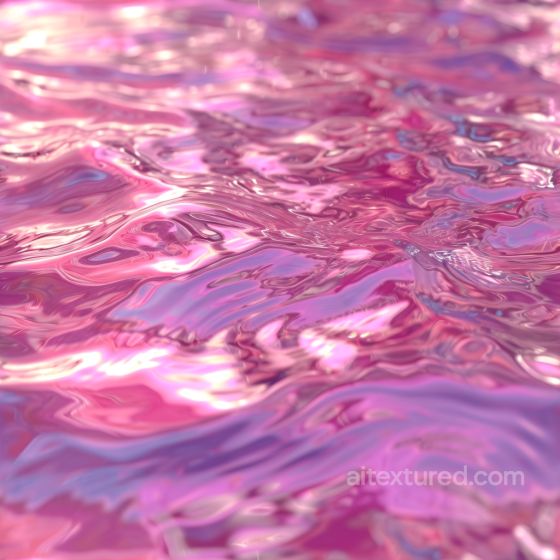
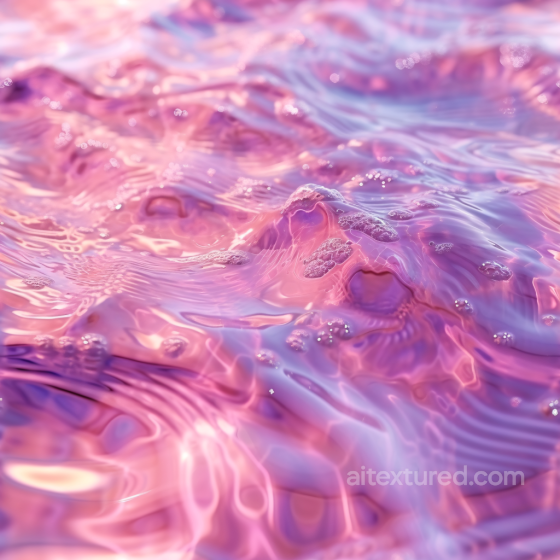
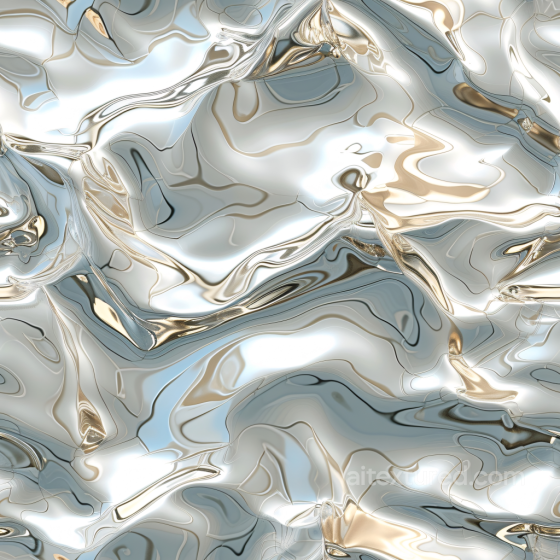
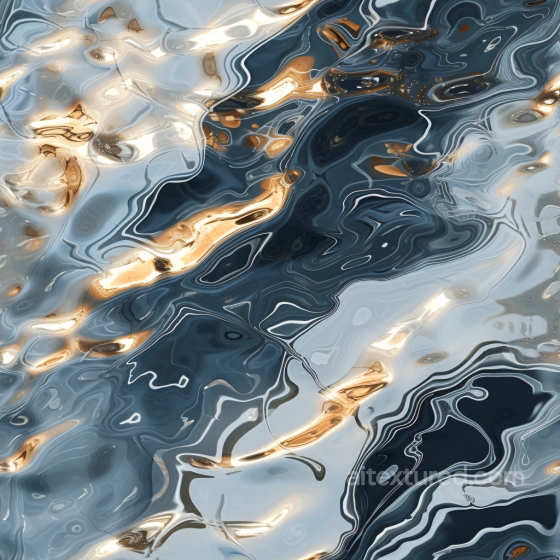
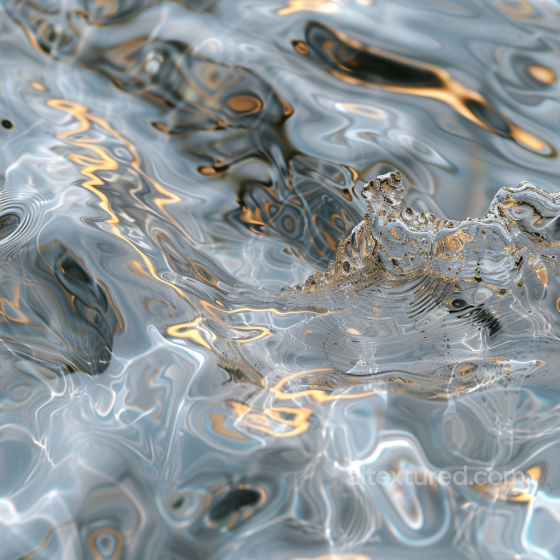
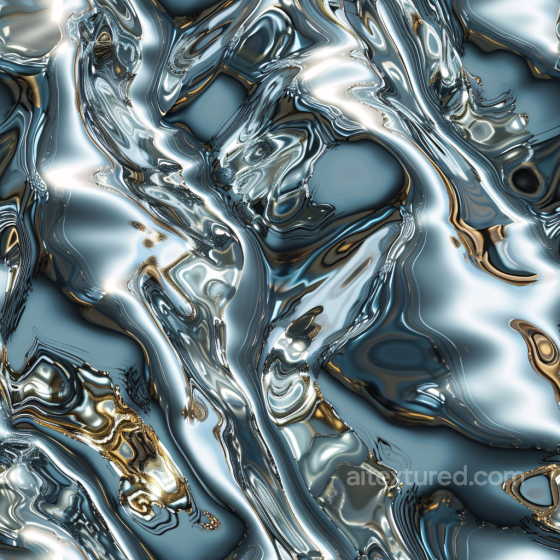
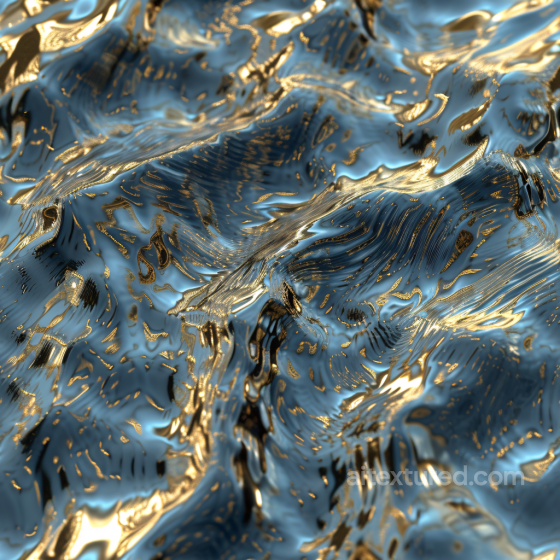
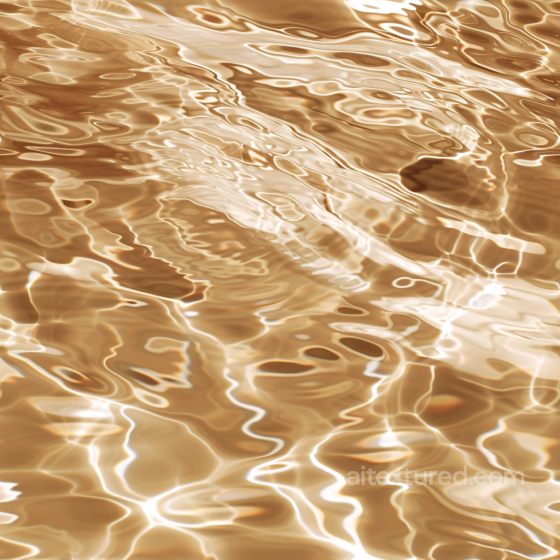
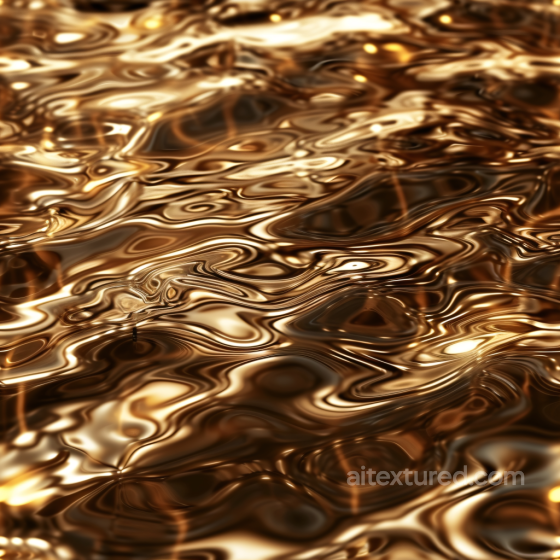
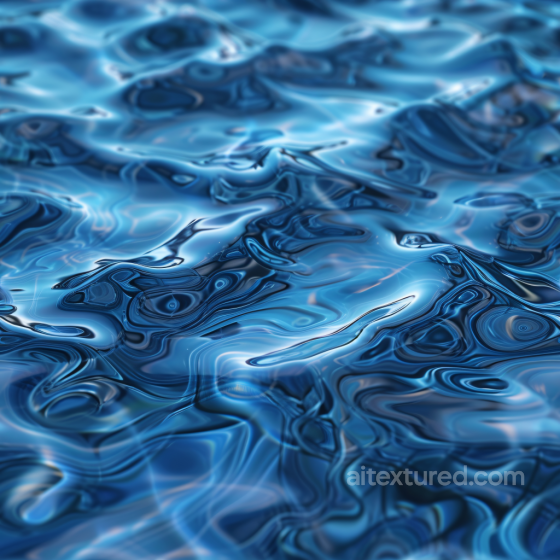
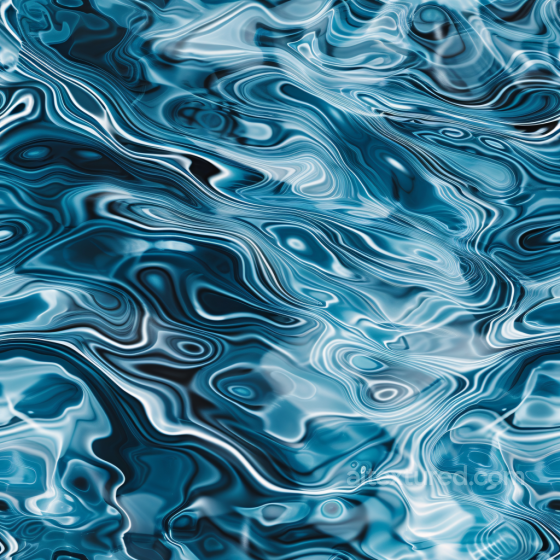
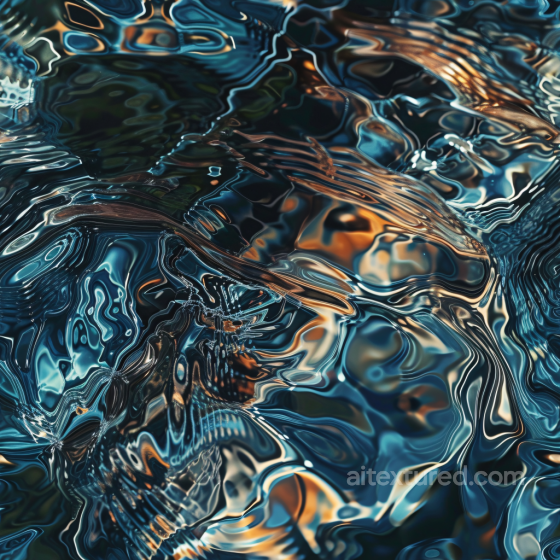
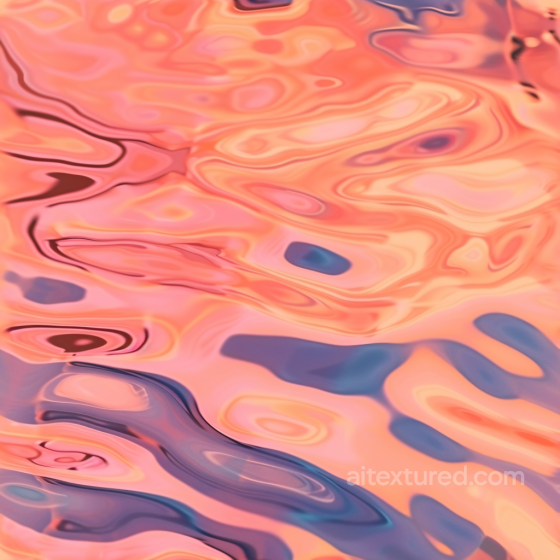
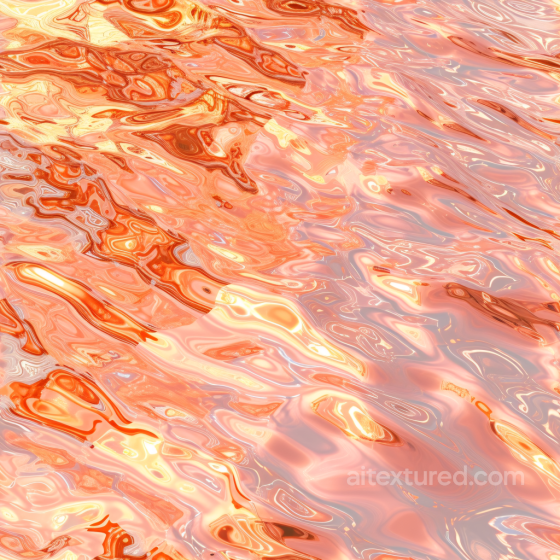
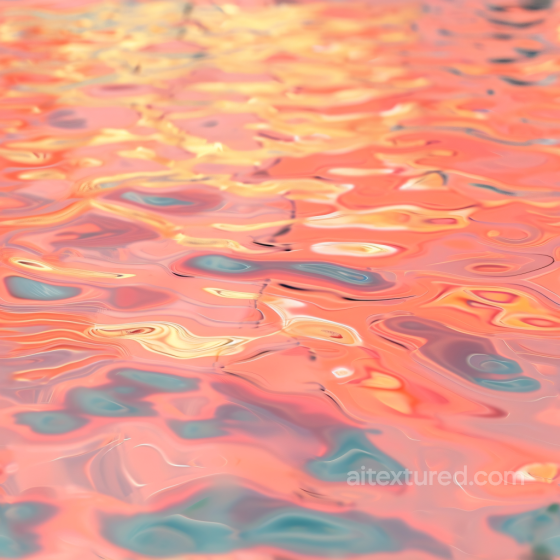
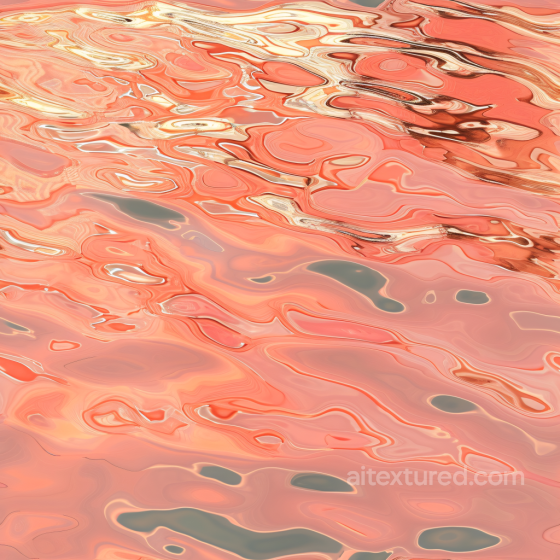
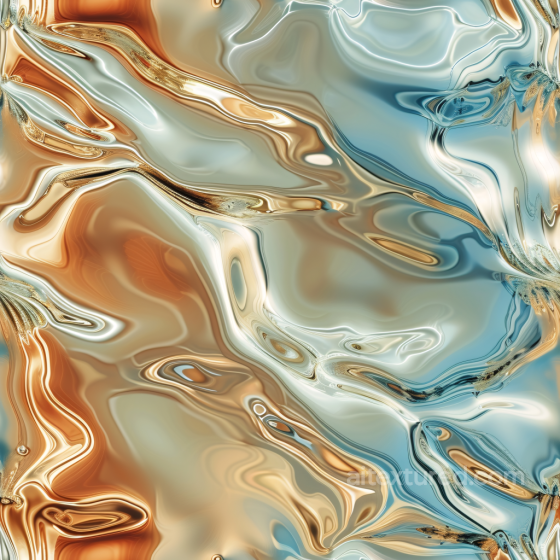
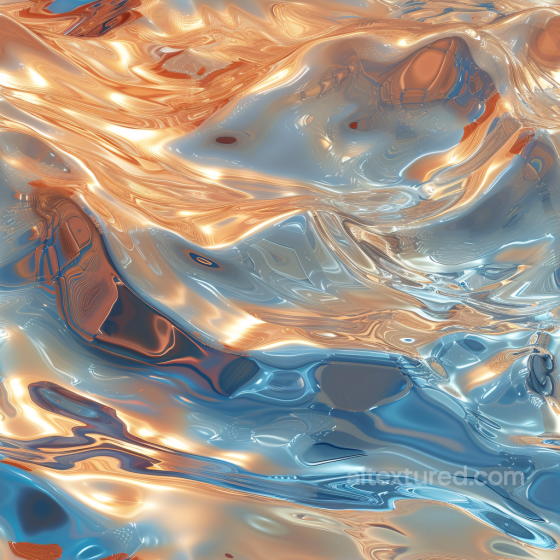
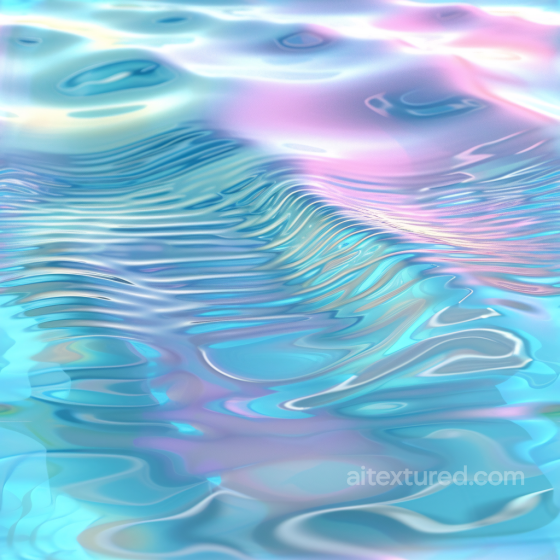
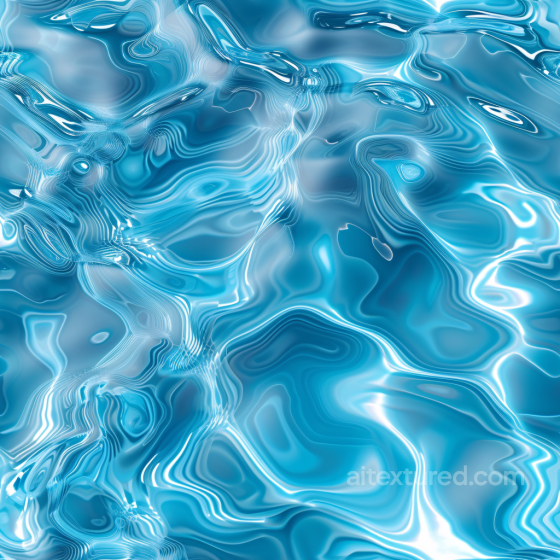
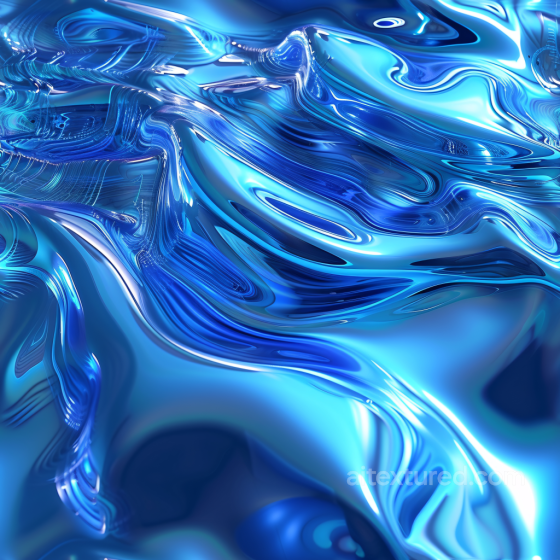
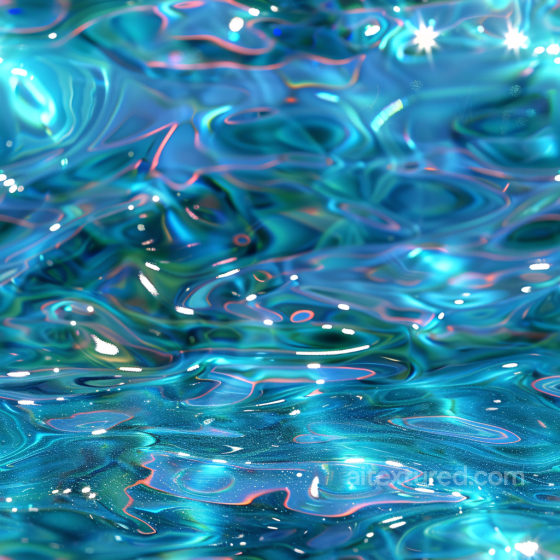
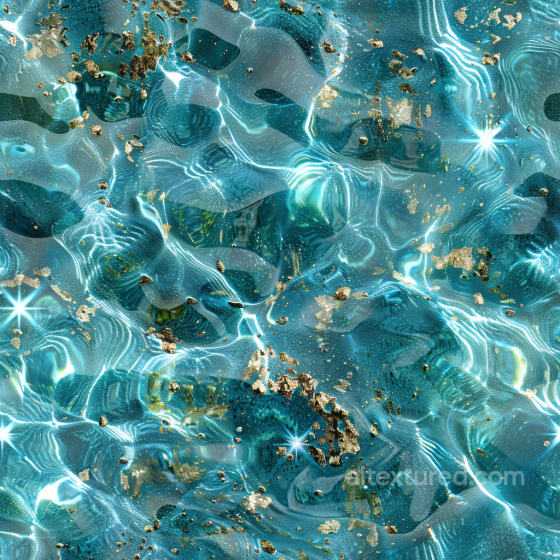
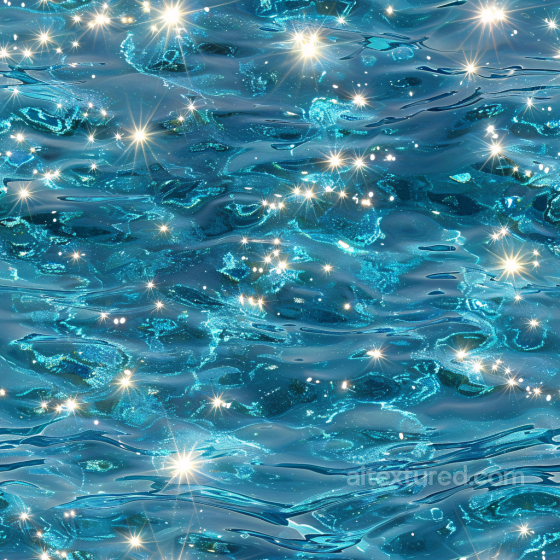
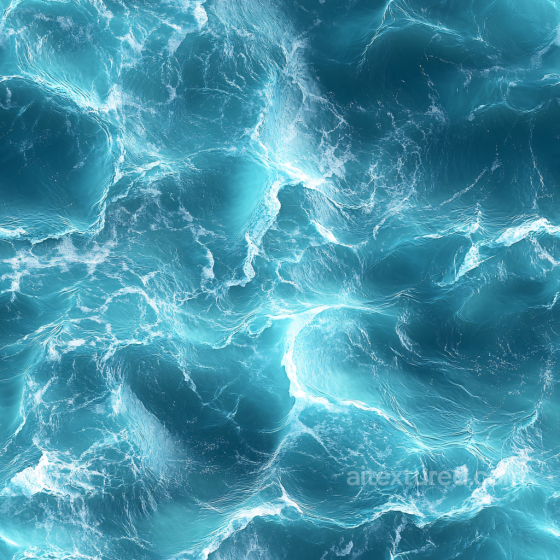
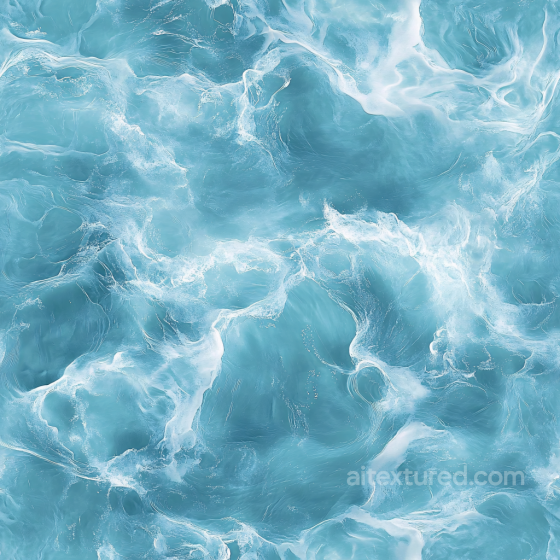
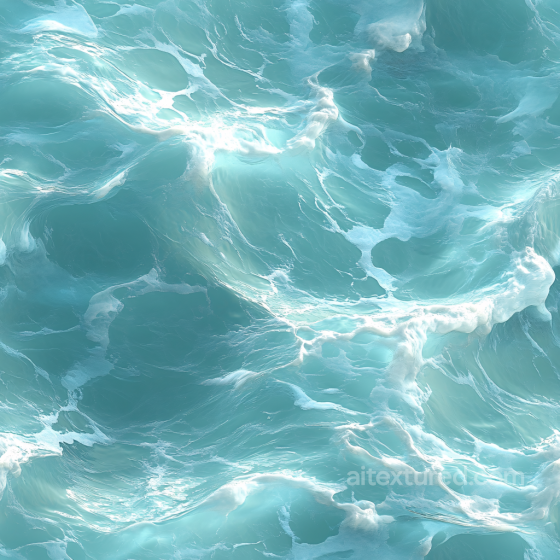
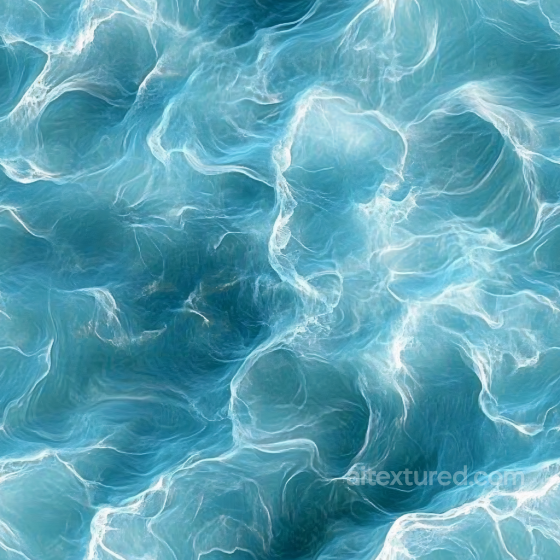
Explore a diverse collection of seamless and tileable PBR textures designed specifically for water surfaces, perfect for creating realistic ocean, sea, river, lake, pond, and stream environments. These textures come with up to 8K resolution, offering incredibly detailed and natural appearances that capture the subtle variations of water, from calm and smooth to rough and stormy. Included are comprehensive texture maps such as BaseColor (Albedo), Normal, Roughness, Metallic, Ambient Occlusion, and Height/Displacement maps, allowing for precise material customization in your projects. Whether you aim for photorealistic water with sparkling waves and transparent depths or stylized, fantasy-inspired surfaces with glowing or bright effects, these textures provide the flexibility to suit various artistic directions, including futuristic and ancient settings. Designed to be fully compatible and ready for popular 3D tools like Blender, Unity, and Unreal Engine, these water textures facilitate seamless integration into any workflow. They capture a wide range of water characteristics, from shallow, clear ponds and light raindrop splashes to deep, dark seas and heavy stormy waves. You can also find specialized styles such as watercolor or paper-pressed effects, adding unique visual interest to your scenes. The inclusion of height and displacement maps helps simulate realistic wave patterns and subtle ripples, enhancing the tactile quality of water surfaces. For practical use, when applying these textures, consider blending multiple maps to achieve natural transitions between different water conditions—such as shifting from calm lake surfaces to rough ocean waves—ensuring your environment feels cohesive and immersive. By leveraging this extensive set of water textures, you can bring any scene to life with detailed, transparent, and dynamic water effects that respond authentically to lighting and environmental factors.
Source and license status varies by asset; review the detail page before use.
Water Texture Usage Notes
Water textures are usually part of a shader rather than a complete material by themselves. Ripples, foam, normals and opacity masks need to support the lighting model in your engine.
For still water, keep normal detail gentle. For stylized or stormy surfaces, layer two normal maps at different speeds to avoid a static repeating pattern.
Best use cases
- Pools, puddles and wet ground materials
- Stylized liquids and game VFX surfaces
- Watercolor, ripple and splash pattern backgrounds
PBR map tips
- Use normal maps to drive ripple direction and scale.
- Avoid baked highlights in base color maps.
- Animate UVs or blend maps for real-time water shaders.
Related categories
Related guides
Water Texture FAQ
Are these water textures seamless?
Tiling support varies by asset. Open a texture page and use the tiled preview to verify scale, seams and visible repetition before final production use.
Which PBR maps are most important for water materials?
Base color, normal and roughness are the core maps. AO, height, metallic or packed engine maps may be included depending on the asset and should be connected as non-color data where appropriate.
Can I use these water textures in Blender, Unreal Engine and Unity?
Review the maps available on each texture page. Separate maps can be connected in common DCC workflows, and the engine mapper can create supported target-specific packing.
How do I avoid visible tiling on large water surfaces?
Set the UV scale first, then combine texture variants, decals, masks or subtle color variation. Preview at the final camera distance and choose only a resolution that the asset actually offers.
Explore More Texture Resources
Related texture categories
Texture workflow tools
AITextured Tools
Generate maps from existing images, preview materials, convert channels, and package compatible inputs for Blender, Unity, and Unreal Engine.
PBR Material Tools
Choose a verified workflow for generating maps, previewing tiling, converting channels, or starting from the texture catalog.
Input: image or existing maps → Output: preview, PBR maps, or engine-ready package
Explore tools
PBR Texture Generator
Derive Normal, Roughness, AO, Metallic, Height and optional ORM maps from one or more source images, then review the results.
Input: PNG/JPG/WEBP → Output: Normal, Roughness, AO, Height, Metallic, ORM ZIP
Create PBR maps
Online Texture Preview
Instant WebGL viewer: inspect materials on a sphere, plane, and cube. Check tiling and lighting in real time.
Input: material maps → Output: interactive render and tiling check
Preview material
Unity / Unreal / Blender Mapper
Re-packages maps per engine: Unreal (BaseColor + ORM), Unity (Mask/MetallicSmoothness), Blender (separate channels).
Input: PBR maps → Output: Blender, Unreal, Unity channel packages
Convert maps
Image Converter
PNG ↔ JPG ↔ SVG: fast convert, SVG rasterize, embed/trace options, quality & background controls.
Input: PNG/JPG/SVG → Output: converted image format
Convert images