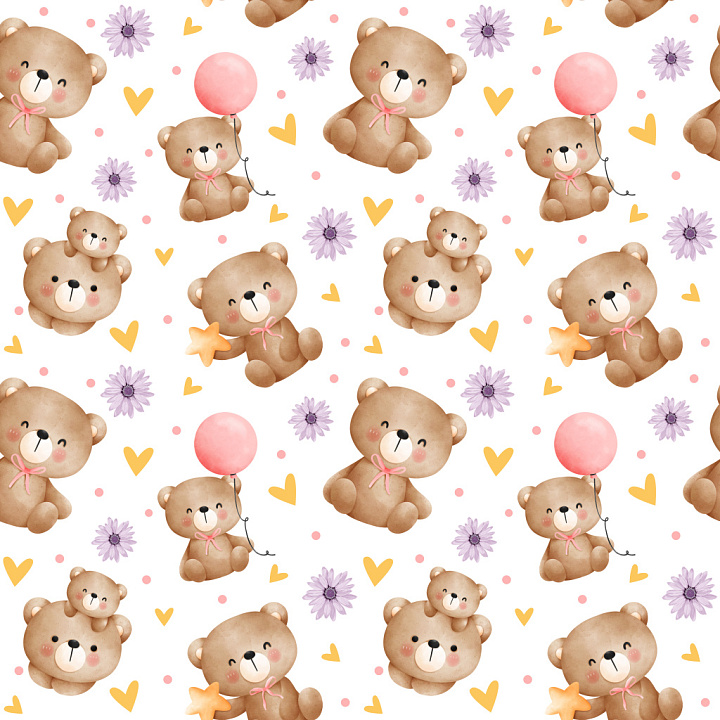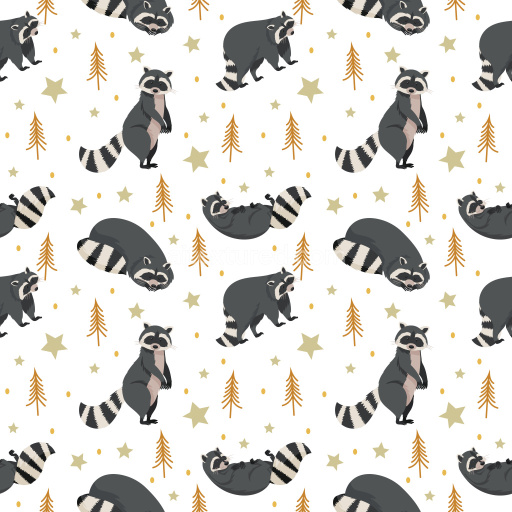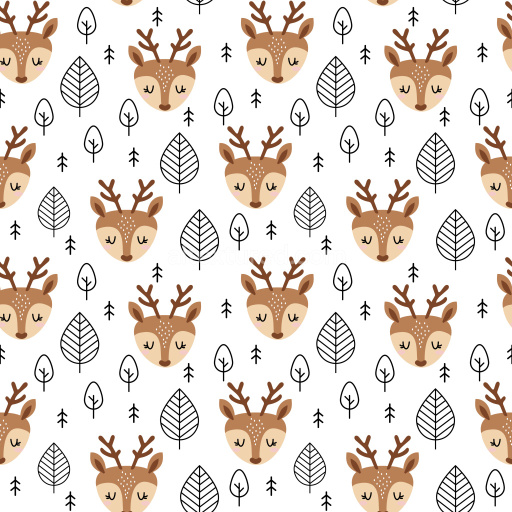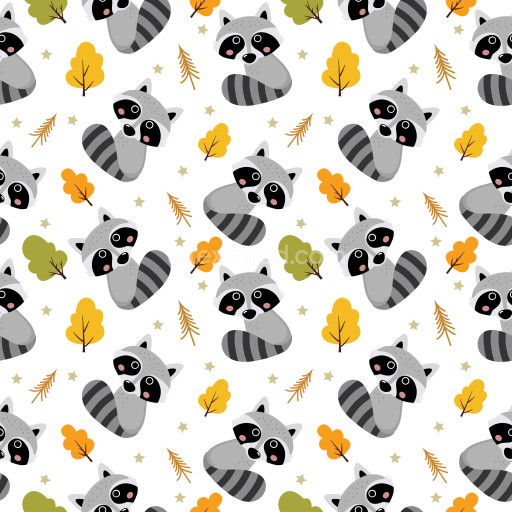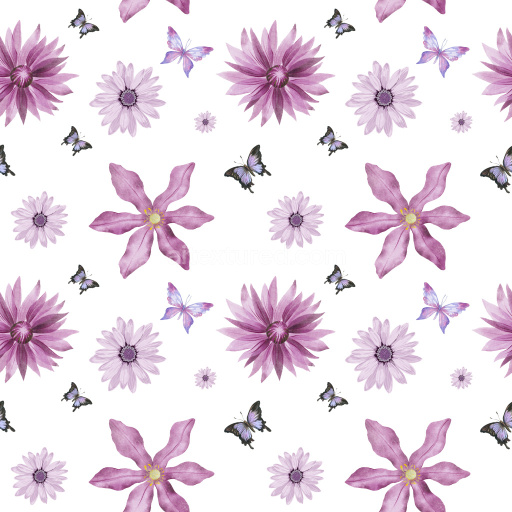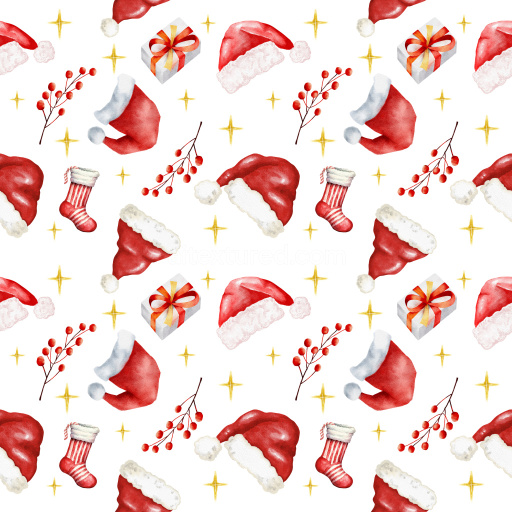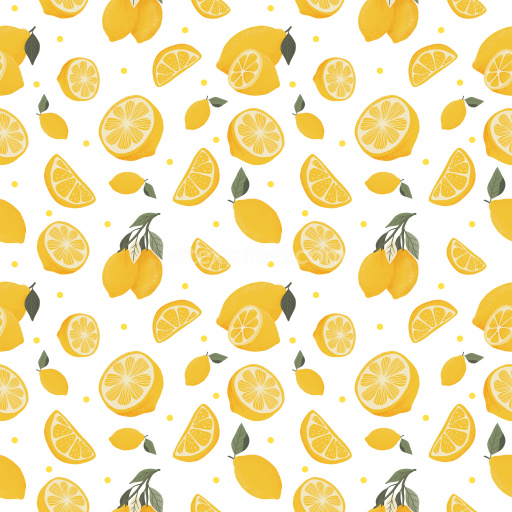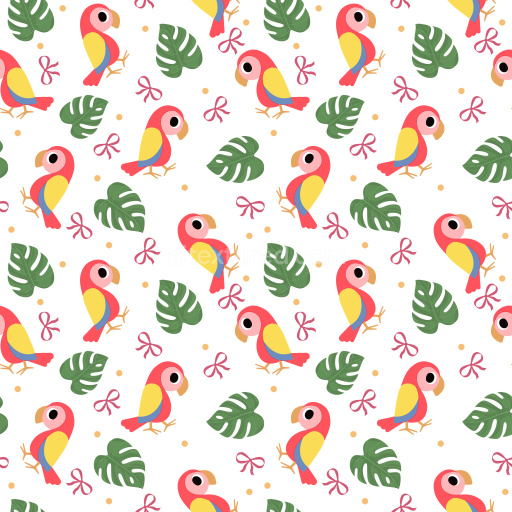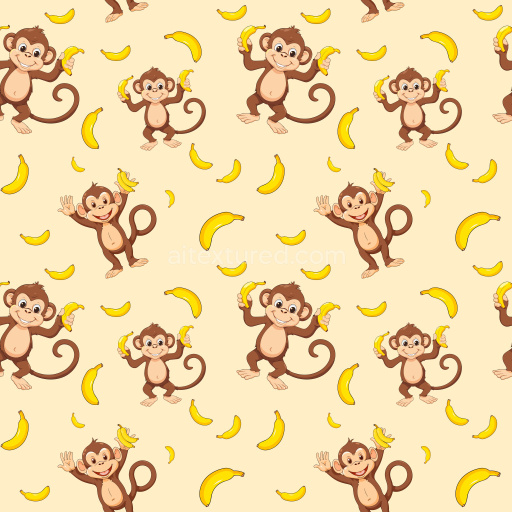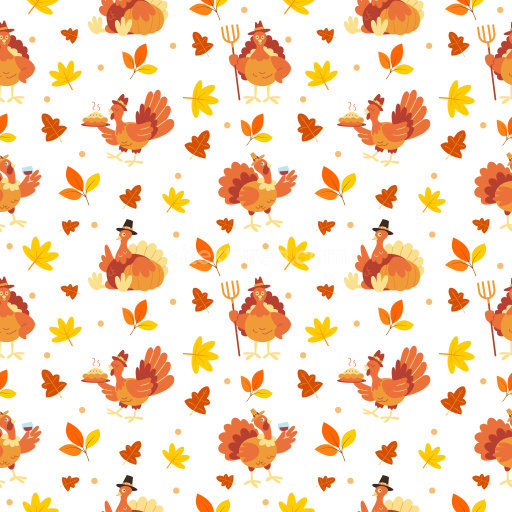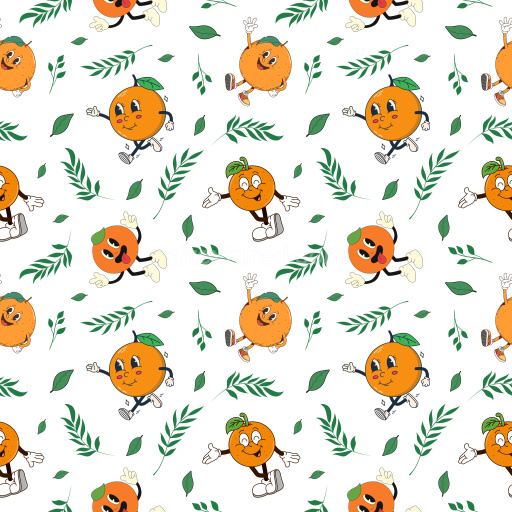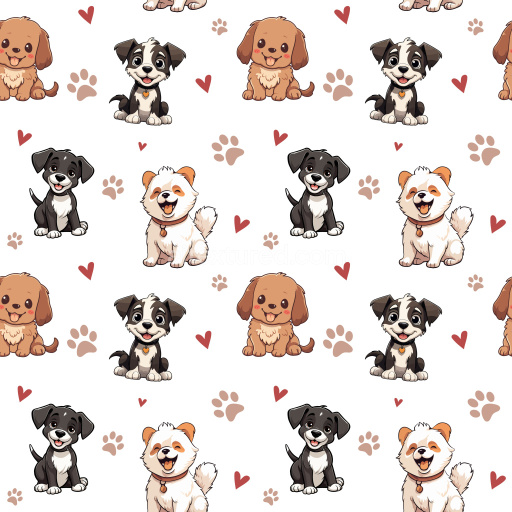
This seamless 3D pattern PBR texture showcases an endearing motif of cartoon-style bear characters rendered in soft, warm browns with subtle shaded details enhancing their cute, plush appearance. The bears display various playful poses and accessories, like a pink balloon, a yellow star, and a smaller bear sitting on a larger bear’s head, all contributing to a lively, joyful rhythm. Interspersed throughout the pattern are delicate purple floral elements, small yellow heart shapes, and tiny pink dots, creating a charming, balanced composition with moderate spacing and no sense of clutter.
The color palette combines warm pastel tones—soft browns for the bears, muted pinks for the cheeks and balloon, pale yellow for hearts and stars, and gentle purples for the flowers—contrasted crisply against a clean white background for freshness and clarity. The design exhibits hand-painted watercolor-style brush strokes that give a tactile, gentle impression rather than a flat digital print. Edges are soft and blended, enhancing the whimsical and inviting feel of this pattern.
Its perfectly seamless tile behavior makes this texture ideal for a wide range of 3D content creation, including stylized children’s room wallpapers, playful textile prints, gift wrapping paper, and adorable product packaging. The pattern fits well within interior visualization scenes demanding a fun, friendly ambiance, as well as in game design or VFX where cute, animated assets require decorative surface details. Compatible with popular 3D software and engines like Blender, Unreal Engine, Unity, 3ds Max, and Cinema 4D, this PBR-ready texture ensures photorealistic rendering with proper shading, suitable for both close-up and broad surface applications.
This unique pattern's lively motif combination and soothing colors stand out in any playful or youthful project needing seamless 3D patterns with warmth and character. It’s perfectly crafted for creatives seeking visually engaging, endearing textures that integrate easily within various digital and physical designs.
How to Use These Seamless PBR Textures in Blender
This quick guide shows how to connect a seamless PBR texture set in Blender using
Principled BSDF. The workflow works for tileable materials used in
Blender, Unreal Engine, Unity, archviz, and game environments.
What Is Included
albedo or base color for the visible surface color
normal for fine surface relief
roughness for gloss and reflectivity control
metallic for metal or dielectric response
ao for ambient occlusion in cavities
height for bump, parallax, or displacement
ORM packed maps for optimized real-time workflows
Example node layout for a standard PBR material in Blender.
Quick Start
Open the Shader Editor and create a new material.
Add an Image Texture node for each map you want to use.
Set Color Space to sRGB for Albedo and to Non-Color for Normal, Roughness, Metallic, AO, Height, and ORM.
Connect the maps to the matching inputs on Principled BSDF.
Recommended Connections
Albedo -> Base Color
Roughness -> Roughness
Metallic -> Metallic
Normal -> Normal Map node -> Normal
Height -> Bump or Displacement, depending on your render setup
Add an Image Texture node before assigning the downloaded maps.
Using ORM Maps
If your download includes a packed ORM texture, split its RGB channels:
R = AO, G = Roughness, B = Metallic.
This is useful for Unreal Engine and other optimized real-time pipelines.
Tiling and UV Scale
Because these textures are seamless, you can repeat them across large surfaces without
visible seams. Use a Mapping node to increase or reduce tiling density
on floors, walls, terrain, props, and modular assets.
Common Mistakes
Using sRGB on non-color maps
Connecting a Normal map directly without a Normal Map node
Overdriving Height or Bump values so the surface looks unnatural
Ignoring texture scale, which makes seamless materials look repetitive
Load the downloaded texture set and wire the maps to Principled BSDF.
Build, preview, and export seamless PBR materials. Generate full map sets from a single image, inspect them in a real-time WebGL viewer, and re-package maps for Unreal, Unity, and Blender—directly in your browser.