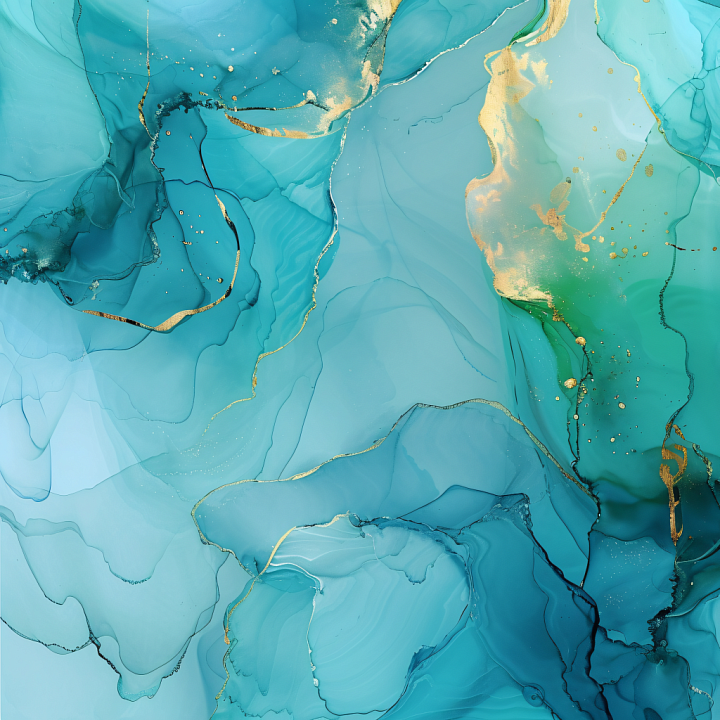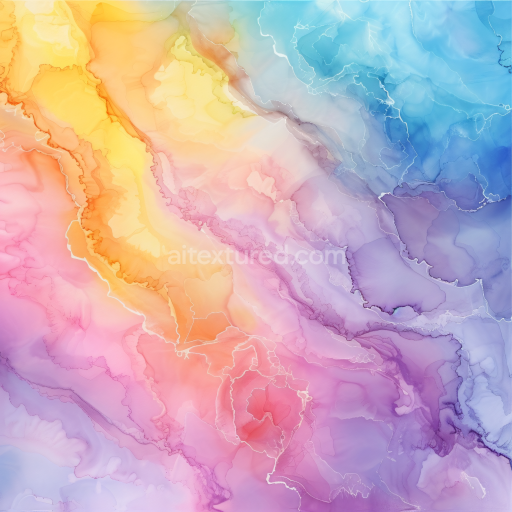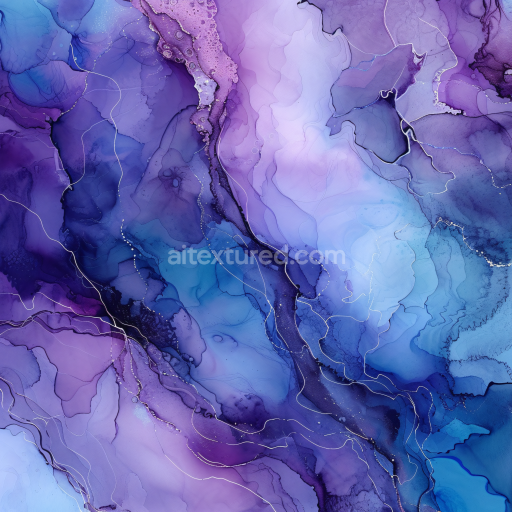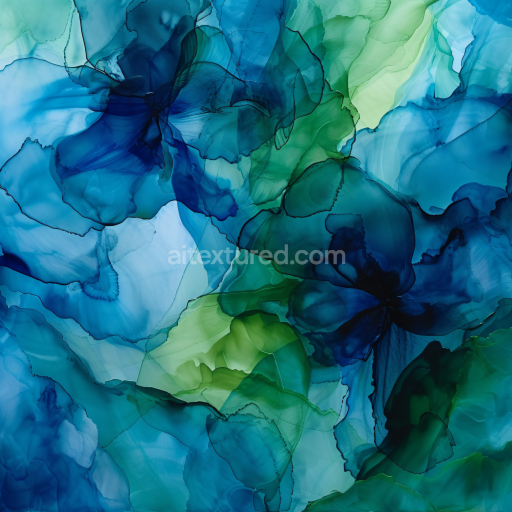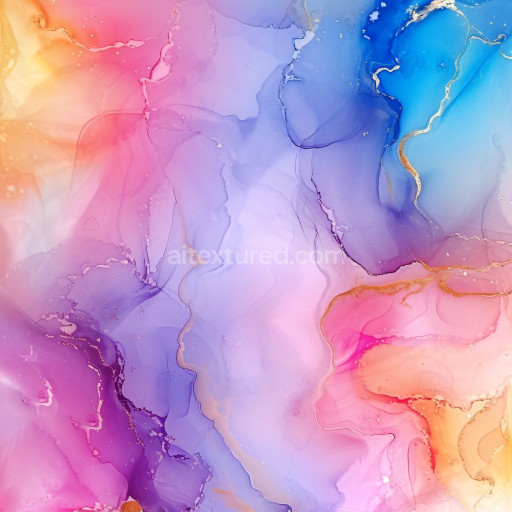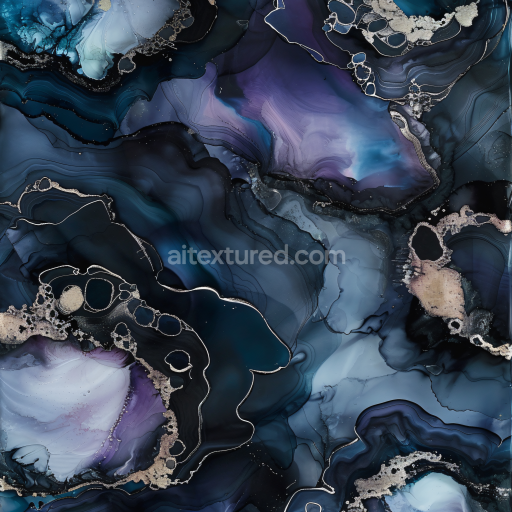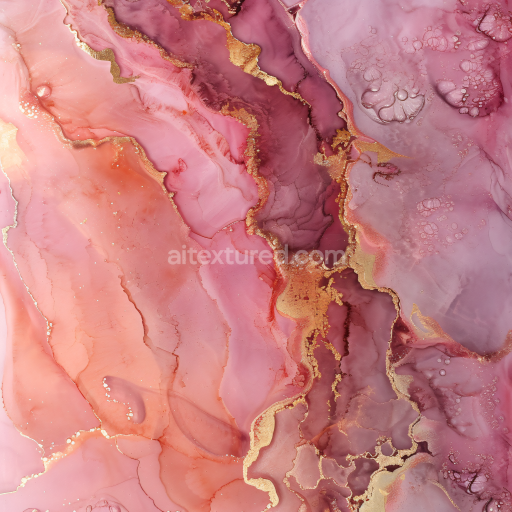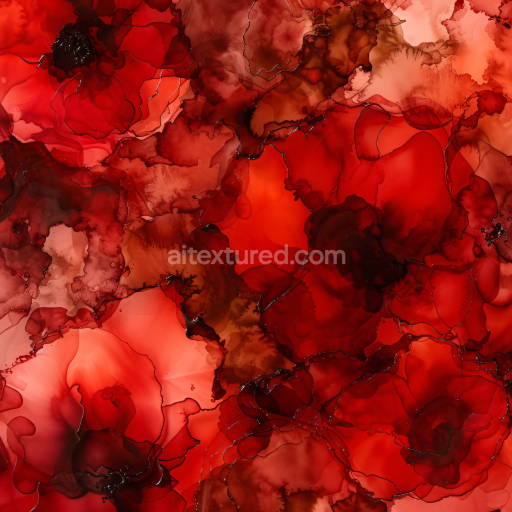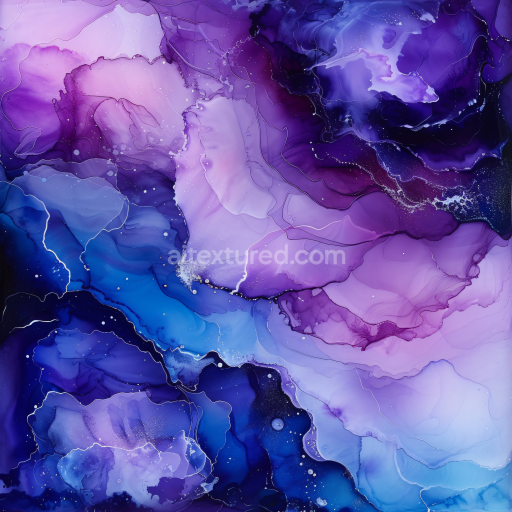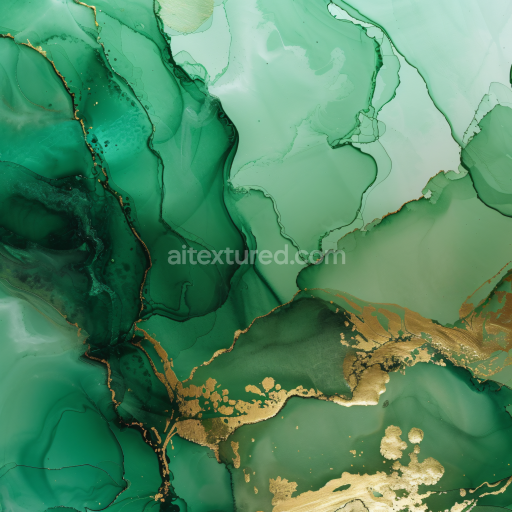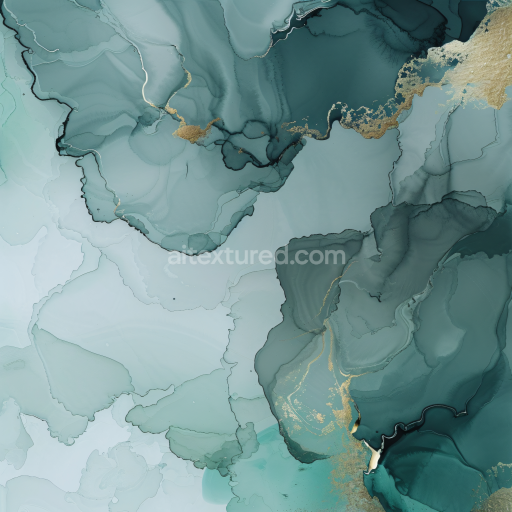
Seamless 3D Alcohol Ink PBR Texture Featuring Blue-Green Fluid Swirls with Gold Veining

Texture · PNG. License: Free for personal & commercial use.

Preview — Seamless 3D Alcohol Ink PBR Texture Featuring Blue-Green Fluid Swirls with Gold Veining

Texture Info

IDalcohol-ink-seamless-pbr-alcohol-ink-texture-with-blue-green-gold-swirls
CategoryAlcohol ink
FormatsPNG
Size1k (1024x1024px), 2k (2048x2048px), 4k (4096x4096px), 8k (8192x8192px)
ColorsRGB
TileableYes
Dive into the mesmerizing flow of this seamless 3D alcohol ink texture, where soothing shades of blue and green meld seamlessly with elegant gold accents. The texture reveals dynamic ink movement characterized by soft, layered swirls and fluid bands that create a natural marbling effect. Subtle gradients transition smoothly between translucent aquamarine and deeper teal tones, while delicate ink blooms and fine dark outlines add depth and realism to the composition. Shimmering gold veins trace organic paths across the surface, providing a luxurious contrast and a sense of precious metal detailing. The pattern’s airy, almost watercolor-like softness, combined with distinct veining, enhances its complexity without overwhelming the design. This tileable PBR-ready texture is perfect for enhancing 3D projects in Blender, Unreal Engine, Unity, 3ds Max, or Cinema 4D, offering versatility for architectural visualization, abstract wall art, high-end product rendering, motion graphics, or elegant branding materials. It fits flawlessly in modern interior scenes or stylized environments that seek an artistic yet refined aesthetic. With its graceful balance of calm color transitions and bold metallic highlights, this alcohol ink texture truly elevates any creative visualization needing a blend of natural fluidity and opulent detail.

How to Use These Seamless PBR Textures in Blender

This quick guide shows how to connect a seamless PBR texture set in Blender using Principled BSDF. The workflow works for tileable materials used in Blender, Unreal Engine, Unity, archviz, and game environments.

What Is Included

  • albedo or base color for the visible surface color
  • normal for fine surface relief
  • roughness for gloss and reflectivity control
  • metallic for metal or dielectric response
  • ao for ambient occlusion in cavities
  • height for bump, parallax, or displacement
  • ORM packed maps for optimized real-time workflows
Blender node setup overview for a seamless PBR texture
Example node layout for a standard PBR material in Blender.

Quick Start

  1. Open the Shader Editor and create a new material.
  2. Add an Image Texture node for each map you want to use.
  3. Set Color Space to sRGB for Albedo and to Non-Color for Normal, Roughness, Metallic, AO, Height, and ORM.
  4. Connect the maps to the matching inputs on Principled BSDF.

Recommended Connections

  • Albedo -> Base Color
  • Roughness -> Roughness
  • Metallic -> Metallic
  • Normal -> Normal Map node -> Normal
  • Height -> Bump or Displacement, depending on your render setup
Adding an image texture node in Blender
Add an Image Texture node before assigning the downloaded maps.

Using ORM Maps

If your download includes a packed ORM texture, split its RGB channels: R = AO, G = Roughness, B = Metallic. This is useful for Unreal Engine and other optimized real-time pipelines.

Tiling and UV Scale

Because these textures are seamless, you can repeat them across large surfaces without visible seams. Use a Mapping node to increase or reduce tiling density on floors, walls, terrain, props, and modular assets.

Common Mistakes

  • Using sRGB on non-color maps
  • Connecting a Normal map directly without a Normal Map node
  • Overdriving Height or Bump values so the surface looks unnatural
  • Ignoring texture scale, which makes seamless materials look repetitive
Loading a downloaded texture set into Blender
Load the downloaded texture set and wire the maps to Principled BSDF.

For more examples, browse related categories such as Wood Textures, Concrete Textures, and Metal Textures.

AITEXTURED Tools

Build, preview, and export seamless PBR materials. Generate full map sets from a single image, inspect them in a real-time WebGL viewer, and re-package maps for Unreal, Unity, and Blender—directly in your browser.