Free Seamless Baby Boy PBR Textures
Browse free tileable baby boy PBR materials for 3D rendering, games, archviz and product visualization. Download PNG/WEBP maps in available resolutions for Blender, Unreal Engine and Unity.
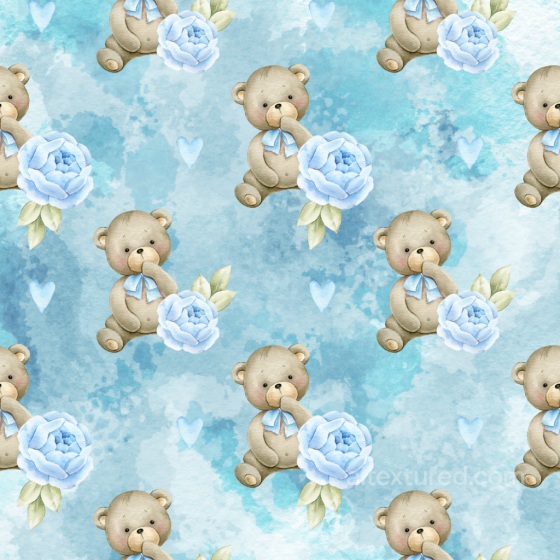
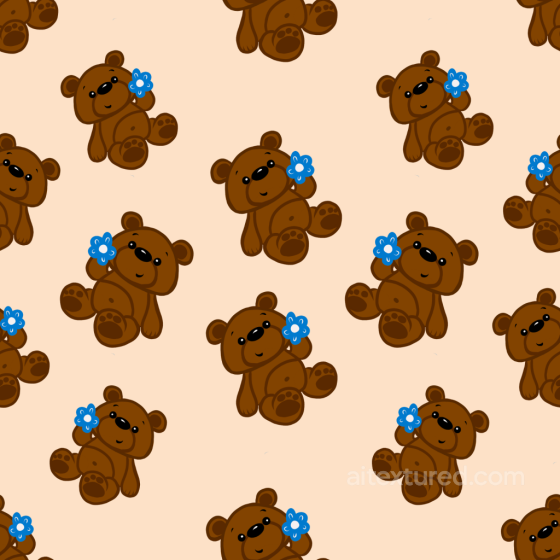
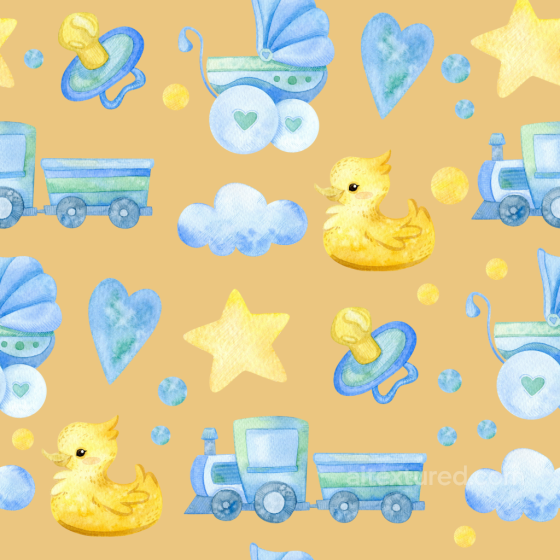
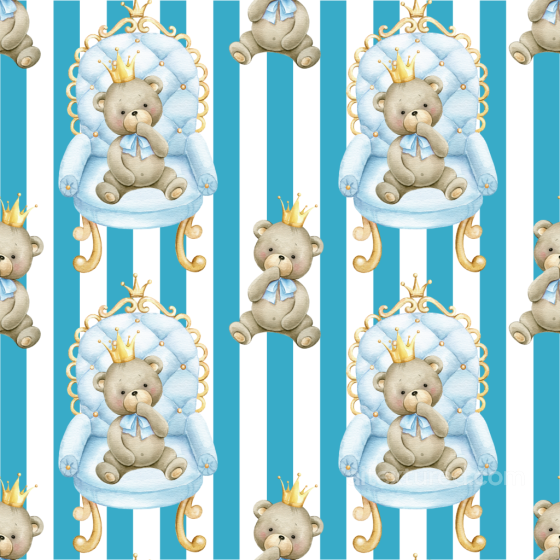
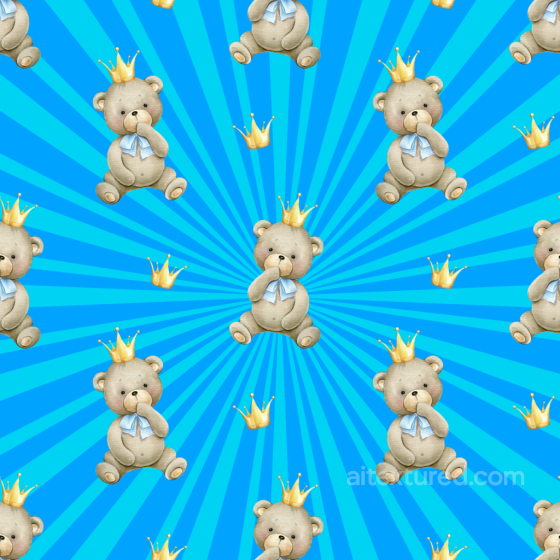
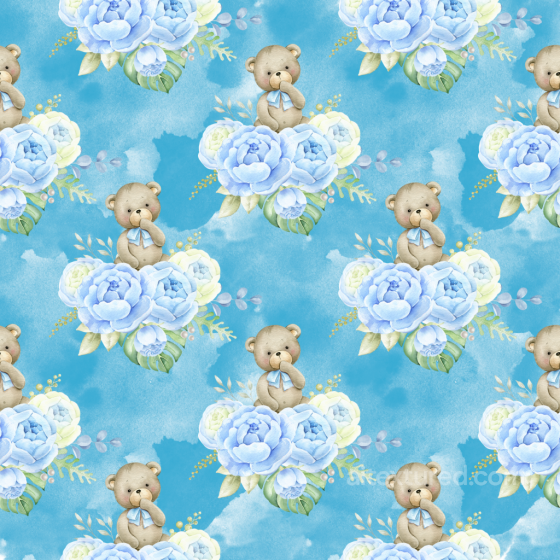
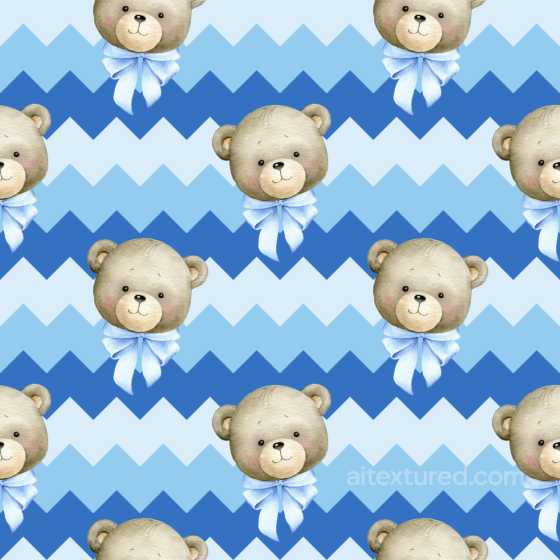
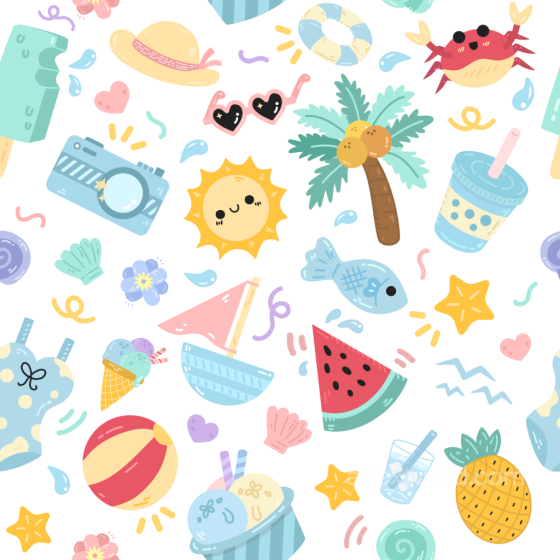
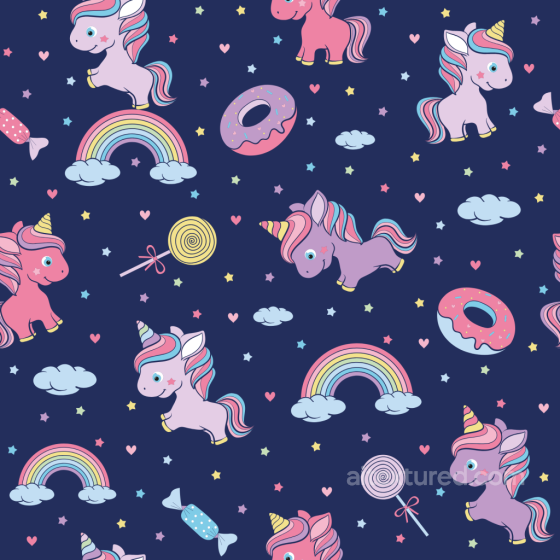
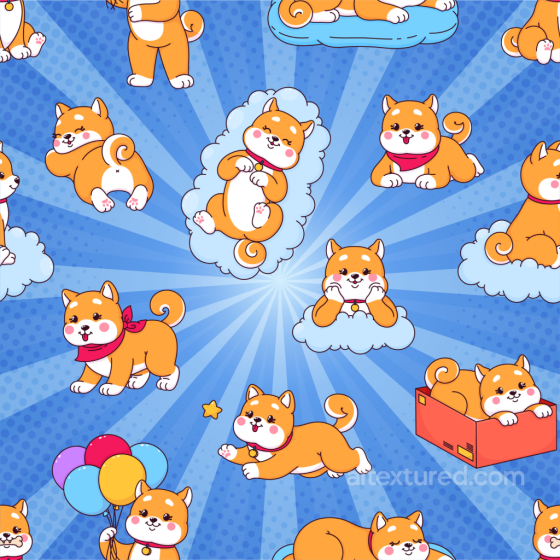
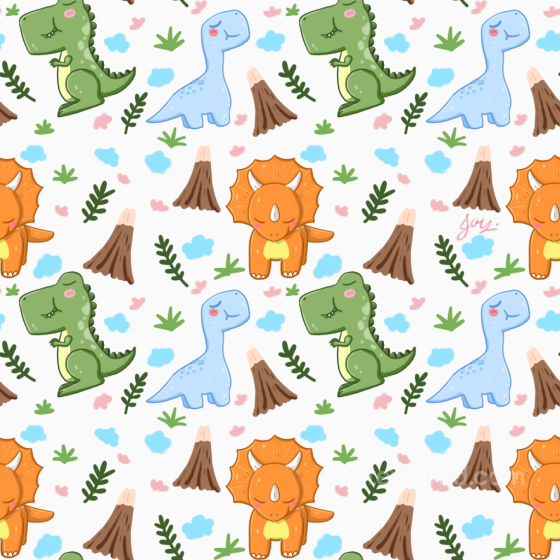
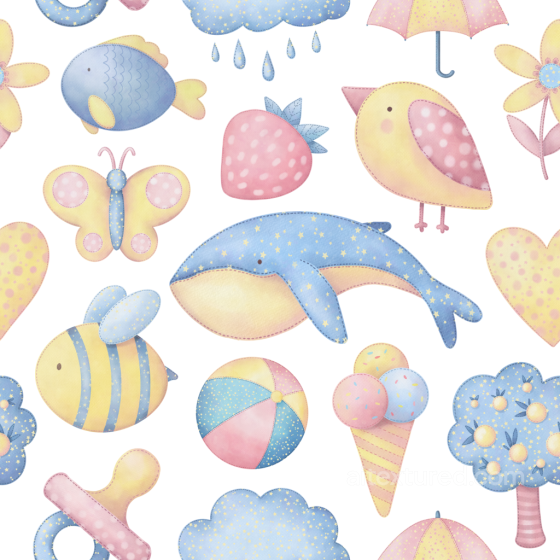
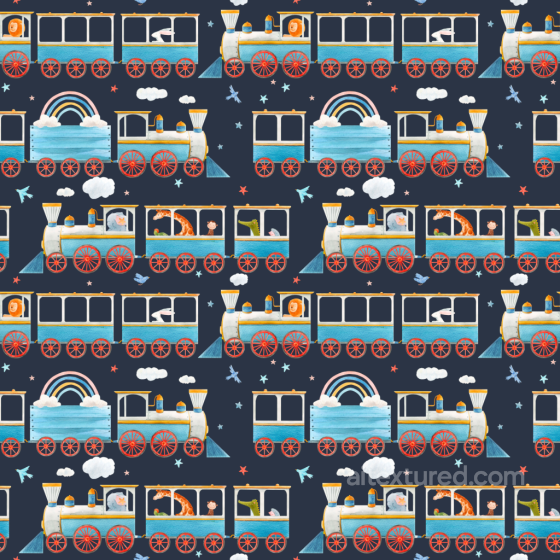
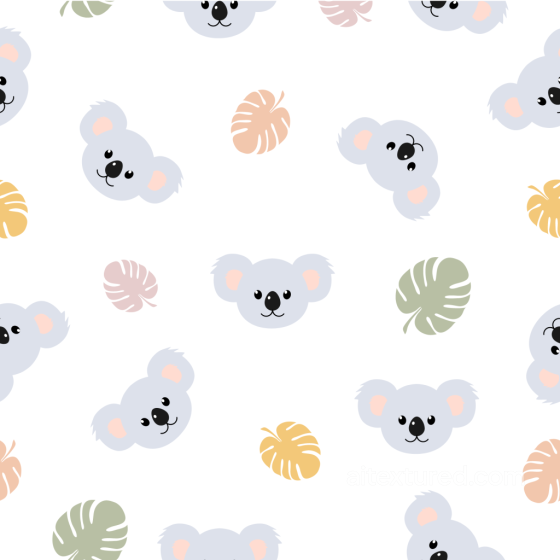
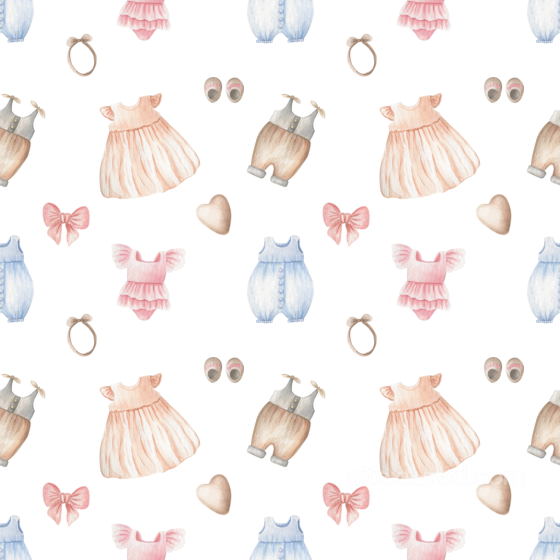
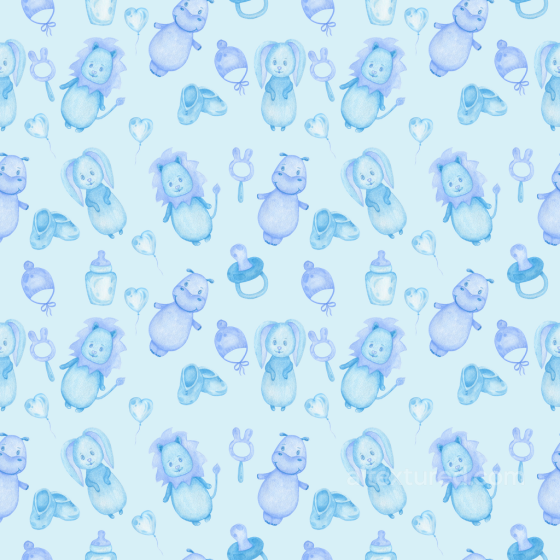
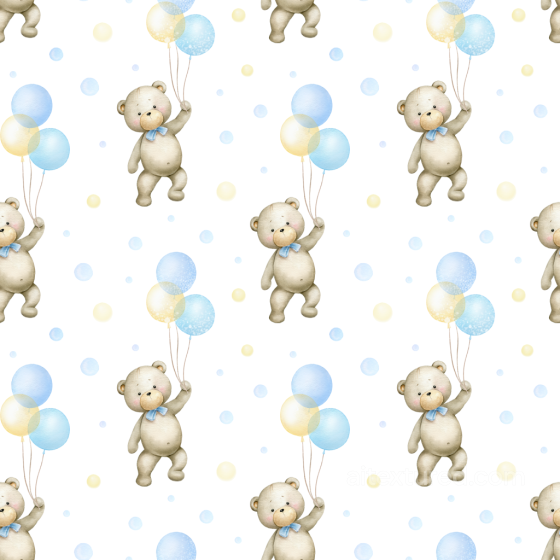
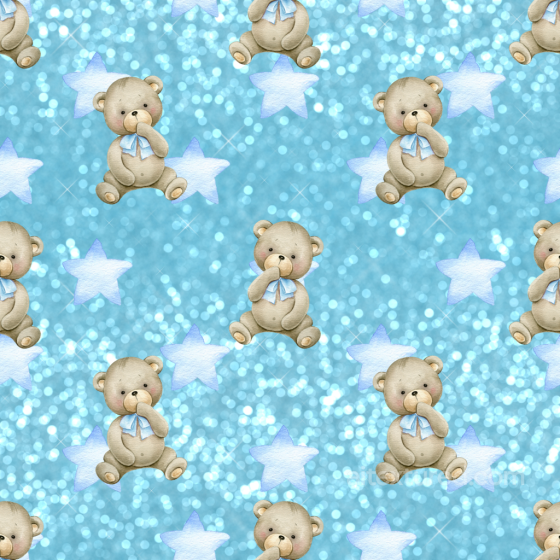
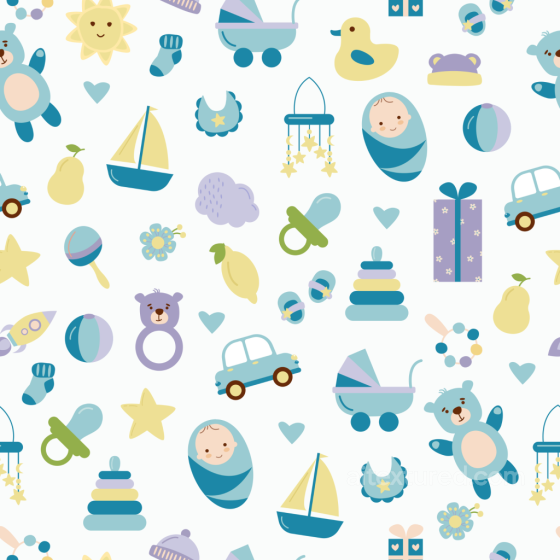
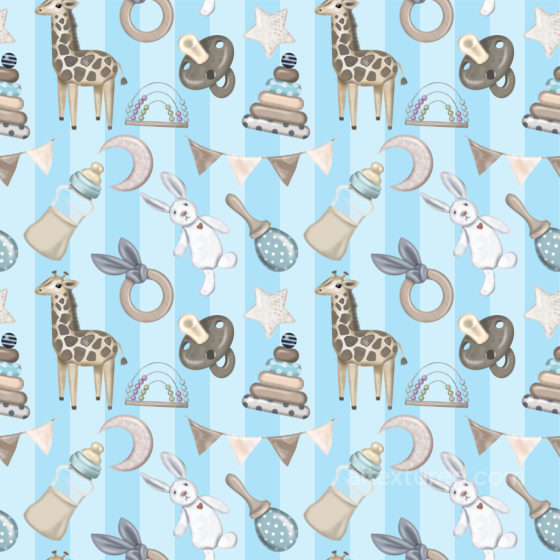
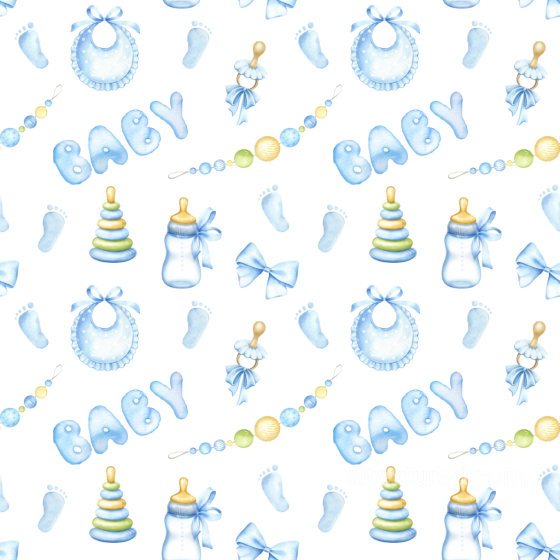
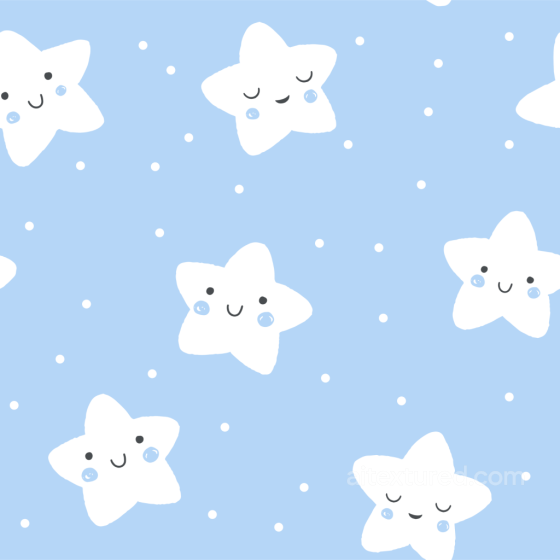
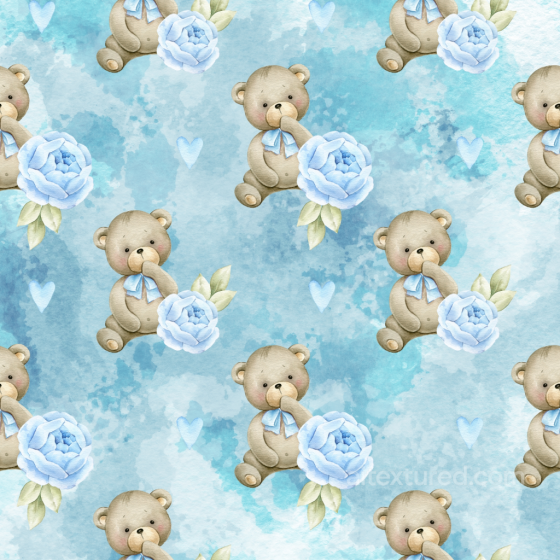
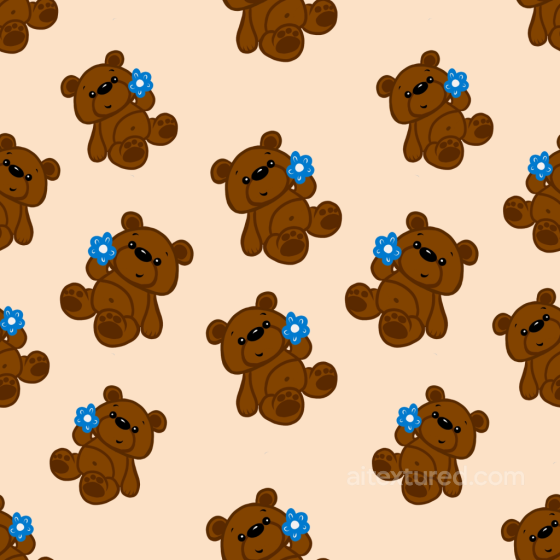
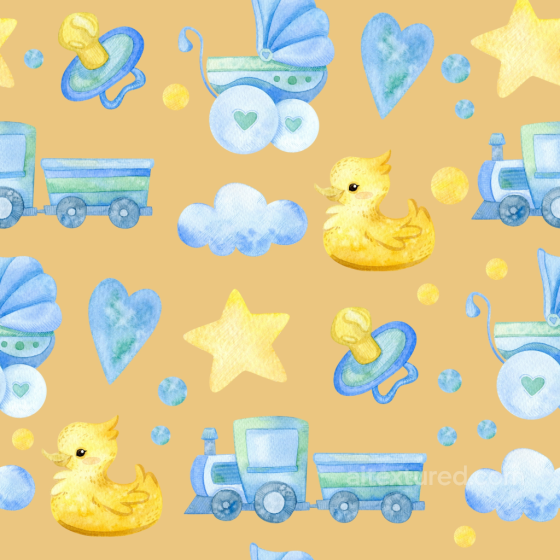
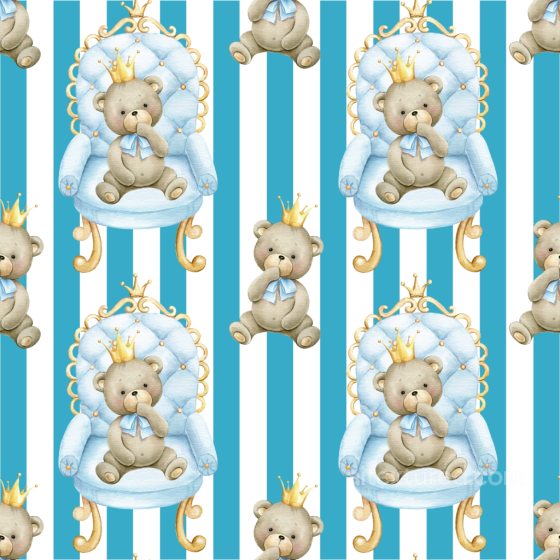
The Baby Boy collection focuses on soft, cozy materials and playful patterns for nurseries, apparel props, toys, and children’s interiors. Expect cotton jersey, flannel, brushed fleece, minky dots, waffle knit, muslin, quilted covers, felt, and light denim/chambray, plus wall and textile prints such as stars, clouds, moons, stripes, chevrons, polka dots, alphabet blocks, cars, rockets, and dinosaurs. Every texture is seamless/tileable and prepared for a metal-rough PBR workflow, ready to drop into Blender, Unreal Engine, and Unity.
Each entry ships with consistent maps: BaseColor (Albedo), Normal, Roughness, Ambient Occlusion, and Height/Displacement where available; select assets include Opacity for lace/cutouts. Resolutions range from 1K–8K in PNG/WEBP. Albedo uses sRGB; scalar maps are linear. Normal maps default to OpenGL (convert to DirectX as needed).
Use these materials to build crib bedding and quilts, upholstery for chairs/sofas, soft toy skins, nursery wallpapers, and decor panels in calming palettes: sky blue, mint, sage, sand, grey, off-white (all easy to recolor). For believable results:
-
Keep real-world UV scale (e.g., minky dot 6–10 mm; knit loop ~1–2 mm).
-
Lower Normal intensity to preserve softness; add Height/Parallax sparingly for quilting seams and tufting.
-
Set Roughness higher on fabrics (≈0.6–0.9); add a mild clear-coat only for satin or laminated prints.
-
Use anisotropy for woven/knit directionality; align pattern repeats to world axes to avoid drift on large panels.
-
Combine AO + Roughness to emphasize stitch shadows, quilting channels, and minky wells without over-darkening.
Key features: Seamless • Tileable • 1K–8K PNG/WEBP • PBR maps (BaseColor/Normal/Roughness/AO/Height [+Opacity on select]) • Engine-ready for Blender/Unreal/Unity • Clean naming for fast look-dev • Non-branded, production-safe motifs.
Source and license status varies by asset; review the detail page before use.
Baby Boy Texture FAQ
Are these baby boy textures seamless?
Tiling support varies by asset. Open a texture page and use the tiled preview to check seams and repetition before production use.
Can I use these textures in Blender, Unreal Engine and Unity?
Map availability varies by asset. Review the map list, then use the engine mapper when target-specific packing is required.
Which maps are included?
Depending on the asset, downloads may include base color, normal, roughness, ambient occlusion, height and packed engine maps.
Are the textures free for commercial projects?
Check the license block on each texture page before using an asset in commercial production.
Explore More Texture Resources
Related texture categories
Texture workflow tools
AITextured Tools
Generate maps from existing images, preview materials, convert channels, and package compatible inputs for Blender, Unity, and Unreal Engine.
PBR Material Tools
Choose a verified workflow for generating maps, previewing tiling, converting channels, or starting from the texture catalog.
Input: image or existing maps → Output: preview, PBR maps, or engine-ready package
Explore tools
PBR Texture Generator
Derive Normal, Roughness, AO, Metallic, Height and optional ORM maps from one or more source images, then review the results.
Input: PNG/JPG/WEBP → Output: Normal, Roughness, AO, Height, Metallic, ORM ZIP
Create PBR maps
Online Texture Preview
Instant WebGL viewer: inspect materials on a sphere, plane, and cube. Check tiling and lighting in real time.
Input: material maps → Output: interactive render and tiling check
Preview material
Unity / Unreal / Blender Mapper
Re-packages maps per engine: Unreal (BaseColor + ORM), Unity (Mask/MetallicSmoothness), Blender (separate channels).
Input: PBR maps → Output: Blender, Unreal, Unity channel packages
Convert maps
Image Converter
PNG ↔ JPG ↔ SVG: fast convert, SVG rasterize, embed/trace options, quality & background controls.
Input: PNG/JPG/SVG → Output: converted image format
Convert images