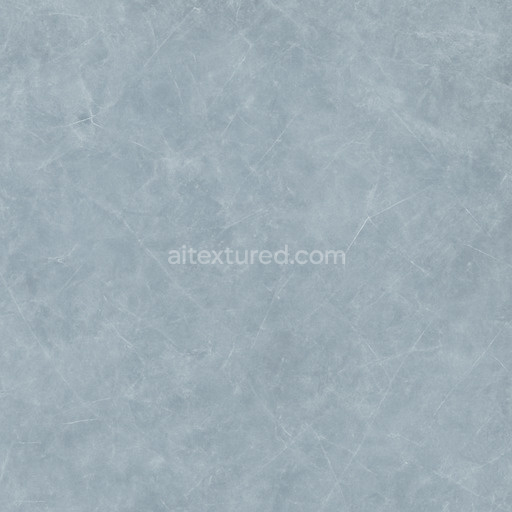
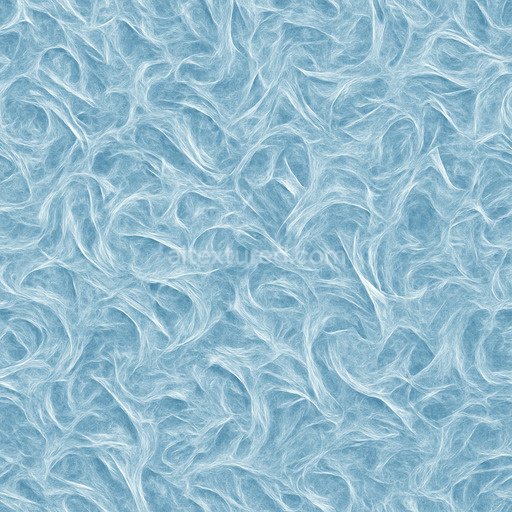
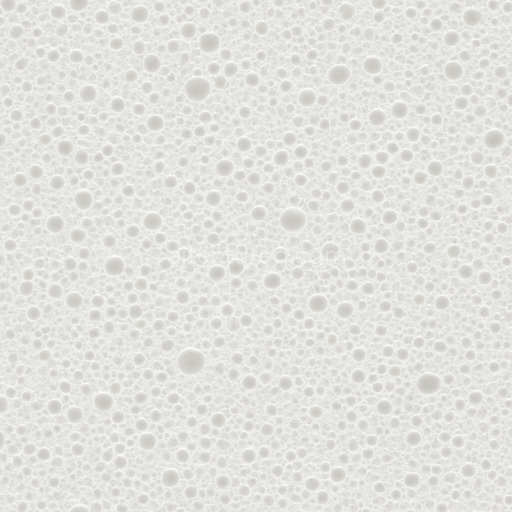
Dull Ice Seamless Texture
Seamless texture (tileable) · PNG, WEBP, PBR ZIP.
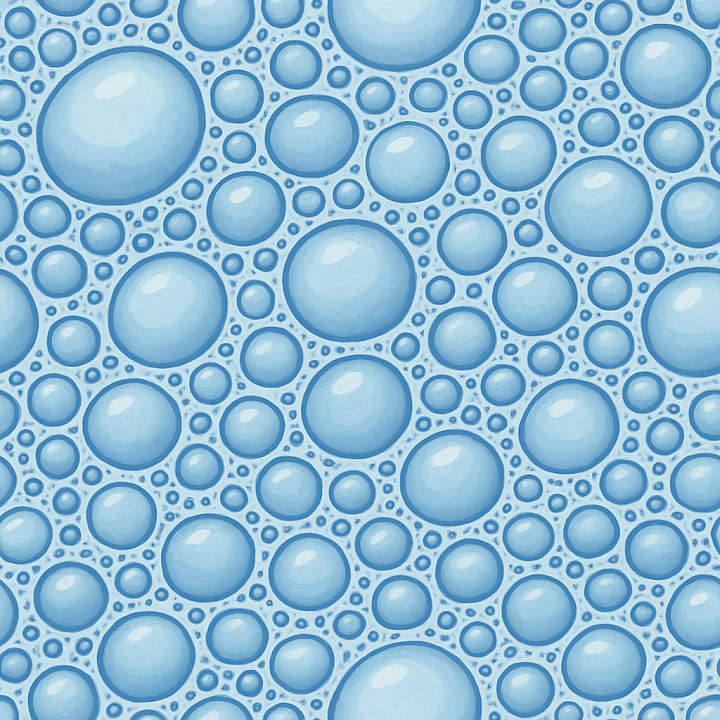
| ID | stylized-foam-seamless-texture |
|---|---|
| Category | Basic-materials |
| Formats | PNG, WEBP, PBR ZIP |
| Size | 1k (1024x1024px), 2k (2048x2048px), 4k (4096x4096px), 8k (8192x8192px) |
| Tileable | Yes |
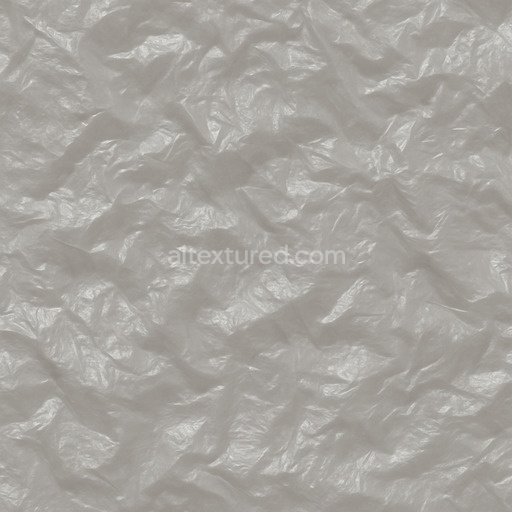
The Stylized Foam Seamless Texture offers a sophisticated and highly detailed surface inspired by polymer-based foam materials characterized by a lightweight yet resilient structure. This texture simulates a synthetic foam substrate composed of microscopic closed-cell polymers bound together by flexible adhesives creating a consistent pattern of interconnected bubbles and fine grain orientation. The surface finish exhibits a subtly matte slightly brushed appearance with natural variations in porosity and micro-weathering effects that enhance realism without compromising its stylized aesthetic. Colorants are represented through soft diffuse pigments embedded within the foam matrix resulting in a balanced BaseColor channel that reflects the material’s uniform yet organic tone. The Normal map captures the intricate relief of individual foam cells providing depth and tactile detail while the Roughness channel controls the semi-matte finish that diffuses light gently to maintain a believable surface reflection. Metallic values remain minimal to none consistent with the non-metallic nature of foam and Ambient Occlusion subtly enhances the crevices between bubbles emphasizing the texture’s three-dimensionality. Height and Displacement maps accentuate the foam’s variable thickness and bubble contours adding dimensionality for close-up renders.
This tileable Stylized Foam Seamless Texture is crafted at an exceptionally high resolution of up to 8K ensuring crisp repeatable details that scale elegantly across large surfaces without visible seams or distortion. It integrates seamlessly into real-time 3D workflows and cinematic rendering pipelines making it ideal for use in Blender Unreal Engine and Unity projects. Whether applied for environment dressing material studies or level design this texture delivers predictable and consistent results thanks to its generated robust workflow origins which balance crisp detail with controlled noise for a natural yet stylized look. Its seamless tiling capability allows for continuous coverage on expansive geometry without repetitive artifacts enhancing immersion in both real-time and offline renders.
When incorporating this stylized foam seamless texture into your materials library consider adjusting the UV scale to maintain the appropriate bubble size relative to your scene’s dimensions. Additionally fine-tuning the Roughness channel intensity can help adapt the surface to various lighting conditions preventing it from appearing too flat or overly glossy. For scenes requiring enhanced depth perception slight modulation of Height or Parallax parameters can emphasize the foam’s cellular structure adding a tactile realism that complements the stylized visual approach. This texture is fully licensed for personal and commercial use supporting creative flexibility across diverse projects requiring high-quality basic-materials textures with an emphasis on organic polymer foam surfaces.
The PBR texture stylized foam seamless texture offers a highly detailed seamless stylized foam seamless texture with a realistic PBR appearance perfectly showcased in a 3D preview.
Import the texture maps into Blender with sRGB color space for albedo/base color and Non-Color for normal, roughness, metallic, AO, height, and ORM maps. Connect normal maps through a Normal Map node, then adjust UV scale with a Mapping node so the material repeats naturally on your model.
For the full step-by-step setup, see How to Use Seamless Textures in Blender. Browse related material examples in wood, concrete, and metal.
Yes. This texture is designed as a seamless tileable PBR material, so it can repeat across large surfaces without visible borders.
Use the download controls on this page: they expose the available PNG, WEBP or engine ZIP choices and supported resolutions for this asset.
Use the engine ZIP choices to package compatible source maps for Blender, Unreal Engine or Unity, then verify the imported material in the target application.
Commercial-use permission is not verified for this record. Confirm the original source and license before production use.

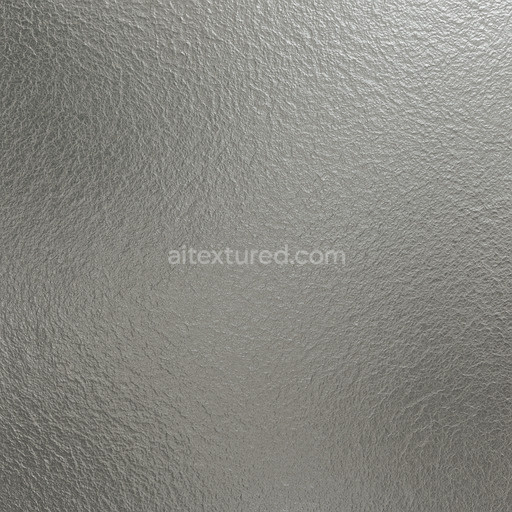
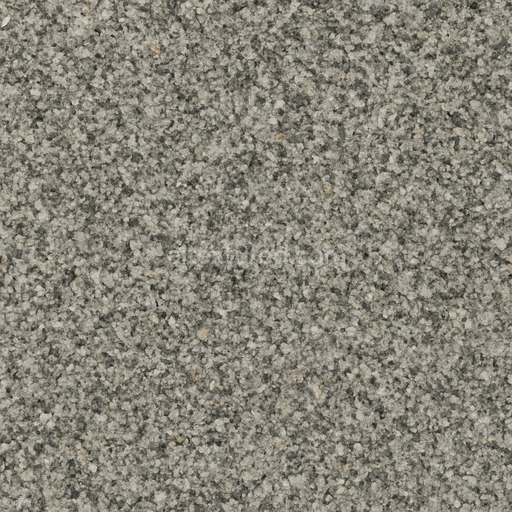
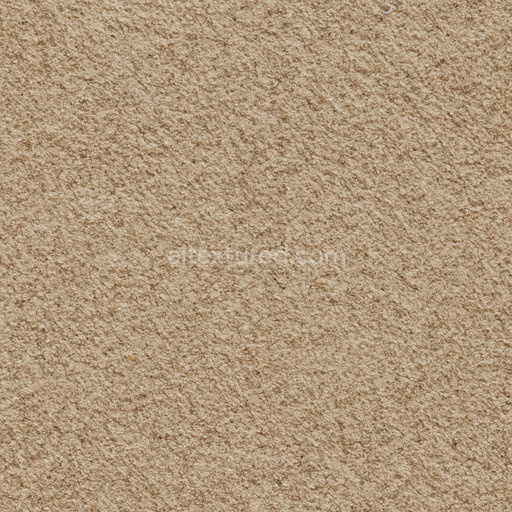

Generate maps from existing images, preview materials, convert channels, and package compatible inputs for Blender, Unity, and Unreal Engine.
Choose a verified workflow for generating maps, previewing tiling, converting channels, or starting from the texture catalog.
Derive Normal, Roughness, AO, Metallic, Height and optional ORM maps from one or more source images, then review the results.
Instant WebGL viewer: inspect materials on a sphere, plane, and cube. Check tiling and lighting in real time.
Re-packages maps per engine: Unreal (BaseColor + ORM), Unity (Mask/MetallicSmoothness), Blender (separate channels).
PNG ↔ JPG ↔ SVG: fast convert, SVG rasterize, embed/trace options, quality & background controls.