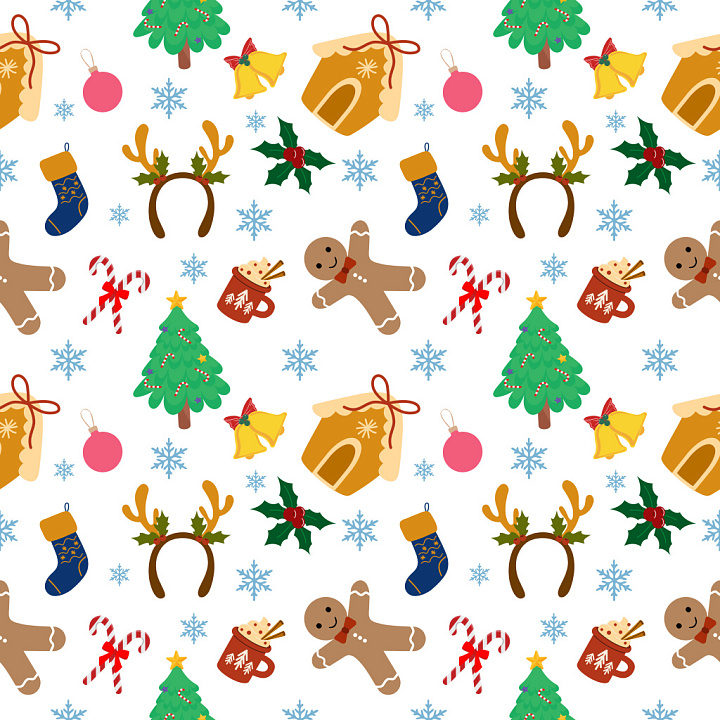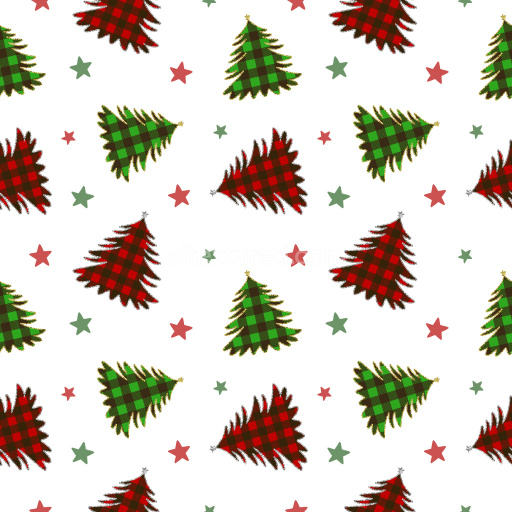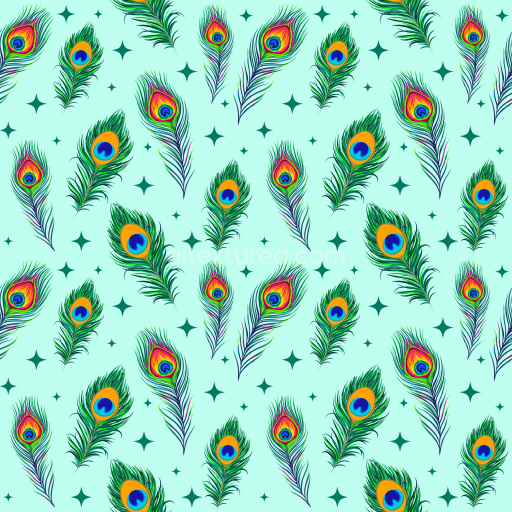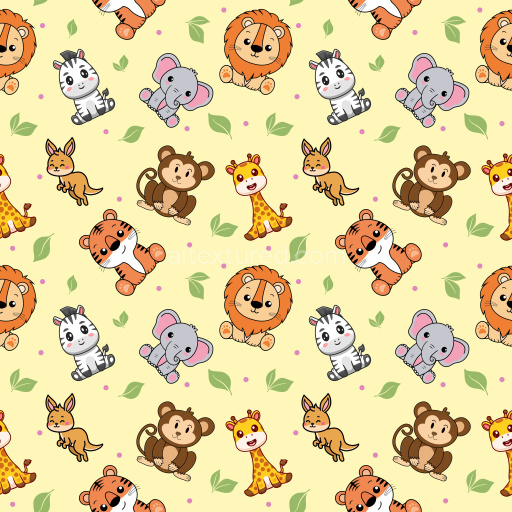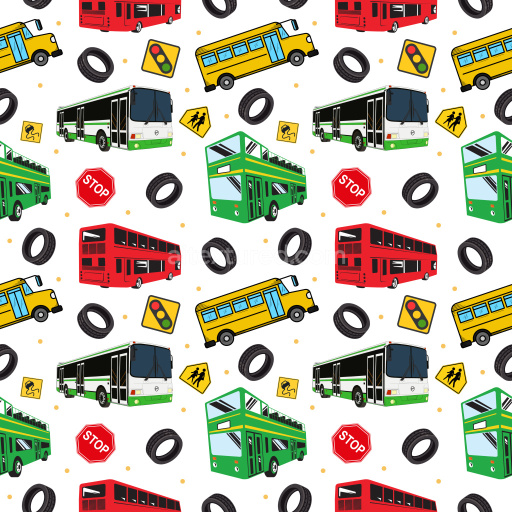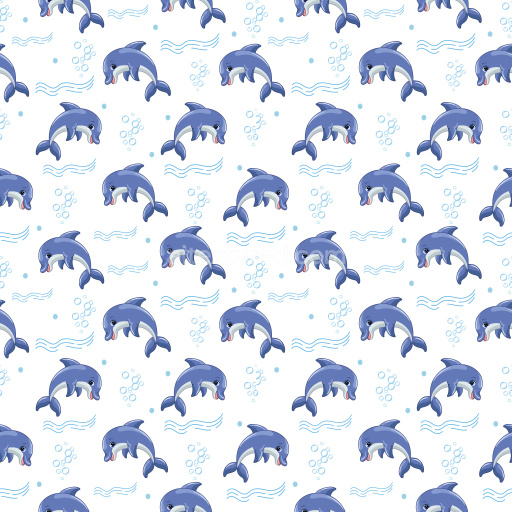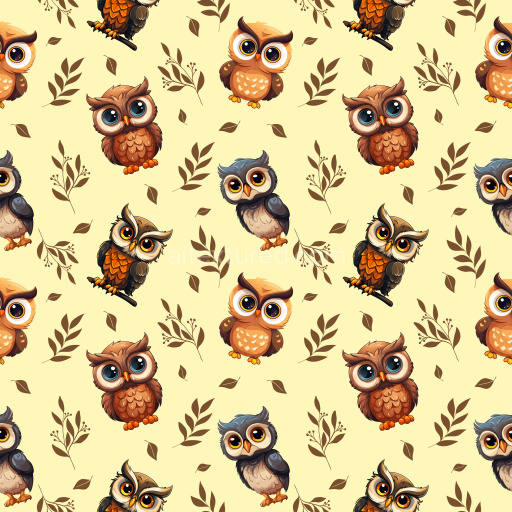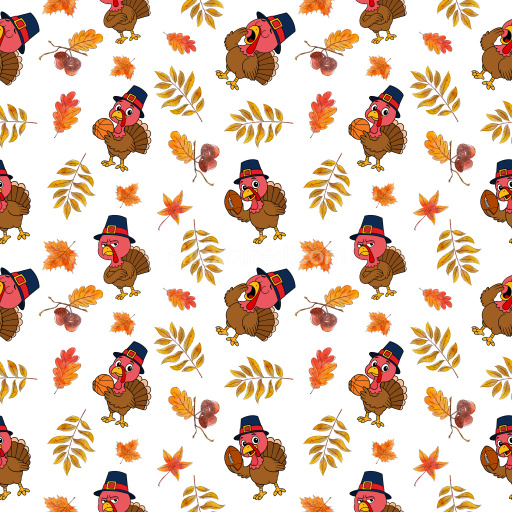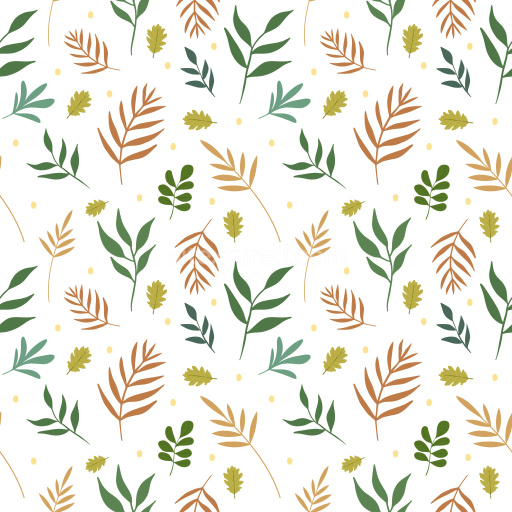
This festive seamless 3D pattern PBR texture features an assortment of charming Christmas-themed icons evenly distributed on a crisp white background. The design includes gingerbread men with red bow ties, decorated Christmas trees adorned with candy canes, cozy winter stockings, candy cane pairs tied with bows, holly leaves with vivid red berries, golden bells accented with red ribbons, pink baubles, snowflakes, cozy mugs topped with whipped cream and cinnamon sticks, rustic gingerbread house roofs, and a playful set of reindeer antler headbands. The icons use a warm, cheerful palette dominated by greens, reds, browns, blues, yellows, and soft pinks, delivering a vibrant yet balanced visual harmony. Each motif is distinctly outlined with smooth, clean edges and flat vector-style fills that enhance clarity and boldness, contributing to a playful, hand-crafted aesthetic. The spacing between elements is open and well-proportioned, facilitating a balanced and non-cluttered repeat tile that creates a rhythmic, joyful surface when tiled. The pattern is designed to be perfectly seamless, ensuring no visible breaks or mismatches during tiling, making it PBR-ready for realistic 3D texturing workflows. The texture’s flat, matte finish mimics a clean printed fabric or wrapping paper feel, ideal for digital holiday-themed assets. This texture suits a wide range of 3D applications including festive interior visualizations, game development with holiday levels or character skins, packaging designs for seasonal products, Christmas-themed branding backgrounds, and virtual holiday decorations. It's compatible with major 3D software and game engines like Blender, Unreal Engine, Unity, 3ds Max, and Cinema 4D, providing artists and designers with a versatile surface that enhances the mood of any seasonal scene or asset. Whether used on textiles, gift wraps, wallpapers, or stylized 3D models, this pattern stands out for its approachable and joyful holiday imagery combined with practical seamless tiling quality and PBR readiness, helping create immersive and spirited festive visuals.
How to Use These Seamless PBR Textures in Blender
This quick guide shows how to connect a seamless PBR texture set in Blender using
Principled BSDF. The workflow works for tileable materials used in
Blender, Unreal Engine, Unity, archviz, and game environments.
What Is Included
albedo or base color for the visible surface color
normal for fine surface relief
roughness for gloss and reflectivity control
metallic for metal or dielectric response
ao for ambient occlusion in cavities
height for bump, parallax, or displacement
ORM packed maps for optimized real-time workflows
Example node layout for a standard PBR material in Blender.
Quick Start
Open the Shader Editor and create a new material.
Add an Image Texture node for each map you want to use.
Set Color Space to sRGB for Albedo and to Non-Color for Normal, Roughness, Metallic, AO, Height, and ORM.
Connect the maps to the matching inputs on Principled BSDF.
Recommended Connections
Albedo -> Base Color
Roughness -> Roughness
Metallic -> Metallic
Normal -> Normal Map node -> Normal
Height -> Bump or Displacement, depending on your render setup
Add an Image Texture node before assigning the downloaded maps.
Using ORM Maps
If your download includes a packed ORM texture, split its RGB channels:
R = AO, G = Roughness, B = Metallic.
This is useful for Unreal Engine and other optimized real-time pipelines.
Tiling and UV Scale
Because these textures are seamless, you can repeat them across large surfaces without
visible seams. Use a Mapping node to increase or reduce tiling density
on floors, walls, terrain, props, and modular assets.
Common Mistakes
Using sRGB on non-color maps
Connecting a Normal map directly without a Normal Map node
Overdriving Height or Bump values so the surface looks unnatural
Ignoring texture scale, which makes seamless materials look repetitive
Load the downloaded texture set and wire the maps to Principled BSDF.
Build, preview, and export seamless PBR materials. Generate full map sets from a single image, inspect them in a real-time WebGL viewer, and re-package maps for Unreal, Unity, and Blender—directly in your browser.