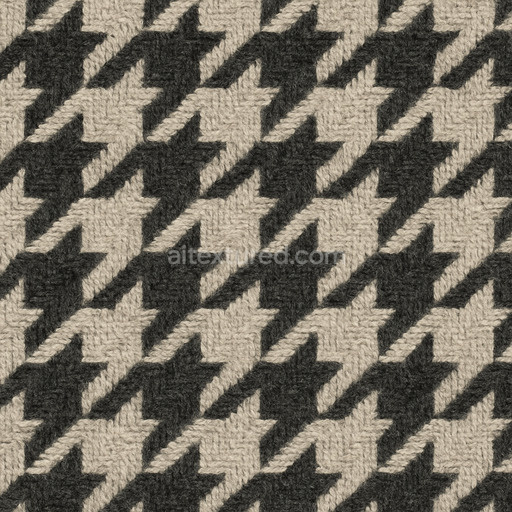
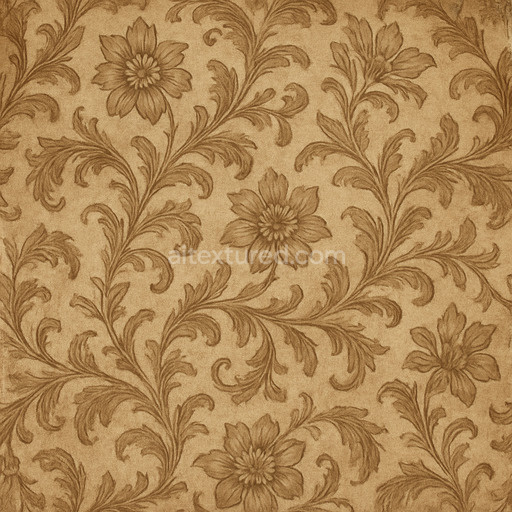
Hounds Tooth Classic Textile
Seamless texture (tileable) · PNG, WEBP, PBR ZIP.
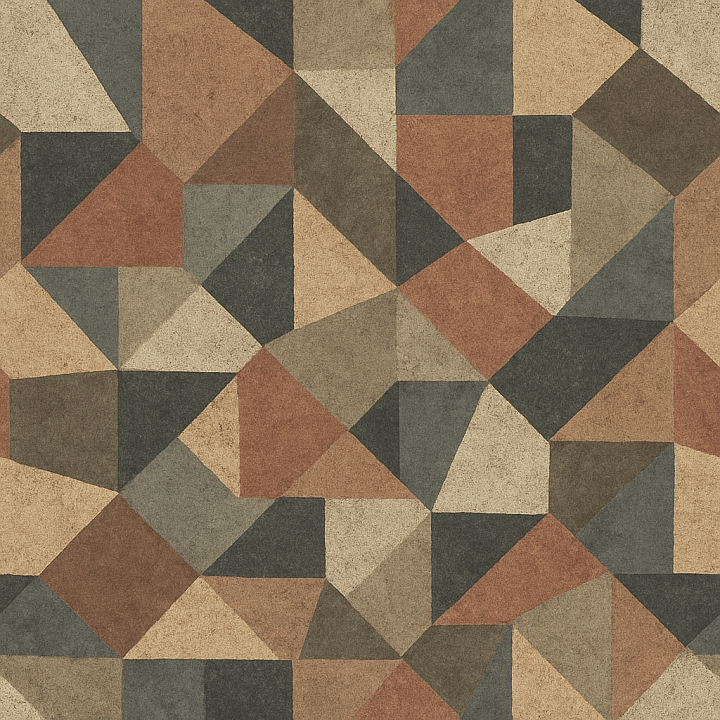
| ID | rough-geometric-pattern-texture-seamless |
|---|---|
| Category | Patterns |
| Formats | PNG, WEBP, PBR ZIP |
| Size | 1k (1024x1024px), 2k (2048x2048px), 4k (4096x4096px), 8k (8192x8192px) |
| Tileable | Yes |
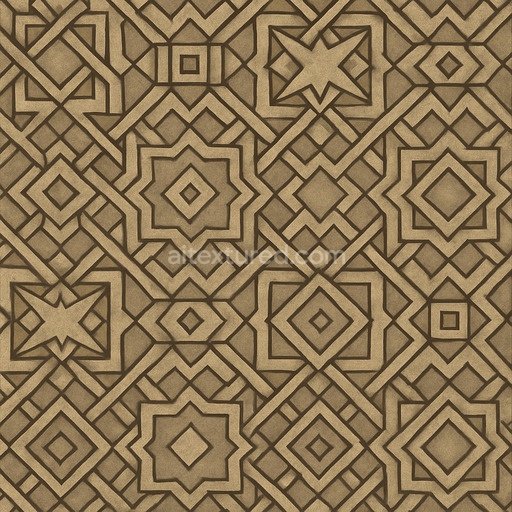
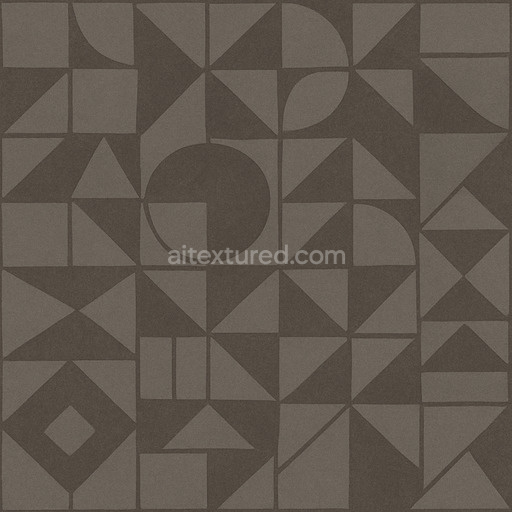
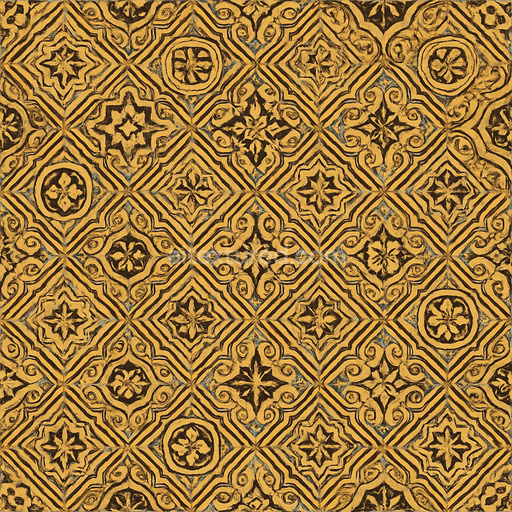
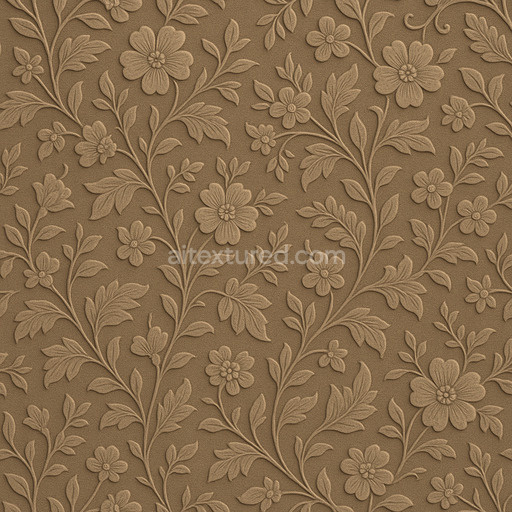
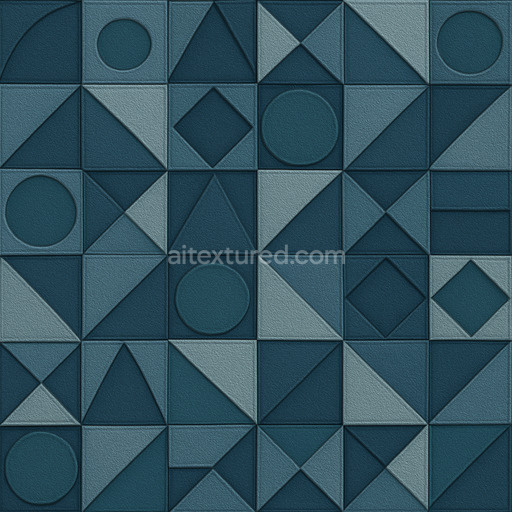
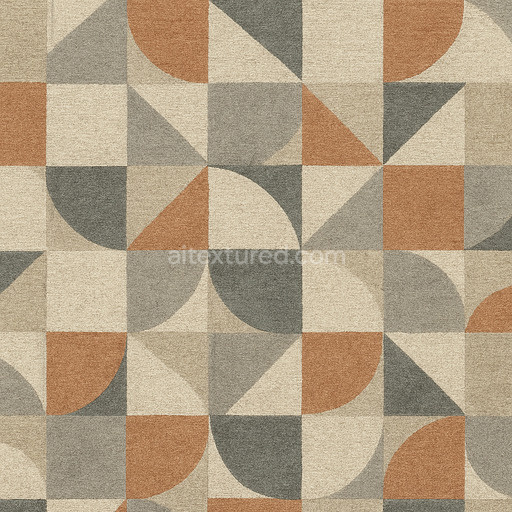
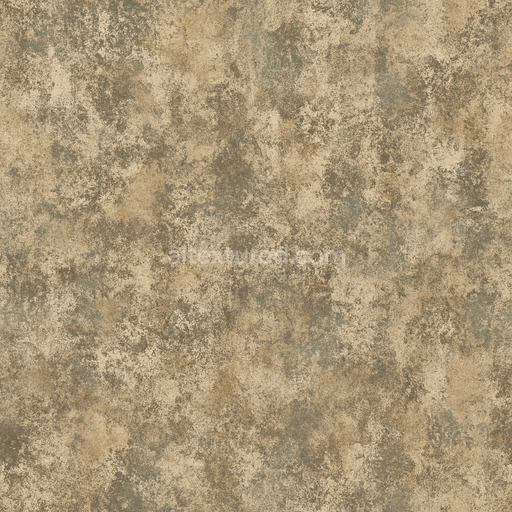
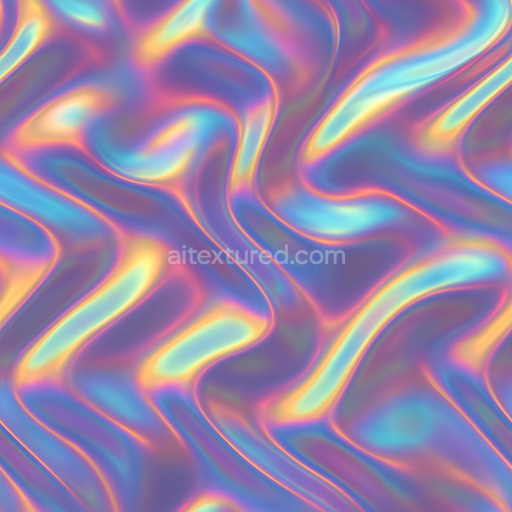
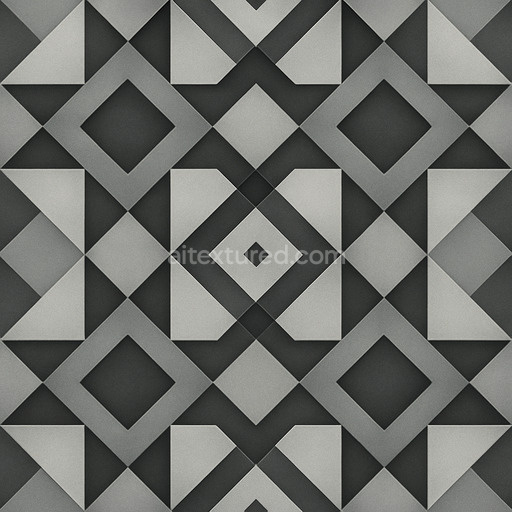
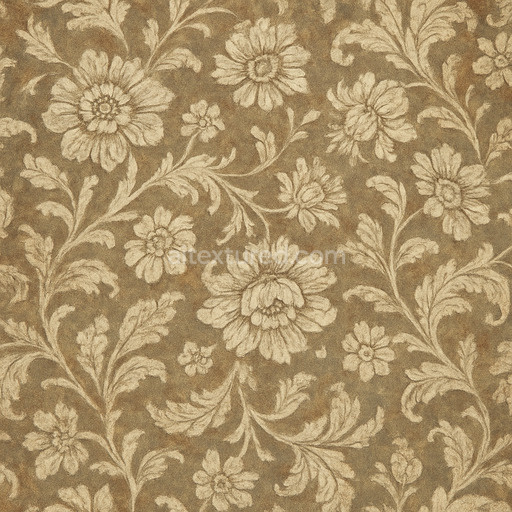
This rough geometric pattern texture seamless high resolution up to 8K emulates a carefully engineered composite surface combining a mineral-based substrate with fine aggregates that form its distinct geometric motifs. The base material suggests a dense ceramic or stone matrix enhanced by subtle ceramic binders that hold the pattern’s angular shapes with precise grain orientation. Its slightly porous structure visible in the ambient occlusion and height maps imparts a tactile weathering effect while the surface finish—a matte brushed appearance—reduces reflectivity and highlights the interplay of light and shadow across the pattern’s facets. Pigment layers embedded within the base color channel produce muted earth tones balanced by oxide tinting that deepens the texture’s naturalistic feel without overpowering its clean modern aesthetic.
In PBR workflows this tileable rough geometric pattern texture seamless high resolution up to 8K excels through detailed channel integration. The BaseColor/Albedo map captures the nuanced pigment distribution and subtle tonal shifts while the Normal channel accentuates micro-detail and depth reinforcing the sharp edges and planar interruptions of the geometric design. The Roughness map defines the surface’s semi-rough finish diffusing light softly rather than creating harsh reflections typical of polished surfaces. Metallic values remain minimal to maintain a non-metallic ceramic impression and the Height/Displacement maps provide convincing elevation cues perfect for parallax occlusion effects that enhance realism especially on large-scale architectural visualizations or environment art. Ambient Occlusion ensures shadowed crevices remain grounded and believable in complex lighting setups.
Designed to accelerate patterns workflows this seamless rough geometric pattern texture seamless high resolution up to 8K integrates effortlessly with major 3D software such as Blender Unreal Engine and Unity. Its high resolution scaling up to 8k ensures crisp detail retention even on vast surfaces without visible seams or repetition artifacts ideal for concept prototyping and quick look-dev stages. For optimal results adjust the UV scale to balance pattern density with scene requirements and fine-tune roughness intensity to harmonize with your lighting rig maintaining a grounded and realistic material response. This generated texture provides a production-ready foundation that supports rapid iteration without sacrificing structural consistency or micro-detail fidelity.
This high-resolution generated texture features a seamless rough geometric pattern texture with detailed patterns textures offering a realistic 3D preview for precise PBR material composition up to 8K quality.
Import the texture maps into Blender with sRGB color space for albedo/base color and Non-Color for normal, roughness, metallic, AO, height, and ORM maps. Connect normal maps through a Normal Map node, then adjust UV scale with a Mapping node so the material repeats naturally on your model.
For the full step-by-step setup, see How to Use Seamless Textures in Blender. Browse related material examples in wood, concrete, and metal.
Yes. This texture is designed as a seamless tileable PBR material, so it can repeat across large surfaces without visible borders.
Use the download controls on this page: they expose the available PNG, WEBP or engine ZIP choices and supported resolutions for this asset.
Use the engine ZIP choices to package compatible source maps for Blender, Unreal Engine or Unity, then verify the imported material in the target application.
Commercial-use permission is not verified for this record. Confirm the original source and license before production use.
Generate maps from existing images, preview materials, convert channels, and package compatible inputs for Blender, Unity, and Unreal Engine.
Choose a verified workflow for generating maps, previewing tiling, converting channels, or starting from the texture catalog.
Derive Normal, Roughness, AO, Metallic, Height and optional ORM maps from one or more source images, then review the results.
Instant WebGL viewer: inspect materials on a sphere, plane, and cube. Check tiling and lighting in real time.
Re-packages maps per engine: Unreal (BaseColor + ORM), Unity (Mask/MetallicSmoothness), Blender (separate channels).
PNG ↔ JPG ↔ SVG: fast convert, SVG rasterize, embed/trace options, quality & background controls.