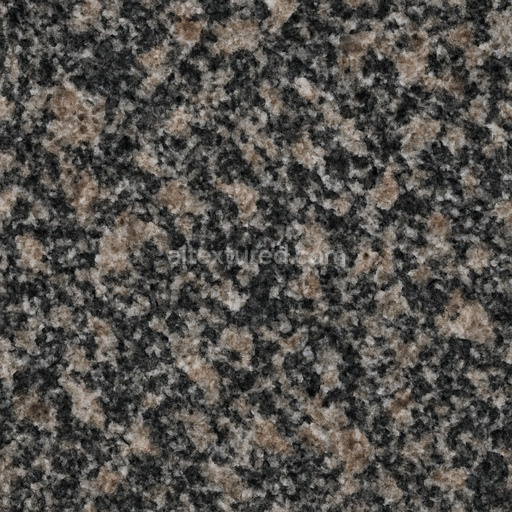
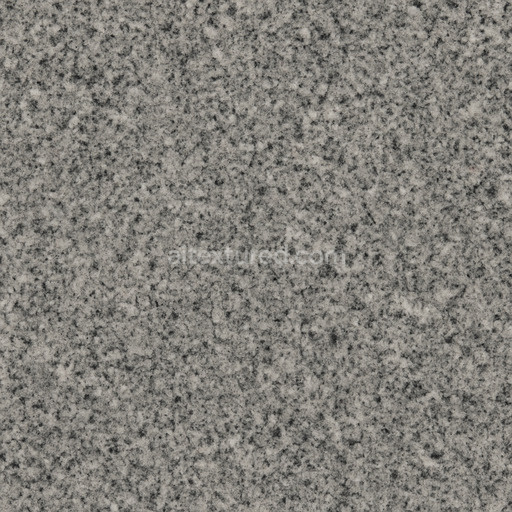
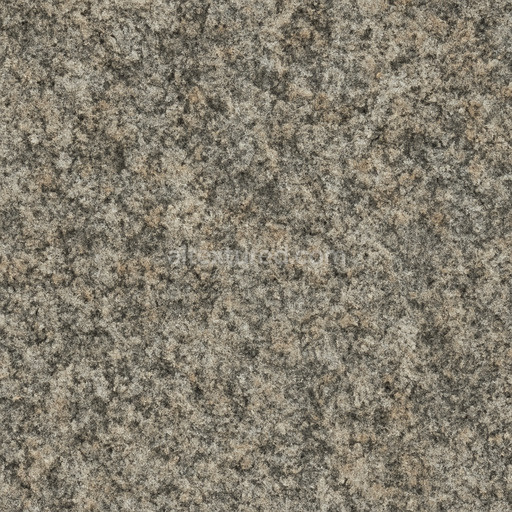
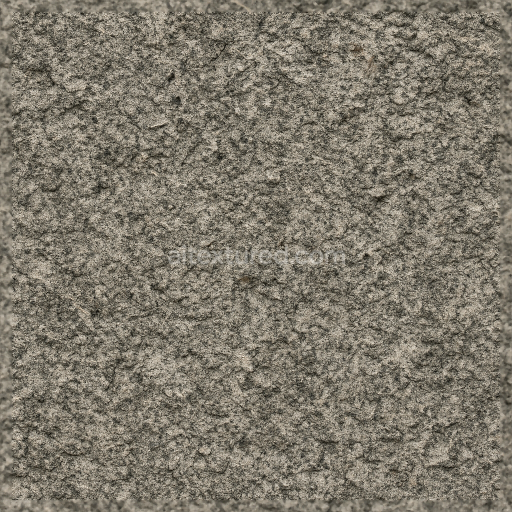
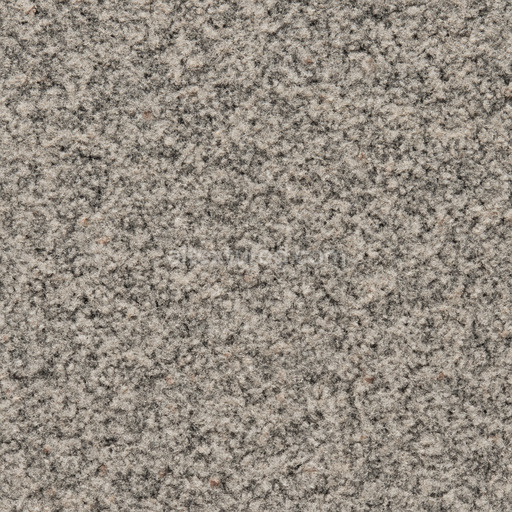
Shiny Granite Seamless Texture
Seamless texture (tileable) · PNG, WEBP, PBR ZIP.
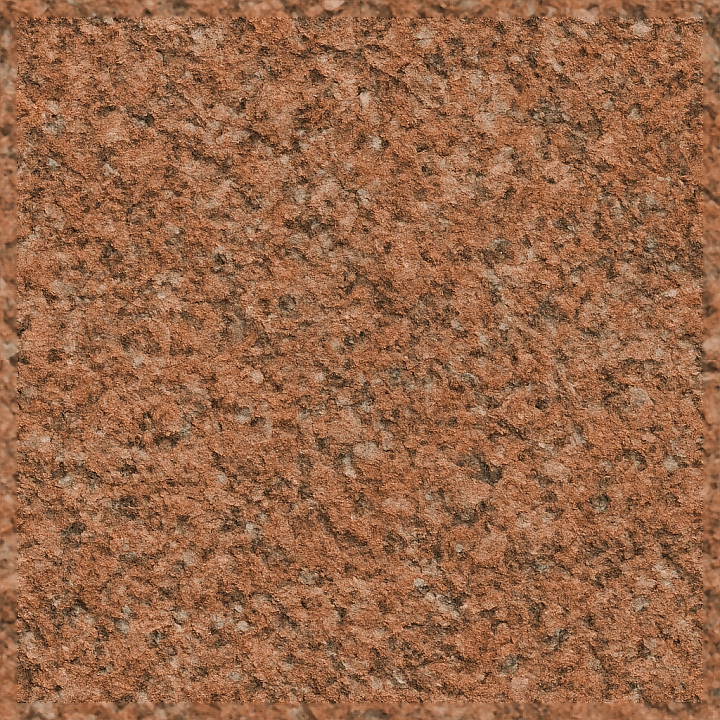
| ID | seamless-8k-red-granite-3d-texture-pbr-with-granite-aggregate-and-granite-chips-enhancing-surface-roughness-and-detail |
|---|---|
| Category | Granite |
| Formats | PNG, WEBP, PBR ZIP |
| Size | 1k (1024x1024px), 2k (2048x2048px), 4k (4096x4096px), 8k (8192x8192px) |
| Tileable | Yes |
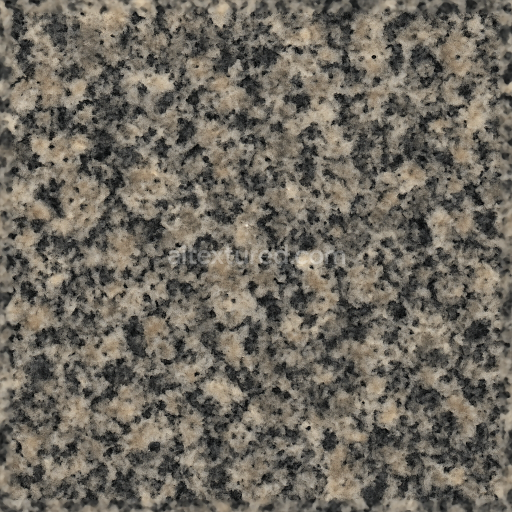
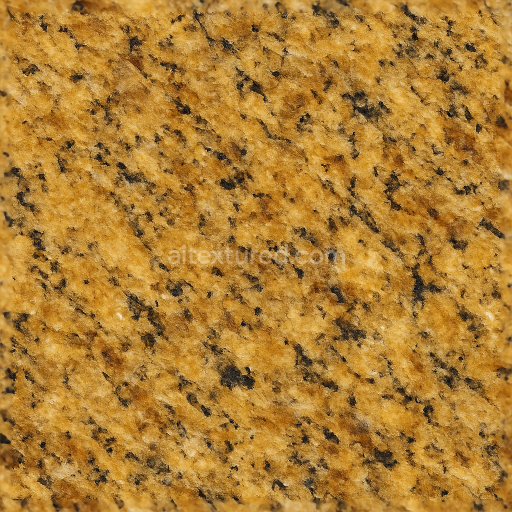
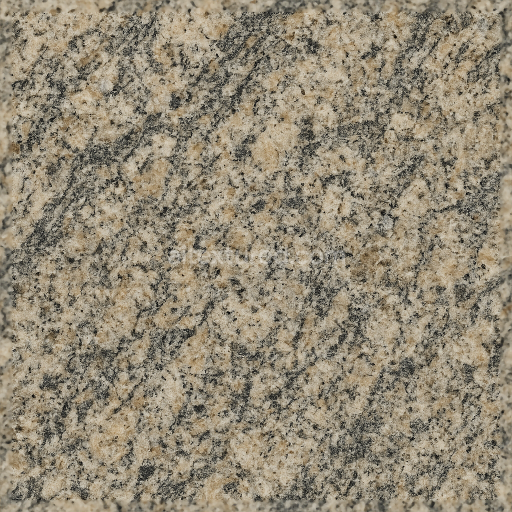
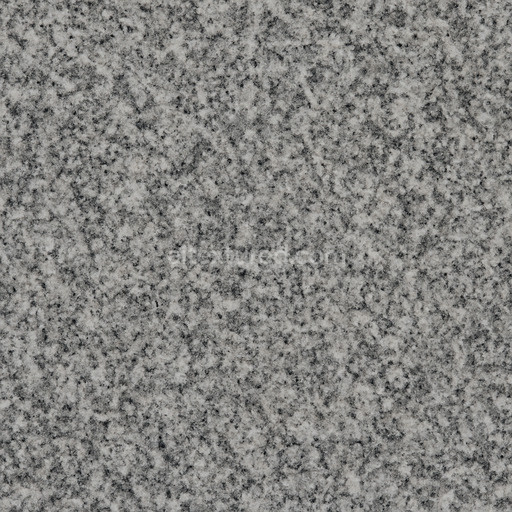
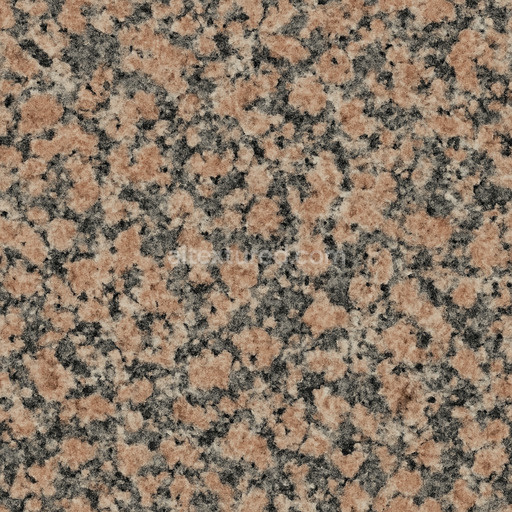
This seamless 8K red granite 3D texture PBR is expertly designed to authentically replicate the natural complexity and rich visual character of genuine red granite stone. The base substrate consists of a dense igneous rock primarily composed of interlocking quartz feldspar and mica minerals. This mineral composition forms a solid robust foundation that displays the distinctive granular pattern typical of granite. Embedded within this matrix are granite aggregate and granite chips of varying sizes which contribute significantly to the surface’s intricate roughness and detailed texture. These grains showcase subtle weathering and erosion effects mirroring the natural aging and environmental exposure of real granite resulting in a realistic worn yet durable appearance. The surface finish is semi-polished creating a balanced effect between reflective highlights and micro-roughness that allows the natural grain size and mineral inclusions to remain clearly visible even under close inspection. The rich red coloration is interspersed with lighter and darker mineral flecks accurately representing the natural variation found in red granite enhancing the texture’s realism and visual appeal for architectural visualization and high-quality material creation.
In terms of PBR channel mapping the BaseColor (Albedo) map precisely captures the natural hues and subtle tonal variations of red granite including the mineralogical diversity of the granite aggregate and chips. The Normal map highlights the relief and surface irregularities created by the embedded granite chips and grains enhancing the perception of microscopic depth and texture. The Roughness map controls light interaction with the semi-polished finish balancing gloss and matte areas to reveal depth while preserving the tactile quality of the stone. The Metallic channel remains consistently black reflecting the non-metallic nature of granite. Ambient Occlusion adds realistic shadowing within crevices and between aggregates further increasing spatial definition and material realism. The Height/Displacement map encodes the physical depth variations of the granite grains enabling accurate parallax effects and enhanced surface detail in compatible rendering engines. This texture’s seamless 8K resolution ensures exceptional clarity and fine detail making it fully compatible and ready for use in Blender Unreal Engine and Unity supporting advanced shader workflows and real-time rendering pipelines.
Optimized for seamless tiling without visible repetition this red granite 3D texture PBR is ideal for large-scale applications such as countertops flooring and exterior cladding. When applying the texture it is recommended to carefully adjust the UV scale to maintain natural grain size proportions; this avoids breaking realism through overly large or small pattern repeats. Additionally fine-tuning the roughness channel allows customization between more polished or matte finishes based on the desired aesthetic. Subtle blending of height and normal maps can further enhance surface depth perception without introducing harsh geometric artifacts. These adjustments maximize the photorealistic qualities and versatility of this texture ensuring a consistent natural appearance across diverse design projects and rendering environments.
Import the texture maps into Blender with sRGB color space for albedo/base color and Non-Color for normal, roughness, metallic, AO, height, and ORM maps. Connect normal maps through a Normal Map node, then adjust UV scale with a Mapping node so the material repeats naturally on your model.
For the full step-by-step setup, see How to Use Seamless Textures in Blender. Browse related material examples in wood, concrete, and metal.
Yes. This texture is designed as a seamless tileable PBR material, so it can repeat across large surfaces without visible borders.
Use the download controls on this page: they expose the available PNG, WEBP or engine ZIP choices and supported resolutions for this asset.
Use the engine ZIP choices to package compatible source maps for Blender, Unreal Engine or Unity, then verify the imported material in the target application.
Commercial-use permission is not verified for this record. Confirm the original source and license before production use.
Generate maps from existing images, preview materials, convert channels, and package compatible inputs for Blender, Unity, and Unreal Engine.
Choose a verified workflow for generating maps, previewing tiling, converting channels, or starting from the texture catalog.
Derive Normal, Roughness, AO, Metallic, Height and optional ORM maps from one or more source images, then review the results.
Instant WebGL viewer: inspect materials on a sphere, plane, and cube. Check tiling and lighting in real time.
Re-packages maps per engine: Unreal (BaseColor + ORM), Unity (Mask/MetallicSmoothness), Blender (separate channels).
PNG ↔ JPG ↔ SVG: fast convert, SVG rasterize, embed/trace options, quality & background controls.