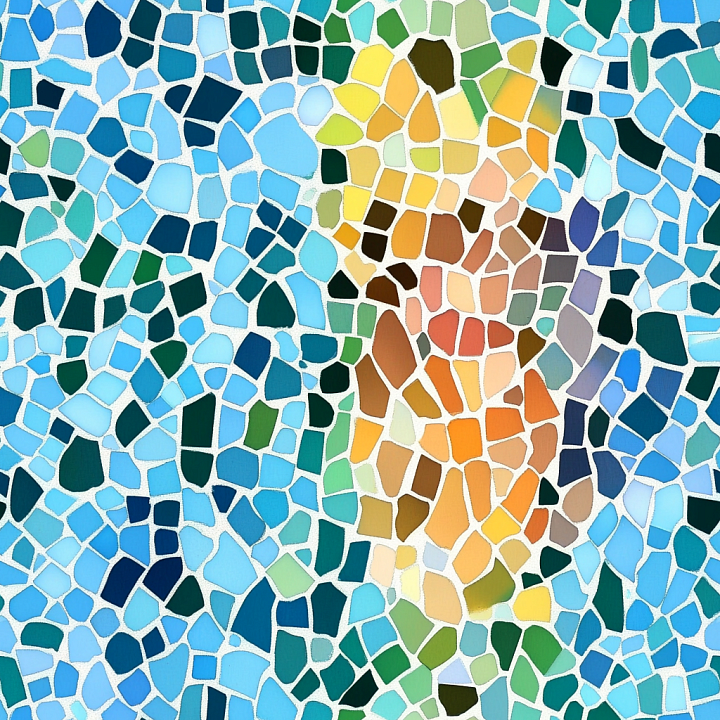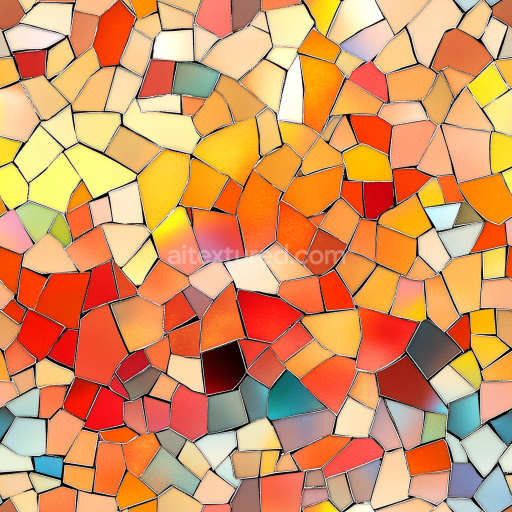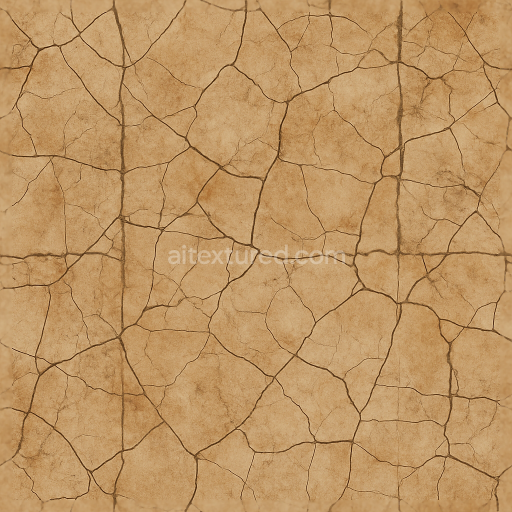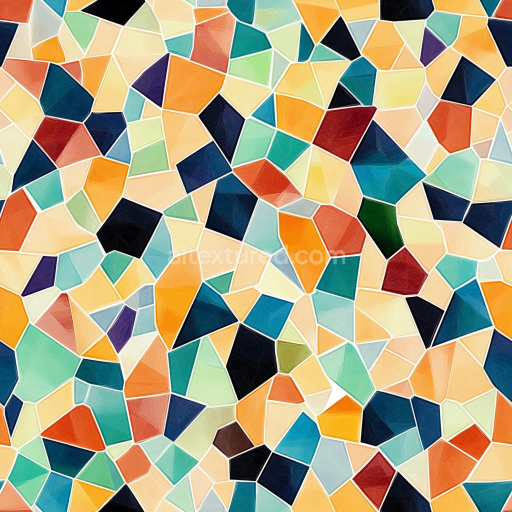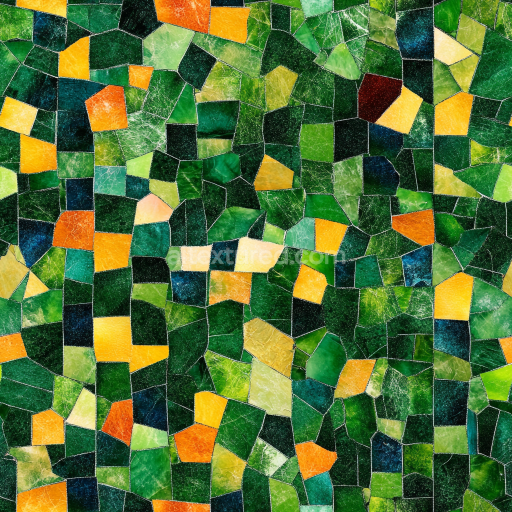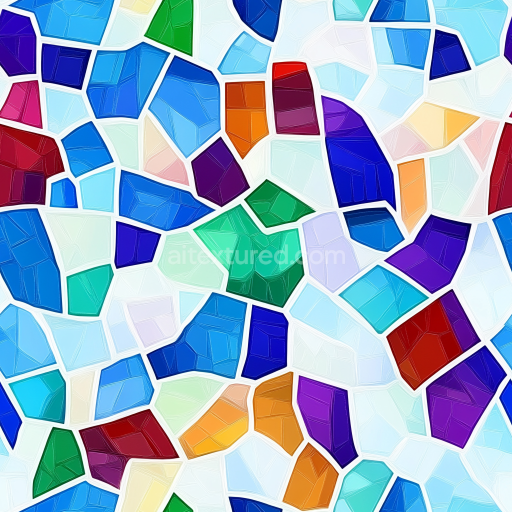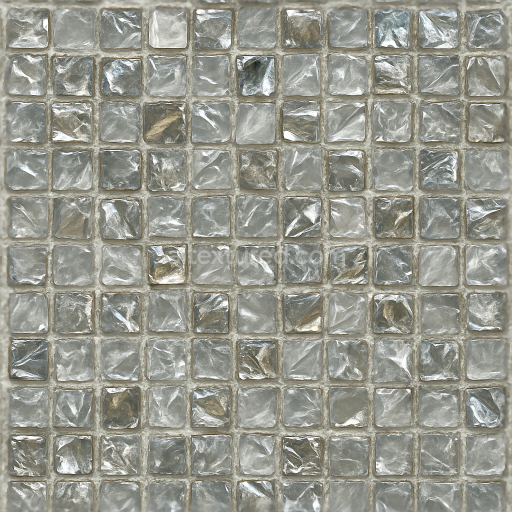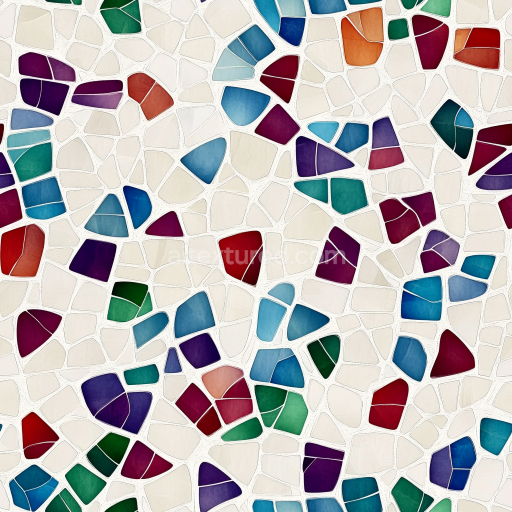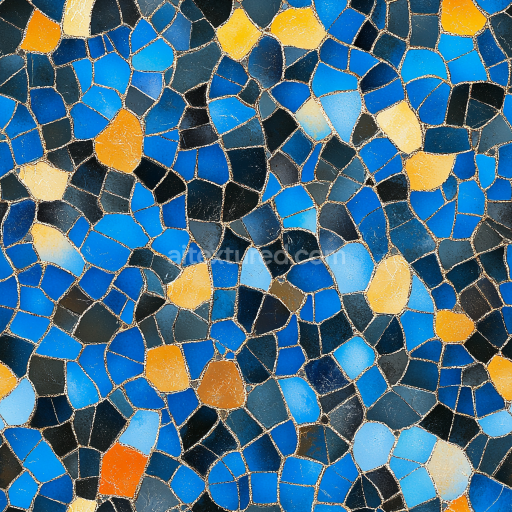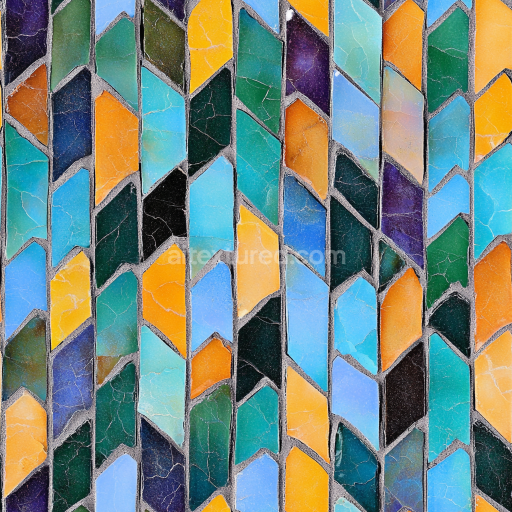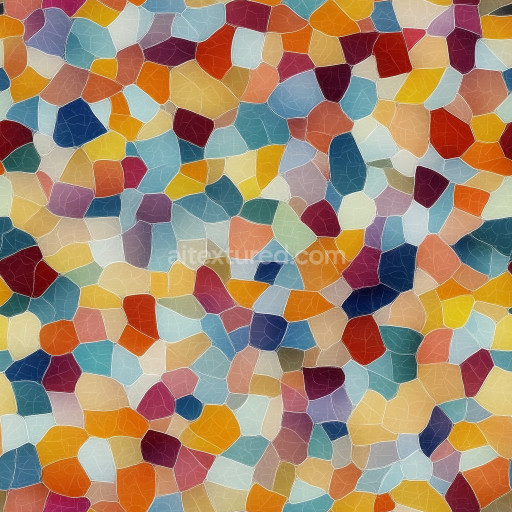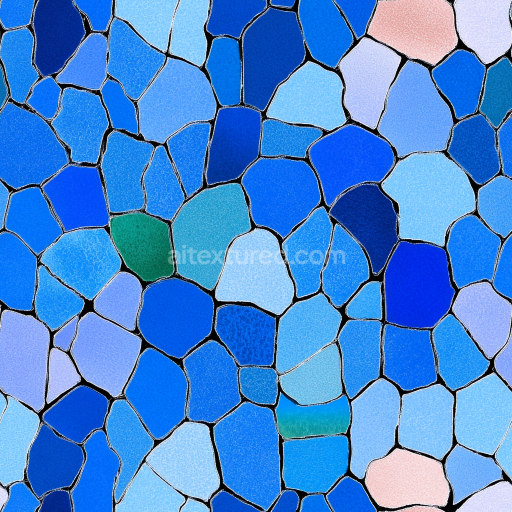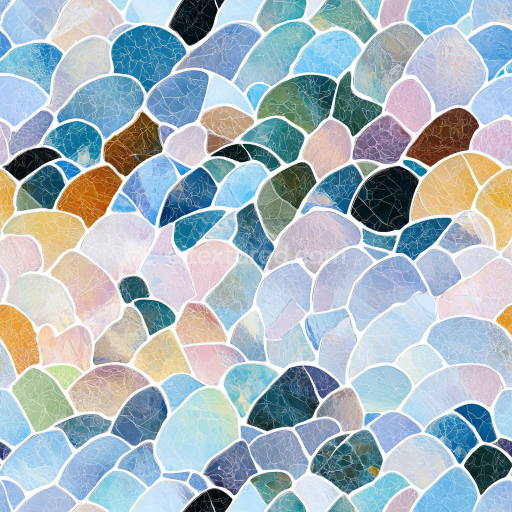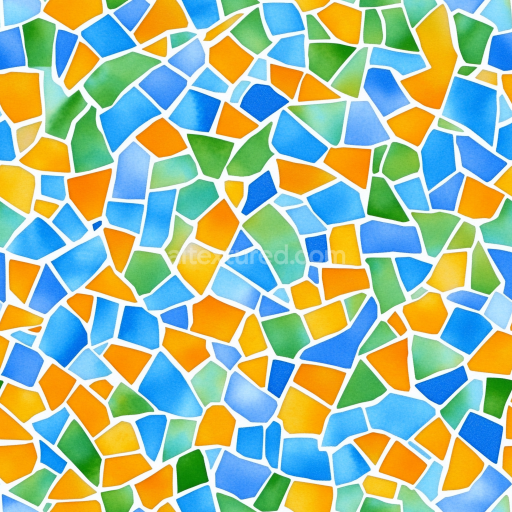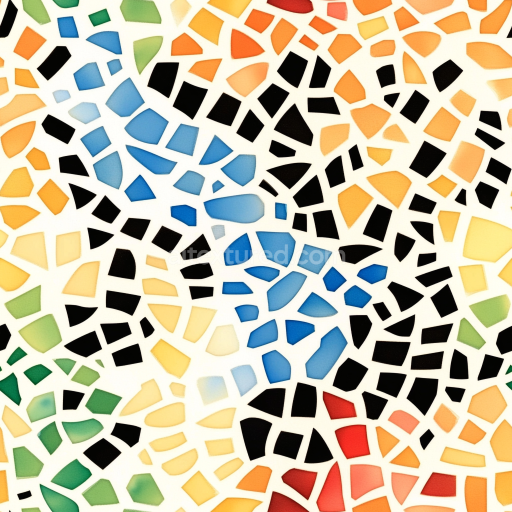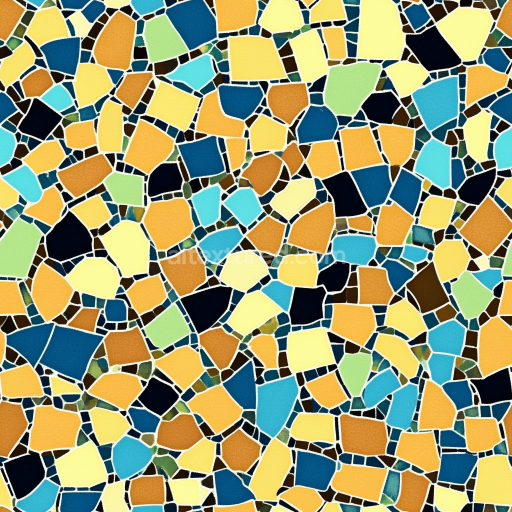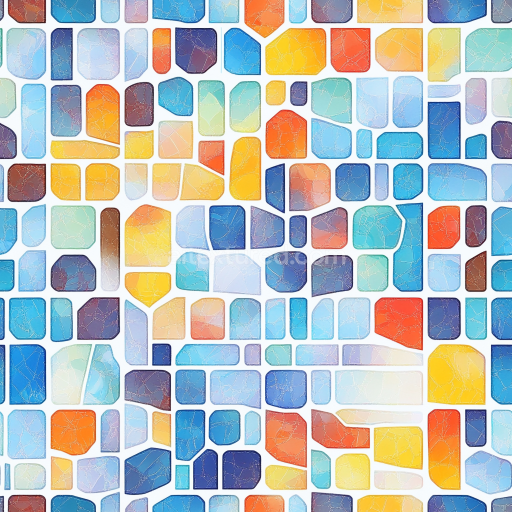
Seamless 3D Mosaic PBR Texture Featuring Colorful Irregular Ceramic Tiles

Seamless texture (tileable) · PNG. License: Free for personal & commercial use.

Seamless 3D Mosaic PBR Texture Featuring Colorful Irregular Ceramic Tiles texture preview

Texture Info

IDmosaic-seamless-pbr-mosaic-pattern-with-colorful-broken-tiles
CategoryMosaic
FormatsPNG
Size1k (1024x1024px), 2k (2048x2048px), 4k (4096x4096px), 8k (8192x8192px)
ColorsRGB
TileableYes
This mosaic texture presents a vivid arrangement of broken, irregular ceramic tiles in a seamless, tileable format suitable for PBR workflows. The tiles feature a diverse palette dominated by cool blues and greens surrounding a warm core of yellows, oranges, and browns, creating a dynamic contrast reminiscent of handcrafted Mediterranean mosaics. Each tile is separated by clearly defined white grout lines that enhance the tessellated structure and emphasize the irregular shapes, mimicking a natural, hand-laid effect. The tile surfaces appear smooth and matte, reflecting minimal shine, which adds to the artisanal feel of the pattern. The layout avoids strict geometric repetition, opting instead for a natural, flowing distribution of tile shapes and colors that lends visual interest and authenticity. This texture works exceptionally well in 3D modeling, game development, and architectural visualization for detailed feature walls, kitchen backsplashes, decorative floors, courtyards, and stylized environments. Compatible with popular rendering engines like Blender, Unreal Engine, Unity, 3ds Max, and Cinema 4D, it provides high realism in virtual spaces thanks to its PBR-ready characteristics. The color diversity and organic pattern make it ideal for Mediterranean-style interiors, spa spaces, and any application seeking an artisanal, colorful tile effect without evident repetitive seams.

Best Uses for This Texture

  • seasonal mosaic materials
  • stylized game props and level dressing
  • Blender, Unreal Engine and Unity materials
  • packaging mockups, textile prints and decorative surfaces
  • tileable backgrounds for archviz, motion graphics and product renders

How to Use These Seamless PBR Textures in Blender

This quick guide shows how to connect a seamless PBR texture set in Blender using Principled BSDF. The workflow works for tileable materials used in Blender, Unreal Engine, Unity, archviz, and game environments.

What Is Included

  • albedo or base color for the visible surface color
  • normal for fine surface relief
  • roughness for gloss and reflectivity control
  • metallic for metal or dielectric response
  • ao for ambient occlusion in cavities
  • height for bump, parallax, or displacement
  • ORM packed maps for optimized real-time workflows
Blender node setup overview for a seamless PBR texture
Example node layout for a standard PBR material in Blender.

Quick Start

  1. Open the Shader Editor and create a new material.
  2. Add an Image Texture node for each map you want to use.
  3. Set Color Space to sRGB for Albedo and to Non-Color for Normal, Roughness, Metallic, AO, Height, and ORM.
  4. Connect the maps to the matching inputs on Principled BSDF.

Recommended Connections

  • Albedo -> Base Color
  • Roughness -> Roughness
  • Metallic -> Metallic
  • Normal -> Normal Map node -> Normal
  • Height -> Bump or Displacement, depending on your render setup
Adding an image texture node in Blender
Add an Image Texture node before assigning the downloaded maps.

Using ORM Maps

If your download includes a packed ORM texture, split its RGB channels: R = AO, G = Roughness, B = Metallic. This is useful for Unreal Engine and other optimized real-time pipelines.

Tiling and UV Scale

Because these textures are seamless, you can repeat them across large surfaces without visible seams. Use a Mapping node to increase or reduce tiling density on floors, walls, terrain, props, and modular assets.

Common Mistakes

  • Using sRGB on non-color maps
  • Connecting a Normal map directly without a Normal Map node
  • Overdriving Height or Bump values so the surface looks unnatural
  • Ignoring texture scale, which makes seamless materials look repetitive
Loading a downloaded texture set into Blender
Load the downloaded texture set and wire the maps to Principled BSDF.

For more examples, browse related categories such as Wood Textures, Concrete Textures, and Metal Textures.

FAQ

Is this texture seamless and tileable?

Yes. This texture is designed as a seamless tileable PBR material, so it can repeat across large surfaces without visible borders.

Which resolutions and formats are available?

You can download PNG/WEBP versions and use 1K, 2K, 4K and 8K download options when available on the page.

Can I use it in Blender, Unreal Engine and Unity?

Yes. The download options and engine-mapped ZIP workflow are designed for Blender, Unreal Engine, Unity Standard, URP and HDRP material pipelines.

Is commercial use allowed?

Yes. The texture is available under the AITextured free commercial license. Review the license page for redistribution and AI-training restrictions.

AITEXTURED Tools

Build, preview, and export seamless PBR materials. Generate full map sets from a single image, inspect them in a real-time WebGL viewer, and re-package maps for Unreal, Unity, and Blender—directly in your browser.