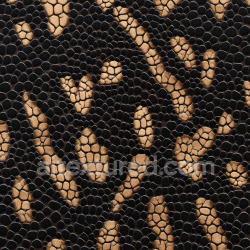
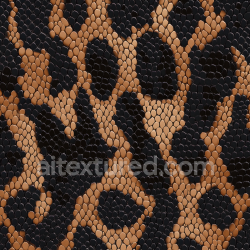
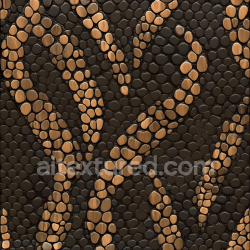
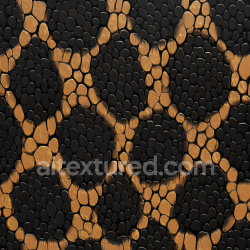
Seamless PBR Carbon Textures – Twill, Forged & UD Carbon for Real-Time and CGI
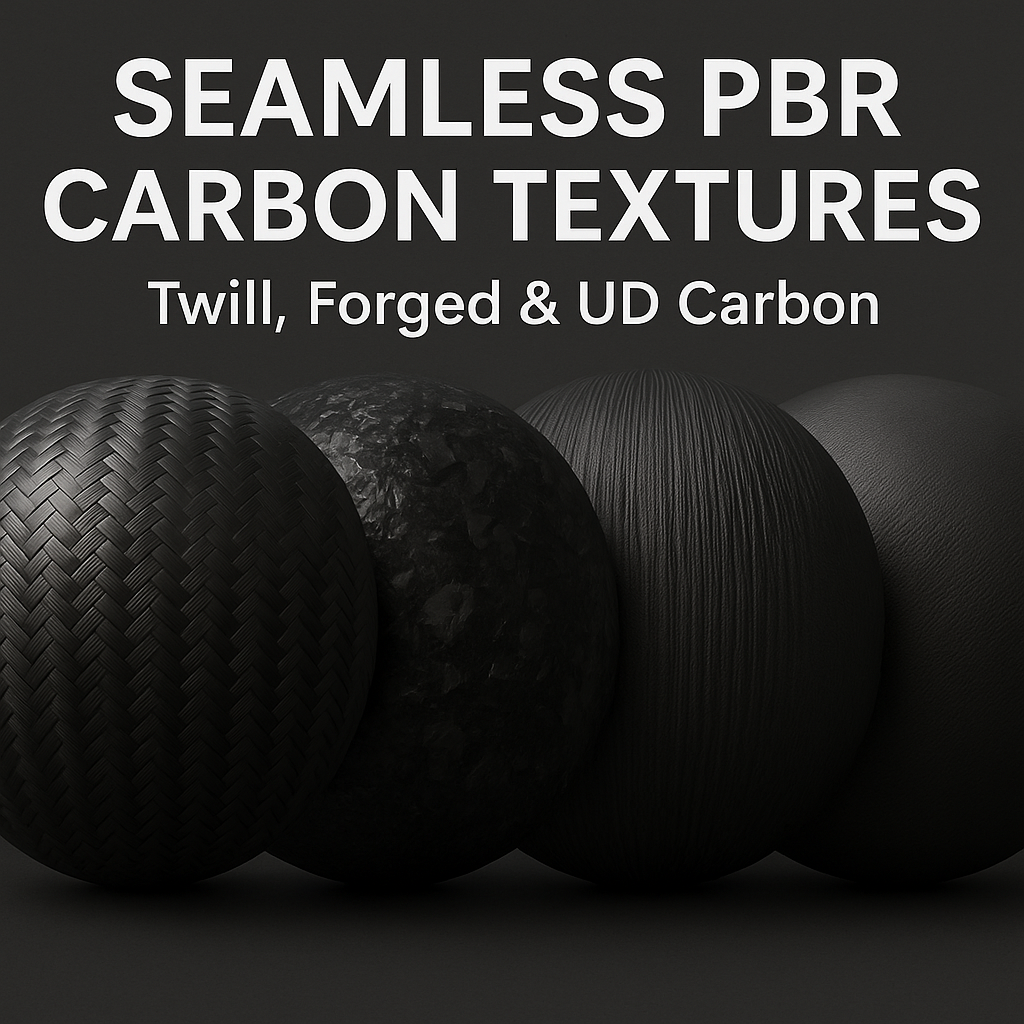
Carbon fiber behaves unlike metals or stone: its micro-weave structure and clear-coat finishing produce distinctive anisotropic reflections, sharp highlights, and subtle depth. Our textures replicate these cues consistently across lighting setups, so your carbon always reads “premium”—from motorsport body panels and bike frames to electronics, furniture, and concept art props.
1) What you get in this section
- Weave families: 2×2 twill, plain weave, 4×4 basket, hybrid patterns, diagonal bias variants.
- Advanced types: Forged carbon (randomized flakes), UD carbon (linear strands), satin/matte and high-gloss clear-coat versions.
- Finish states: pristine showroom, soft satin, micro-scratched clear-coat, clear-coat with dust, slightly weathered edges.
- Resolutions: 1K, 2K, 4K, 8K PNG (WEBP mirrors for fast previews).
- Downloads: individual maps and PBR ZIP bundles (Albedo/BaseColor, Normal, Roughness, AO, Height, ORM).
All textures are 100% seamless (tileable) and color-space consistent with the rest of the AITEXTURED library, so you can mix materials without unexpected shifts in brightness or saturation.
2) PBR maps included (and why they matter for carbon)
- Albedo / Base Color: clean diffuse color with realistic weave contrast, no baked lights.
- Normal: micro-relief of fibers or flakes; gives that signature “woven” light roll-off.
- Roughness: drives gloss level—glossy clear-coat (low roughness) vs. satin/matte (higher roughness). Some variants include subtle directional roughness to hint anisotropy.
- AO: enhances fiber interstices and flake occlusion in crevices.
- Height / Displacement: shallow height for close-ups; use parallax or true displacement in offline renders.
- ORM (packed): R=AO, G=Roughness, B=Metallic for UE/GLTF pipelines to cut texture samplers.
Note: Carbon fiber itself is a dielectric (Metallic ≈ 0). The “metallic look” you perceive comes from the clear-coat and the fine weave normals, not true metal reflectance. Keep Metallic=0 and control reflectivity with Roughness (and optional Specular/IOR) for physically correct results.
3) Carbon variants you’ll find
- 2×2 Twill Carbon: iconic diagonal pattern; available in gloss (showcar), satin, and matte.
- Plain Weave: balanced checker feel; neutral, technical look for industrial design.
- Unidirectional (UD): parallel strands—perfect for aerospace/frames; pairs well with subtle clear-coat.
- Forged Carbon: random flake distribution; luxury/experimental aesthetic in automotive and lifestyle products.
- Hybrid Weaves: enlarged repeats, crossed diagonals, and color-tinted fibers (for concept props).
- Condition Overlays: micro-scratches, dust, fingerprints on clear-coat (subtle and optional).
4) Technical specs
- Format: PNG (lossless), optional WEBP mirrors.
- Resolutions: 1024–8192 px (power-of-two).
- Color: sRGB for color maps; non-color for data maps (Normal/Roughness/AO/Height).
- Licensing: CC0 (free for commercial/personal use; attribution appreciated).
- Downloads: single maps or complete ZIP bundles.
5) How to set up carbon in major engines
Blender (Cycles/Eevee, Principled BSDF)
- Base Color ← Albedo (sRGB).
- Normal ← Normal Map node (Non-Color), strength 0.7–1.3 depending on camera distance.
- Roughness ← Roughness (Non-Color). Use low values (0.05–0.25) for glossy clear-coat; 0.35–0.6 for satin/matte.
- AO → multiply on Base Color (subtle, mix 10–25%).
- Optional: add a Clearcoat layer (0.3–0.9) with its own Clearcoat Roughness (0.02–0.15) to emulate automotive lacquer.
Unreal Engine
- Base Color ← Albedo.
- Normal ← Normal.
- Roughness ← G channel of ORM (or separate map).
- AO ← R channel of ORM. Metallic stays 0 (B of ORM is 0 for carbon).
- For high-gloss showcar looks, add a Clear Coat shading model with a distinct Clear Coat Roughness input.
Unity (URP/HDRP)
- Base Map ← Albedo.
- Normal ← Normal (ensure correct DX/GL convention—our Mapper can flip G if needed).
- Mask/MetallicSmoothness: Metallic=0; Smoothness (A) from our pack or derived from Roughness.
- For HDRP, consider a Coat Mask workflow to emulate clear-coat reflections.
6) Visual tips for convincing carbon
- Scale matters: match physical weave size (e.g., 3–6 mm per repeat for 2×2 twill) to avoid “toyish” looks.
- Layered clear-coat: carbon shines when a separate clear-coat lobe is used; keep roughness very low but not perfectly zero.
- Micro-scratches: for realism, mix a faint scratch map into Roughness (and/or coat roughness) at 3–8% intensity.
- UD carbon: add a gentle directional roughness variation to hint anisotropy without complex shaders.
- Forged carbon: use higher contrast in Albedo and a slightly stronger Normal to make flakes “pop.”
7) Combine with PNG overlays
Use PNG Assets for storytelling and micro-variations: tiny dust, fingerprints, hairline scratches, inspection stickers, or embossed logos. Because overlays are transparent PNGs, you can place them non-destructively in Blender, Unreal, or Unity as decals.
8) Work faster with AITEXTURED tools
- Unity / Unreal / Blender Mapper — auto-repackages maps to engine formats (UE ORM, Unity MaskMap/MetallicSmoothness), fixes Normal G-channel where needed.
- Image Converter — quickly export WEBP for previews/UI while keeping PNG masters for final.
- PBR Texture Generator — derive or tweak map intensities if you need a glossier or more satin finish.
- AI 3D Texture Generator — prompt custom weave styles or color-tinted fibers for concept assets.
9) Performance & optimization
- Pick resolution by shot distance: 8K for macro product shots; 2K–4K for general props; 1K for far assets.
- Pack ORM or Unity MaskMap to reduce texture fetches.
- For web/UX previews, covert to WEBP via the Image Converter; keep PNG for final renders.
10) License
All materials in this section are released under CC0. You’re free to use them in commercial and personal projects without attribution (a link to AITEXTURED is always appreciated).