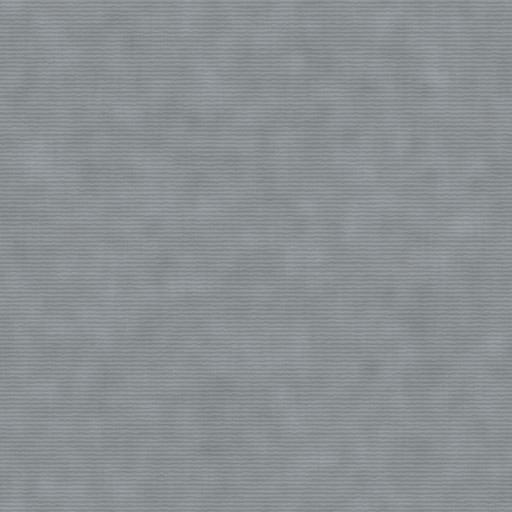
Procedural Brushed Stainless Steel PBR Texture
512 × 512 working image
Create maps from this imageStart with a focused palette, compare the patterns and follow the setup notes for your engine. Open each material to inspect available files, original resolution, source and license before use. These selections do not grant additional rights or guarantee a complete set of maps.
Compare metal, leather, plastic and carbon under the same studio lighting. These are independent material choices, not a prebuilt Blender scene.
512 × 512 working image
Create maps from this image
512 × 512 working image
Create maps from this image
512 × 512 working image
Create maps from this image
512 × 512 working image
Create maps from this imageRead the setup guide · Convert an existing map set for your engine
Build a ground-material study with gravel, asphalt, concrete and mud. Use separate surfaces or blend with masks; the selection is not an automatically blended landscape material.
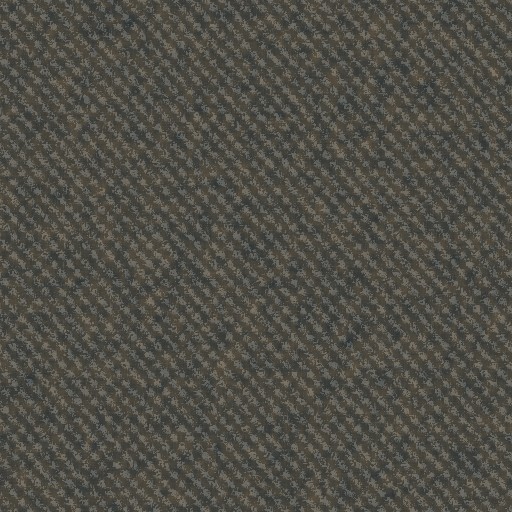
512 × 512 working image
Create maps from this image
512 × 512 working image
Create maps from this image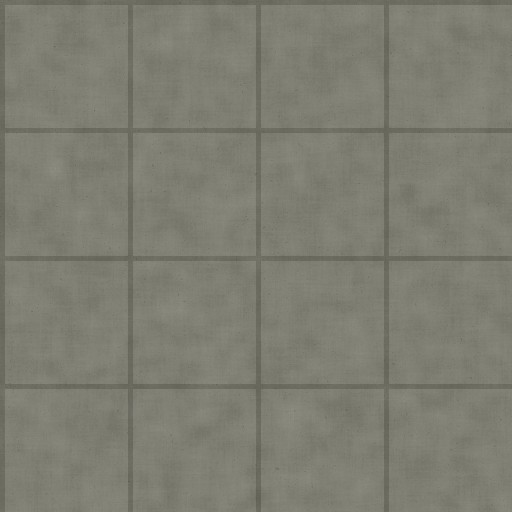
512 × 512 working image
Create maps from this image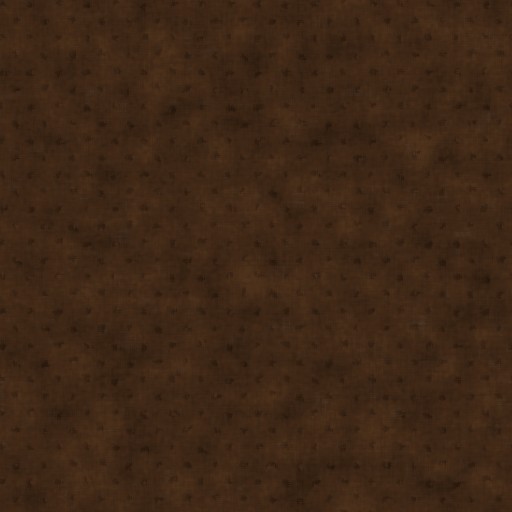
512 × 512 working image
Create maps from this imageRead the setup guide · Convert an existing map set for your engine
Plan a small interior palette with floor tile, marble, oak and linen. Choose maps for your render pipeline and confirm each asset's license on its detail page.
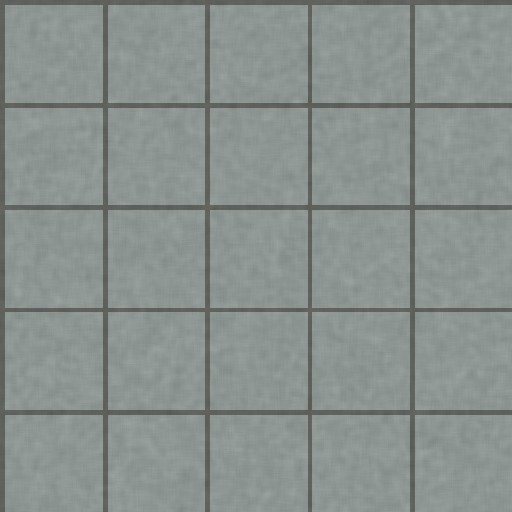
512 × 512 working image
Create maps from this image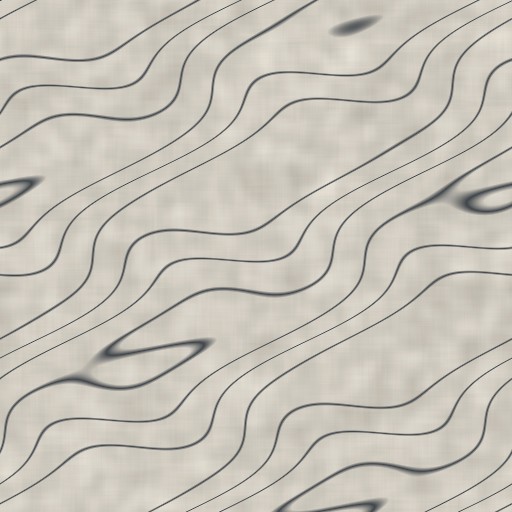
512 × 512 working image
Create maps from this image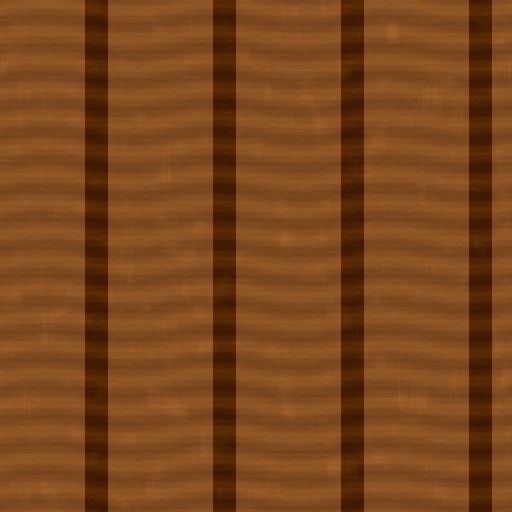
512 × 512 working image
Create maps from this image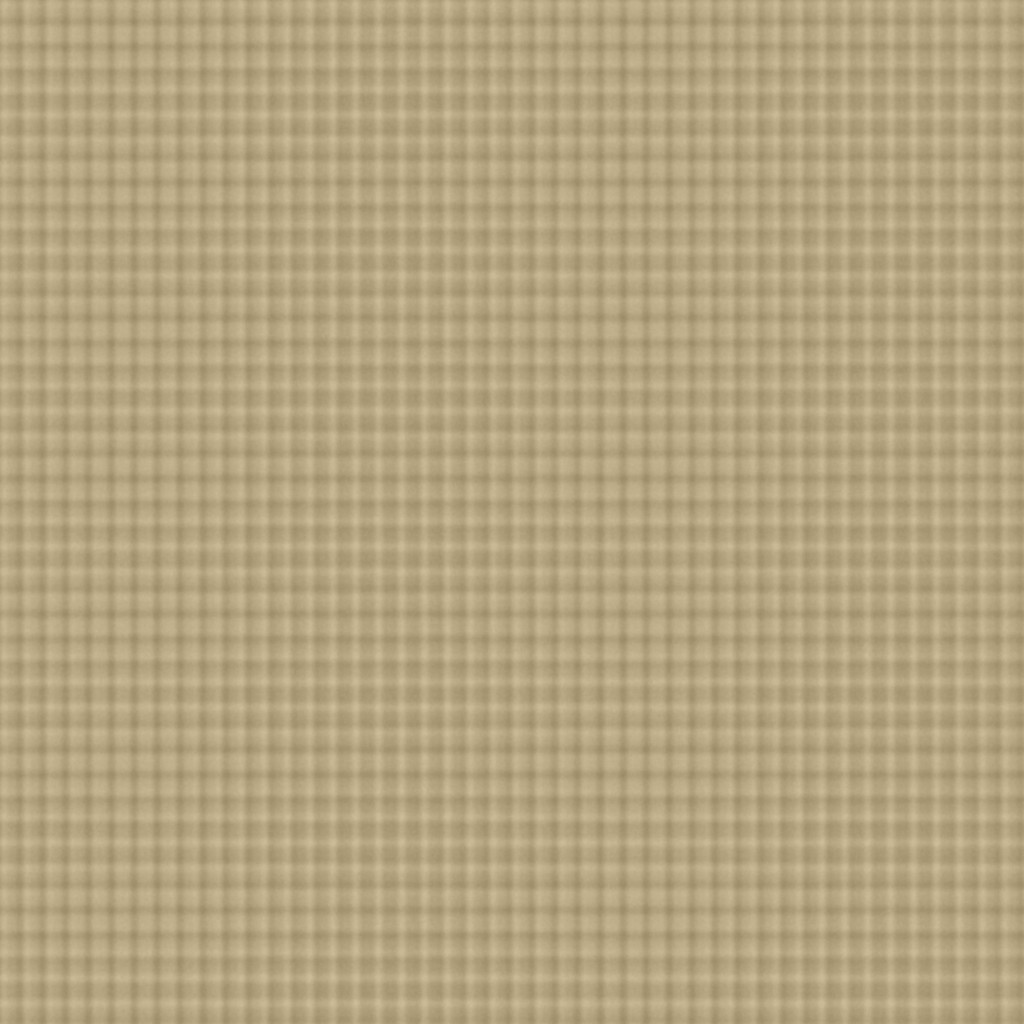
1024 × 1024 working image
Create maps from this imageRead the setup guide · Convert an existing map set for your engine
Inspect a repeated tile at your target viewing distance. Maps derived from a single image estimate surface detail; they are not scanned measurements. A single color image is not a complete PBR material. Check each source license independently.
Use the material preview to inspect available maps, or browse more workflow guides.
Reference documentation: Blender Normal Map node, Unreal texture masks, Unity HDRP MaskMap.