
Volcanic Lava Flow Texture | Free PBR
Seamless texture (tileable) · PNG, WEBP, PBR ZIP.
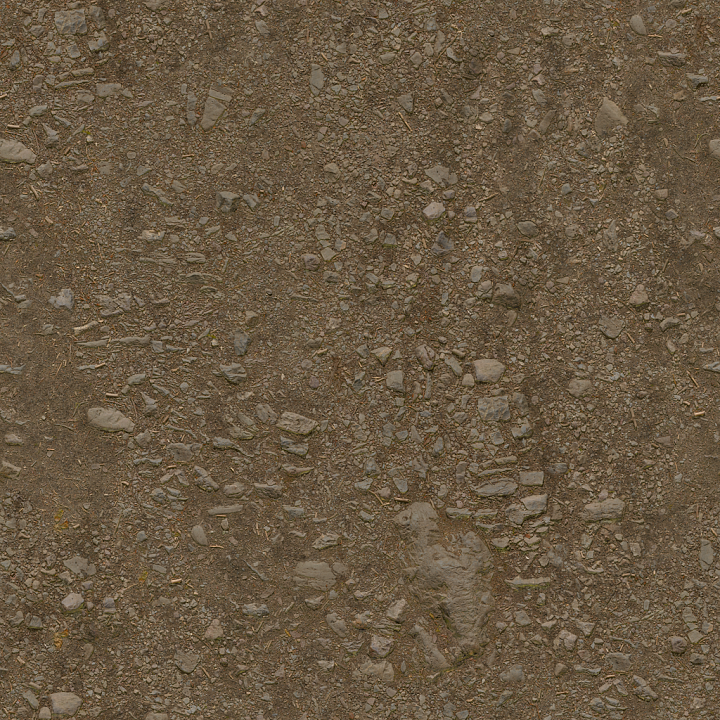
| ID | forest-ground-04-rough-uneven-stones-ground-forest-dry |
|---|---|
| Category | Ground surface |
| Formats | PNG, WEBP, PBR ZIP |
| Size | 1k (1024x1024px), 2k (2048x2048px), 4k (4096x4096px), 8k (8192x8192px) |
| Tileable | Yes |
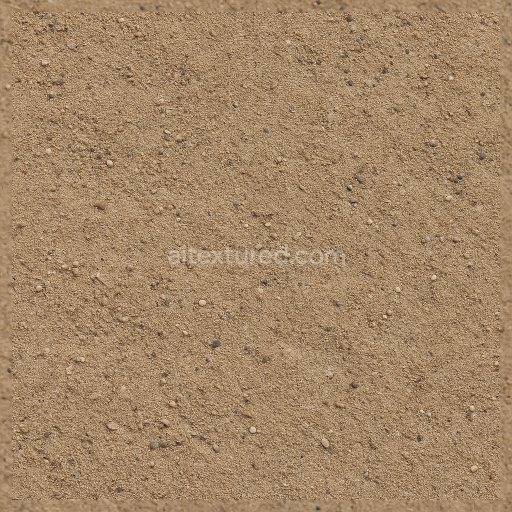
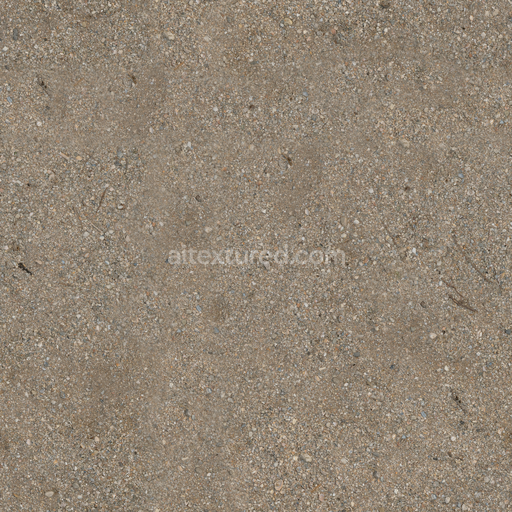
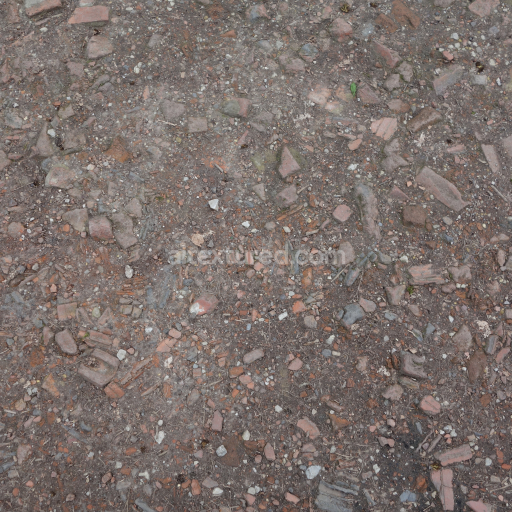
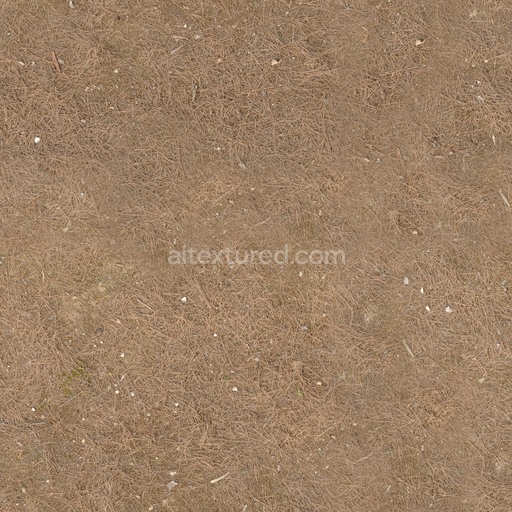
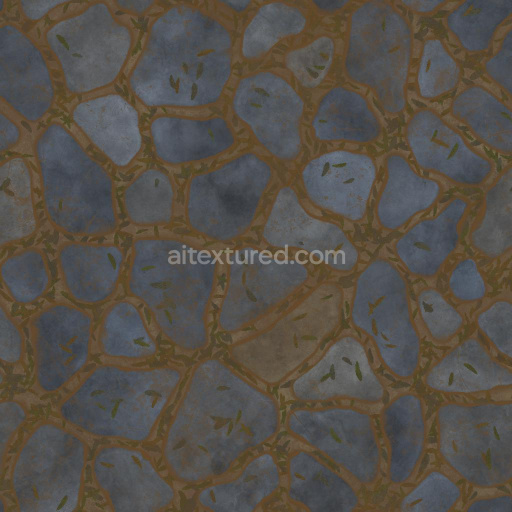
The Forest Ground 04 texture is a meticulously crafted seamless 3D material designed to replicate the complex natural composition of dry brown forest terrain. This physically based rendering (PBR) texture captures the detailed interplay of organic and mineral elements found on forest floors including a rich mixture of dirt gravel stones rocks and scattered debris. Its base substrate primarily consists of weathered soil and compacted earth enriched with finely granulated organic matter and small mineral aggregates. These components are bound together with natural adhesives such as decomposed plant fibers and clay particles creating a porous yet durable surface that exhibits subtle variations in roughness and uneven topography. The color palette is dominated by muted browns and earthy tones enhanced by subtle oxide pigments and natural dyes that evoke a dry sun-exposed forest environment. The surface finish retains a slightly rough matte appearance with sporadic patches of compacted debris and gravel emphasizing the authentic tactile qualities of outdoor natural terrain.
Each PBR channel in this texture has been optimized to reflect the physical and compositional nuances of forest ground with high fidelity. The Albedo (BaseColor) map showcases the rich brown hues and natural pigment distribution while the Normal map expertly simulates the uneven relief of stones gravel and embedded organic debris giving depth to the surface details. The Roughness channel balances the matte finish of dry soil with the sporadic glossiness of smaller rock surfaces ensuring realistic light scattering and shading behaviors. Ambient Occlusion (AO) intensifies shadowing within crevices and under debris enhancing the perception of depth and complexity. Height (Displacement) data provides accurate topographical variation supporting detailed parallax effects and realistic terrain deformation in real-time engines. The texture employs a non-metallic workflow as metallic properties are negligible in natural forest ground allowing for consistent shading across various rendering pipelines.
Provided at a robust 4K resolution with an optional 8K upgrade this texture is fully tileable and compatible with leading 3D software and game engines such as Blender Unreal Engine and Unity. It supports modern PBR workflows with metal/rough calibrations to ensure reliable and consistent results without the need for manual adjustments. This makes it ideal for projects requiring both high detail and optimized performance across diverse digital content creation tools and real-time environments. For practical application it is recommended to carefully adjust the UV scale to maintain natural repetition and to fine-tune roughness values slightly depending on the specific lighting conditions and desired level of surface glossiness. Utilizing the height map for parallax occlusion mapping can greatly enhance realism when rendering uneven forest floor terrain in outdoor scenes.
Import the texture maps into Blender with sRGB color space for albedo/base color and Non-Color for normal, roughness, metallic, AO, height, and ORM maps. Connect normal maps through a Normal Map node, then adjust UV scale with a Mapping node so the material repeats naturally on your model.
For the full step-by-step setup, see How to Use Seamless Textures in Blender. Browse related material examples in wood, concrete, and metal.
Yes. This texture is designed as a seamless tileable PBR material, so it can repeat across large surfaces without visible borders.
Use the download controls on this page: they expose the available PNG, WEBP or engine ZIP choices and supported resolutions for this asset.
Use the engine ZIP choices to package compatible source maps for Blender, Unreal Engine or Unity, then verify the imported material in the target application.
Commercial-use permission is not verified for this record. Confirm the original source and license before production use.

Generate maps from existing images, preview materials, convert channels, and package compatible inputs for Blender, Unity, and Unreal Engine.
Choose a verified workflow for generating maps, previewing tiling, converting channels, or starting from the texture catalog.
Derive Normal, Roughness, AO, Metallic, Height and optional ORM maps from one or more source images, then review the results.
Instant WebGL viewer: inspect materials on a sphere, plane, and cube. Check tiling and lighting in real time.
Re-packages maps per engine: Unreal (BaseColor + ORM), Unity (Mask/MetallicSmoothness), Blender (separate channels).
PNG ↔ JPG ↔ SVG: fast convert, SVG rasterize, embed/trace options, quality & background controls.