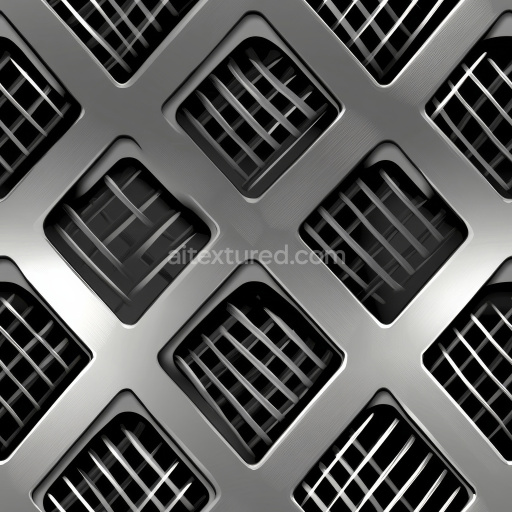
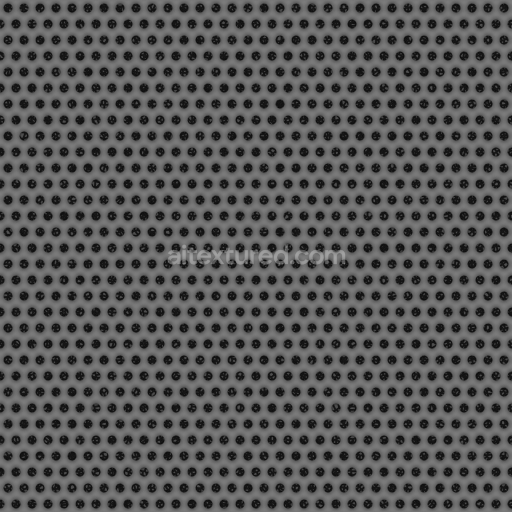
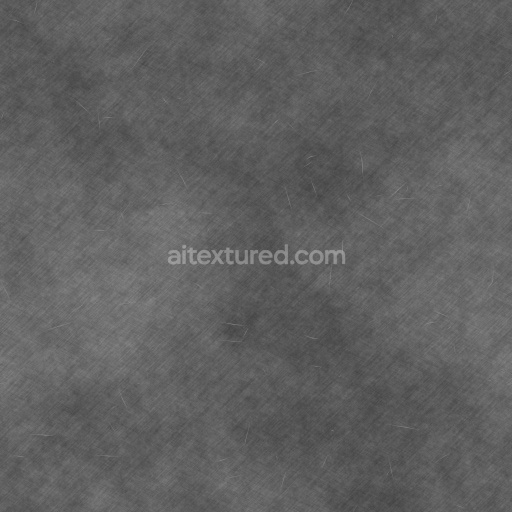
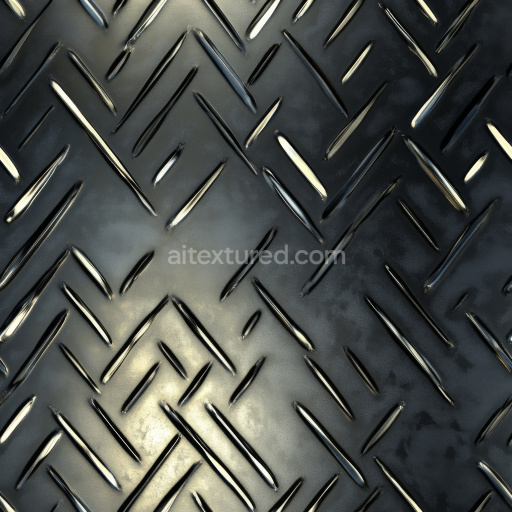
Brushed Steel Metal Grate PBR Texture with Grid Pattern
Seamless texture (tileable) · PNG, WEBP, PBR ZIP. License: AITextured Free Commercial License (FCL) v1.1. Free personal and commercial use. Raw resale, standalone redistribution, mirroring/scraping, competing asset packs, and AI/ML training are not allowed without written permission. Attribution is not required, but appreciated..
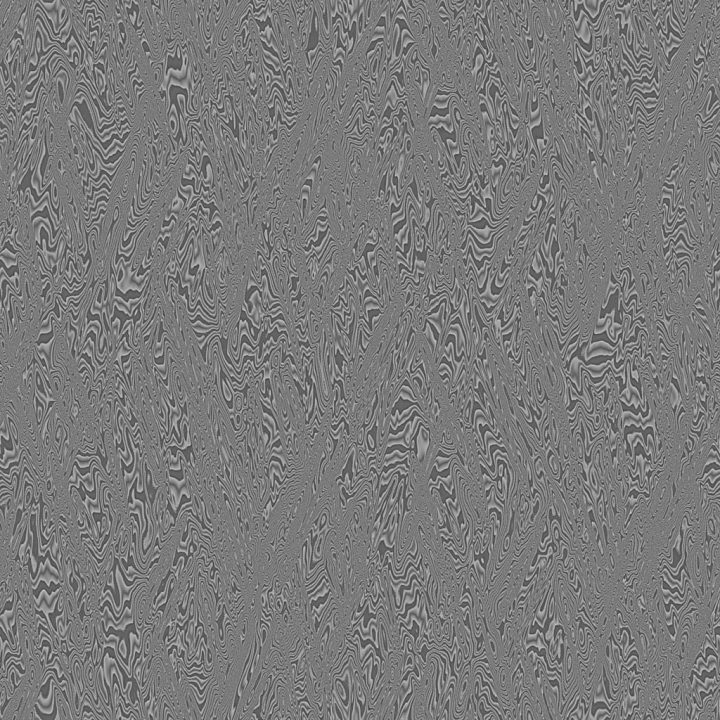
| ID | archviz-damascus-metal-steel-substance-designer-weapon |
|---|---|
| Category | Metal |
| Formats | PNG, WEBP, PBR ZIP |
| Size | 1k (1024x1024px), 2k (2048x2048px), 4k (4096x4096px), 8k (8192x8192px) |
| Color | sRGB |
| Tileable | Yes |
This Archviz Damascus Metal Steel Substance Designer Weapon seamless PBR texture is meticulously crafted to authentically replicate the intricate composition and distinctive aesthetics of traditional Damascus steel. The base substrate simulates a high-carbon steel alloy characterized by finely wrought mineral and metallic layers fused together through forge welding. This process creates a unique layered structure with flowing organic grain patterns and subtle surface irregularities that define the material’s rich visual complexity. The texture captures the natural interplay between polished and oxidized finishes showcasing areas of varying reflectivity and a nuanced patina formed by gradual weathering. Pigments and thin oxide layers introduce subtle shifts in color across the BaseColor/Albedo map ranging from cool silvery grays to deep gunmetal tones enhancing depth and realism in physically based rendering workflows.
Designed for seamless large-scale tiling this PBR texture set is optimized at up to 8K resolution to deliver exceptional detail and clarity for both close-up visualization and expansive surfaces. The Normal map conveys the delicate undulations and layered grain unique to Damascus steel adding realistic surface relief that enhances three-dimensionality. Roughness values carefully define the contrast between the polished metallic highlights and matte oxidized patches controlling the material’s reflective qualities under varied lighting conditions. The Metallic channel accurately represents the conductive properties of steel ensuring lifelike reflections in real-time engines such as Unreal Engine and Unity as well as offline renderers like Blender. Ambient Occlusion enhances shadowing in recessed areas accentuating the depth of the layered structure while the Height/Displacement map creates realistic parallax effects to further immerse viewers during detailed inspection or game integration.
When applying this texture to weapon models or architectural metal surfaces it is advisable to carefully adjust the UV scale to maintain the natural flow and scale of the Damascus patterns. Fine-tuning the Roughness map allows for balancing between polished and oxidized finishes optimizing the visual impact according to scene lighting. This seamless PBR material is engineered for efficient workflow integration across a range of digital design platforms offering consistent high-quality results that meet the demanding requirements of archviz weapon visualization and game development projects seeking authentic and visually compelling metal surface representation.
Import the texture maps into Blender with sRGB color space for albedo/base color and Non-Color for normal, roughness, metallic, AO, height, and ORM maps. Connect normal maps through a Normal Map node, then adjust UV scale with a Mapping node so the material repeats naturally on your model.
For the full step-by-step setup, see How to Use Seamless Textures in Blender. Browse related material examples in wood, concrete, and metal.
Yes. This texture is designed as a seamless tileable PBR material, so it can repeat across large surfaces without visible borders.
You can download PNG/WEBP versions and use 1K, 2K, 4K and 8K download options when available on the page.
Yes. The download options and engine-mapped ZIP workflow are designed for Blender, Unreal Engine, Unity Standard, URP and HDRP material pipelines.
Yes. The texture is available under the AITextured free commercial license. Review the license page for redistribution and AI-training restrictions.


Generate, preview, and export seamless PBR materials for Blender, Unity, and Unreal Engine—directly in your browser.
AI text-to-texture: type a prompt and get a seamless, tileable base image ready for PBR workflows (great starting point for materials).
Create a full PBR set (Normal, Roughness, AO, Metallic, etc.) from a single image. Seamless and tiling-friendly.
Instant WebGL viewer: inspect materials on a sphere, plane, and cube. Check tiling and lighting in real time.
Re-packages maps per engine: Unreal (BaseColor + ORM), Unity (Mask/MetallicSmoothness), Blender (separate channels).
PNG ↔ JPG ↔ SVG: fast convert, SVG rasterize, embed/trace options, quality & background controls.