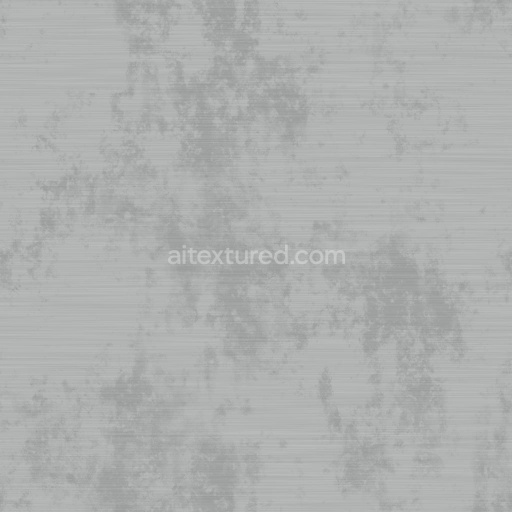
Oxidized Brushed Aluminum Texture with Dirt | Free PBR
Seamless texture (tileable) · PNG, WEBP, PBR ZIP.

| ID | archviz-danger-metal-metallic-poison-sign-substance |
|---|---|
| Category | Metal |
| Formats | PNG, WEBP, PBR ZIP |
| Size | 1k (1024x1024px), 2k (2048x2048px), 4k (4096x4096px), 8k (8192x8192px) |
| Tileable | Yes |
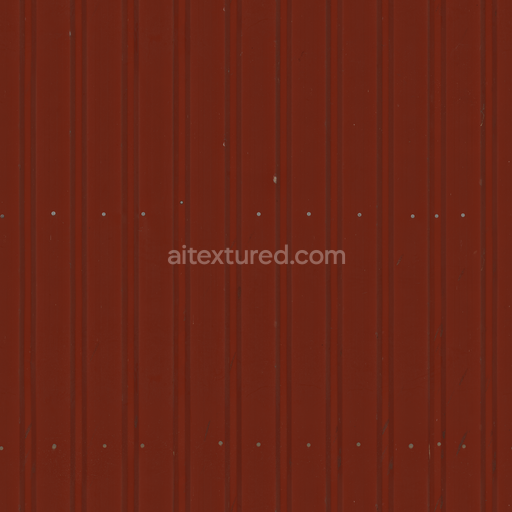
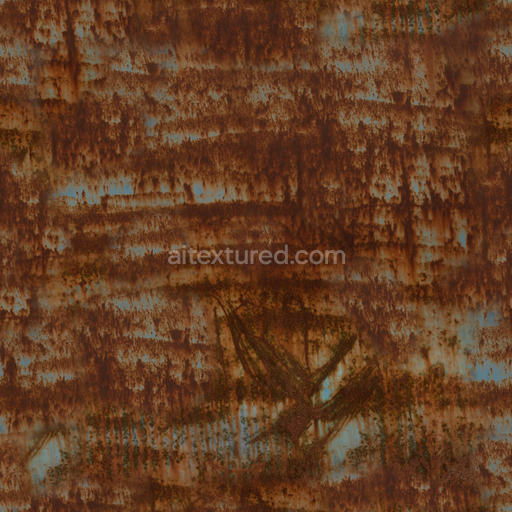
This Archviz Danger Metal Metallic Poison Sign Substance is a meticulously crafted seamless PBR texture designed for physically based rendering workflows. The material replicates a weathered metal substrate commonly used in warning signs featuring a durable metallic base with subtle oxidation and wear patterns that evoke realism and age. The surface finish blends brushed metal with slight corrosion while the color response remains consistent across the texture showcasing a muted steel-gray tone punctuated by warning pigments and oxidized layers that simulate hazardous poison signage. Fine grain orientation and micro-scratches add tactile detail contributing to the surface’s porosity and imperfect reflectivity typical of outdoor metal signs exposed to the elements. Adhesive residue and faint paint chipping are subtly integrated to enrich the authenticity of this designer substance.
In the PBR channels the BaseColor/Albedo map captures the nuanced color variations of the metallic surface including the faded warning pigments and oxidized areas while the Normal map provides finely detailed surface irregularities such as scratches dents and embossed lettering typical of danger signs. The Roughness map balances smooth metallic reflections with rougher weathered patches accurately representing the interplay between polished and corroded metal finishes. The Metallic map emphasizes the underlying metal substrate’s reflectivity while Ambient Occlusion enhances the depth and shadowing in crevices and around sign edges. The Height/Displacement map offers subtle relief for embossing and surface imperfections adding dimensionality in real-time and offline renderers alike. All maps are provided at up to 8K resolution ensuring crisp detail for close-up archviz renders game engines and visualization projects.
Prepared with compatibility for Blender Unreal Engine and Unity this seamless texture is ideal for large-scale tiling applications without visible seams or color shifts making it perfect for architectural visualization game asset creation and industrial design. To optimize realism it’s recommended to adjust UV scale carefully to avoid pattern repetition and to fine-tune the roughness channel to balance the metallic sheen with weathered dullness depending on the scene lighting. Verifying correct color space and gamma settings ensures the material integrates seamlessly into diverse rendering pipelines. This high-quality licensed substance offers designers a versatile and reliable resource for realistic danger metal signage in archviz and beyond.
Import the texture maps into Blender with sRGB color space for albedo/base color and Non-Color for normal, roughness, metallic, AO, height, and ORM maps. Connect normal maps through a Normal Map node, then adjust UV scale with a Mapping node so the material repeats naturally on your model.
For the full step-by-step setup, see How to Use Seamless Textures in Blender. Browse related material examples in wood, concrete, and metal.
Yes. This texture is designed as a seamless tileable PBR material, so it can repeat across large surfaces without visible borders.
Use the download controls on this page: they expose the available PNG, WEBP or engine ZIP choices and supported resolutions for this asset.
Use the engine ZIP choices to package compatible source maps for Blender, Unreal Engine or Unity, then verify the imported material in the target application.
Commercial-use permission is not verified for this record. Confirm the original source and license before production use.






Generate maps from existing images, preview materials, convert channels, and package compatible inputs for Blender, Unity, and Unreal Engine.
Choose a verified workflow for generating maps, previewing tiling, converting channels, or starting from the texture catalog.
Derive Normal, Roughness, AO, Metallic, Height and optional ORM maps from one or more source images, then review the results.
Instant WebGL viewer: inspect materials on a sphere, plane, and cube. Check tiling and lighting in real time.
Re-packages maps per engine: Unreal (BaseColor + ORM), Unity (Mask/MetallicSmoothness), Blender (separate channels).
PNG ↔ JPG ↔ SVG: fast convert, SVG rasterize, embed/trace options, quality & background controls.