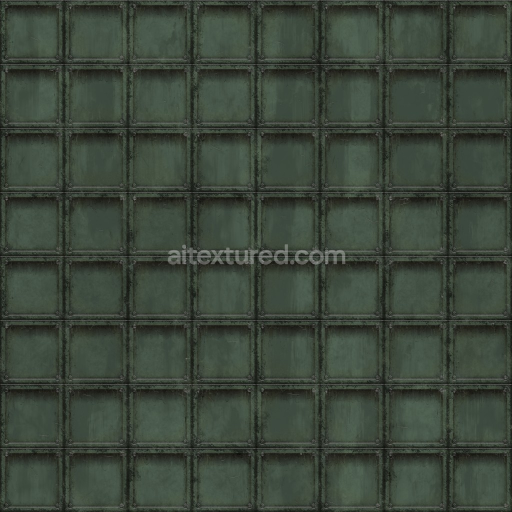
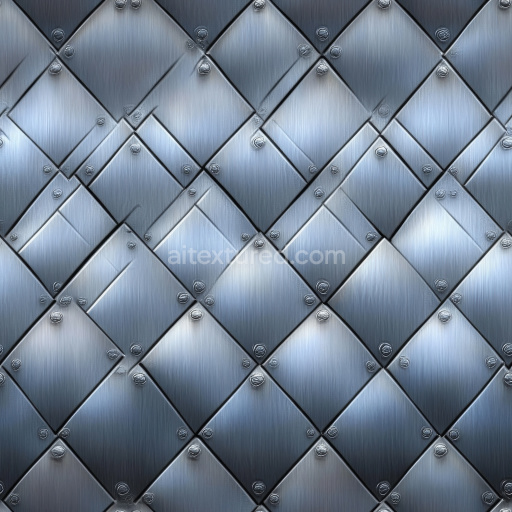
Archviz Metal Metallic Panel Sci Scifi Substance - Seamless PBR Texture
Seamless texture (tileable) · PNG, WEBP, PBR ZIP.
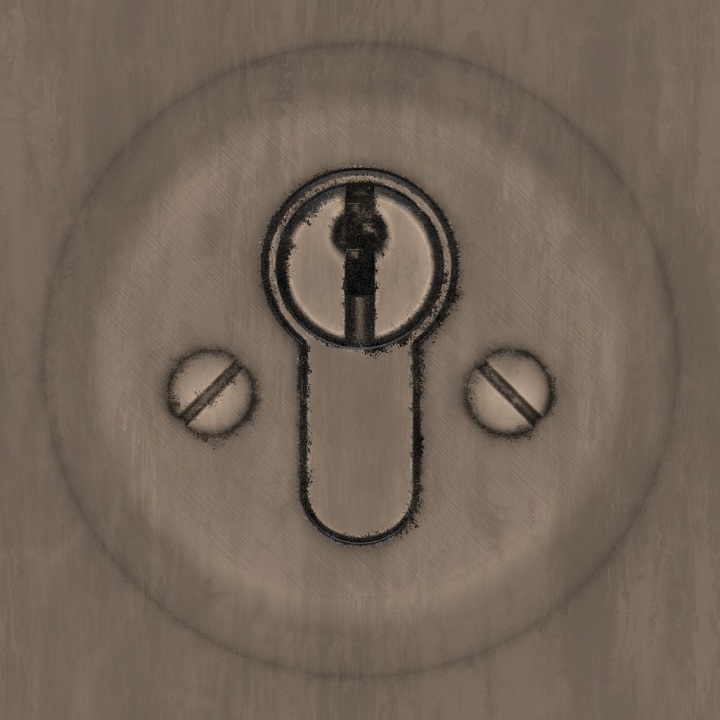
| ID | archviz-door-hole-key-keyhole-metal-metallic |
|---|---|
| Category | Metal |
| Formats | PNG, WEBP, PBR ZIP |
| Size | 1k (1024x1024px), 2k (2048x2048px), 4k (4096x4096px), 8k (8192x8192px) |
| Tileable | Yes |
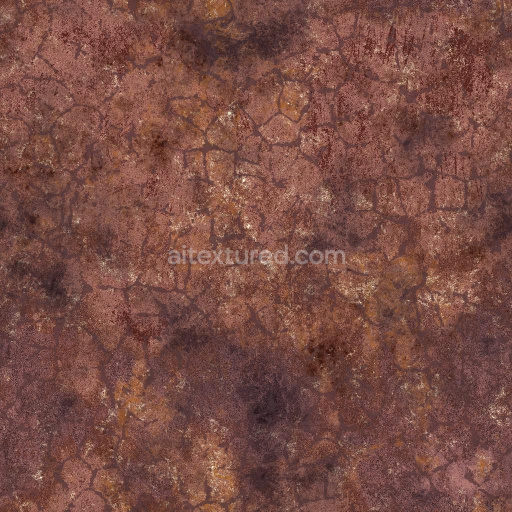
This Archviz Door Hole Key Keyhole Metal Metallic seamless PBR texture is expertly crafted to replicate the intricate surface characteristics of aged yet robust metallic door hardware. Its base substrate consists predominantly of a dense metal alloy reflecting the durability and weight typical of industrial-grade steel or iron components used in door keyholes and lock mechanisms. The surface finish shows subtle signs of weathering and oxidation with finely brushed and slightly pitted textures that hint at long-term exposure to environmental elements. This combination of microscopic grain orientation and natural corrosion effects is captured through carefully calibrated colorants and oxide layers delivering a realistic metallic appearance that balances wear with functionality. The texture’s porosity is minimal reflecting the compact non-porous nature of metal while the slight roughness and fine scratches add authenticity to the tactile feel expected from such architectural details.
Within the PBR workflow this material’s BaseColor or Albedo map conveys the cool muted metallic tones interspersed with subtle rust hues and darkened crevices around the keyhole edges. The Normal map intricately simulates the small dents grooves and brushed metal grain enhancing the three-dimensional illusion under dynamic lighting. Roughness maps control the varied reflections caused by the mix of polished highlights and oxidized dull patches while the Metallic channel strictly denotes the fully metallic nature of the surface ensuring accurate light interaction. Ambient Occlusion enriches shadow depth around recessed areas like the keyhole cavity and the Height or Displacement map provides fine elevation details to emphasize the engraved outlines and surface imperfections adding realism during close-up renders. Designed at an impressive up to 8K resolution this texture is optimized for seamless tiling across large architectural visualization projects and compatible with popular platforms such as Blender Unreal Engine and Unity supporting real-time and offline rendering workflows alike.
For practical application it is advisable to carefully adjust the UV scale to maintain the texture’s natural grain size relative to the door model avoiding overstretched or compressed appearances. Additionally subtle tuning of the roughness map can help simulate different levels of metal wear—from smoother recently polished locks to more weathered matte finishes—depending on the visual narrative desired. This substance designer-quality material provides a photorealistic base layer preview to expedite quick look-development making it a versatile and reliable resource for architectural visualization game engine environments and any project requiring authentic metallic door hardware surfaces.
Import the texture maps into Blender with sRGB color space for albedo/base color and Non-Color for normal, roughness, metallic, AO, height, and ORM maps. Connect normal maps through a Normal Map node, then adjust UV scale with a Mapping node so the material repeats naturally on your model.
For the full step-by-step setup, see How to Use Seamless Textures in Blender. Browse related material examples in wood, concrete, and metal.
Yes. This texture is designed as a seamless tileable PBR material, so it can repeat across large surfaces without visible borders.
Use the download controls on this page: they expose the available PNG, WEBP or engine ZIP choices and supported resolutions for this asset.
Use the engine ZIP choices to package compatible source maps for Blender, Unreal Engine or Unity, then verify the imported material in the target application.
Commercial-use permission is not verified for this record. Confirm the original source and license before production use.


Generate maps from existing images, preview materials, convert channels, and package compatible inputs for Blender, Unity, and Unreal Engine.
Choose a verified workflow for generating maps, previewing tiling, converting channels, or starting from the texture catalog.
Derive Normal, Roughness, AO, Metallic, Height and optional ORM maps from one or more source images, then review the results.
Instant WebGL viewer: inspect materials on a sphere, plane, and cube. Check tiling and lighting in real time.
Re-packages maps per engine: Unreal (BaseColor + ORM), Unity (Mask/MetallicSmoothness), Blender (separate channels).
PNG ↔ JPG ↔ SVG: fast convert, SVG rasterize, embed/trace options, quality & background controls.