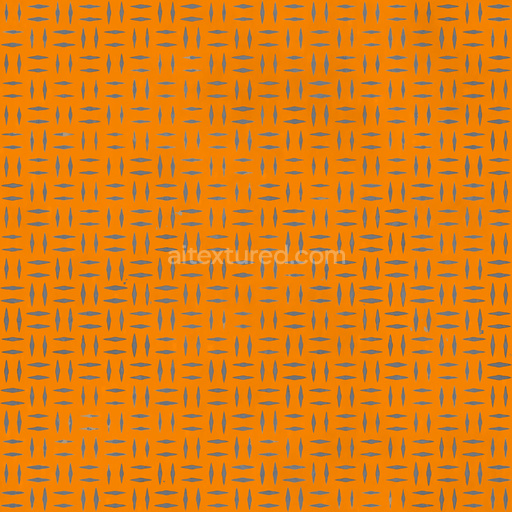
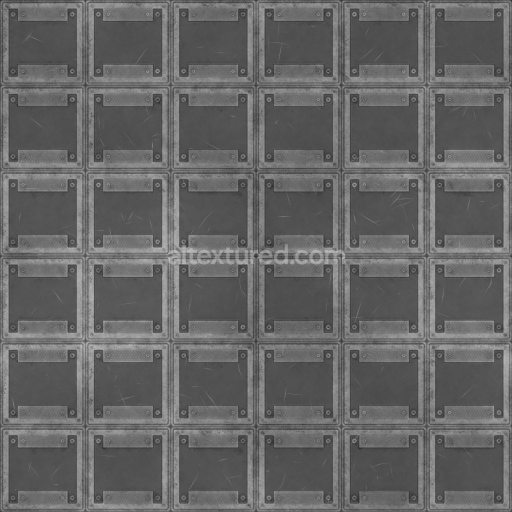
Seamless Diamond Plate 006 B by Textures - PBR 3D Texture (8K ready)
Seamless texture (tileable) · PNG, WEBP, PBR ZIP.

| ID | crumpled-or-wrinkled-aluminum-foil-texture-free-pbr |
|---|---|
| Category | Metal |
| Formats | PNG, WEBP, PBR ZIP |
| Size | 1k (1024x1024px), 2k (2048x2048px), 4k (4096x4096px), 8k (8192x8192px) |
| Tileable | Yes |
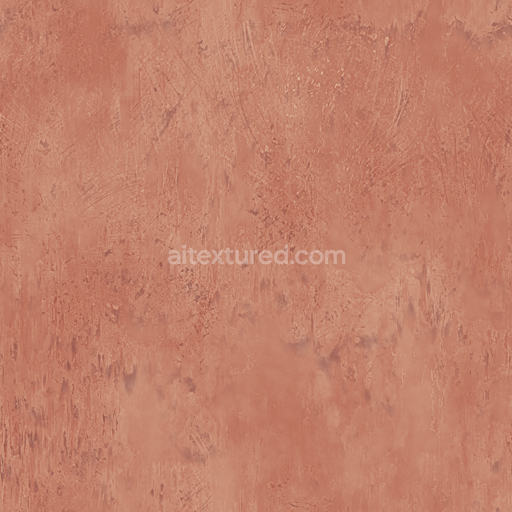
This crumpled or wrinkled aluminum foil texture presents an exceptionally detailed and realistic depiction of a thin metal substrate distinguished by its lightweight and highly reflective nature. The base material is aluminum, a soft and ductile metal prized for its excellent malleability and natural corrosion resistance. The foil surface exhibits a complex network of fine creases and folds, the result of mechanical deformation processes that alter the grain orientation and microstructure at a subtle level. These intricate wrinkles generate unique patterns of light reflection and shadow interplay, enhanced by the foil’s polished yet slightly oxidized finish. This combination produces dynamic highlights and muted metallic tones clearly visible in the BaseColor/Albedo channel, capturing the nuanced visual character of real aluminum foil surfaces.
Within the physically based rendering (PBR) framework, this texture excels in conveying authentic material qualities through its comprehensive set of channels. The Normal and Height maps accurately simulate the uneven topology of the crumpled foil, revealing every subtle fold and crease with precision. The Roughness channel reflects the foil’s semi-gloss surface, where smoother areas have lower roughness values and highly wrinkled sections exhibit increased microfacet scattering, lending realistic variability to light diffusion. The Metallic channel remains consistently high to emphasize the conductive, metallic nature of aluminum, while the Ambient Occlusion map deepens the perception of depth within the creases and folds, enhancing realism. Displacement or height data further enrich the tactile feel by enabling parallax effects in 3D environments.
Rendered at an ultra-high 8K resolution, this seamless PBR texture is optimized for integration with popular 3D software such as Blender, Unreal Engine, and Unity, ensuring sharp detail even in close-up views. Its fidelity supports diverse applications, including product visualization, packaging design, and environmental asset creation for virtual scenes. For optimal results, adjusting the UV scale to preserve natural proportions of the wrinkles and fine-tuning roughness values can help balance the interplay between reflectivity and diffuse reflection under varied lighting conditions, enhancing the overall material authenticity.
Overall, this crumpled aluminum foil texture serves as a versatile and physically accurate resource for artists and developers aiming to incorporate realistic metallic surfaces characterized by complex surface deformation and nuanced reflective properties. Its detailed material composition and thoughtfully mapped PBR channels make it an invaluable asset for achieving lifelike renderings of wrinkled aluminum foil in any digital project.
Import the texture maps into Blender with sRGB color space for albedo/base color and Non-Color for normal, roughness, metallic, AO, height, and ORM maps. Connect normal maps through a Normal Map node, then adjust UV scale with a Mapping node so the material repeats naturally on your model.
For the full step-by-step setup, see How to Use Seamless Textures in Blender. Browse related material examples in wood, concrete, and metal.
Yes. This texture is designed as a seamless tileable PBR material, so it can repeat across large surfaces without visible borders.
Use the download controls on this page: they expose the available PNG, WEBP or engine ZIP choices and supported resolutions for this asset.
Use the engine ZIP choices to package compatible source maps for Blender, Unreal Engine or Unity, then verify the imported material in the target application.
Commercial-use permission is not verified for this record. Confirm the original source and license before production use.

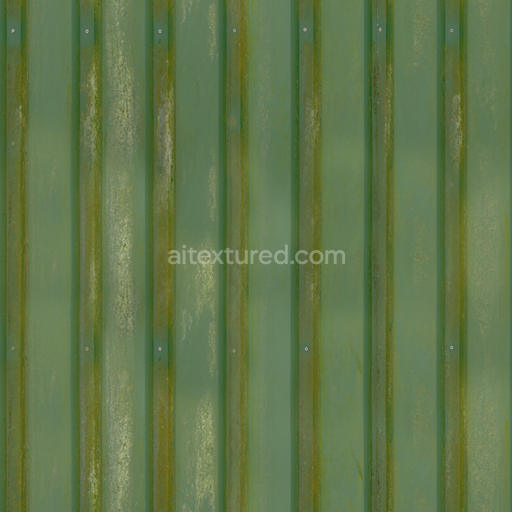
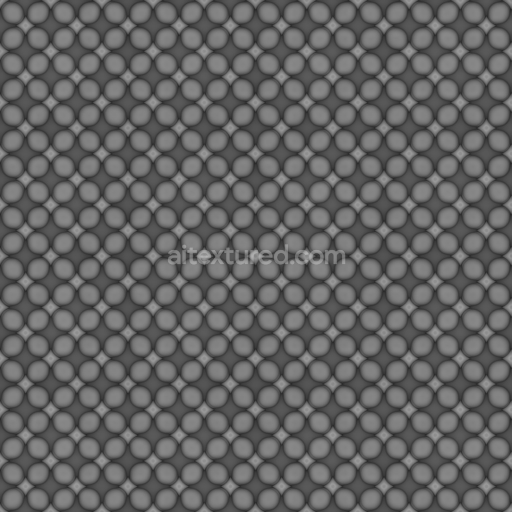
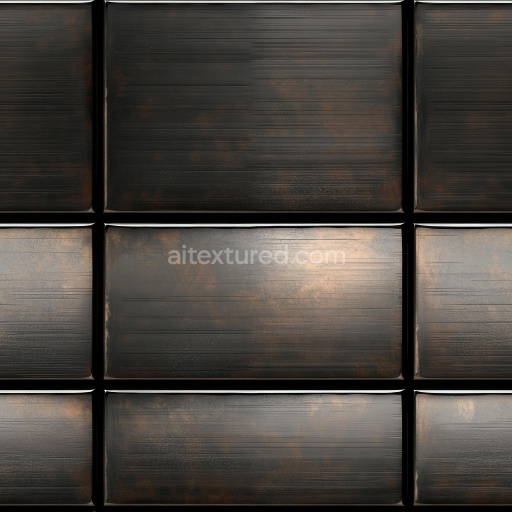
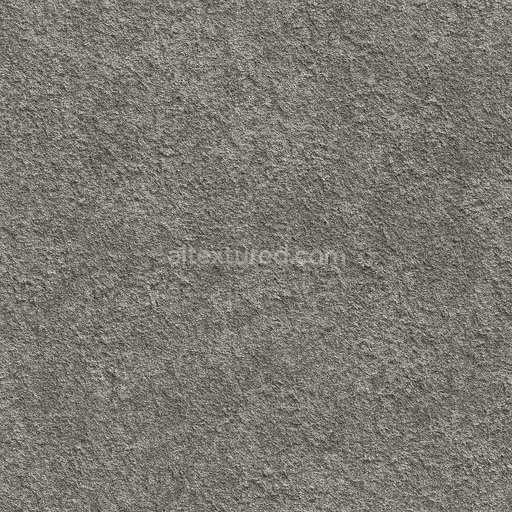

Generate maps from existing images, preview materials, convert channels, and package compatible inputs for Blender, Unity, and Unreal Engine.
Choose a verified workflow for generating maps, previewing tiling, converting channels, or starting from the texture catalog.
Derive Normal, Roughness, AO, Metallic, Height and optional ORM maps from one or more source images, then review the results.
Instant WebGL viewer: inspect materials on a sphere, plane, and cube. Check tiling and lighting in real time.
Re-packages maps per engine: Unreal (BaseColor + ORM), Unity (Mask/MetallicSmoothness), Blender (separate channels).
PNG ↔ JPG ↔ SVG: fast convert, SVG rasterize, embed/trace options, quality & background controls.