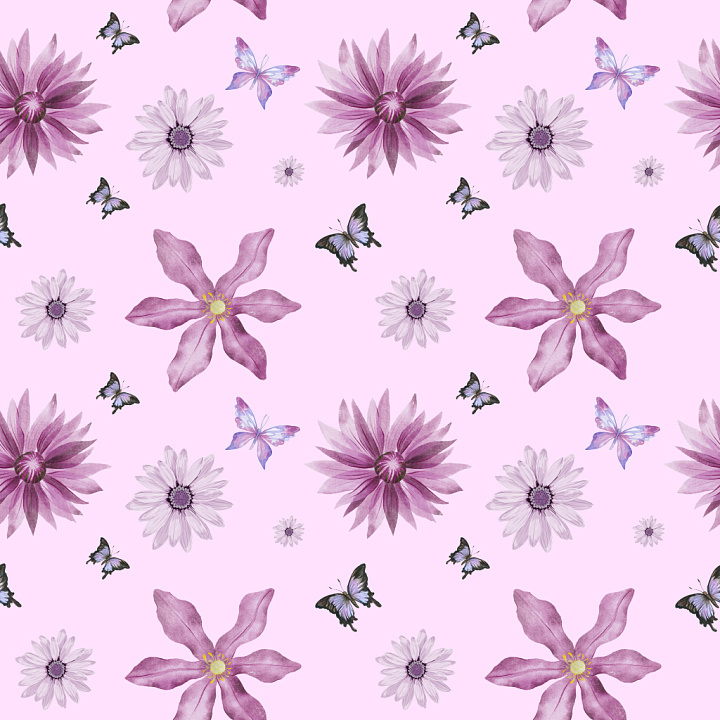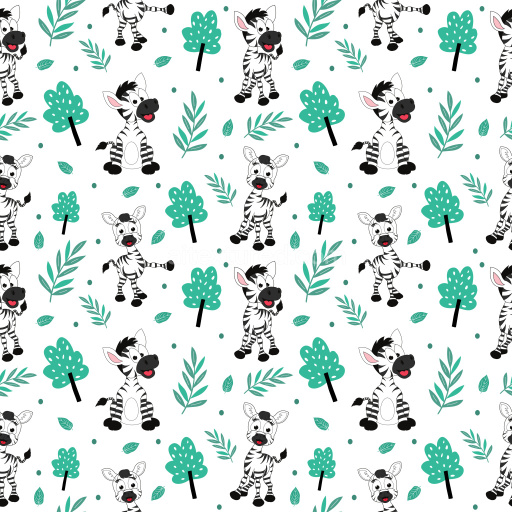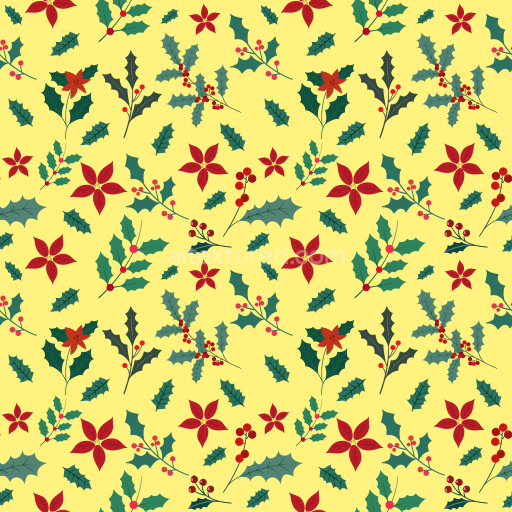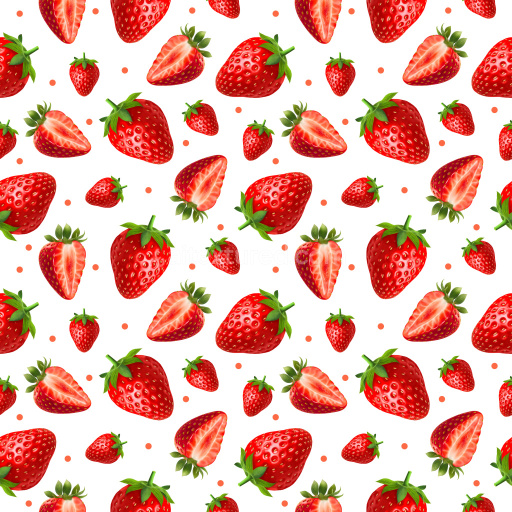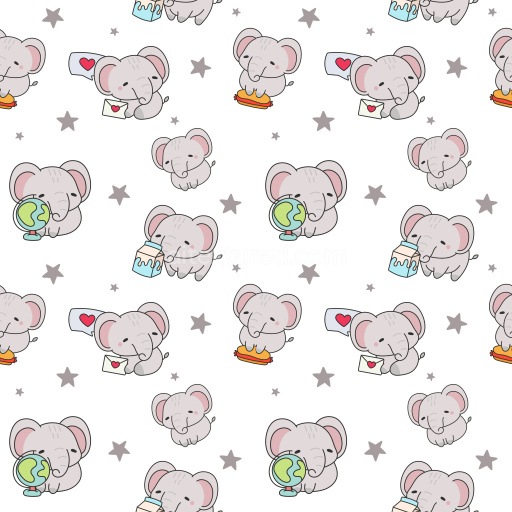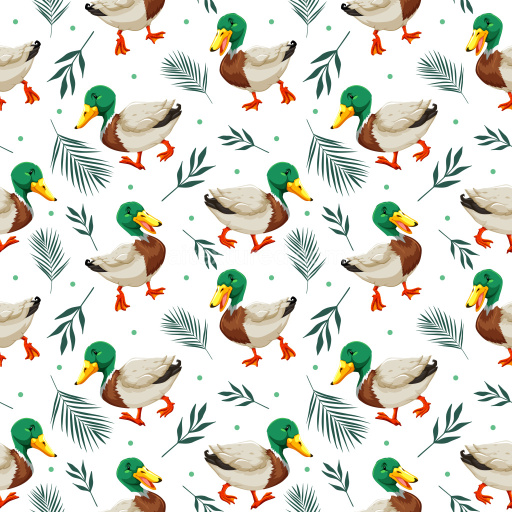
Seamless 3D Floral and Butterfly Pattern PBR Texture in Soft Pink

Seamless texture (tileable) · PNG. License: Free for personal & commercial use.

Pattern Bundle - Seamless 3D Floral and Butterfly Pattern PBR Texture in Soft Pink texture preview

Texture Info

IDpattern-bundle-seamless-pbr-floral-butterfly-pattern-texture-pink
CategoryPattern Bundle
FormatsPNG
Size1k (1024x1024px), 2k (2048x2048px), 4k (4096x4096px), 8k (8192x8192px)
ColorsRGB
TileableYes
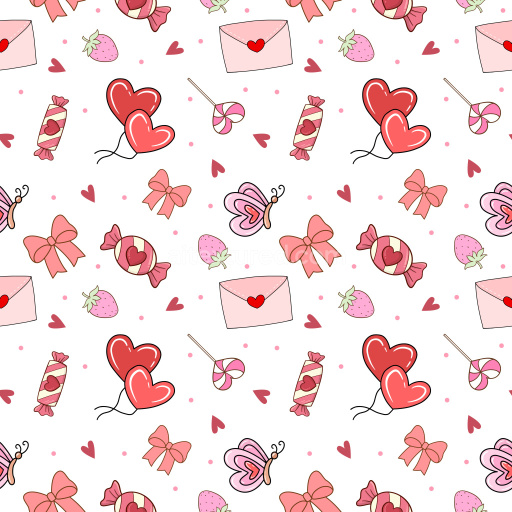
This seamless 3D pattern PBR texture showcases a charming arrangement of hand-drawn floral blossoms and butterflies set against a soft pastel pink backdrop. The pattern structure is composed of repeating floral motifs with varying petal shapes and sizes, subtly paired with gently fluttering butterflies, creating a balanced and airy composition. The color palette leverages muted tones of pinks, purples, and lavenders for the flowers, while the butterflies are accented with soft blues and hints of black, providing a delicate contrast to the smooth pastel background. The texture feels like a refined watercolor or inked illustration, with visible brush strokes and slight shading variations that lend depth and tactile quality without harsh edges. This pattern exhibits an open, evenly spaced tile repeat that ensures flawless seamless tiling without obvious breaks or overlaps. PBR-ready and meticulously crafted for realism, it is compatible with modern 3D design workflows including Blender, Unreal Engine, Unity, 3ds Max, and Cinema 4D. Its gentle color scheme and natural motifs suit stylized interior visualizations, textile design, wallpaper applications, packaging, product rendering, and branding projects that seek a soft, elegant ambiance. The texture’s hand-rendered appearance and serene flow bring a decorative yet sophisticated charm to 3D environments, particularly in scenes demanding feminine, natural, or spring-inspired themes.

How to Use These Seamless PBR Textures in Blender

This quick guide shows how to connect a seamless PBR texture set in Blender using Principled BSDF. The workflow works for tileable materials used in Blender, Unreal Engine, Unity, archviz, and game environments.

What Is Included

  • albedo or base color for the visible surface color
  • normal for fine surface relief
  • roughness for gloss and reflectivity control
  • metallic for metal or dielectric response
  • ao for ambient occlusion in cavities
  • height for bump, parallax, or displacement
  • ORM packed maps for optimized real-time workflows
Blender node setup overview for a seamless PBR texture
Example node layout for a standard PBR material in Blender.

Quick Start

  1. Open the Shader Editor and create a new material.
  2. Add an Image Texture node for each map you want to use.
  3. Set Color Space to sRGB for Albedo and to Non-Color for Normal, Roughness, Metallic, AO, Height, and ORM.
  4. Connect the maps to the matching inputs on Principled BSDF.

Recommended Connections

  • Albedo -> Base Color
  • Roughness -> Roughness
  • Metallic -> Metallic
  • Normal -> Normal Map node -> Normal
  • Height -> Bump or Displacement, depending on your render setup
Adding an image texture node in Blender
Add an Image Texture node before assigning the downloaded maps.

Using ORM Maps

If your download includes a packed ORM texture, split its RGB channels: R = AO, G = Roughness, B = Metallic. This is useful for Unreal Engine and other optimized real-time pipelines.

Tiling and UV Scale

Because these textures are seamless, you can repeat them across large surfaces without visible seams. Use a Mapping node to increase or reduce tiling density on floors, walls, terrain, props, and modular assets.

Common Mistakes

  • Using sRGB on non-color maps
  • Connecting a Normal map directly without a Normal Map node
  • Overdriving Height or Bump values so the surface looks unnatural
  • Ignoring texture scale, which makes seamless materials look repetitive
Loading a downloaded texture set into Blender
Load the downloaded texture set and wire the maps to Principled BSDF.

For more examples, browse related categories such as Wood Textures, Concrete Textures, and Metal Textures.

AITEXTURED Tools

Build, preview, and export seamless PBR materials. Generate full map sets from a single image, inspect them in a real-time WebGL viewer, and re-package maps for Unreal, Unity, and Blender—directly in your browser.