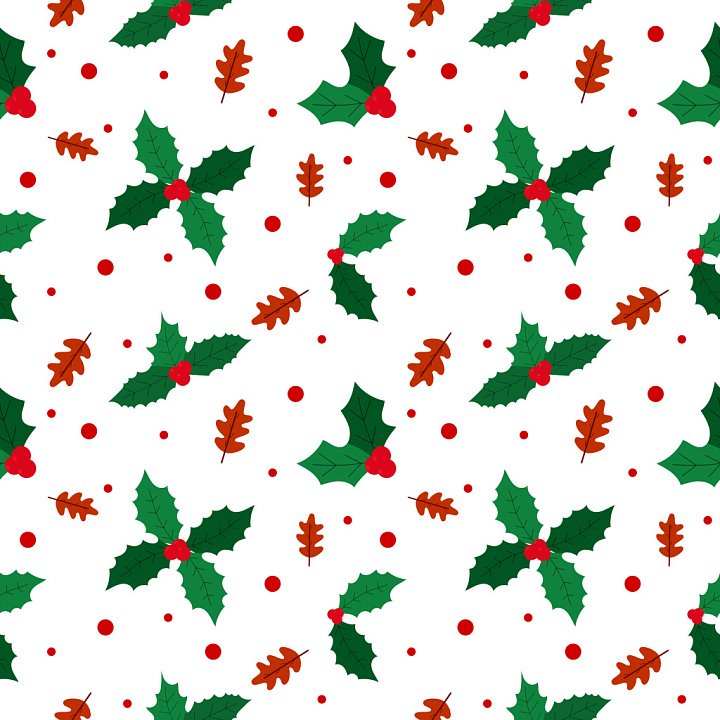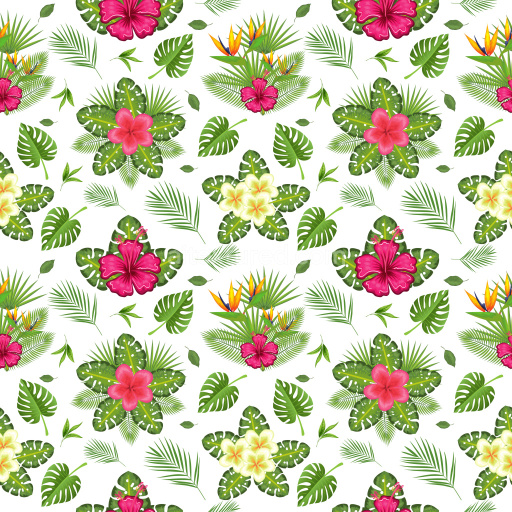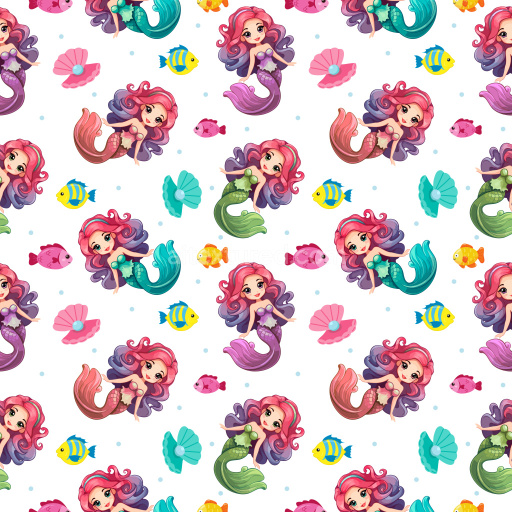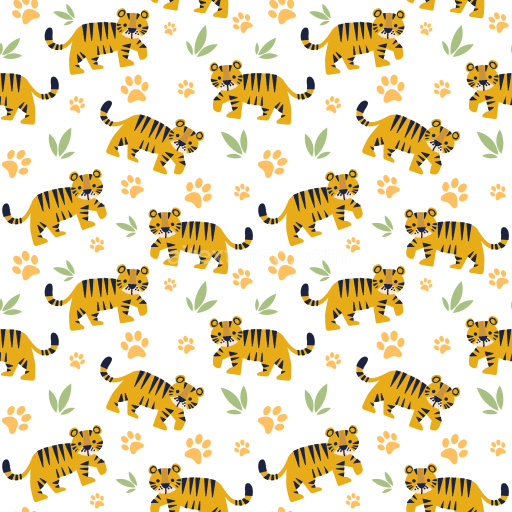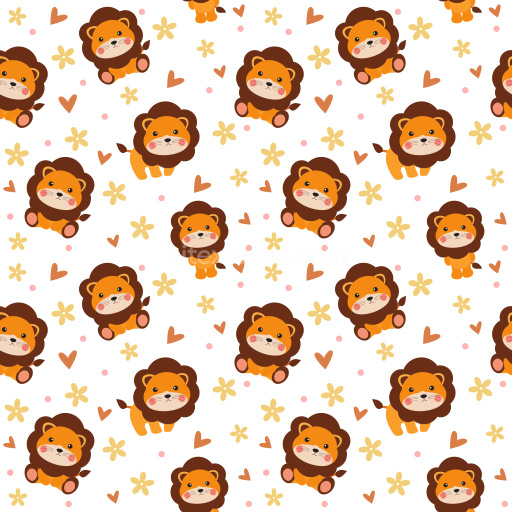
Seamless 3D Pattern PBR Texture with Holly Leaves and Oak Acorns in Festive Holiday Colors

Seamless texture (tileable) · PNG. License: Free for personal & commercial use.

Pattern Bundle - Seamless 3D Pattern PBR Texture with Holly Leaves and Oak Acorns in Festive Holiday Colors texture preview

Texture Info

IDpattern-bundle-seamless-pbr-holly-and-oak-leaf-holiday-pattern-texture
CategoryPattern Bundle
FormatsPNG
Size1k (1024x1024px), 2k (2048x2048px), 4k (4096x4096px), 8k (8192x8192px)
ColorsRGB
TileableYes
This seamless 3D pattern PBR texture presents a cheerful holiday motif composed of classic green holly leaves adorned with vivid red berries, accompanied by warm orange oak leaves and scattered red dots across a crisp white background. The pattern is characterized by well-defined, clean edges and a flat, smooth graphic style that emphasizes the simplicity and clarity of each decorative element. The holly leaves show delicate vein linework, subtly visible to enhance natural realism without overpowering the design. The oak leaves add an autumnal touch with their characteristic lobed shapes and solid, warm color fill. The red dots, varying slightly in size, introduce playful rhythm and balance to the overall distribution of the pattern elements. This tileable texture exhibits a balanced and open repeat with ample white space, allowing each motif to stand out distinctly while maintaining harmonious flow throughout the surface. The colors are bold and festive, leveraging the traditional Christmas palette of green, red, and orange for seasonal appeal. As a PBR-ready texture, it integrates effortlessly into 3D environments in software such as Blender, Unreal Engine, Unity, 3ds Max, or Cinema 4D, enabling photorealistic rendering in holiday or winter scenes. Its versatility makes it suitable for virtual wrapping paper, Christmas textiles, festive wallpaper, branded packaging, and decorative surface overlays in architectural visualization or game development. This texture lends a lively yet clean decorative atmosphere to any design project aiming for a joyful and traditional holiday aesthetic with an uncluttered modern presentation.

How to Use These Seamless PBR Textures in Blender

This quick guide shows how to connect a seamless PBR texture set in Blender using Principled BSDF. The workflow works for tileable materials used in Blender, Unreal Engine, Unity, archviz, and game environments.

What Is Included

  • albedo or base color for the visible surface color
  • normal for fine surface relief
  • roughness for gloss and reflectivity control
  • metallic for metal or dielectric response
  • ao for ambient occlusion in cavities
  • height for bump, parallax, or displacement
  • ORM packed maps for optimized real-time workflows
Blender node setup overview for a seamless PBR texture
Example node layout for a standard PBR material in Blender.

Quick Start

  1. Open the Shader Editor and create a new material.
  2. Add an Image Texture node for each map you want to use.
  3. Set Color Space to sRGB for Albedo and to Non-Color for Normal, Roughness, Metallic, AO, Height, and ORM.
  4. Connect the maps to the matching inputs on Principled BSDF.

Recommended Connections

  • Albedo -> Base Color
  • Roughness -> Roughness
  • Metallic -> Metallic
  • Normal -> Normal Map node -> Normal
  • Height -> Bump or Displacement, depending on your render setup
Adding an image texture node in Blender
Add an Image Texture node before assigning the downloaded maps.

Using ORM Maps

If your download includes a packed ORM texture, split its RGB channels: R = AO, G = Roughness, B = Metallic. This is useful for Unreal Engine and other optimized real-time pipelines.

Tiling and UV Scale

Because these textures are seamless, you can repeat them across large surfaces without visible seams. Use a Mapping node to increase or reduce tiling density on floors, walls, terrain, props, and modular assets.

Common Mistakes

  • Using sRGB on non-color maps
  • Connecting a Normal map directly without a Normal Map node
  • Overdriving Height or Bump values so the surface looks unnatural
  • Ignoring texture scale, which makes seamless materials look repetitive
Loading a downloaded texture set into Blender
Load the downloaded texture set and wire the maps to Principled BSDF.

For more examples, browse related categories such as Wood Textures, Concrete Textures, and Metal Textures.

AITEXTURED Tools

Build, preview, and export seamless PBR materials. Generate full map sets from a single image, inspect them in a real-time WebGL viewer, and re-package maps for Unreal, Unity, and Blender—directly in your browser.