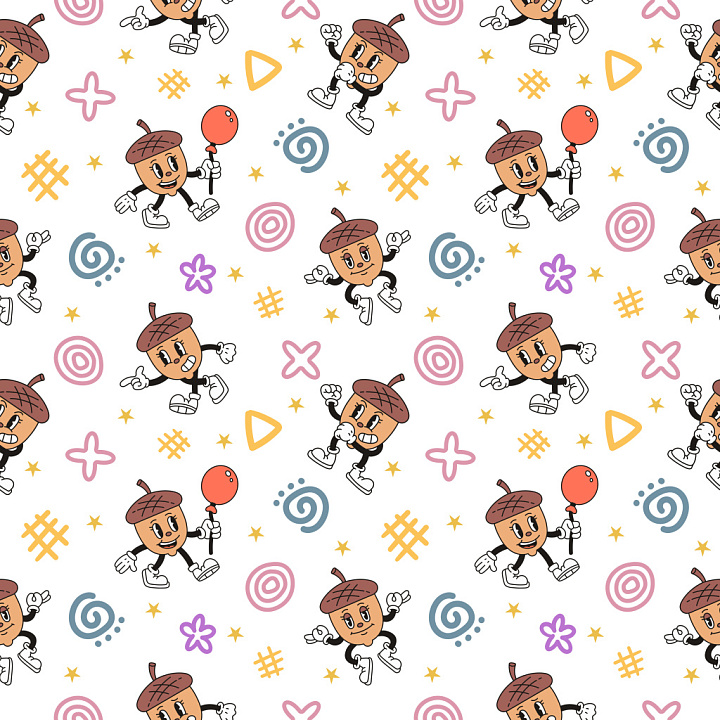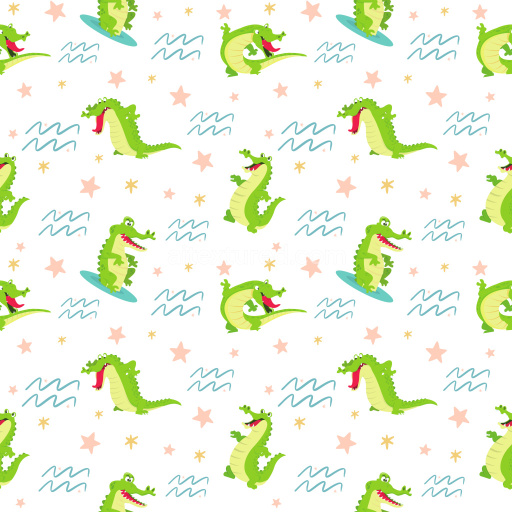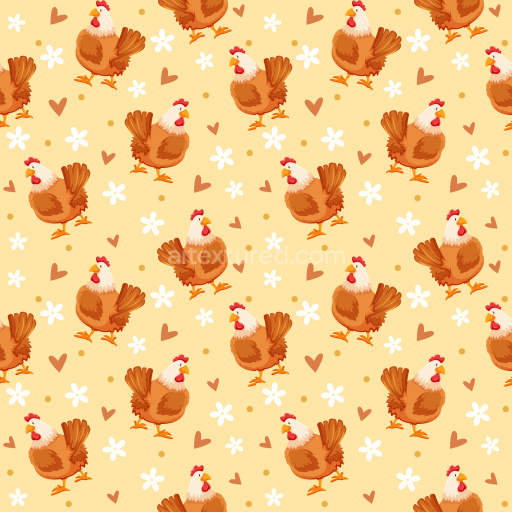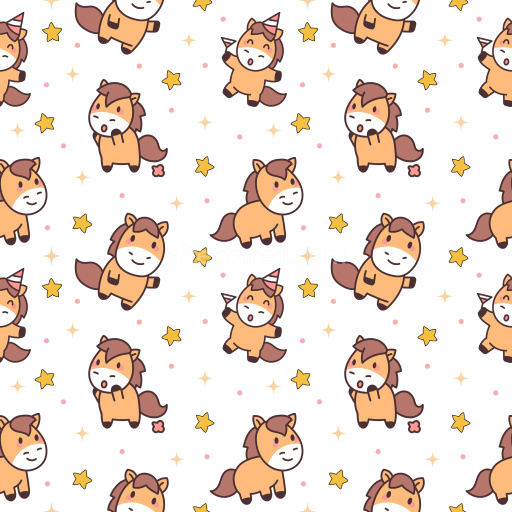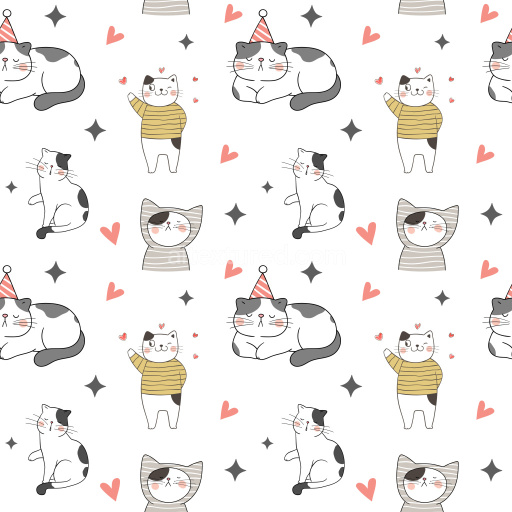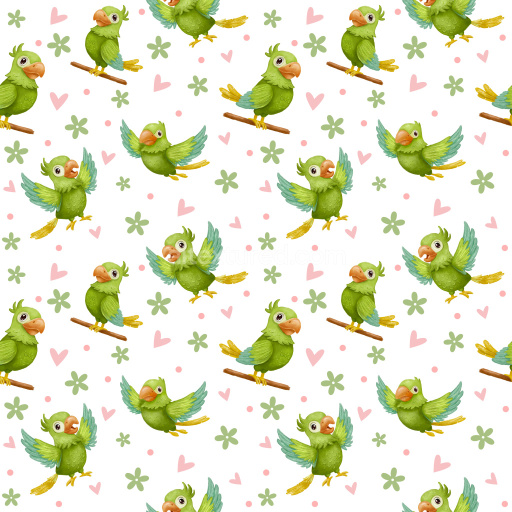
Seamless 3D PBR texture with playful acorn character and colorful doodle pattern

Seamless texture (tileable) · PNG. License: Free for personal & commercial use.

Pattern Bundle - Seamless 3D PBR texture with playful acorn character and colorful doodle pattern texture preview

Texture Info

IDpattern-bundle-seamless-pbr-playful-acorn-character-pattern-texture
CategoryPattern Bundle
FormatsPNG
Size1k (1024x1024px), 2k (2048x2048px), 4k (4096x4096px), 8k (8192x8192px)
ColorsRGB
TileableYes
This seamless 3D PBR pattern texture showcases a lively arrangement of cartoon-style acorn characters, each cheerfully holding a red balloon, interspersed with a variety of playful, hand-drawn doodles in pastel and muted tones. The primary motif features acorns with expressive eyes, white gloves, and sneakers, creating a retro, animated vibe reminiscent of mid-century character design. Surrounding these figures are random, evenly spaced sketches of spirals, crosses, stars, grids, flowers, and geometric shapes rendered in soft pinks, purples, golden yellows, and powder blues on a crisp white background, establishing a balanced and cheerful composition with scattered rhythm. The lines are clean with crisp edges, giving the texture a fresh, flat-print look that enhances its cartoon aesthetic. The visual lightness is complemented by smooth surfaces, devoid of texture noise or grunge, creating a polished finish ideal for stylized uses. Thanks to its tileable and repeatable layout, this PBR-ready pattern suits various 3D workflows and rendering pipelines across Blender, Unreal Engine, Unity, 3ds Max, and Cinema 4D. The design fits perfectly for whimsical interiors, children's textiles, playful wallpapers, packaging for fun brand identities, animated game assets, and editorial backgrounds. Its charm and simplicity bring vibrant personality to stylized 3D scenes or 2D overlay graphics while maintaining versatility in any creative branding or design project.

How to Use These Seamless PBR Textures in Blender

This quick guide shows how to connect a seamless PBR texture set in Blender using Principled BSDF. The workflow works for tileable materials used in Blender, Unreal Engine, Unity, archviz, and game environments.

What Is Included

Blender node setup overview for a seamless PBR texture
Example node layout for a standard PBR material in Blender.

Quick Start

  1. Open the Shader Editor and create a new material.
  2. Add an Image Texture node for each map you want to use.
  3. Set Color Space to sRGB for Albedo and to Non-Color for Normal, Roughness, Metallic, AO, Height, and ORM.
  4. Connect the maps to the matching inputs on Principled BSDF.

Recommended Connections

Adding an image texture node in Blender
Add an Image Texture node before assigning the downloaded maps.

Using ORM Maps

If your download includes a packed ORM texture, split its RGB channels: R = AO, G = Roughness, B = Metallic. This is useful for Unreal Engine and other optimized real-time pipelines.

Tiling and UV Scale

Because these textures are seamless, you can repeat them across large surfaces without visible seams. Use a Mapping node to increase or reduce tiling density on floors, walls, terrain, props, and modular assets.

Common Mistakes

Loading a downloaded texture set into Blender
Load the downloaded texture set and wire the maps to Principled BSDF.

For more examples, browse related categories such as Wood Textures, Concrete Textures, and Metal Textures.

AITEXTURED Tools

Build, preview, and export seamless PBR materials. Generate full map sets from a single image, inspect them in a real-time WebGL viewer, and re-package maps for Unreal, Unity, and Blender—directly in your browser.

3D Texture Generator

AI text-to-texture: type a prompt and get a seamless, tileable base image ready for PBR workflows (great starting point for materials).

AI texture generator • text to texture • seamless tileable • 1K–8K PNG/WEBP • prompts • procedural • PBR-ready
Open →

PBR Texture Generator

Create a full PBR set (Normal, Roughness, AO, Metallic, etc.) from a single image. Seamless and tiling-friendly.

generate PBR textures • normal map • roughness • AO • metallic • tileable • 1K–8K PNG • free
Open →

Online Texture Preview

Instant WebGL viewer: inspect materials on a sphere, plane, and cube. Check tiling and lighting in real time.

WebGL PBR viewer • 3D material preview • tiling check • albedo/normal/roughness/metallic/AO/height • Blender • Unity • Unreal
Open →

Unity / Unreal / Blender Mapper

Re-packages maps per engine: Unreal (BaseColor + ORM), Unity (Mask/MetallicSmoothness), Blender (separate channels).

Unreal ORM • Unity HDRP/URP • Mask/MetallicSmoothness • DX/GL normal map • channel packing • auto-detect • ZIP output
Open →

Image Converter

PNG ↔ JPG ↔ SVG: fast convert, SVG rasterize, embed/trace options, quality & background controls.

image converter • PNG to JPG • JPG to PNG • SVG to PNG • SVG to JPG • PNG/SVG background • JPG quality • vector trace (potrace)
Open →