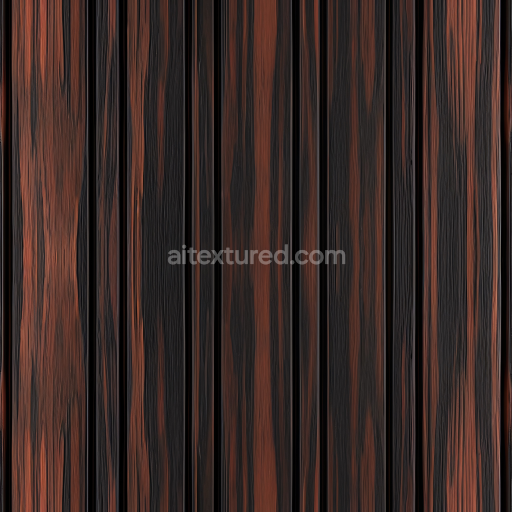
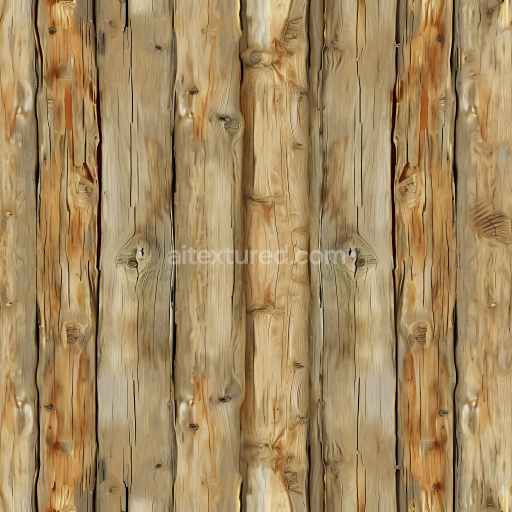
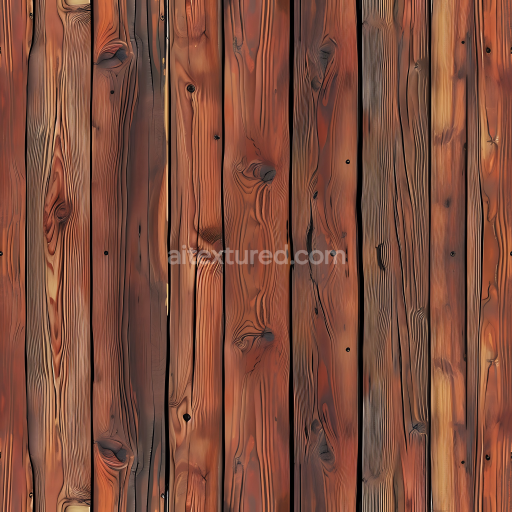
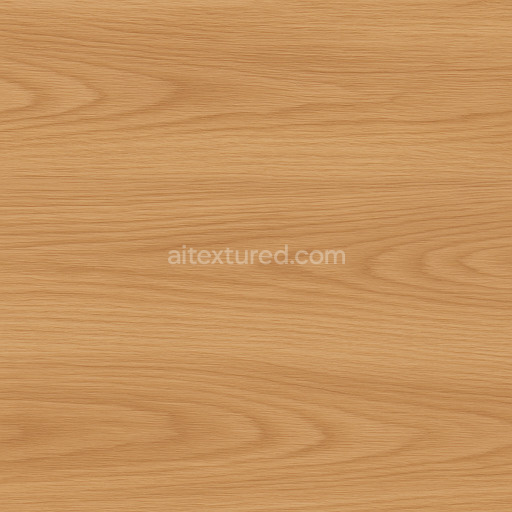
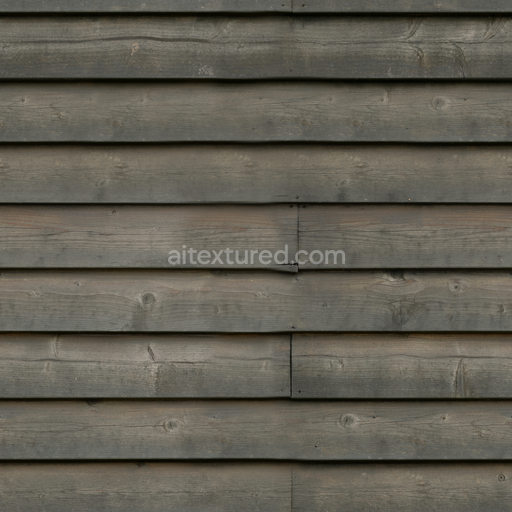
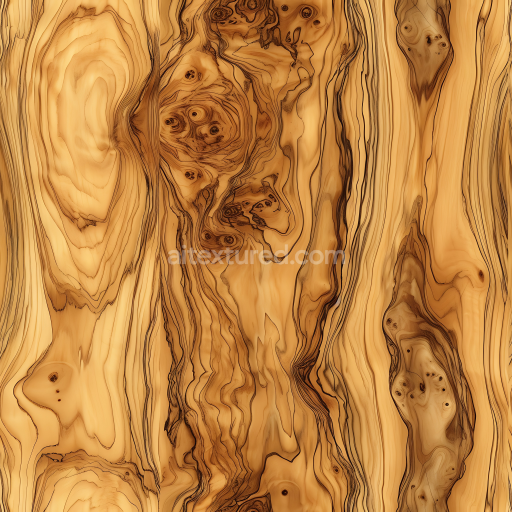
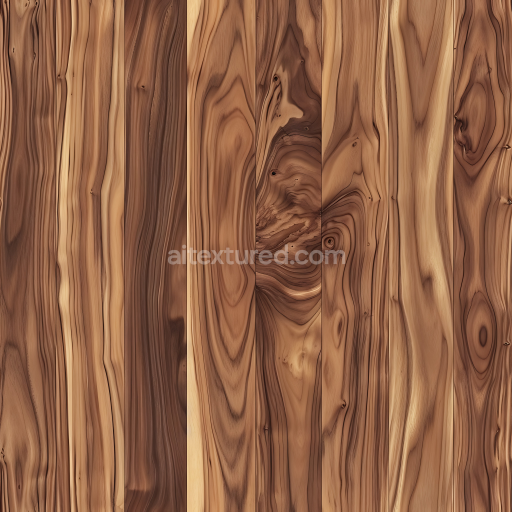
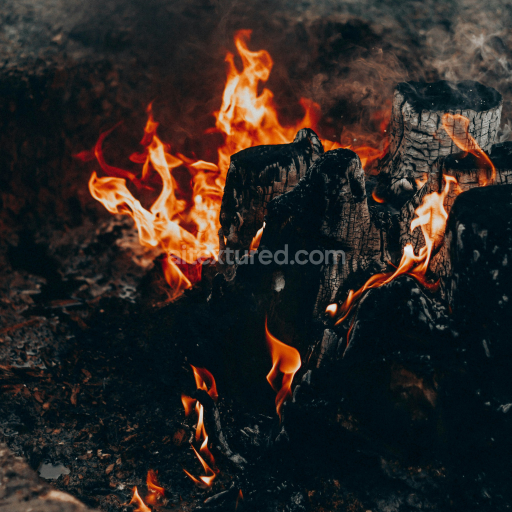
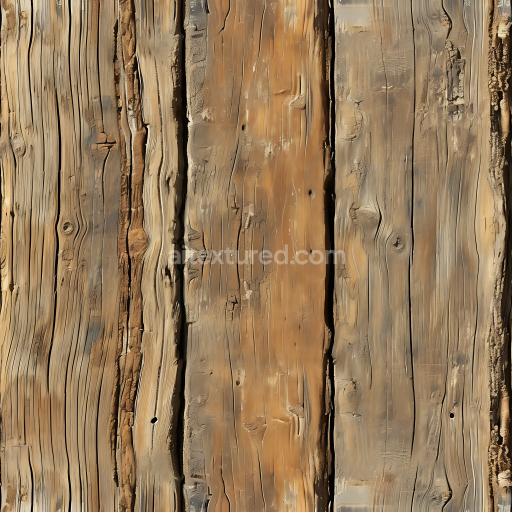
Dark Charred Wood Planks Seamless Texture with Rich Grain
Seamless texture (tileable) · PNG, WEBP, PBR ZIP.
| ID | wrinkled-memo-paper-texture-free-pbr-1 |
|---|---|
| Category | Wood |
| Formats | PNG, WEBP, PBR ZIP |
| Size | 1k (1024x1024px), 2k (2048x2048px), 4k (4096x4096px), 8k (8192x8192px) |
| Tileable | Yes |
This wrinkled memo paper texture is a high-quality, seamless PBR material designed to replicate the subtle imperfections and tactile qualities of real paper. The base substrate is an organic cellulose fiber matrix, typical of recycled or handmade paper, which gives the surface its characteristic fibrous grain and moderate porosity. The paper’s fibers are randomly oriented, creating natural variations in thickness and translucency, while the binder—usually a starch or synthetic adhesive—helps to unify the sheet and maintain structural integrity. The surface finish is matte with soft wrinkles and creases that suggest gentle wear and handling, enhancing realism in digital renders.
In the PBR workflow, these material attributes translate across multiple channels to deliver a convincing representation: the BaseColor (Albedo) map captures the off-white, slightly yellowed tint common to memo paper, including subtle discolorations and shadowed folds. The Normal map encodes the fine wrinkles and raised creases, providing depth and tactile detail when lit. Roughness values are moderately high, reflecting the paper’s non-reflective, fibrous surface, while the Metallic map remains nearly black, as paper is a non-metallic organic material. Ambient Occlusion emphasizes the shadowing within wrinkles and fiber clusters, adding depth. The Height (Displacement) map enhances the paper’s relief with softly rising and falling areas corresponding to folds and grain texture.
Rendered at an ultra-detailed 8K resolution, this texture is optimized for use in Blender, Unreal Engine, and Unity, making it ideal for close-up shots where surface detail is critical. For best results, it is recommended to adjust the UV scale to match the intended paper size to avoid unnatural repetition. Additionally, fine-tuning roughness can help simulate varying levels of glossiness due to wear or moisture exposure, while subtle height map tweaks can improve parallax effects, adding realism to interactive or VR environments.
Import the texture maps into Blender with sRGB color space for albedo/base color and Non-Color for normal, roughness, metallic, AO, height, and ORM maps. Connect normal maps through a Normal Map node, then adjust UV scale with a Mapping node so the material repeats naturally on your model.
For the full step-by-step setup, see How to Use Seamless Textures in Blender. Browse related material examples in wood, concrete, and metal.
Yes. This texture is designed as a seamless tileable PBR material, so it can repeat across large surfaces without visible borders.
Use the download controls on this page: they expose the available PNG, WEBP or engine ZIP choices and supported resolutions for this asset.
Use the engine ZIP choices to package compatible source maps for Blender, Unreal Engine or Unity, then verify the imported material in the target application.
Commercial-use permission is not verified for this record. Confirm the original source and license before production use.
Generate maps from existing images, preview materials, convert channels, and package compatible inputs for Blender, Unity, and Unreal Engine.
Choose a verified workflow for generating maps, previewing tiling, converting channels, or starting from the texture catalog.
Derive Normal, Roughness, AO, Metallic, Height and optional ORM maps from one or more source images, then review the results.
Instant WebGL viewer: inspect materials on a sphere, plane, and cube. Check tiling and lighting in real time.
Re-packages maps per engine: Unreal (BaseColor + ORM), Unity (Mask/MetallicSmoothness), Blender (separate channels).
PNG ↔ JPG ↔ SVG: fast convert, SVG rasterize, embed/trace options, quality & background controls.