Marble Texture Roughness Settings for Luxury Interiors
Tune marble PBR roughness for polished slabs, honed stone, floor tiles and luxury interior renders without making surfaces look plastic.
What this material workflow helps you fix
Use this guide when Marble Texture Roughness Settings for Luxury Interiors needs practical scale, roughness, normal strength and visual QA settings rather than only a preview thumbnail.
Marble can be glossy, honed or slightly worn. The same base color map can support different looks if roughness and normal strength are handled carefully.
For luxury interiors, reflections should feel broad and clean, not mirror-perfect everywhere. Small roughness variation gives slabs a premium look without turning the material into plastic.
Practical Material Parameters
| Material focus | Recommended UV scale | Roughness range | Normal strength range | Best use cases | Common visual issues |
|---|---|---|---|---|---|
| Polished or honed marble | 1-3 m per slab, smaller for tiles | 0.12-0.38 polished, 0.35-0.65 honed | 0.05-0.25 polished, 0.15-0.45 honed | Counters, floors, bathrooms, luxury interiors | Veins too small, mirror-like roughness everywhere, bumpy polished slabs |
Step-by-Step Workflow
- Start with base color and roughness before adding height or displacement.
- Use low normal strength for polished marble and moderate strength for honed stone.
- Preview reflections with large area lights or an HDRI.
- Scale veins so they suit the slab or tile size.
- Add local dirt, edge wear or grout separately when needed.
Quality Checklist
- Veins are not too small for the slab scale.
- Highlights are glossy but not uniformly mirror-like.
- Normal maps do not make polished stone look bumpy.
- Color maps do not contain baked lighting.
Common Mistakes
- Using roughness values that are too low across the entire surface.
- Applying the same marble tile to every slab without offset or rotation.
- Overusing displacement on a surface that should be polished flat.
Useful Next Steps
- Browse Marble PBR textures for source materials that match this workflow.
- Use Online PBR preview to preview, pack or prepare maps before importing them into your scene.
- Return to the workflow guide library for related Blender, Unreal Engine, Unity and optimization workflows.
Recommended Textures for This Workflow
FAQ
Which texture maps do I need for Marble Texture Roughness Settings for Luxury Interiors?
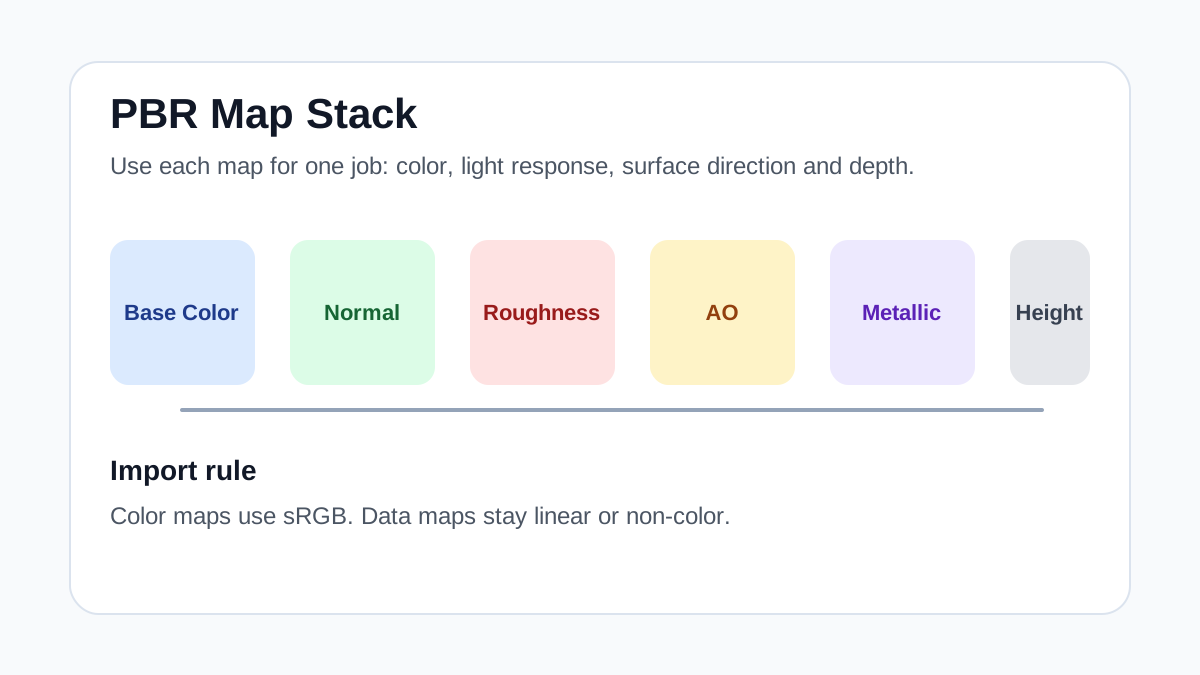
Start with base color, normal and roughness. Add AO, height, metallic or packed engine maps when the material and target renderer support them.
Should I always use 4K or 8K textures for this workflow?
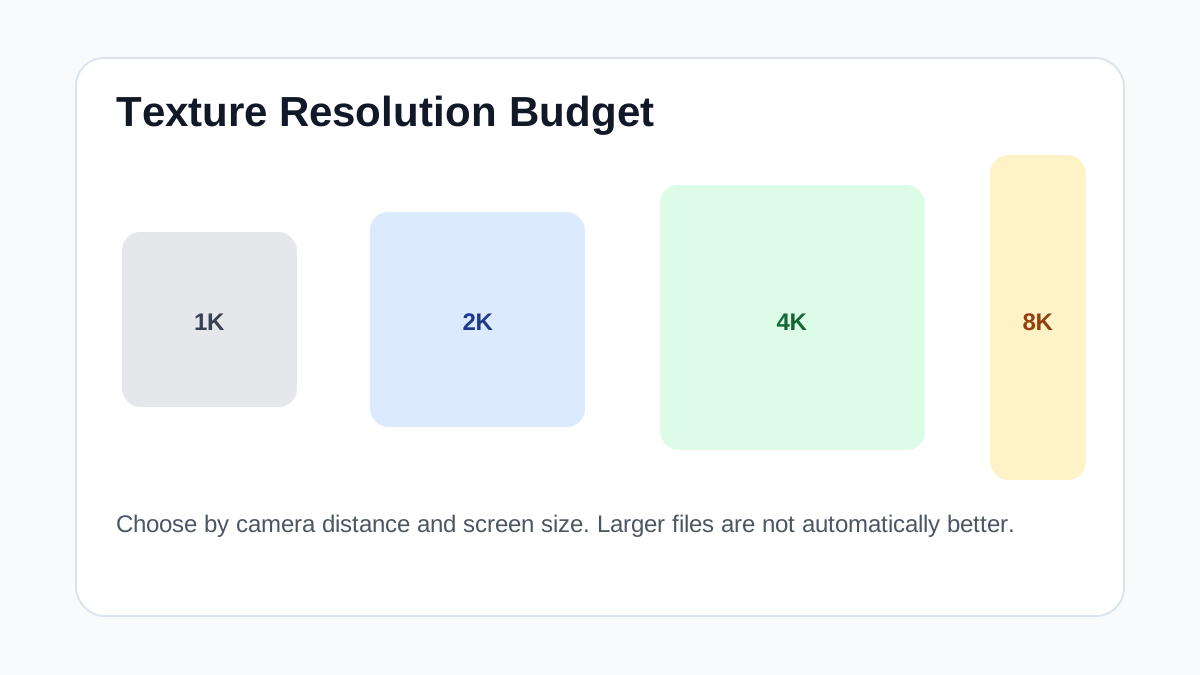
No. Use 4K or 8K only for close camera views or hero assets. For background surfaces, 1K or 2K textures with good tiling and mipmaps are often more efficient.
How does this guide fit into a Materials pipeline?
Use the guide as a setup checklist before final material tuning. Check scale, color space, map routing, tiling and performance in the target scene rather than judging the texture from the thumbnail alone.