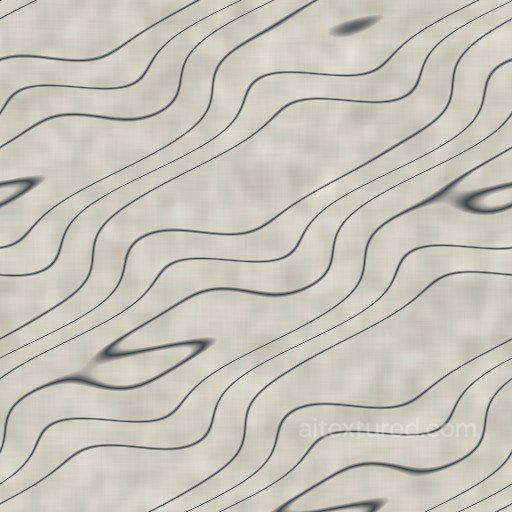
Free Seamless Marble PBR Textures
Download seamless marble PBR textures for luxury interiors, countertops, tiles, floors, columns and product visualization.
Select by:
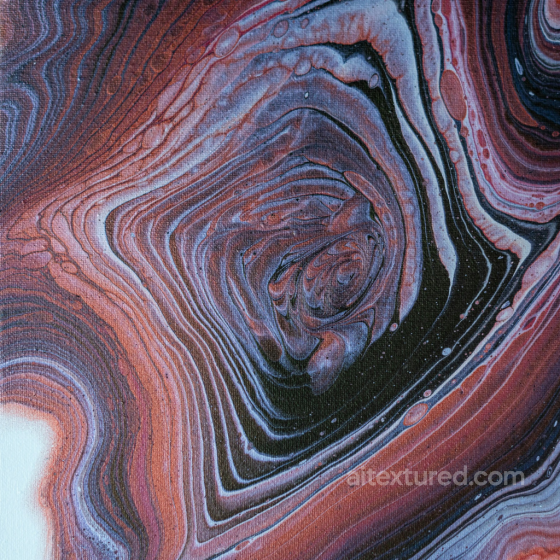
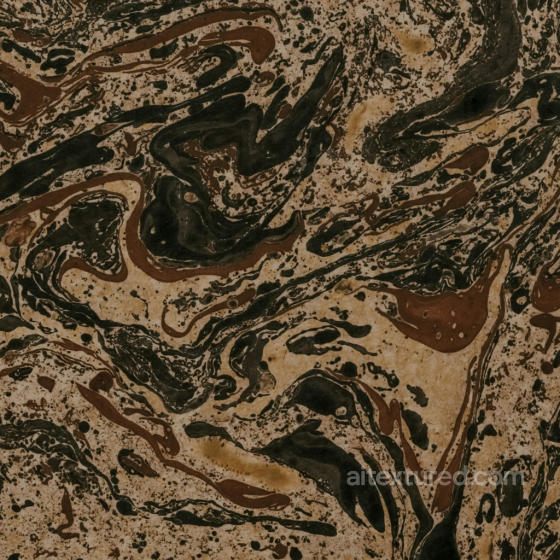
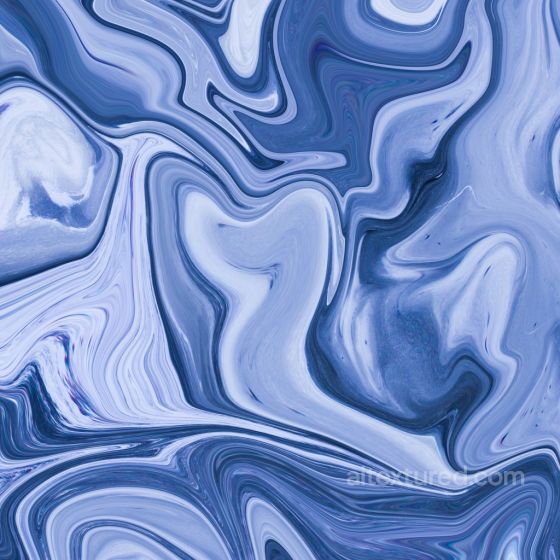


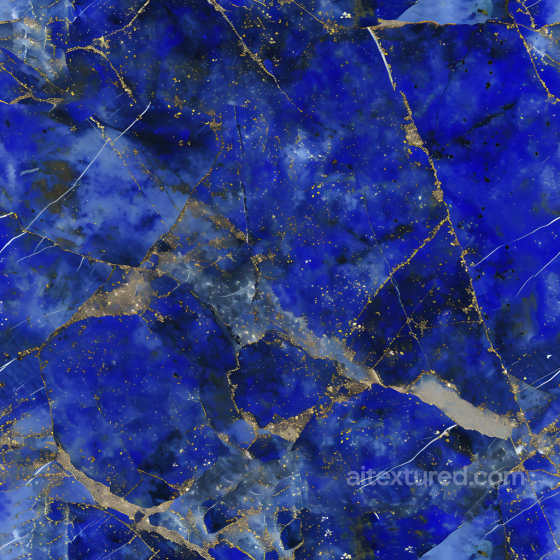


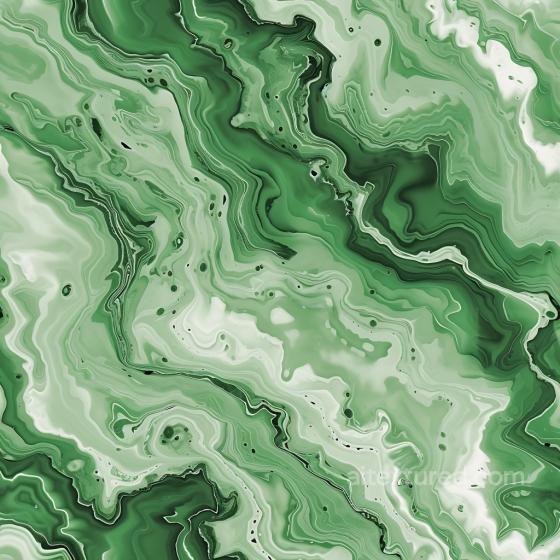
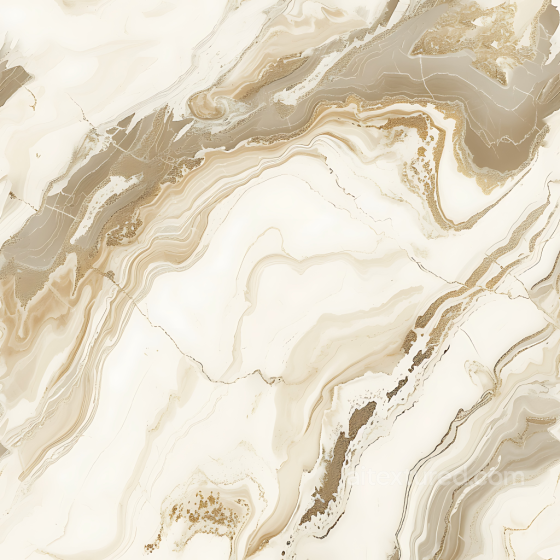
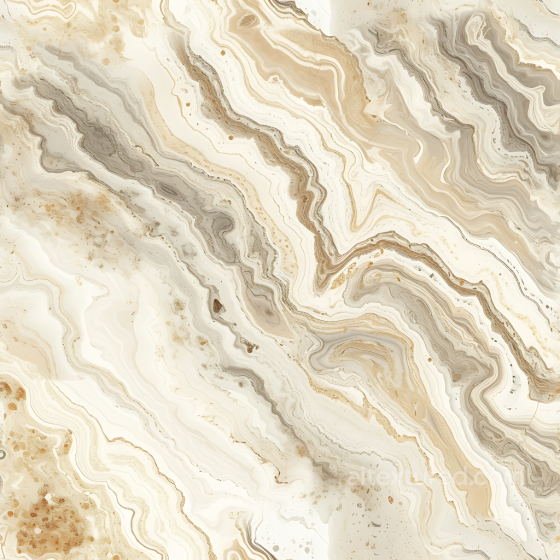
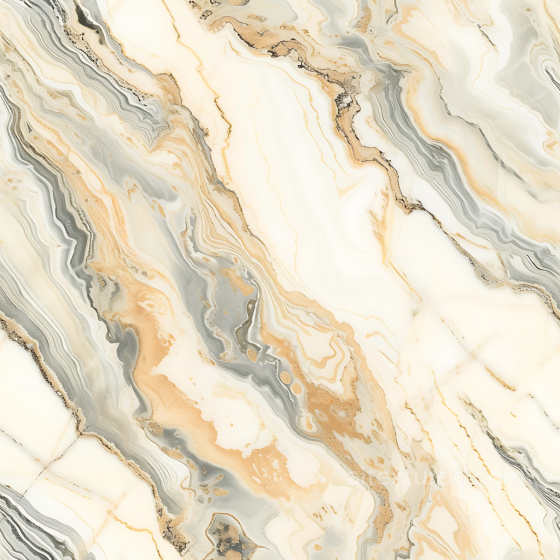
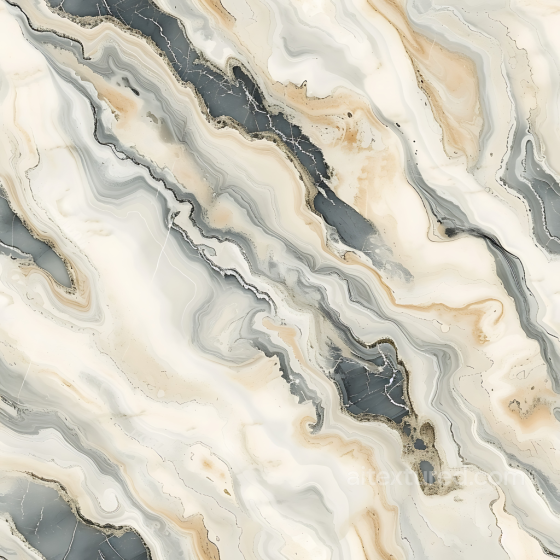

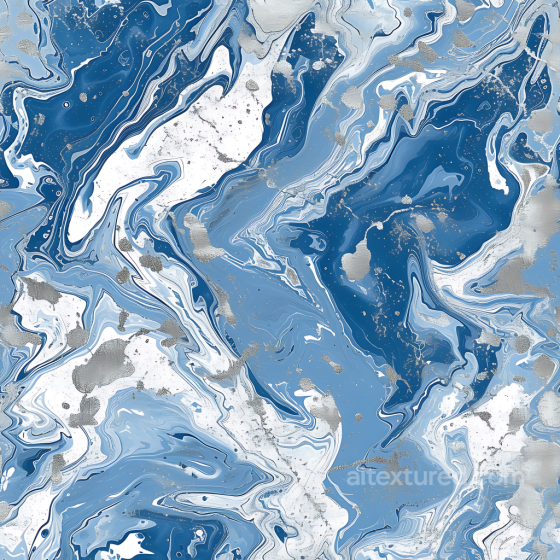
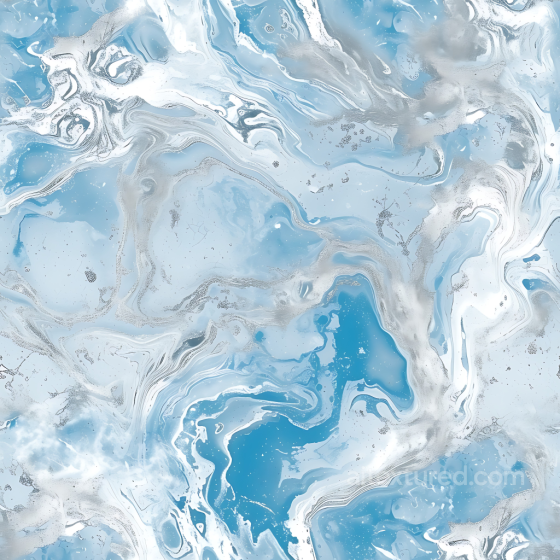
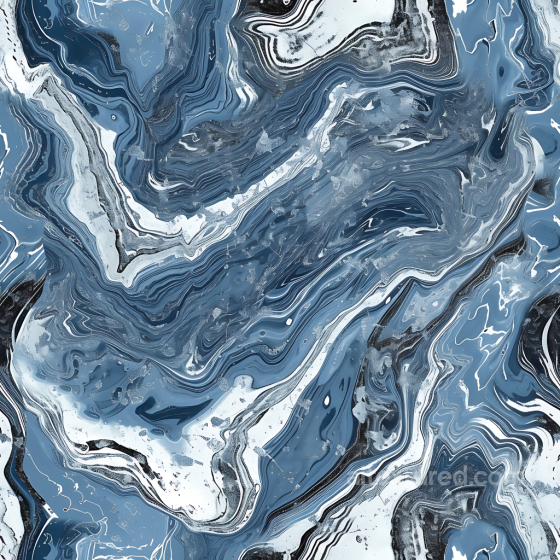


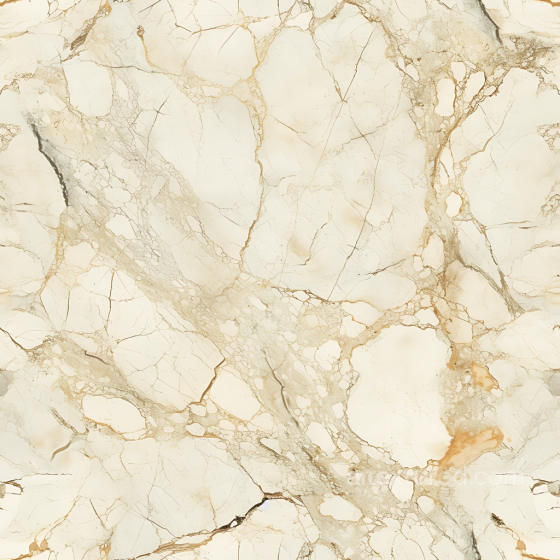


Marble textures offer a versatile and elegant surface option, ranging from smooth and polished to coarse and weathered appearances. These seamless, tileable PBR textures are crafted to capture the intricate details of natural marble, including fine veins and layered patterns found in varieties such as green, white, black, and gray pietra. Available in up to 8K resolution, these textures include all essential maps—BaseColor (Albedo), Normal, Roughness, Metallic, Ambient Occlusion, and Height/Displacement—ensuring a detailed and realistic representation whether you are aiming for clean, shiny statuario marble or aged, worn dolomite surfaces. The balance between matte and shiny finishes allows for both modern and ancient stylistic choices, from ornate and decorative to dull and rough, fitting numerous design needs. These highly detailed marble textures are suited for use in Blender, Unity, Unreal Engine, and other 3D rendering platforms, providing photorealistic or stylized results depending on the project. The fine linear veins and natural lines in each texture help to replicate the authentic look of bianco marble or the thick, layered surfaces seen in synthetic or natural stone. Whether you need a smooth, shiny marble for architectural visualization or a dirty, rough, and weathered finish for a historical environment, these textures provide the flexibility to achieve diverse artistic visions. Their tileable nature ensures easy application over large surfaces without visible seams, making them ideal for floors, walls, and decorative elements. For practical use, consider adjusting the roughness and height maps to emphasize either the polished shine of a clean, white marble or the coarse, worn character of an aged, brown or black stone. This approach helps enhance realism by matching the texture’s tactile qualities to the intended environment, whether it’s a sleek modern interior or an ancient, ornate setting. Leveraging the full set of PBR maps will allow you to create richly detailed surfaces that respond accurately to lighting, contributing to immersive and convincing renders.
Source and license status varies by asset; review the detail page before use.
Marble Texture Rendering Notes
Marble depends on vein composition, polish and scale. Large veins can look premium on slabs but become distracting on small tiles or props.
Use roughness to separate polished marble from honed stone. A very glossy surface needs clean reflections, while softer marble works better for floors and background architecture.
Best use cases
- Countertops, bathroom walls and floor slabs
- Luxury product stages and showroom renders
- Columns, trims and decorative stone panels
PBR map tips
- Keep normal strength subtle on polished marble.
- Avoid tiny UV scale that turns veins into noise.
- Use roughness variation to break flat reflections.
Related categories
Related guides
Marble Texture FAQ
Are these marble textures seamless?
Tiling support varies by asset. Open a texture page and use the tiled preview to verify scale, seams and visible repetition before final production use.
Which PBR maps are most important for marble materials?
Base color, normal and roughness are the core maps. AO, height, metallic or packed engine maps may be included depending on the asset and should be connected as non-color data where appropriate.
Can I use these marble textures in Blender, Unreal Engine and Unity?
Review the maps available on each texture page. Separate maps can be connected in common DCC workflows, and the engine mapper can create supported target-specific packing.
How do I avoid visible tiling on large marble surfaces?
Set the UV scale first, then combine texture variants, decals, masks or subtle color variation. Preview at the final camera distance and choose only a resolution that the asset actually offers.
Explore More Texture Resources
Related texture categories
Texture workflow tools
AITextured Tools
Generate maps from existing images, preview materials, convert channels, and package compatible inputs for Blender, Unity, and Unreal Engine.
PBR Material Tools
Choose a verified workflow for generating maps, previewing tiling, converting channels, or starting from the texture catalog.
Input: image or existing maps → Output: preview, PBR maps, or engine-ready package
Explore tools
PBR Texture Generator
Derive Normal, Roughness, AO, Metallic, Height and optional ORM maps from one or more source images, then review the results.
Input: PNG/JPG/WEBP → Output: Normal, Roughness, AO, Height, Metallic, ORM ZIP
Create PBR maps
Online Texture Preview
Instant WebGL viewer: inspect materials on a sphere, plane, and cube. Check tiling and lighting in real time.
Input: material maps → Output: interactive render and tiling check
Preview material
Unity / Unreal / Blender Mapper
Re-packages maps per engine: Unreal (BaseColor + ORM), Unity (Mask/MetallicSmoothness), Blender (separate channels).
Input: PBR maps → Output: Blender, Unreal, Unity channel packages
Convert maps
Image Converter
PNG ↔ JPG ↔ SVG: fast convert, SVG rasterize, embed/trace options, quality & background controls.
Input: PNG/JPG/SVG → Output: converted image format
Convert images