Why Resolution Matters in Seamless Textures: Choosing 1K, 2K, or 4K for 3D Projects
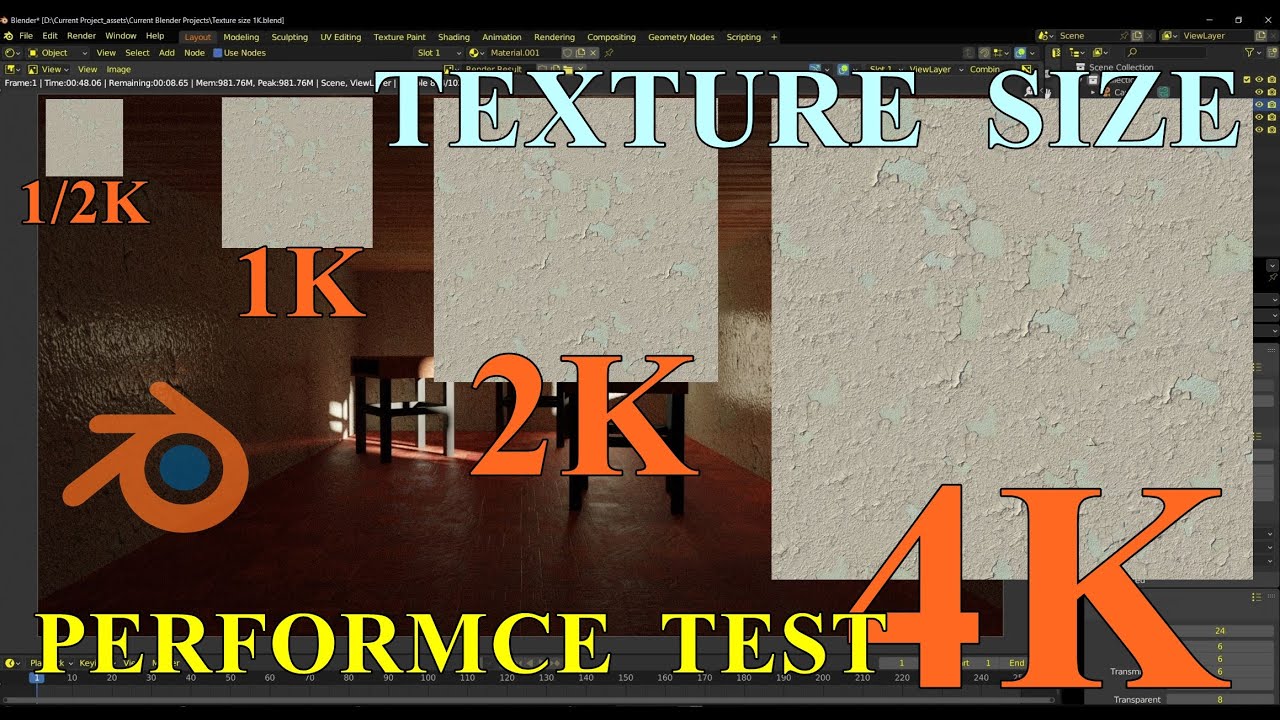
Resolution is one of the most overlooked aspects of seamless textures in 3D workflows. While artists often focus on materials, lighting, and modeling, the resolution of your texture maps can make or break the final render. High-quality textures bring realism and depth, while low-resolution textures can ruin immersion. At the same time, unnecessarily large textures waste memory and slow down performance. In this comprehensive guide, we’ll explore the importance of choosing between 1K, 2K, and 4K seamless textures and how resolution directly impacts your 3D projects across different industries and platforms.
Understanding Texture Resolution
A texture’s resolution is defined by its pixel dimensions. The most common standards are:
- 1K (1024×1024): Entry-level resolution, lightweight, ideal for simple or distant surfaces.
- 2K (2048×2048): Industry standard, balanced quality and performance for most 3D applications.
- 4K (4096×4096): High-end resolution for cinematic or photorealistic projects.
- 8K (8192×8192): Used in very rare cases such as film production or extreme close-ups of hero assets.
Each jump in resolution increases both visual fidelity and memory usage. For instance, a 4K seamless texture contains 16 times more pixels than a 1K texture, which means 16× the data for your GPU or renderer to process. This is why selecting the correct resolution is a matter of balancing detail with optimization.
When to Use 1K Textures
1K seamless textures are best suited for:
- Background assets in large environments (mountains, skies, distant buildings).
- Mobile games where memory and GPU limits are tight.
- VR/AR applications where optimization is critical to maintain 90+ FPS.
- Web-based 3D models that need fast loading times.
For example, a 1K seamless grass texture is more than enough for a distant landscape in a mobile racing game. At that distance, the player won’t notice the lack of fine detail, but they will appreciate smooth performance.
When to Use 2K Textures
2K textures are the sweet spot for most workflows. They provide a good balance between quality and efficiency. Use 2K seamless textures for:
- Mid-range PC and console games.
- Architectural visualizations where viewers interact with rooms but not extreme close-ups.
- Product renders for online stores.
- Interior design scenes in Blender or 3ds Max.
Imagine designing a kitchen scene in Blender: a 2K wood texture for the cabinets looks sharp enough for close-up renders while still keeping render times manageable. This resolution is widely considered the “standard” for most professional 3D projects.
When to Use 4K Textures
4K seamless textures shine in high-end scenarios, but they are not always necessary. They are best for:
- Cinematic VFX and close-up shots in film production.
- High-quality product visualizations where tiny surface details matter.
- Hero assets in games (main characters, weapons, vehicles).
- Architectural renders where the viewer is expected to see fine details like wood grain or marble veins.
For example, a 4K marble texture on a luxury countertop makes every vein and subtle color shift visible in a photorealistic render. However, using 4K on every wall or floor of a huge building would be wasteful and slow.
When to Consider 8K Textures
Although rare, 8K seamless textures are used in industries such as film or for ultra-close-up renders of products like jewelry. They provide extreme fidelity but should only be used when absolutely necessary due to their heavy performance impact. In gaming or VR, 8K textures are impractical and almost always overkill.
Mixing Different Resolutions
The most professional workflows rarely rely on a single resolution for all textures. Instead, artists mix resolutions based on camera distance and object importance:
- 4K for hero assets (weapons, characters, furniture in focus).
- 2K for secondary objects (walls, floors, vehicles).
- 1K for background props (trees, distant terrain, skyboxes).
This approach ensures the most important details look sharp while maintaining smooth performance. In Unreal Engine or Unity, this technique is often combined with Level of Detail (LOD) systems, where textures automatically switch resolution depending on camera distance.
Performance Optimization Tips
High-quality visuals don’t have to come at the cost of poor performance. Here are practical tips for working with seamless textures:
- Use mipmaps: These automatically scale textures based on distance, preventing aliasing and saving memory.
- Compress textures: Formats like WebP, DDS, or KTX2 significantly reduce size without noticeable quality loss.
- Bake details into normal maps: Instead of using a 4K albedo, bake fine details into a normal map and keep the base texture at 2K.
- Trim unused channels: If your engine doesn’t use metallic or AO maps, don’t include them.
- Use procedural variations: Blend seamless textures with procedural noise to add variety without increasing resolution.
Examples in Popular Engines
Blender: A 2K brick texture on a building looks sharp in most renders, while a 4K version is needed only for extreme close-ups. In Eevee, lower resolutions keep the viewport responsive, while Cycles can handle higher fidelity for final output.
Unreal Engine: Developers often combine 2K textures for general environments with 4K textures on interactive props. Virtual Texturing helps stream large textures efficiently.
Unity: For mobile projects, 1K is the standard. For PC games in HDRP, 2K–4K is common, with texture streaming to balance memory usage.
Common Mistakes to Avoid
- Using only 4K textures everywhere, leading to performance drops without visible benefits.
- Over-tiling a 1K texture so repetition becomes obvious.
- Scaling textures incorrectly so that objects look unrealistic (giant wood grain, tiny bricks).
- Ignoring optimization tools such as mipmaps and compression.
VR, AR, and Mobile Considerations
Virtual reality and augmented reality require strict optimization because low frame rates cause discomfort. For VR, 1K or 2K textures are preferred, with heavy use of compression. For AR apps, especially on mobile, small seamless textures (512px–1K) combined with procedural overlays are the most efficient choice. On high-end desktops or consoles, however, mixing 2K and 4K provides the best balance of immersion and realism.
Conclusion
Texture resolution is not just a technical detail—it directly affects how audiences perceive your work. Seamless 1K, 2K, and 4K textures each have their place, and mastering when to use each is essential for professional 3D projects. By mixing resolutions, optimizing performance, and tailoring textures to your target platform, you can achieve both visual fidelity and smooth performance. Whether you are working in Blender, Unreal Engine, Unity, or any other platform, the right resolution strategy will elevate your 3D art, games, and architectural visualizations to the next level.
FAQ
What is covered in this guide?
This guide explains Why Resolution Matters in Seamless Textures: Choosing 1K, 2K, or 4K for 3D Projects with practical notes for seamless PBR materials, texture setup, and production use.
Can I use these texture techniques in Blender, Unreal Engine, and Unity?
Yes. The workflow focuses on standard PBR maps and tileable materials that can be used in Blender, Unreal Engine, Unity, archviz, games, and VFX pipelines.
Where can I find textures for this workflow?
Use the AITextured texture library and the related texture links on this page to find seamless PBR materials and preview them before download.
Related Textures
 Seamless PBR Wood Planks Texture Featuring Natural Grain in 4K
 Seamless Wooden Facade PBR Texture in 4K Resolution
 Rustic Aged Wood Planks Texture for 3D Modeling and Rendering
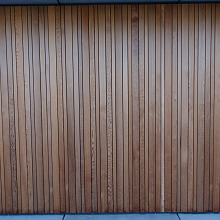 PBR Texture of Vertical Wooden Planks Wall
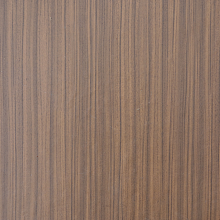 Seamless PBR Wood Texture Featuring Vertical Natural Grain Patterns
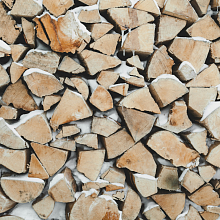 Natural Wood Logs Texture with Snow for 3D PBR
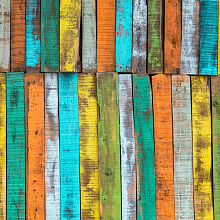 Colorful Vintage Painted Wood Texture with Weathered Look
 Weathered Wooden Planks Texture for PBR 3D Projects