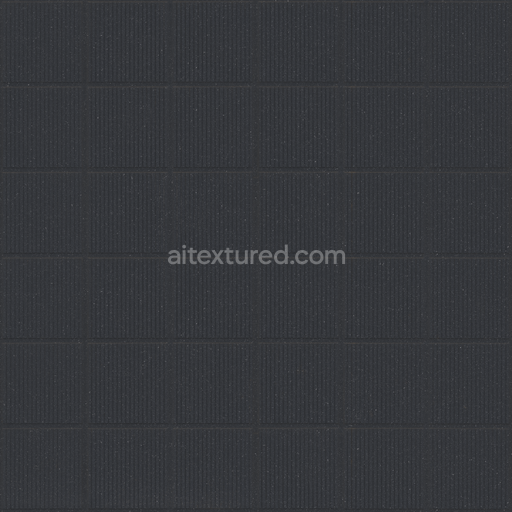
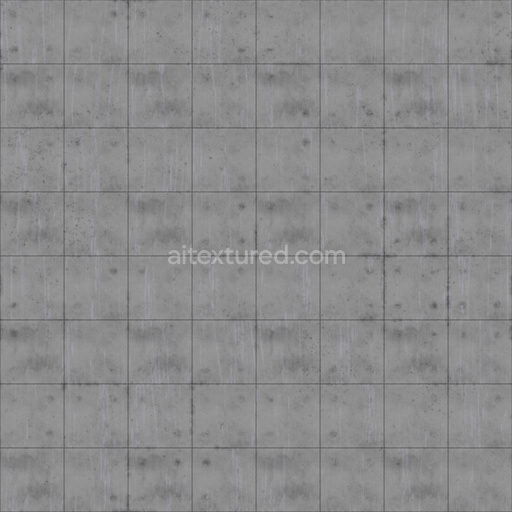
Concrete Wall Walling - Wall Walling Tiles Concrete Tile Facade
Seamless texture (tileable) · PNG, WEBP, PBR ZIP. License: AITextured Free Commercial License (FCL) v1.1. Free personal and commercial use. Raw resale, standalone redistribution, mirroring/scraping, competing asset packs, and AI/ML training are not allowed without written permission. Attribution is not required, but appreciated..
| ID | archviz-blocks-cement-concrete-substance-designer |
|---|---|
| Category | Concrete |
| Formats | PNG, WEBP, PBR ZIP |
| Size | 1k (1024x1024px), 2k (2048x2048px), 4k (4096x4096px), 8k (8192x8192px) |
| Color | sRGB |
| Tileable | Yes |
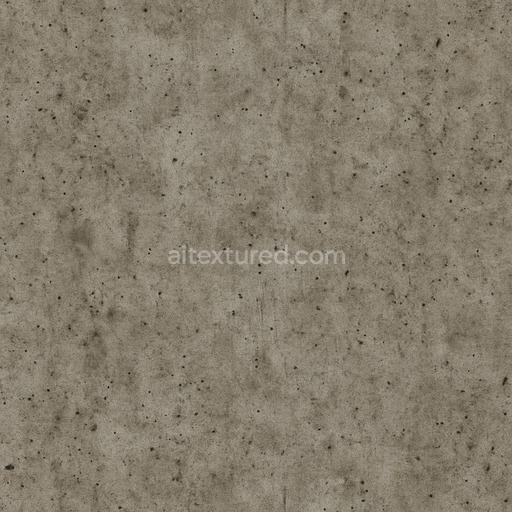
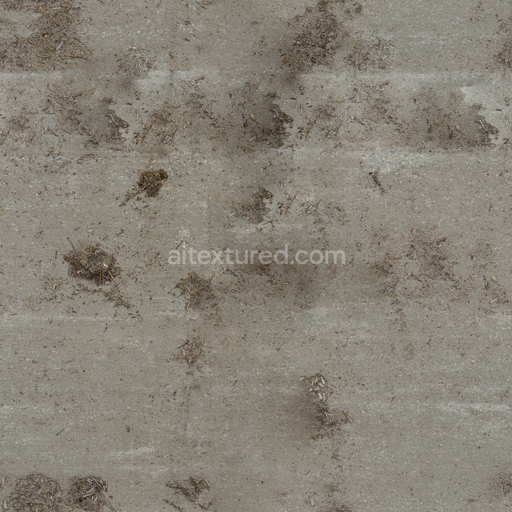
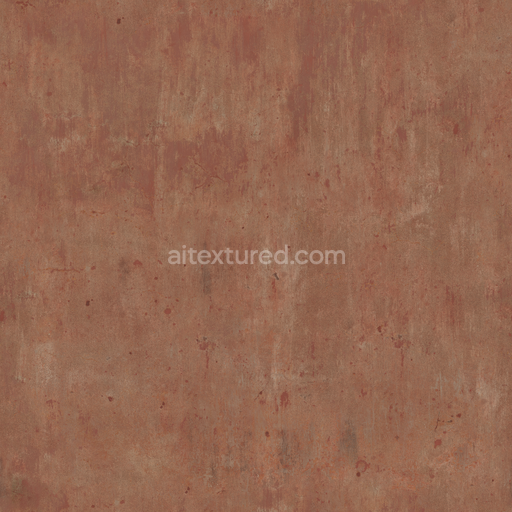
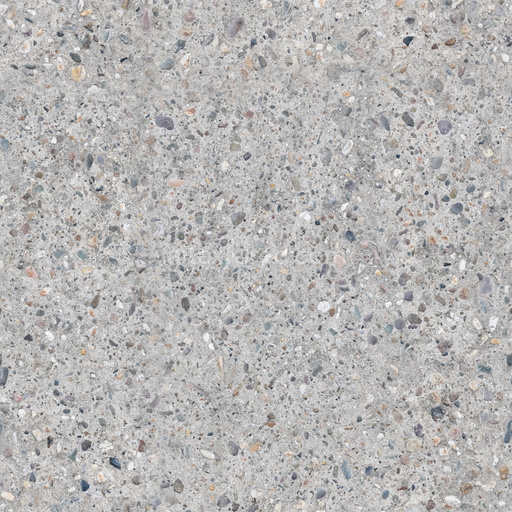
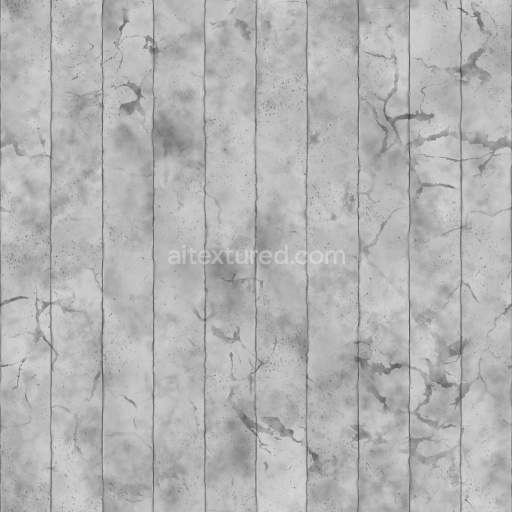
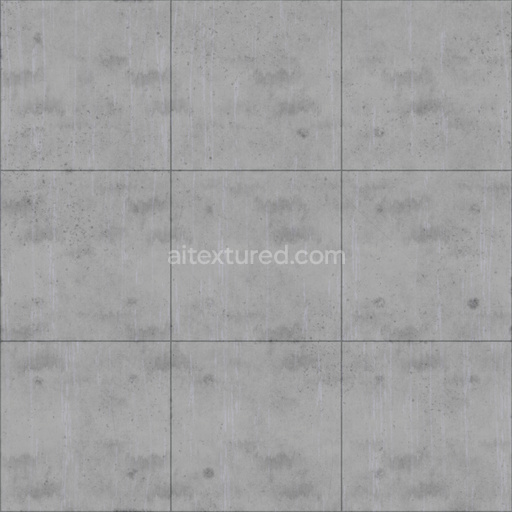
This Archviz Blocks Cement Concrete Substance Designer seamless PBR texture is meticulously crafted to authentically capture the intrinsic composition and surface characteristics of cement concrete blocks. The base substrate primarily consists of mineral aggregates such as finely crushed stone and sand carefully bound together by a precisely tuned cementitious binder that ensures structural coherence and durability. The texture’s surface naturally exhibits porosity and subtle micro-weathering effects accurately reflecting the typical microstructure of cured concrete. Grain orientation is slightly varied with sporadic distribution of aggregates embedded within the matrix contributing to the realistic detail and dynamic visual complexity. Color variations arise from mineral pigments and oxide layers dispersed throughout the cement paste creating a consistent yet nuanced base color that resists repetition and maintains fidelity across large tiled areas.
Designed for physically based rendering workflows this seamless PBR material excels in architectural visualization and digital content creation across platforms such as Blender Unreal Engine and Unity. The BaseColor (Albedo) channel conveys the muted gray tones characteristic of cement concrete blocks enriched by subtle variations introduced by embedded aggregates and mineral inclusions. The Normal map enhances tactile perception by simulating fine granular details and minor surface irregularities while the Roughness map defines a semi-rough matte finish typical of untreated concrete surfaces. The Metallic channel remains at zero accurately reflecting the non-metallic nature of this material. Ambient Occlusion adds depth by accentuating crevices and pores and the Height/Displacement map provides subtle relief that emphasizes granular texture and block edges offering enhanced realism when used with parallax occlusion or tessellation techniques. Optimized up to 8K resolution this texture delivers crisp detail suitable for demanding render scenarios and supports accurate color space and gamma matching for seamless integration into diverse projects.
For optimal results it is recommended to carefully adjust the UV scale to balance realism and detail visibility; scaling too small may lead to unnatural repetition while overly large scaling can obscure essential surface features. Additionally fine-tuning the Roughness values allows simulation of various surface conditions—from the matte finish of freshly cast cement blocks to the slightly weathered softened sheen of aged concrete. This Archviz Blocks Cement Concrete Substance Designer texture is an excellent choice for architects designers and 3D artists seeking a high-quality versatile digital material that authentically represents cement concrete surfaces and integrates effortlessly into physically based rendering pipelines enhancing the realism and depth of their digital environments.
Import the texture maps into Blender with sRGB color space for albedo/base color and Non-Color for normal, roughness, metallic, AO, height, and ORM maps. Connect normal maps through a Normal Map node, then adjust UV scale with a Mapping node so the material repeats naturally on your model.
For the full step-by-step setup, see How to Use Seamless Textures in Blender. Browse related material examples in wood, concrete, and metal.
Yes. This texture is designed as a seamless tileable PBR material, so it can repeat across large surfaces without visible borders.
You can download PNG/WEBP versions and use 1K, 2K, 4K and 8K download options when available on the page.
Yes. The download options and engine-mapped ZIP workflow are designed for Blender, Unreal Engine, Unity Standard, URP and HDRP material pipelines.
Yes. The texture is available under the AITextured free commercial license. Review the license page for redistribution and AI-training restrictions.
Build, preview, and export seamless PBR materials. Generate full map sets from a single image, inspect them in a real-time WebGL viewer, and re-package maps for Unreal, Unity, and Blender—directly in your browser.
AI text-to-texture: type a prompt and get a seamless, tileable base image ready for PBR workflows (great starting point for materials).
Create a full PBR set (Normal, Roughness, AO, Metallic, etc.) from a single image. Seamless and tiling-friendly.
Instant WebGL viewer: inspect materials on a sphere, plane, and cube. Check tiling and lighting in real time.
Re-packages maps per engine: Unreal (BaseColor + ORM), Unity (Mask/MetallicSmoothness), Blender (separate channels).
PNG ↔ JPG ↔ SVG: fast convert, SVG rasterize, embed/trace options, quality & background controls.