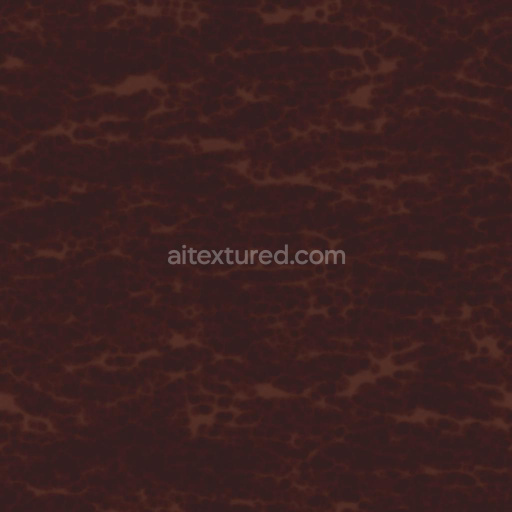
Brown and Reddish Leather Texture | Free PBR
Seamless texture (tileable) · PNG, WEBP, PBR ZIP.
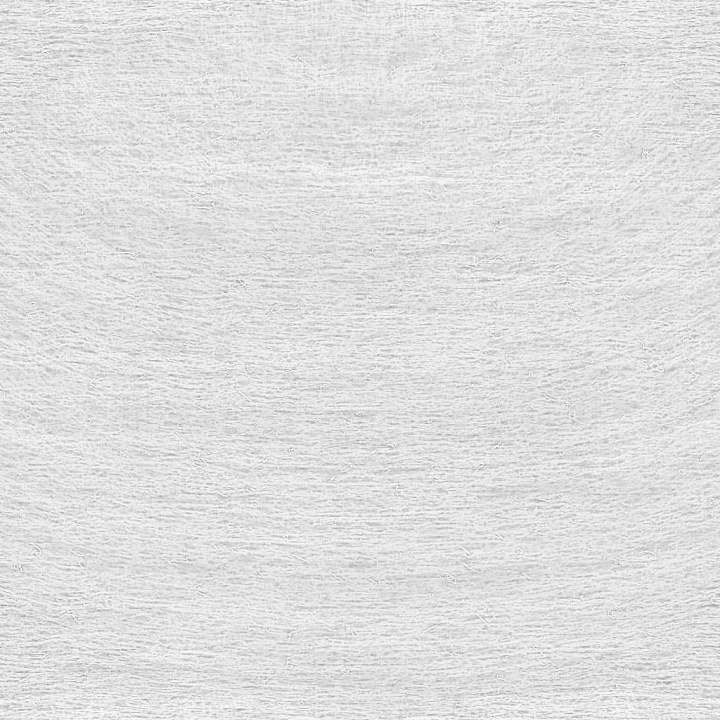
| ID | cotton-bud-cotton-swab-q-tip-texture-free-pbr |
|---|---|
| Category | Fabric |
| Formats | PNG, WEBP, PBR ZIP |
| Size | 1k (1024x1024px), 2k (2048x2048px), 4k (4096x4096px), 8k (8192x8192px) |
| Tileable | Yes |
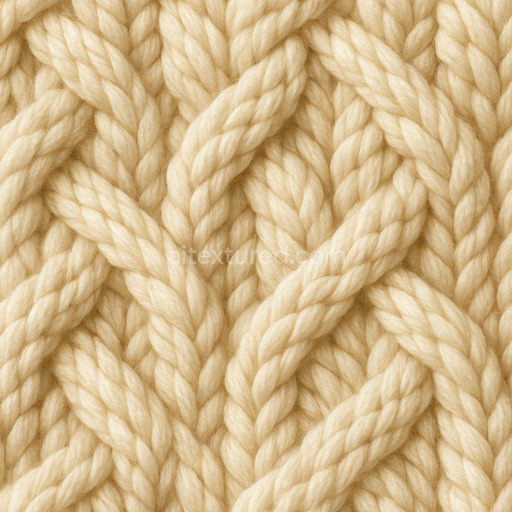
This seamless PBR texture captures the intricate details of a cotton bud, also known as a cotton swab or Q-tip, showcasing its unique materials and composition with exceptional clarity. The core of the bud is composed of tightly wound organic cotton fibers that create a soft, porous surface ideal for gentle applications. These fibers exhibit a subtle grain orientation, lending natural variations in texture and slight surface irregularities. The shaft is typically a smooth polymer, often polypropylene, providing a lightweight and sturdy base substrate. The texture’s surface finish reflects this contrast between the fibrous, matte cotton tip and the polished, slightly glossy plastic handle, faithfully represented across the PBR channels.
In the BaseColor (Albedo) map, the delicate off-white cotton tip contrasts with the faintly colored polymer shaft, capturing subtle pigment variations and slight discolorations due to natural fiber density. The Normal map emphasizes the fibrous structure and fine surface undulations of the cotton, while the shaft’s smoothness is reflected in softer normals. Roughness values vary accordingly: the cotton exhibits higher roughness to simulate its diffuse, soft feel, whereas the polymer handle shows a lower roughness for a semi-gloss finish. The Metallic channel remains near zero, as these organic and polymer materials are non-metallic. Ambient Occlusion enhances the depth of fiber crevices and the shadowed edges between the bud and shaft, adding realism. Height and Displacement maps highlight the cotton’s raised fiber clusters and subtle surface relief, useful for parallax effects.
Rendered at up to 8K resolution, this texture is optimized for high-fidelity use in Blender, Unreal Engine, and Unity, ensuring crisp detail even in close-up renders. For best results, it is recommended to carefully adjust the UV scale to maintain the natural fiber pattern without repetition artifacts. Additionally, tuning roughness values can help balance the soft cotton tip’s diffuse reflection with the smoother polymer shaft, enhancing material realism in varied lighting conditions.
Import the texture maps into Blender with sRGB color space for albedo/base color and Non-Color for normal, roughness, metallic, AO, height, and ORM maps. Connect normal maps through a Normal Map node, then adjust UV scale with a Mapping node so the material repeats naturally on your model.
For the full step-by-step setup, see How to Use Seamless Textures in Blender. Browse related material examples in wood, concrete, and metal.
Yes. This texture is designed as a seamless tileable PBR material, so it can repeat across large surfaces without visible borders.
Use the download controls on this page: they expose the available PNG, WEBP or engine ZIP choices and supported resolutions for this asset.
Use the engine ZIP choices to package compatible source maps for Blender, Unreal Engine or Unity, then verify the imported material in the target application.
Commercial-use permission is not verified for this record. Confirm the original source and license before production use.



Generate maps from existing images, preview materials, convert channels, and package compatible inputs for Blender, Unity, and Unreal Engine.
Choose a verified workflow for generating maps, previewing tiling, converting channels, or starting from the texture catalog.
Derive Normal, Roughness, AO, Metallic, Height and optional ORM maps from one or more source images, then review the results.
Instant WebGL viewer: inspect materials on a sphere, plane, and cube. Check tiling and lighting in real time.
Re-packages maps per engine: Unreal (BaseColor + ORM), Unity (Mask/MetallicSmoothness), Blender (separate channels).
PNG ↔ JPG ↔ SVG: fast convert, SVG rasterize, embed/trace options, quality & background controls.