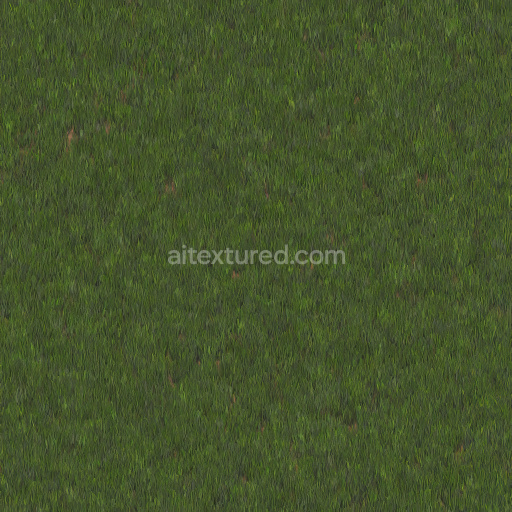
High Quality Seamless Grass Texture
Seamless texture (tileable) · PNG, WEBP, PBR ZIP. License: AITextured Free Commercial License (FCL) v1.1. Free personal and commercial use. Raw resale, standalone redistribution, mirroring/scraping, competing asset packs, and AI/ML training are not allowed without written permission. Attribution is not required, but appreciated..
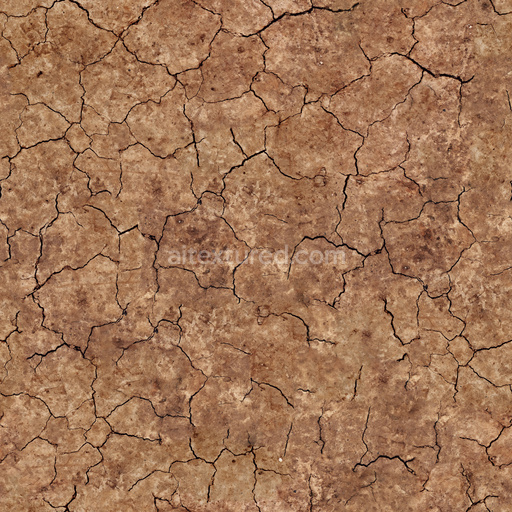
| ID | brown-dirt-1-by-share-textures-pbr-seamless-8k |
|---|---|
| Category | Ground surface |
| Formats | PNG, WEBP, PBR ZIP |
| Size | 1k (1024x1024px), 2k (2048x2048px), 4k (4096x4096px), 8k (8192x8192px) |
| Color | sRGB |
| Tileable | Yes |
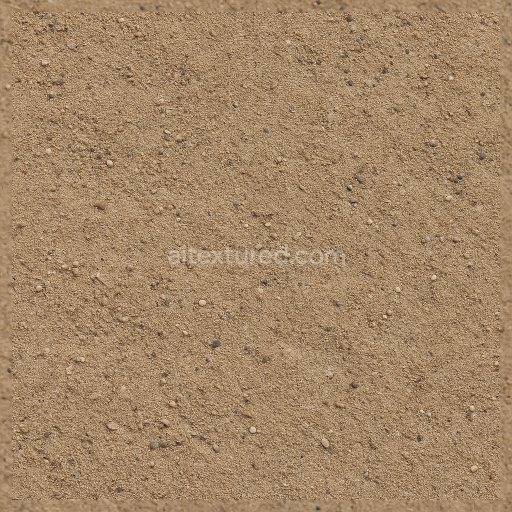
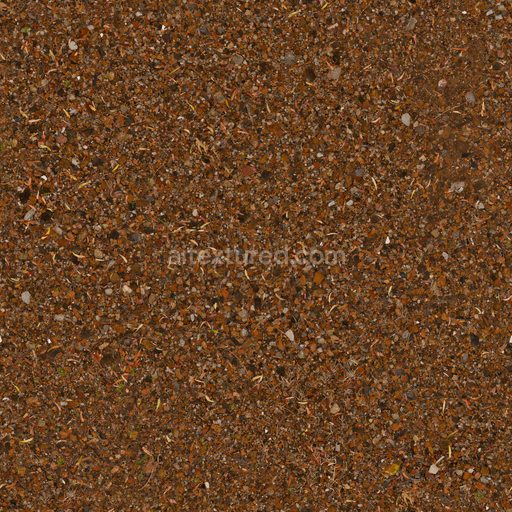
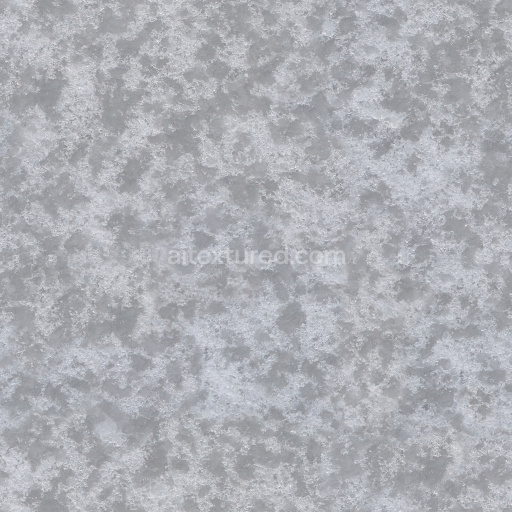
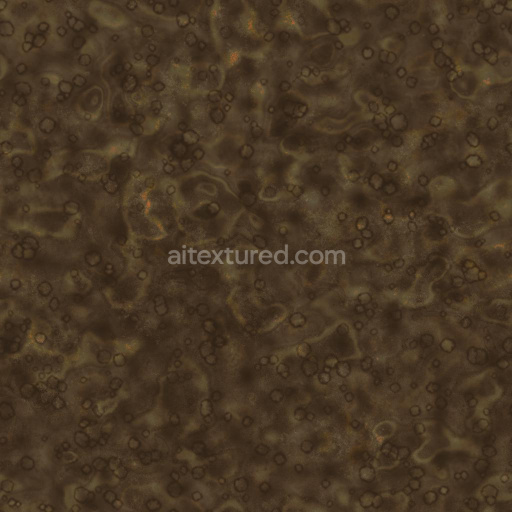
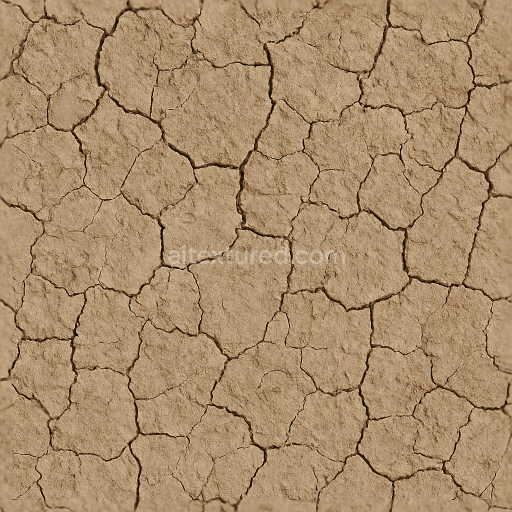
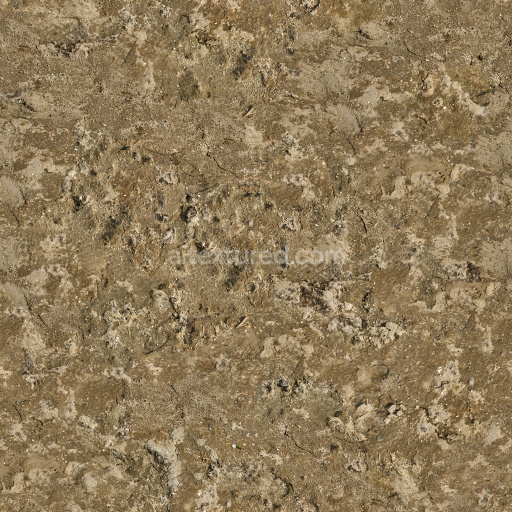
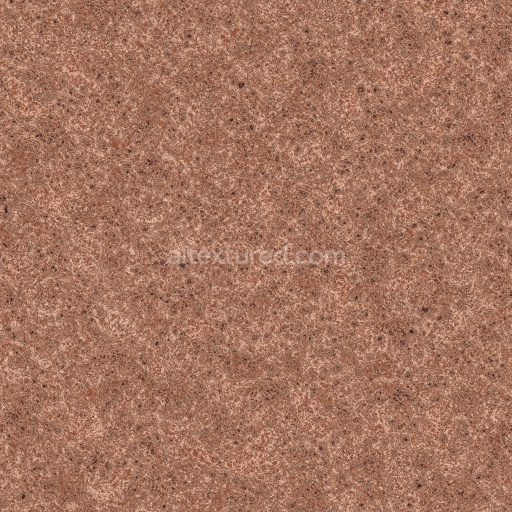
Seamless Brown Dirt 1 by Share Textures is a meticulously crafted highly detailed PBR 3D texture designed to authentically replicate the natural composition and appearance of earthy ground surfaces. This texture portrays a compacted brown soil substrate primarily composed of fine mineral particles intertwined with subtle organic matter. The granular structure exhibits a slight porosity that reflects natural weathering and environmental exposure resulting in an uneven weathered surface typical of outdoor dirt. The finish is matte with soft diffused roughness simulating the tactile qualities of soil that has been naturally compacted and exposed to varying weather conditions. The warm earthy brown color arises from iron oxide pigments and natural soil variations lending an organic realistic tone that avoids artificial saturation and maintains visual authenticity across different lighting scenarios.
The texture’s material complexity is expertly mapped across all PBR channels to support physically based rendering workflows. The Base Color (Albedo) channel captures the nuanced brown hues and subtle color shifts inherent to natural dirt ensuring a consistent organic look without uniformity. The Normal map enhances depth by conveying micro-roughness and fine surface irregularities such as small clumps and indentations adding tactile detail and realism. The Roughness map is tuned to replicate the matte surface of soil with moderate reflectivity that subtly shifts with light angle while the Metallic channel remains flat reflecting dirt’s non-metallic organic nature. Ambient Occlusion adds realistic shading to recessed areas deepening the sense of volume and grounding the texture in three-dimensional spaces. The Height or Displacement map captures slight elevation differences and undulations enabling enhanced parallax or tessellation effects for greater surface realism.
This high-resolution texture is optimized for seamless tiling across extensive surfaces preventing visible seams or repetitive patterns which makes it ideal for large-scale outdoor environments and landscape visualizations. It supports resolutions up to 8K ensuring exceptional detail suitable for close-up renders and high-quality visualizations in modern rendering engines such as Blender (using the Principled BSDF shader) Unreal Engine (with Base Color Roughness Normal and AO maps) and Unity’s URP/HDRP pipelines (compatible with the Lit shader). For optimal results it is recommended to maintain consistent texel density when scaling UVs and to combine the Normal map with Height or Parallax mapping for enhanced depth perception without increasing geometric complexity.
Licensed under this seamless brown dirt texture is free to use modify and redistribute for both personal and commercial projects making it a versatile and valuable resource for artists and developers. Whether applied to realistic outdoor scenes terrain modeling or game asset creation it delivers consistent shading natural material fidelity and high detail across diverse rendering workflows and engines ensuring your projects benefit from authentic organic surface realism.
Import the texture maps into Blender with sRGB color space for albedo/base color and Non-Color for normal, roughness, metallic, AO, height, and ORM maps. Connect normal maps through a Normal Map node, then adjust UV scale with a Mapping node so the material repeats naturally on your model.
For the full step-by-step setup, see How to Use Seamless Textures in Blender. Browse related material examples in wood, concrete, and metal.
Yes. This texture is designed as a seamless tileable PBR material, so it can repeat across large surfaces without visible borders.
You can download PNG/WEBP versions and use 1K, 2K, 4K and 8K download options when available on the page.
Yes. The download options and engine-mapped ZIP workflow are designed for Blender, Unreal Engine, Unity Standard, URP and HDRP material pipelines.
Yes. The texture is available under the AITextured free commercial license. Review the license page for redistribution and AI-training restrictions.

Build, preview, and export seamless PBR materials. Generate full map sets from a single image, inspect them in a real-time WebGL viewer, and re-package maps for Unreal, Unity, and Blender—directly in your browser.
AI text-to-texture: type a prompt and get a seamless, tileable base image ready for PBR workflows (great starting point for materials).
Create a full PBR set (Normal, Roughness, AO, Metallic, etc.) from a single image. Seamless and tiling-friendly.
Instant WebGL viewer: inspect materials on a sphere, plane, and cube. Check tiling and lighting in real time.
Re-packages maps per engine: Unreal (BaseColor + ORM), Unity (Mask/MetallicSmoothness), Blender (separate channels).
PNG ↔ JPG ↔ SVG: fast convert, SVG rasterize, embed/trace options, quality & background controls.