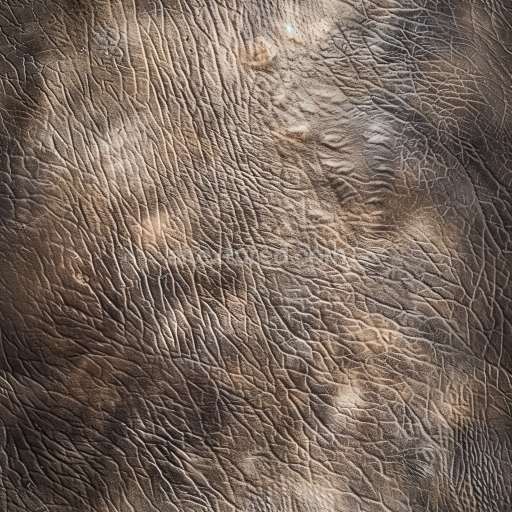
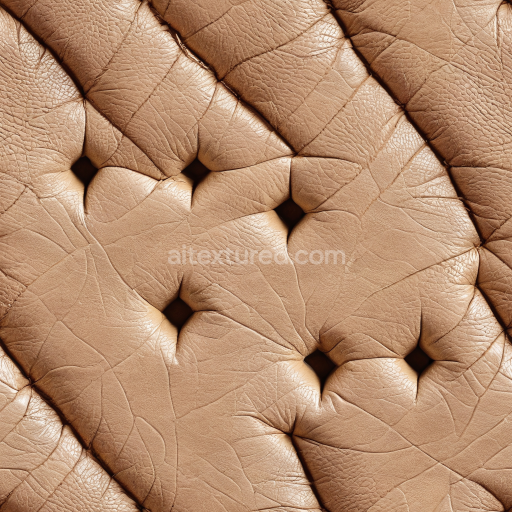
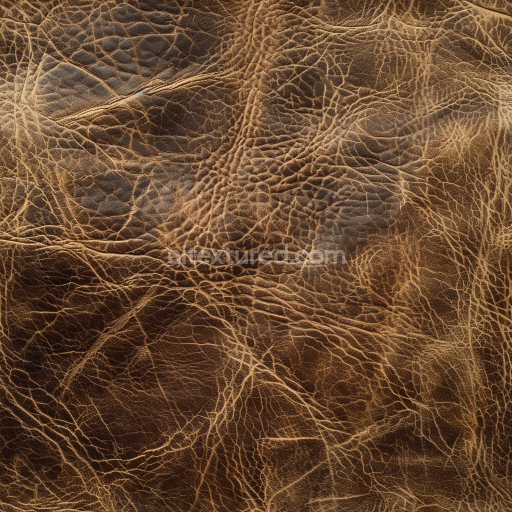
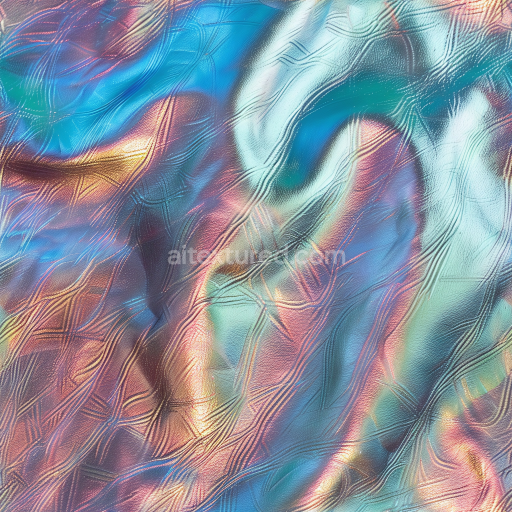
Vintage Distressed Brown Leather PBR Texture with Fine Wrinkles and Natural Wear
Seamless texture (tileable) · PNG, WEBP, PBR ZIP.
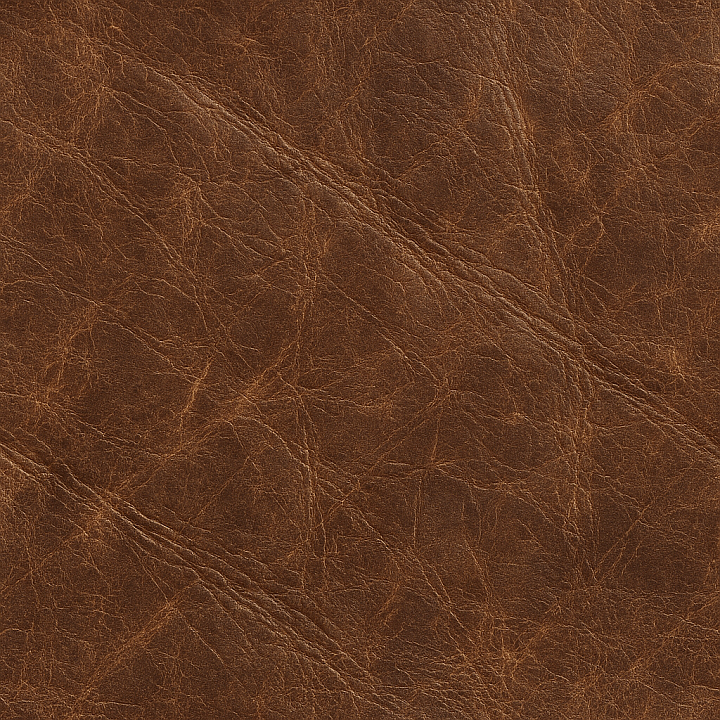
| ID | distressed-leather-creases-and-scars |
|---|---|
| Category | Leather |
| Formats | PNG, WEBP, PBR ZIP |
| Size | 1k (1024x1024px), 2k (2048x2048px), 4k (4096x4096px), 8k (8192x8192px) |
| Tileable | Yes |
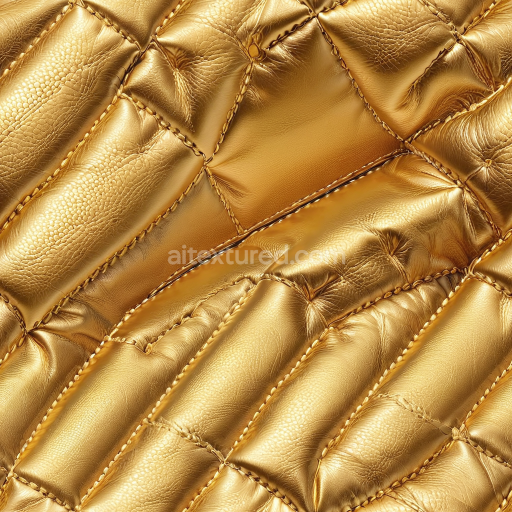
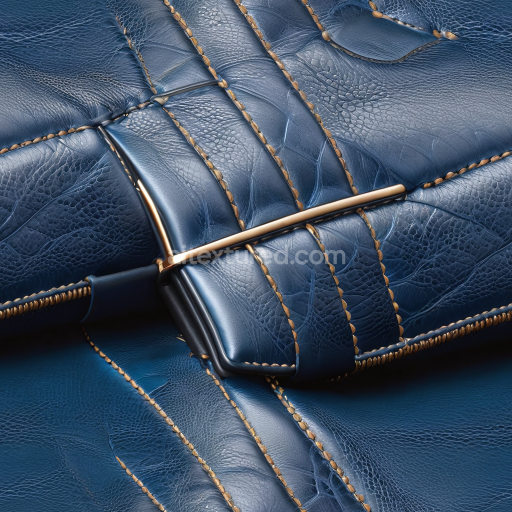
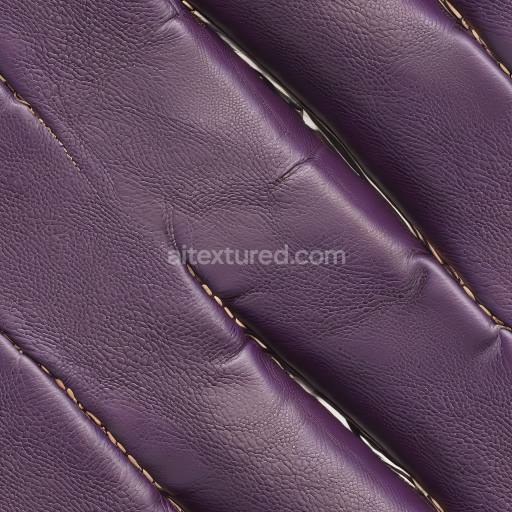
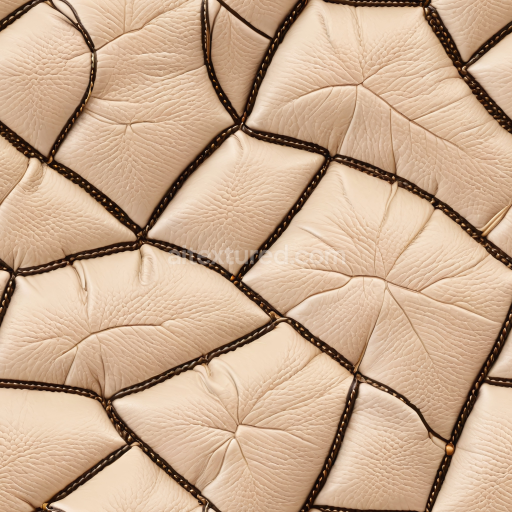
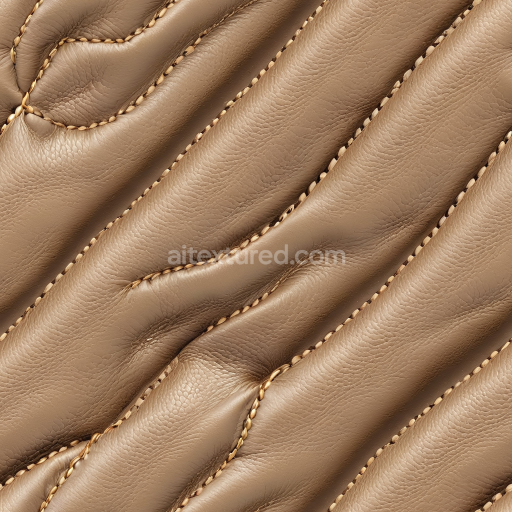
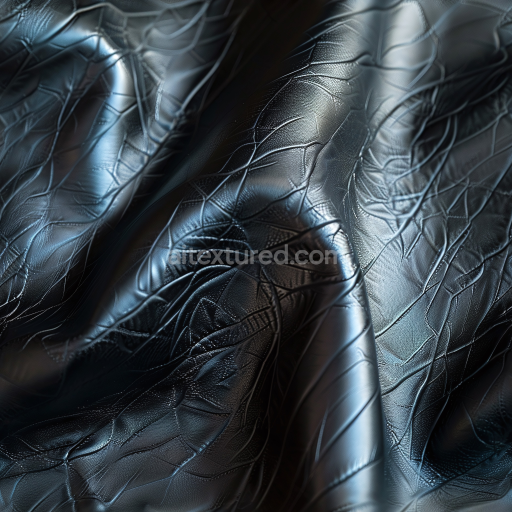
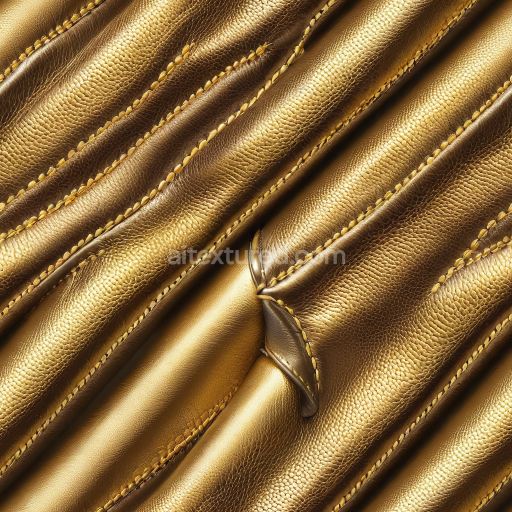
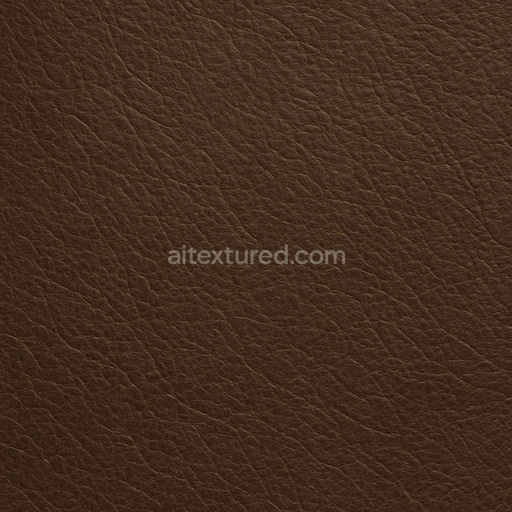
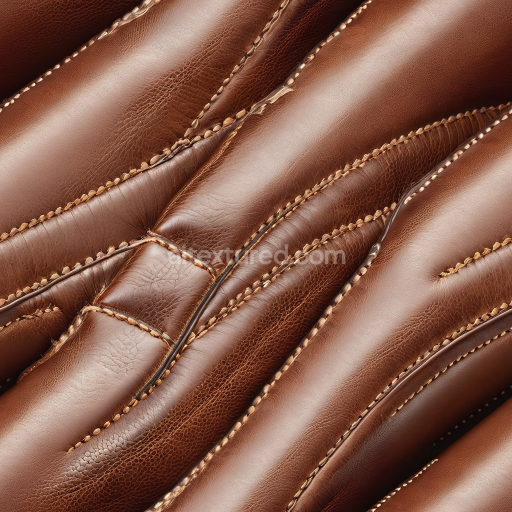
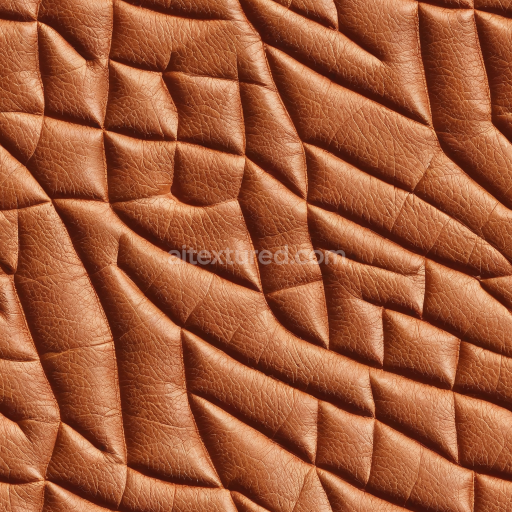
The Distressed Leather Creases And Scars texture is a meticulously crafted seamless tileable material designed to replicate the complex surface characteristics of aged leather. This organic substrate features a natural grain structure enhanced by subtle creases wrinkles and scars that reflect the wear and tear typical of genuine leather. The texture captures the interplay of leather’s fibrous collagen matrix with the natural oils and pigments that give it color and depth. Weathering effects such as surface abrasion and slight porosity are authentically represented conveying a tactile slightly rough finish with variations in glossiness caused by uneven polishing and natural oxidation. These details contribute to the material’s realistic appearance making it highly suitable for use in photorealistic 3D assets and environments requiring an authentic leather look. In physically based rendering (PBR) workflows this texture set excels by providing a comprehensive range of maps that accurately simulate the leather’s physical and visual properties. The BaseColor (Albedo) channel conveys the natural pigment layers and subtle dye variations while the Normal map recreates the micro creases and scars’ depth enhancing the tactile realism under dynamic lighting. The Roughness map controls the leather’s reflective qualities showing how worn and polished areas scatter light differently while the Metallic map remains minimal reflecting leather’s organic non-metallic nature. Ambient Occlusion adds depth to recessed details and crevices and the Height/Displacement map emphasizes the raised scars and wrinkles allowing for enhanced surface geometry in both real-time engines and detailed cinematic renders. With up to 8K resolution this texture retains exceptional clarity and cohesion even when applied to large UV islands ensuring seamless integration and superior detail across Blender Unreal Engine and Unity projects. To optimize the visual impact of this tileable distressed leather creases and scars texture it is recommended to carefully adjust the UV scale to balance detail density according to the size of your leather asset. This ensures that the intricate creases and scars appear natural without overwhelming the surface. Additionally fine-tuning the roughness values can help tailor the surface’s reflectivity allowing you to simulate different lighting environments and leather finishes from matte and weathered to subtly polished. This flexibility makes the texture ideal for a wide range of applications including real-time 3D previews level dressing and detailed material studies where authenticity and visual fidelity are paramount.
The seamless distressed leather creases and scars feature PBR texture distressed leather creases and scars that enhance the realism and depth of leather textures in PBR materials.
Import the texture maps into Blender with sRGB color space for albedo/base color and Non-Color for normal, roughness, metallic, AO, height, and ORM maps. Connect normal maps through a Normal Map node, then adjust UV scale with a Mapping node so the material repeats naturally on your model.
For the full step-by-step setup, see How to Use Seamless Textures in Blender. Browse related material examples in wood, concrete, and metal.
Yes. This texture is designed as a seamless tileable PBR material, so it can repeat across large surfaces without visible borders.
Use the download controls on this page: they expose the available PNG, WEBP or engine ZIP choices and supported resolutions for this asset.
Use the engine ZIP choices to package compatible source maps for Blender, Unreal Engine or Unity, then verify the imported material in the target application.
Commercial-use permission is not verified for this record. Confirm the original source and license before production use.
Generate maps from existing images, preview materials, convert channels, and package compatible inputs for Blender, Unity, and Unreal Engine.
Choose a verified workflow for generating maps, previewing tiling, converting channels, or starting from the texture catalog.
Derive Normal, Roughness, AO, Metallic, Height and optional ORM maps from one or more source images, then review the results.
Instant WebGL viewer: inspect materials on a sphere, plane, and cube. Check tiling and lighting in real time.
Re-packages maps per engine: Unreal (BaseColor + ORM), Unity (Mask/MetallicSmoothness), Blender (separate channels).
PNG ↔ JPG ↔ SVG: fast convert, SVG rasterize, embed/trace options, quality & background controls.