Free Seamless Leather PBR Textures
Browse seamless leather PBR textures for upholstery, bags, seats, fashion mockups, props and product rendering.
Select by:
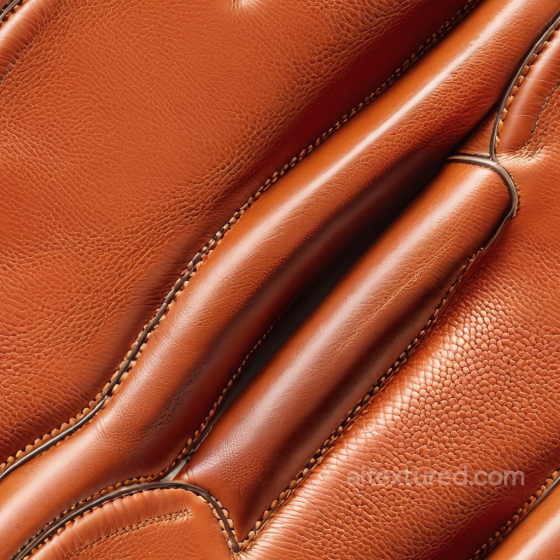
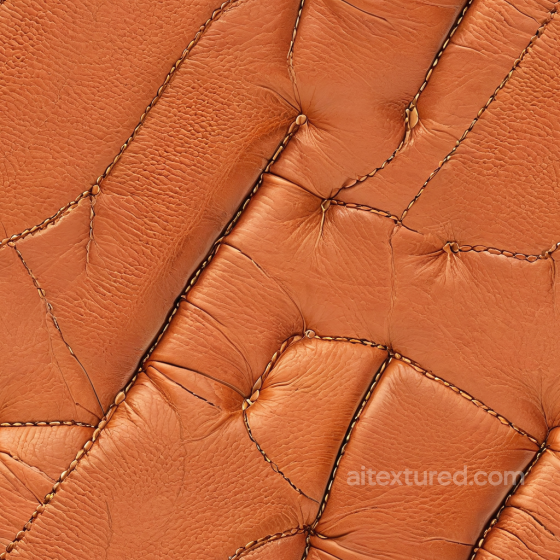
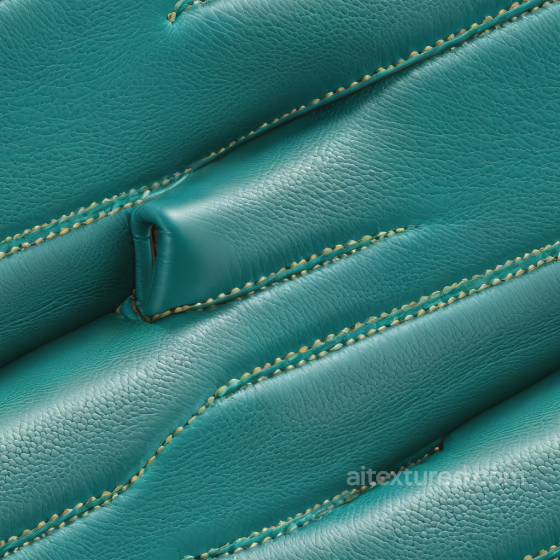
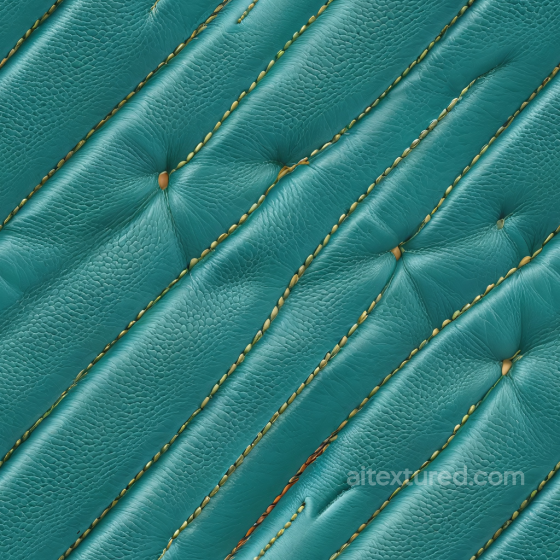
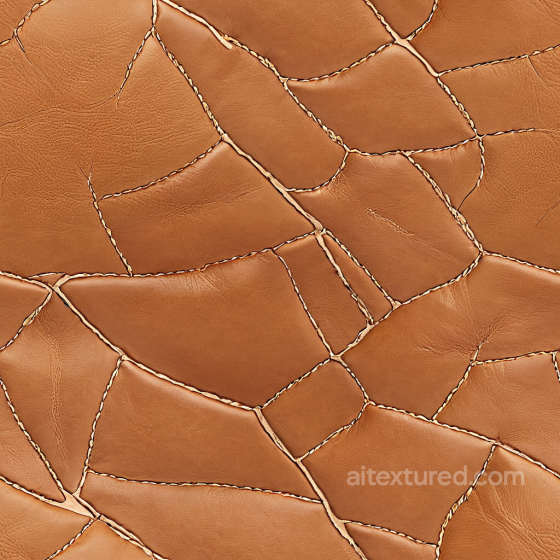
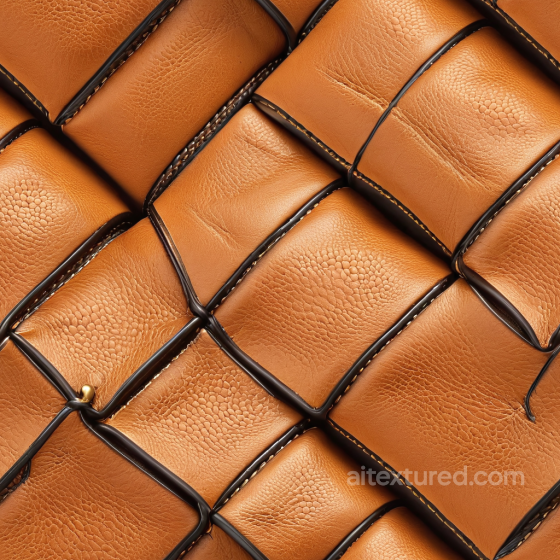
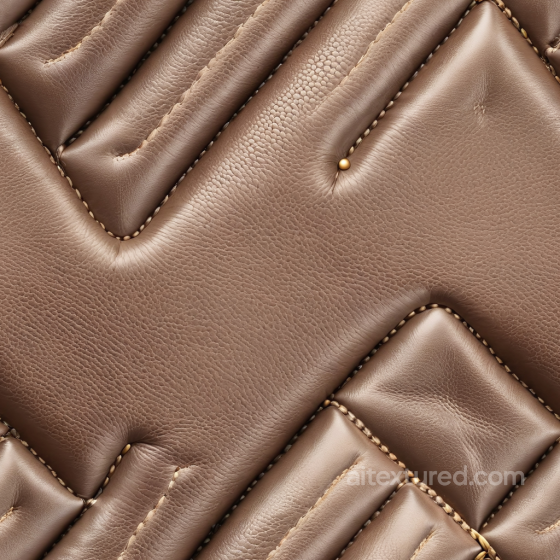
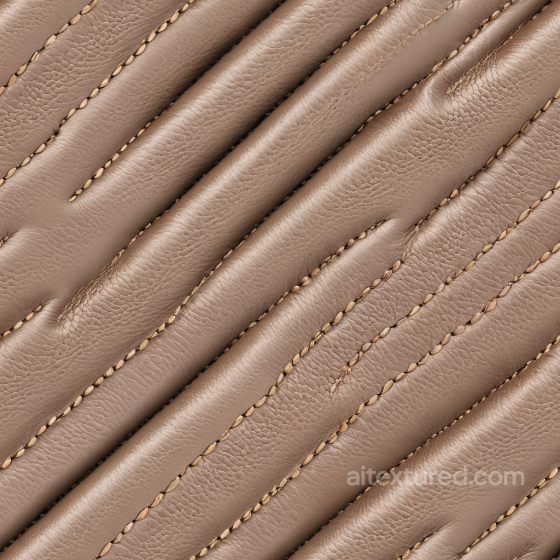
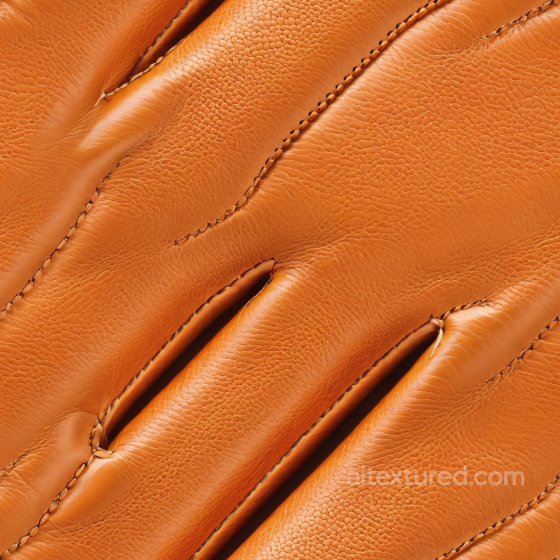
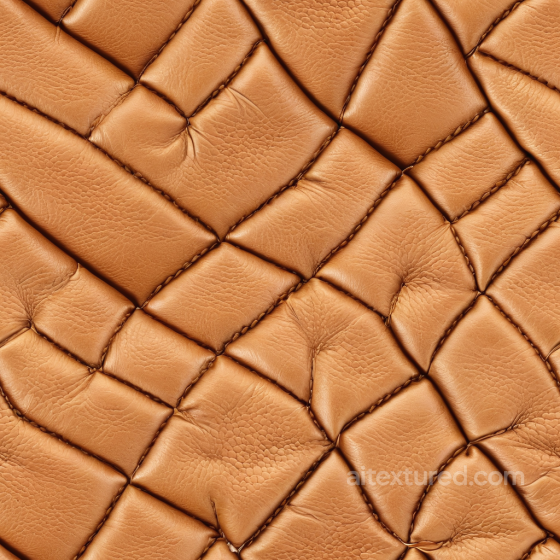
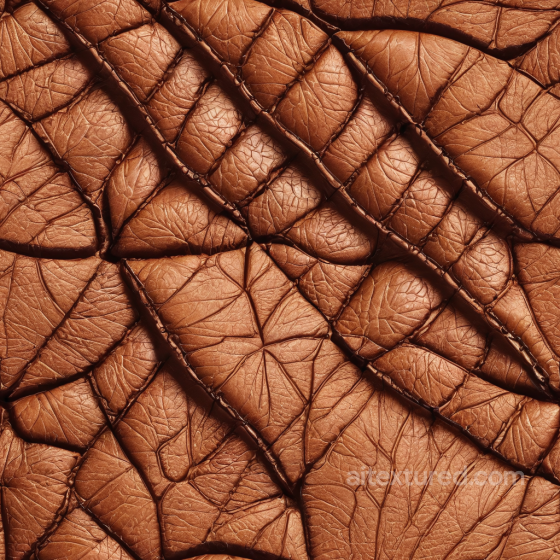
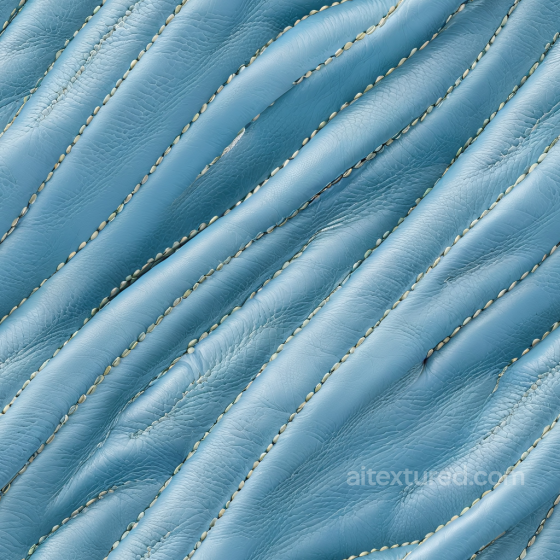
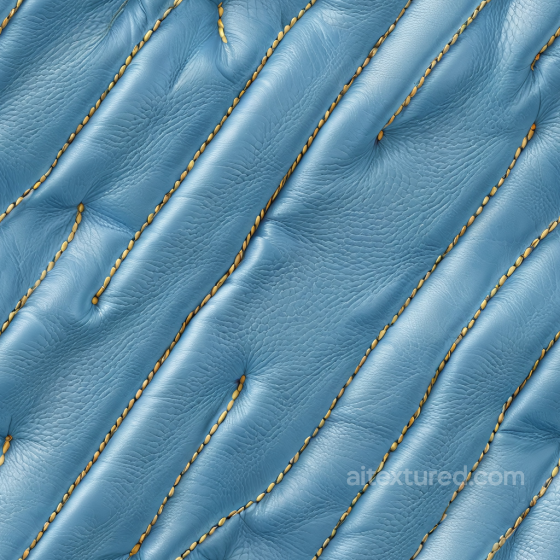
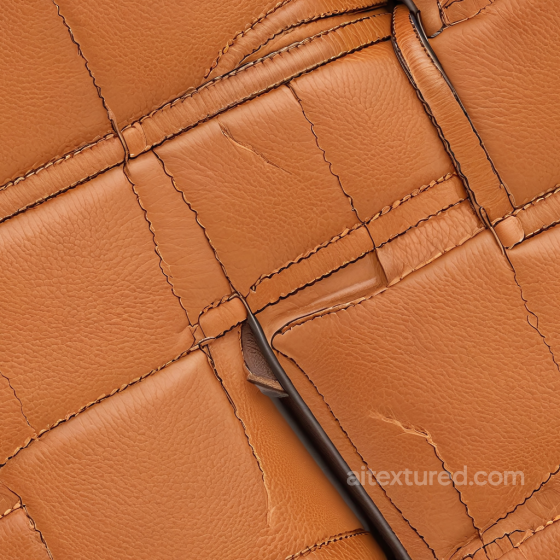
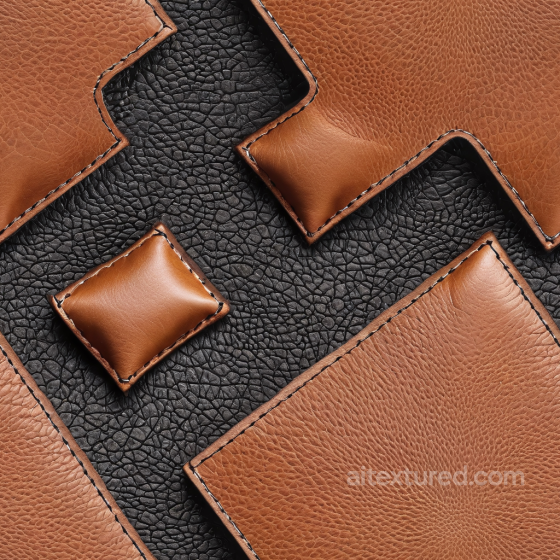
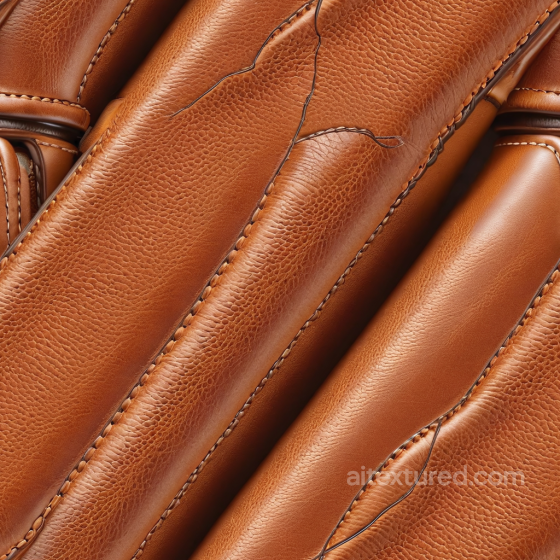
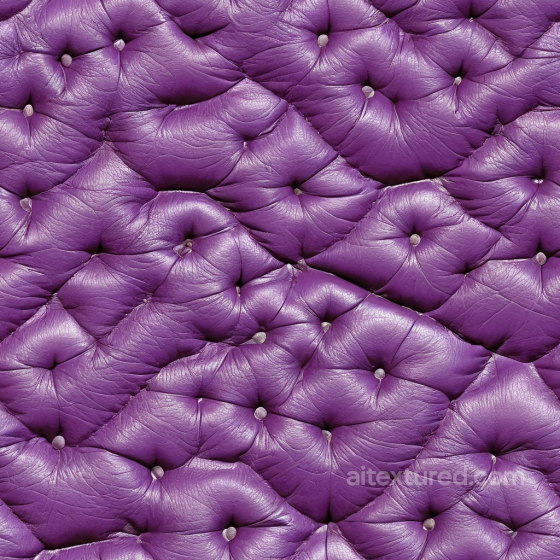
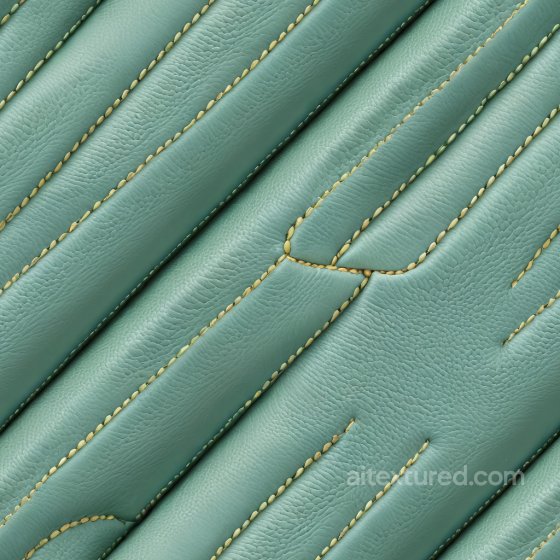
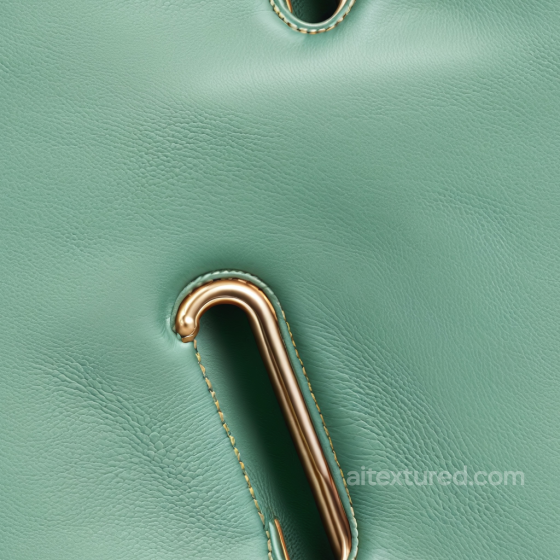
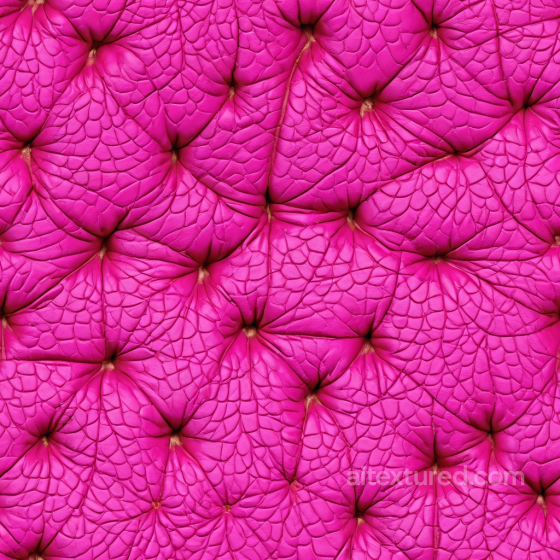
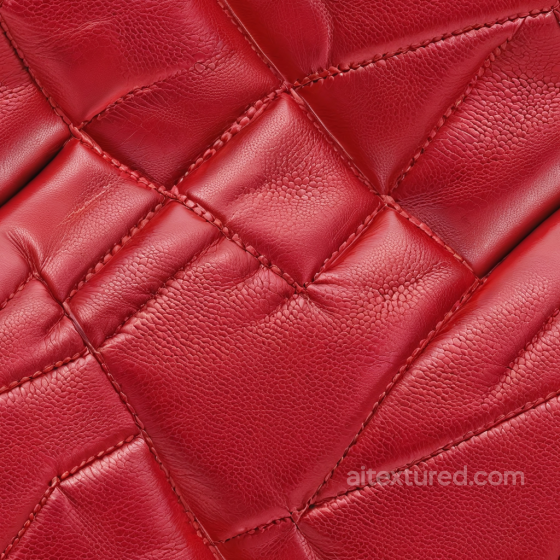
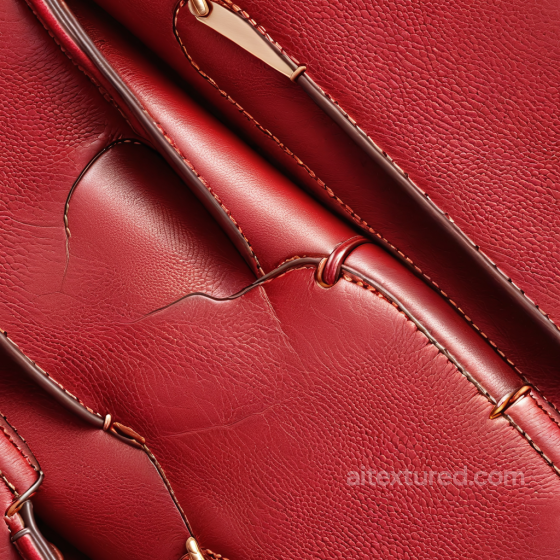
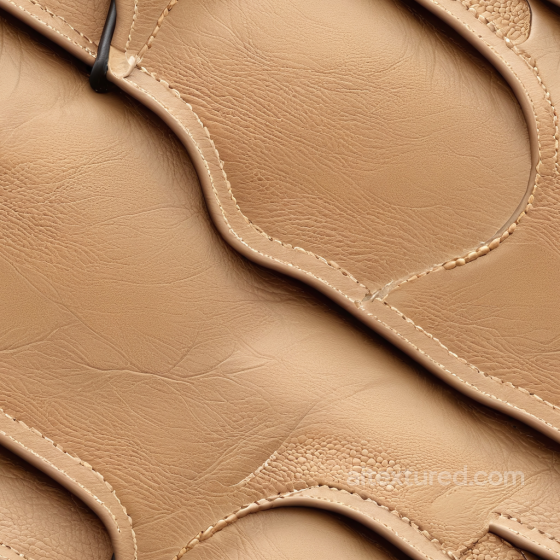
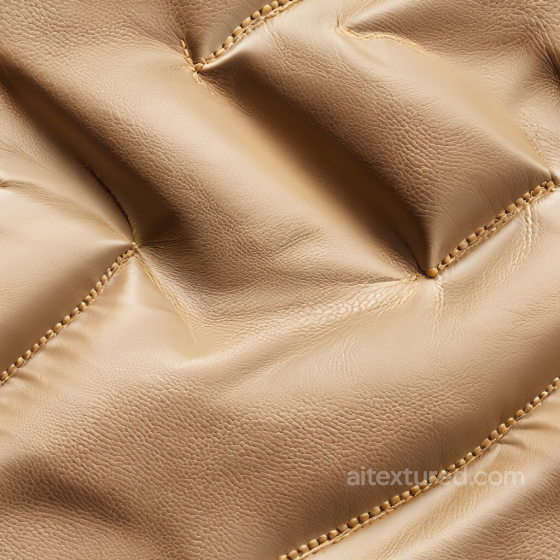
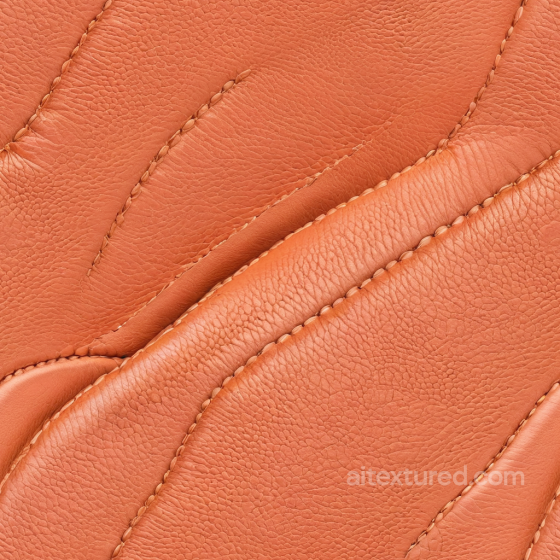
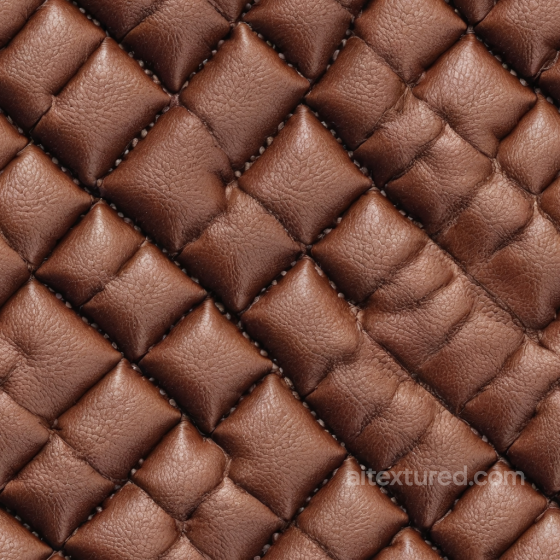
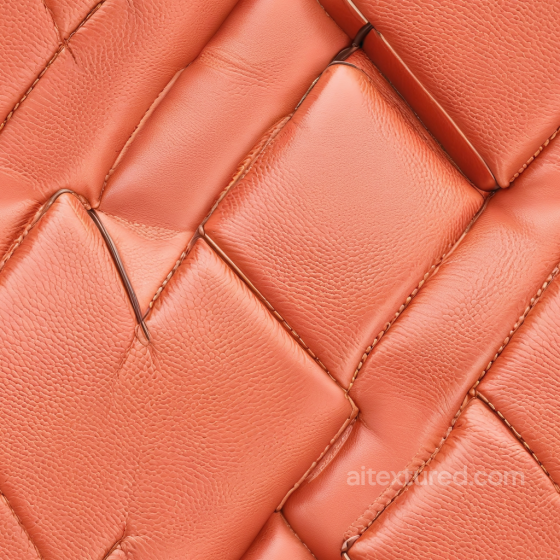
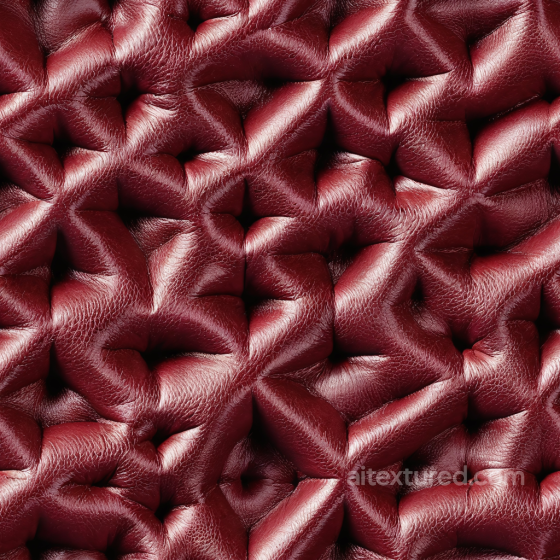
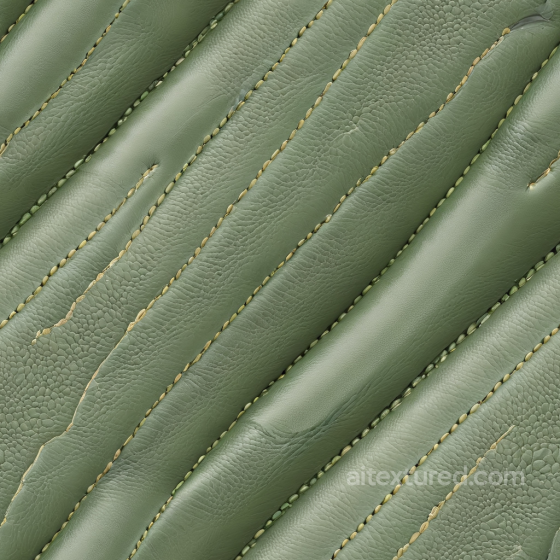
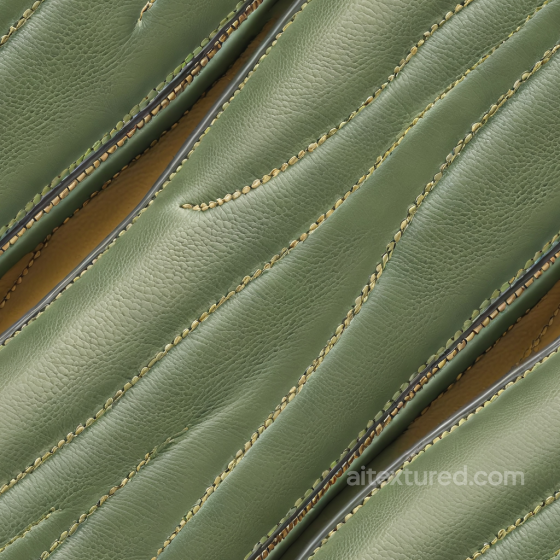
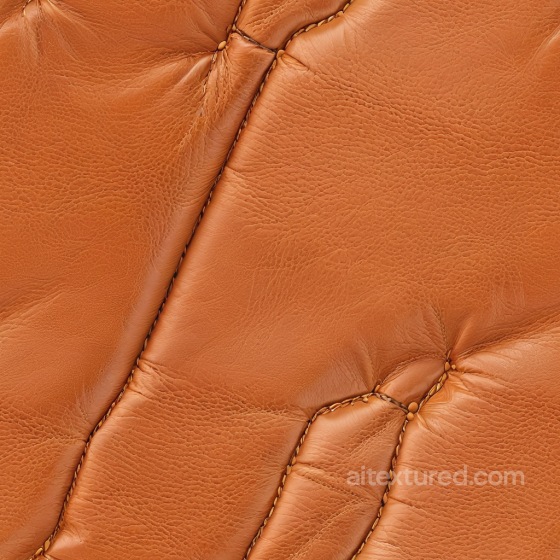
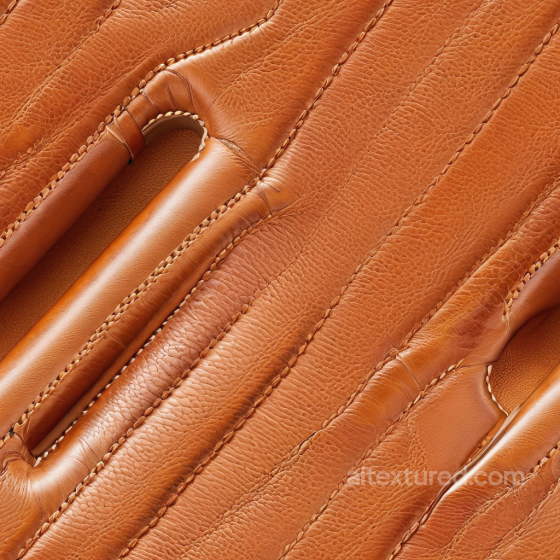
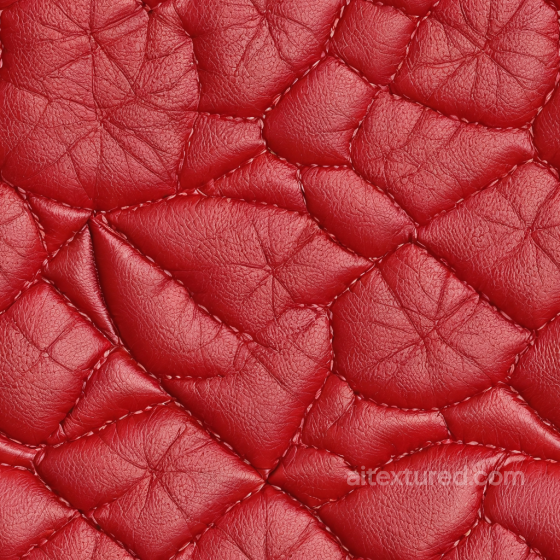
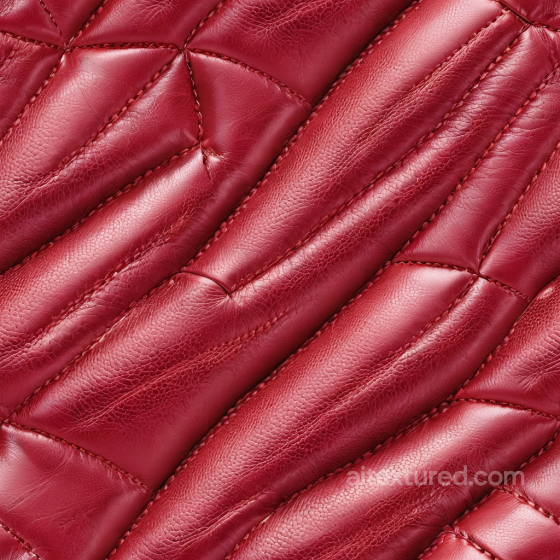
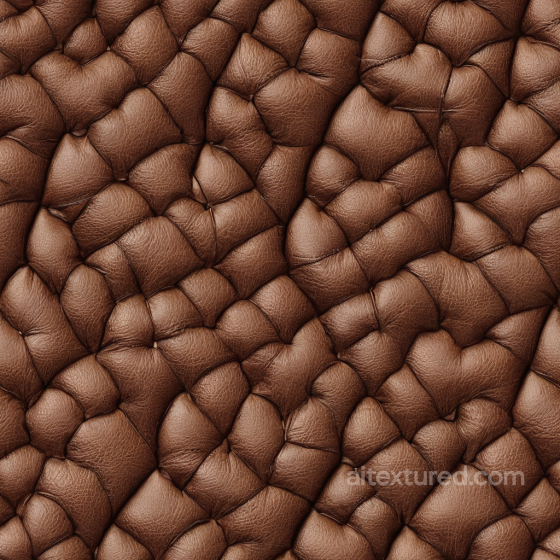
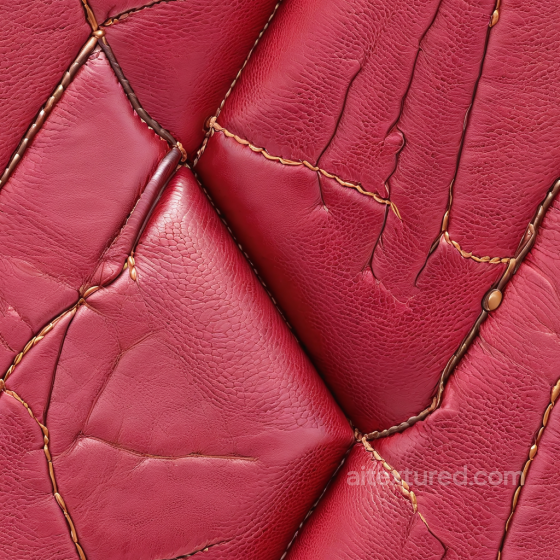
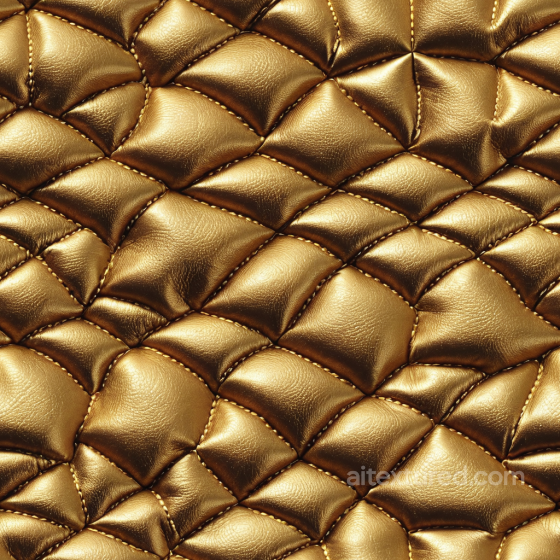
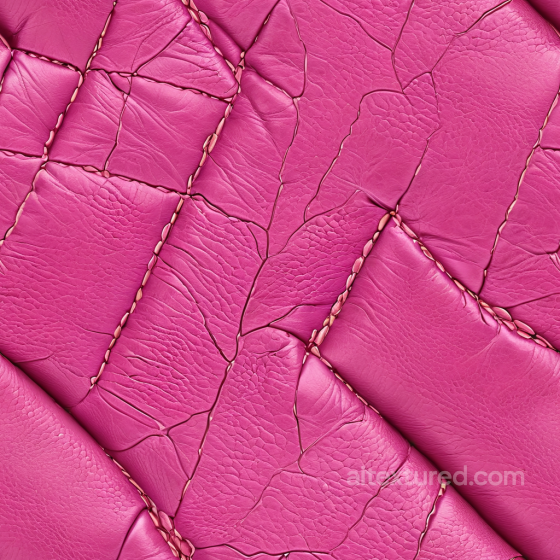
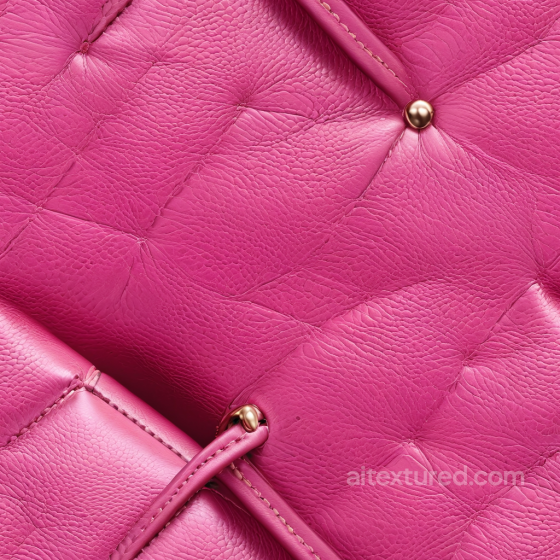
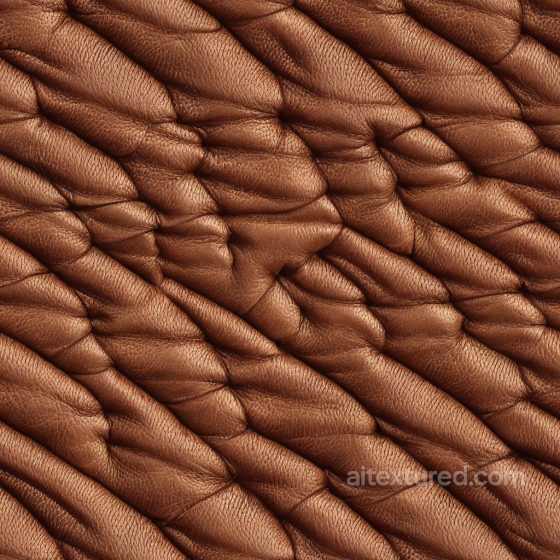
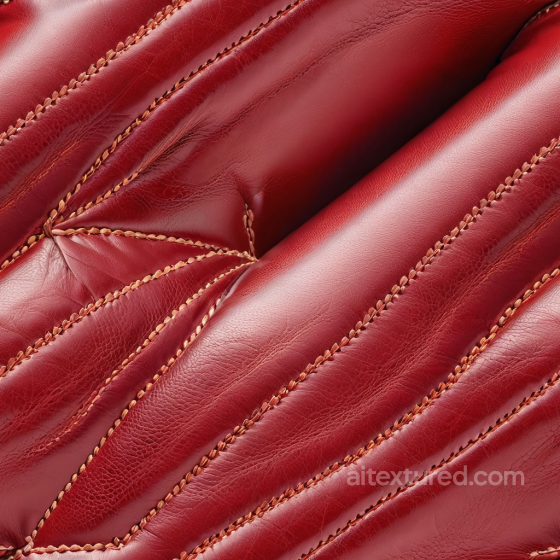
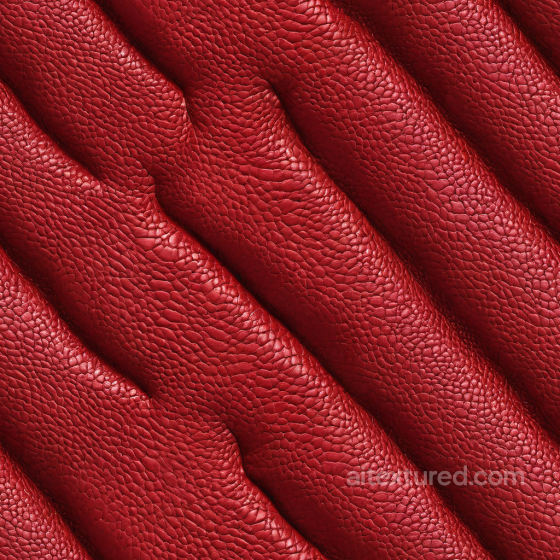
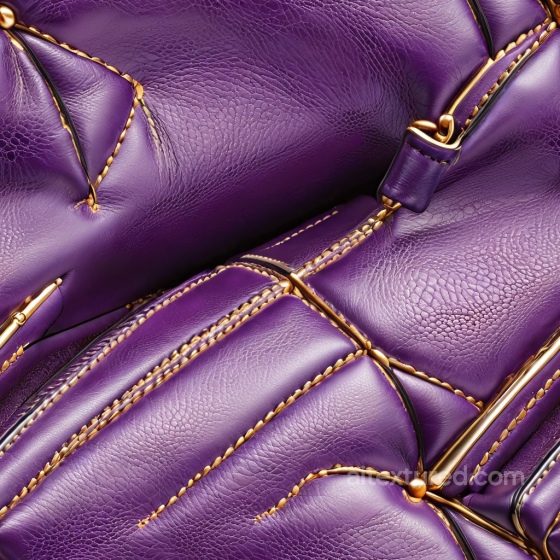
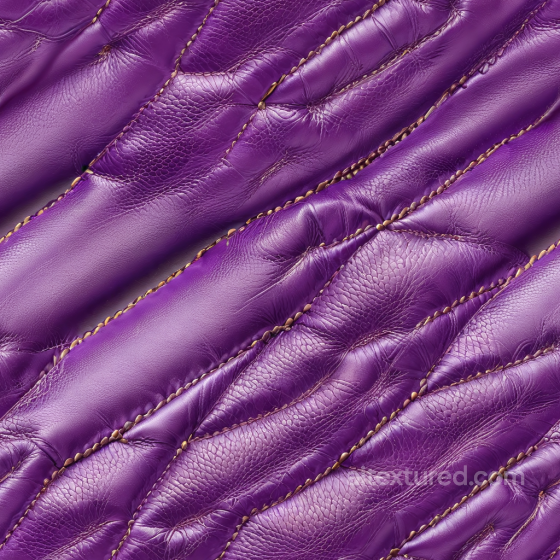
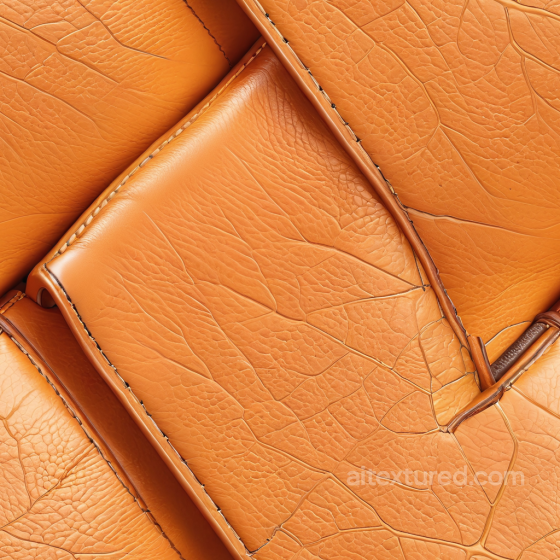
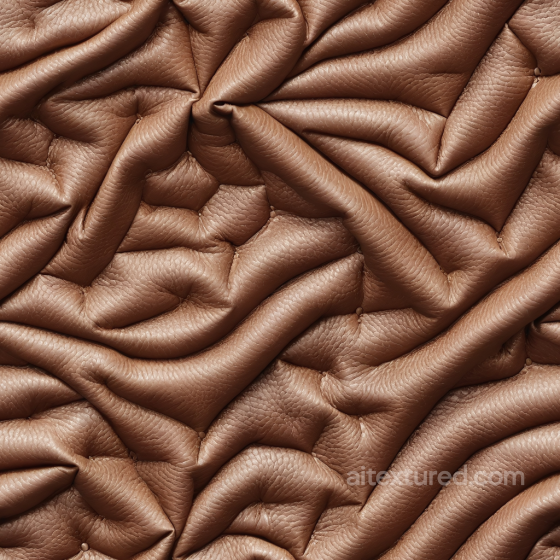
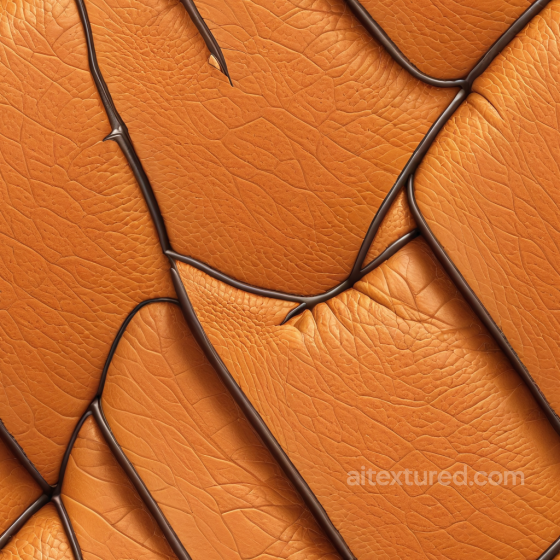
Our leather texture collection offers a diverse range of seamless, tileable PBR textures designed for high-quality 3D projects. Featuring detailed maps such as BaseColor (Albedo), Normal, Roughness, Metallic, Ambient Occlusion, and Height/Displacement, these textures provide realistic surface properties essential for achieving photorealistic results. Available in resolutions up to 8K, the materials capture the nuanced grain and layered characteristics of various leather types, including cowhide, suede, saffiano, and synthetic options. Whether you need smooth and polished finishes, coarse and worn surfaces, or ornate and patterned designs, this set supports a wide variety of styles from vintage, weathered, and aged leather to clean, shiny, and matte appearances.
These textures are crafted to work seamlessly within popular 3D software such as Blender, Unity, and Unreal Engine, making them versatile for both industrial and decorative applications. The collection includes stylized and realistic variations, ensuring that you can find the perfect fit for projects requiring solid, pebbled, or nap finishes. From saddle leather panels to eroded and layered surfaces, each texture captures the tactile essence of leather, whether it is rough and dull or smooth and polished. This detailed approach allows artists and developers to enhance the authenticity of their models, whether for vintage furniture, automotive interiors, or fashion accessories.
When using leather textures in your scenes, consider layering the Height/Displacement map to add subtle depth and realism to the grain and wrinkles, especially on close-up shots. This technique helps emphasize the natural wear and tear or the intricate patterns found in fine and decorative leather, such as aged or industrial styles. Utilizing the full range of texture maps available, including Ambient Occlusion and Roughness, will ensure that light interacts accurately with the surface, highlighting the unique qualities of both synthetic and natural leather materials. This careful attention to detail can significantly elevate the visual impact of your models across various rendering engines.
Source and license status varies by asset; review the detail page before use.
Leather Texture Setup Notes
Leather quality is mostly visible in grain, wrinkles and specular response. Smooth leather, pebbled leather and worn leather should not share the same roughness values.
Use detailed normal maps for close-ups, but keep the grain scale believable. Large repeated wrinkles are more noticeable than small pore repetition.
Best use cases
- Sofas, chairs and automotive interiors
- Bags, shoes and fashion accessories
- Game props, straps, armor and worn surfaces
PBR map tips
- Glossy leather needs controlled roughness, not pure mirror reflections.
- Use AO and curvature detail for seams and embossed areas.
- Add decals or masks for scratches instead of overloading the tile.
Related categories
Related guides
Leather Texture FAQ
Are these leather textures seamless?
Tiling support varies by asset. Open a texture page and use the tiled preview to verify scale, seams and visible repetition before final production use.
Which PBR maps are most important for leather materials?
Base color, normal and roughness are the core maps. AO, height, metallic or packed engine maps may be included depending on the asset and should be connected as non-color data where appropriate.
Can I use these leather textures in Blender, Unreal Engine and Unity?
Review the maps available on each texture page. Separate maps can be connected in common DCC workflows, and the engine mapper can create supported target-specific packing.
How do I avoid visible tiling on large leather surfaces?
Set the UV scale first, then combine texture variants, decals, masks or subtle color variation. Preview at the final camera distance and choose only a resolution that the asset actually offers.
Explore More Texture Resources
Related texture categories
Texture workflow tools
AITextured Tools
Generate maps from existing images, preview materials, convert channels, and package compatible inputs for Blender, Unity, and Unreal Engine.
PBR Material Tools
Choose a verified workflow for generating maps, previewing tiling, converting channels, or starting from the texture catalog.
Input: image or existing maps → Output: preview, PBR maps, or engine-ready package
Explore tools
PBR Texture Generator
Derive Normal, Roughness, AO, Metallic, Height and optional ORM maps from one or more source images, then review the results.
Input: PNG/JPG/WEBP → Output: Normal, Roughness, AO, Height, Metallic, ORM ZIP
Create PBR maps
Online Texture Preview
Instant WebGL viewer: inspect materials on a sphere, plane, and cube. Check tiling and lighting in real time.
Input: material maps → Output: interactive render and tiling check
Preview material
Unity / Unreal / Blender Mapper
Re-packages maps per engine: Unreal (BaseColor + ORM), Unity (Mask/MetallicSmoothness), Blender (separate channels).
Input: PBR maps → Output: Blender, Unreal, Unity channel packages
Convert maps
Image Converter
PNG ↔ JPG ↔ SVG: fast convert, SVG rasterize, embed/trace options, quality & background controls.
Input: PNG/JPG/SVG → Output: converted image format
Convert images