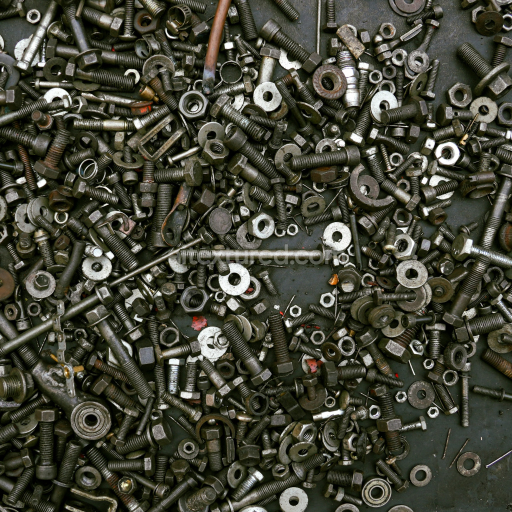
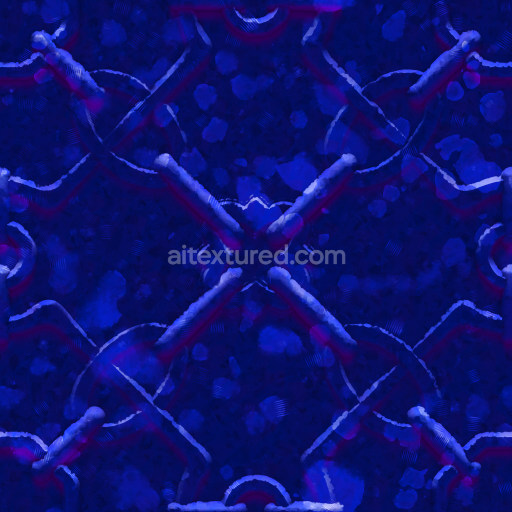
PBR Metal Texture Featuring Rusty Bolts, Nuts, and Washers
Seamless texture (tileable) · PNG, WEBP, PBR ZIP.
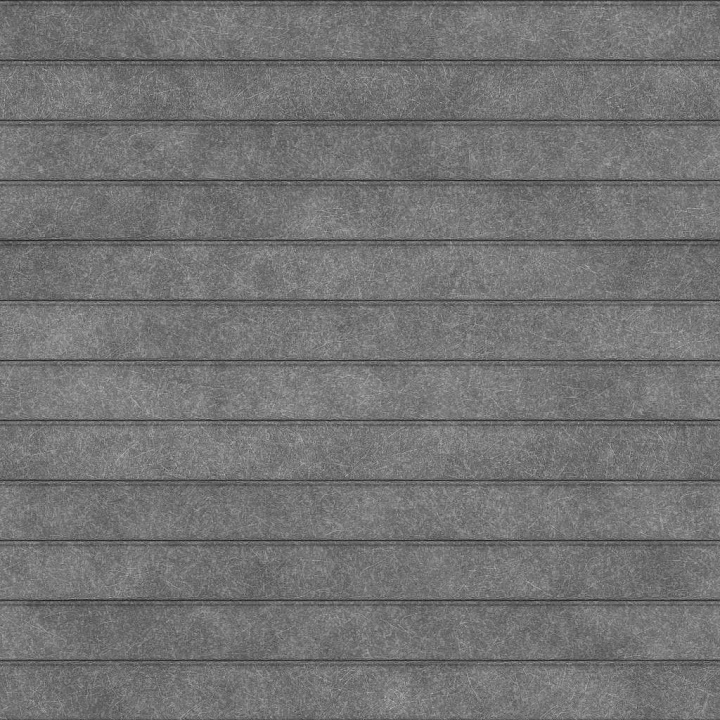
| ID | galvanized-roll-up-door-free-pbr |
|---|---|
| Category | Metal |
| Formats | PNG, WEBP, PBR ZIP |
| Size | 1k (1024x1024px), 2k (2048x2048px), 4k (4096x4096px), 8k (8192x8192px) |
| Tileable | Yes |
This galvanized roll-up door texture is expertly crafted to replicate the distinct characteristics of industrial galvanized steel with meticulous attention to material detail and surface authenticity. The core of this texture is a robust steel substrate that is coated with a protective zinc layer, which functions as a binder to strongly adhere to the metal base. This zinc coating not only prevents corrosion but also imparts a slightly textured, matte finish typical of weathered galvanized surfaces. Fine grain patterns and subtle surface imperfections—including light abrasions and faint oxide marks—are integrated to reflect the natural wear and aging of well-maintained metal. The surface finish embodies a brushed, weathered galvanized look, combining muted silver-gray hues with delicate oxide tints that balance metallic reflectivity and diffuse matte areas for enhanced realism.
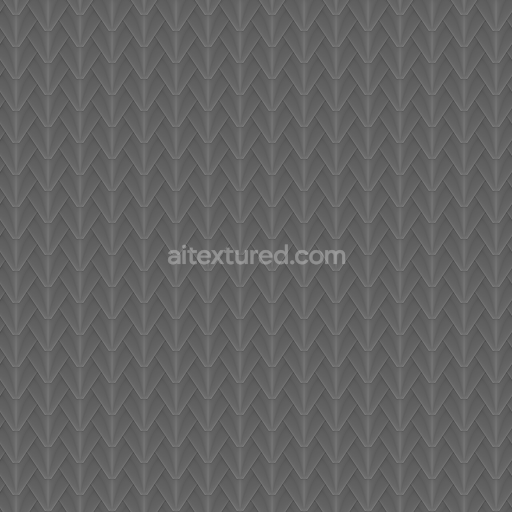
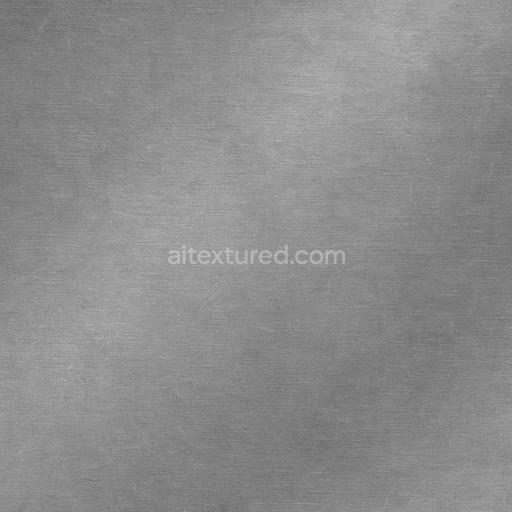
Within a physically based rendering (PBR) workflow, this texture’s BaseColor (Albedo) channel captures the nuanced variations in color caused by the zinc coating and oxide layers, showcasing soft gradients of gray mixed with subtle bluish undertones. The Normal map provides detailed simulation of the corrugated ridges typical of roll-up doors, creating depth and tactile dimensionality without adding polygonal complexity. The Roughness channel carefully balances matte and slightly glossy areas, reflecting the uneven texture of brushed and weather-exposed galvanized steel. The Metallic map remains close to full strength to represent the iron-rich steel base beneath the zinc layer, while the Ambient Occlusion channel accentuates crevices and folds, enhancing shadow depth. A Height/Displacement map is included to subtly emphasize the elevation differences across the corrugated panels, further enhancing the three-dimensional feel when used with displacement or parallax techniques.
Offered in seamless format and available up to an impressive 8K resolution, this texture ensures exceptional clarity and detail even in close-up renders, making it fully optimized for professional 3D applications such as Blender, Unreal Engine, and Unity. For best results, it is advisable to carefully adjust the UV scale to maintain natural proportions of the metal corrugations and fine-tune roughness values to achieve an ideal balance between weathered grit and metallic sheen. Leveraging the height map with displacement methods can significantly enhance the perceived realism by simulating the physical depth of the roll-up door’s ridges without increasing mesh complexity.
Ideal for use in architectural visualizations, industrial design, and game environments, this galvanized roll-up door texture offers a reliable and high-quality solution for replicating authentic galvanized metal surfaces with durable, corrosion-resistant properties and realistic weathered finishes.
Import the texture maps into Blender with sRGB color space for albedo/base color and Non-Color for normal, roughness, metallic, AO, height, and ORM maps. Connect normal maps through a Normal Map node, then adjust UV scale with a Mapping node so the material repeats naturally on your model.
For the full step-by-step setup, see How to Use Seamless Textures in Blender. Browse related material examples in wood, concrete, and metal.
Yes. This texture is designed as a seamless tileable PBR material, so it can repeat across large surfaces without visible borders.
Use the download controls on this page: they expose the available PNG, WEBP or engine ZIP choices and supported resolutions for this asset.
Use the engine ZIP choices to package compatible source maps for Blender, Unreal Engine or Unity, then verify the imported material in the target application.
Commercial-use permission is not verified for this record. Confirm the original source and license before production use.






Generate maps from existing images, preview materials, convert channels, and package compatible inputs for Blender, Unity, and Unreal Engine.
Choose a verified workflow for generating maps, previewing tiling, converting channels, or starting from the texture catalog.
Derive Normal, Roughness, AO, Metallic, Height and optional ORM maps from one or more source images, then review the results.
Instant WebGL viewer: inspect materials on a sphere, plane, and cube. Check tiling and lighting in real time.
Re-packages maps per engine: Unreal (BaseColor + ORM), Unity (Mask/MetallicSmoothness), Blender (separate channels).
PNG ↔ JPG ↔ SVG: fast convert, SVG rasterize, embed/trace options, quality & background controls.