
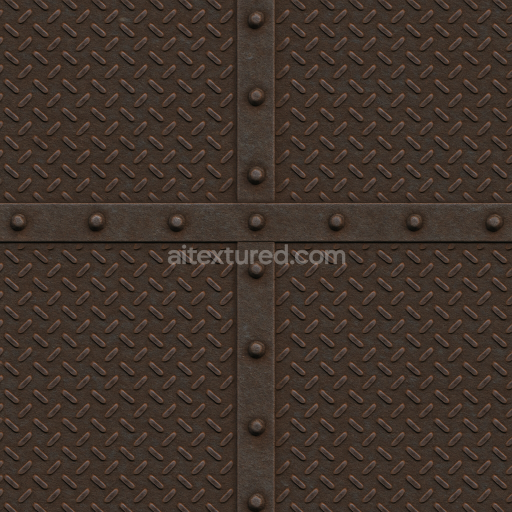
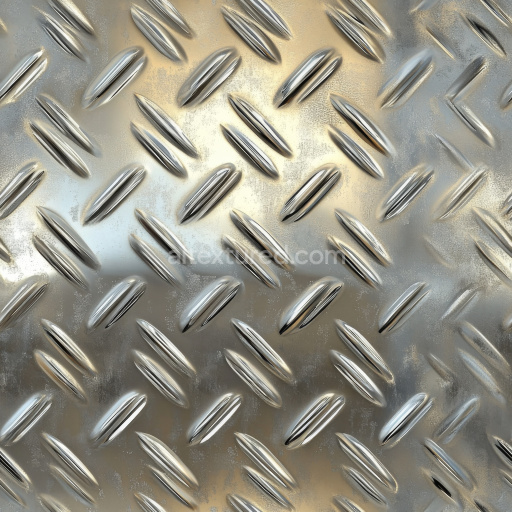
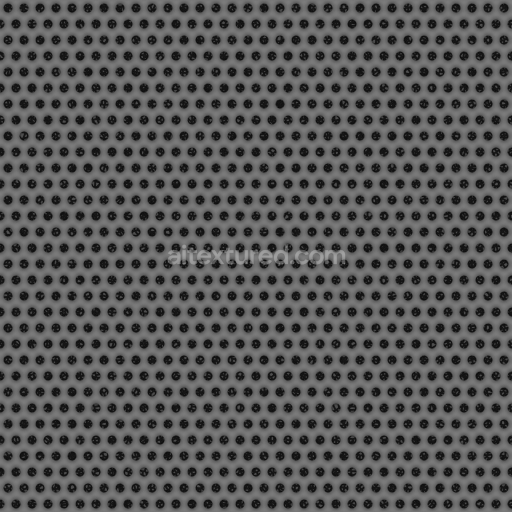
Metal Treadplate Texture with Tiny Crosses | Free PBR
Seamless texture (tileable) · PNG, WEBP, PBR ZIP. License: AITextured Free Commercial License (FCL) v1.1. Free personal and commercial use. Raw resale, standalone redistribution, mirroring/scraping, competing asset packs, and AI/ML training are not allowed without written permission. Attribution is not required, but appreciated..
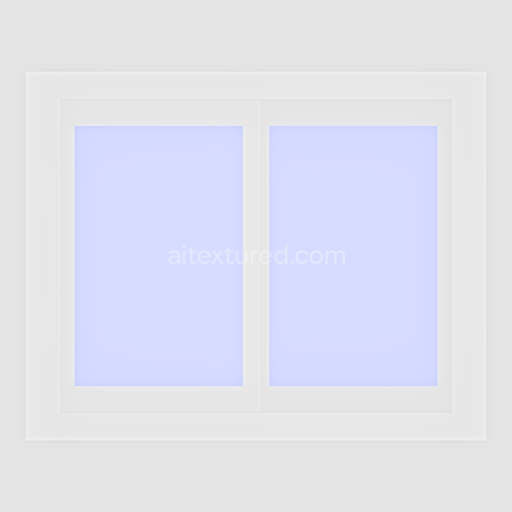
| ID | glass-archviz-building-metal-misc-substance-designer |
|---|---|
| Category | Metal |
| Formats | PNG, WEBP, PBR ZIP |
| Size | 1k (1024x1024px), 2k (2048x2048px), 4k (4096x4096px), 8k (8192x8192px) |
| Color | sRGB |
| Tileable | Yes |
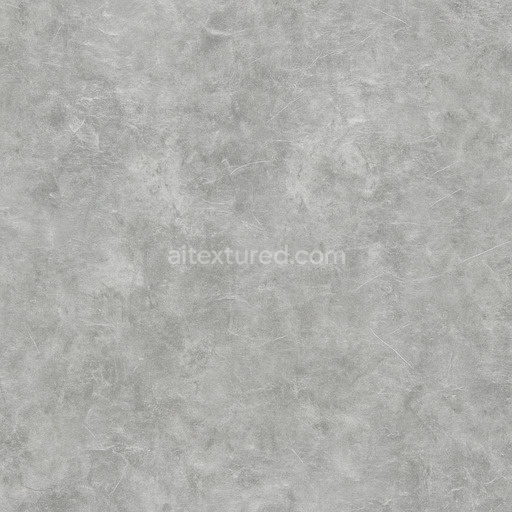
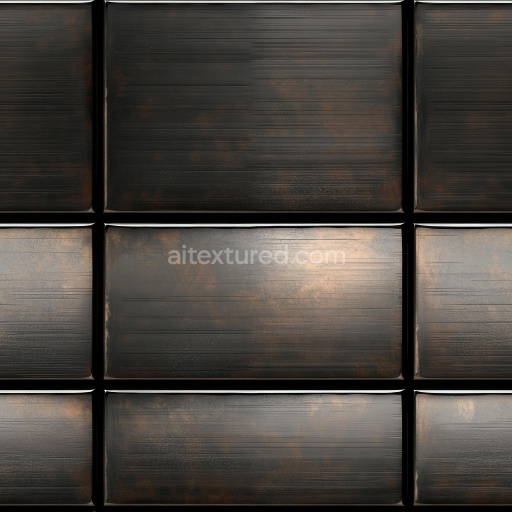
This seamless PBR texture represents a meticulously crafted glass and metal surface designed specifically for architectural visualization (archviz) projects involving building exteriors and window elements. Its base substrate combines highly reflective glass panels with intricately detailed metal fixtures reflecting the typical composition found in modern architectural facades. The glass sections exhibit a polished smooth finish with subtle tinting and minimal porosity while the metal components reveal a brushed texture with fine grain orientation and slight oxidation contributing to realistic weathering effects. These material characteristics are captured with precision to ensure an authentic representation of the interplay between transparent glass and durable metal enhanced by subtle variations in colorants such as oxide layers and pigments that enrich the visual depth and realism of the surface.
The texture set includes essential PBR channels tailored for physically based rendering workflows. The BaseColor/Albedo map delivers accurate color representation balancing the translucent quality of glass with the muted metallic hues of the supporting framework. The Normal map encodes fine surface details such as the brushed metal grain and the slight imperfections on the glass surface adding dimensionality without altering the silhouette. Roughness and Metallic maps define the reflective properties: the glass areas exhibit low roughness and high reflectivity whereas the metal portions show moderate roughness with metallic response consistent with oxidized steel or aluminum. Ambient Occlusion enhances shadowing in crevices between window frames and metal joints improving depth in both real-time and offline renderers. The Height map supports subtle displacement effects to simulate the layering and seams between glass panes and metal trims when used with parallax or tessellation shaders.
Rendered at up to 8K resolution this texture is optimized for seamless tiling on large-scale surfaces ensuring consistent color response and detail retention across extensive architectural models. It is fully compatible and ready to integrate into popular software such as Blender Unreal Engine and Unity facilitating efficient look development and realistic visualization in game engines and high-end offline renderers alike. A practical tip for usage is to carefully adjust the UV scale to maintain the natural proportions of the glass panes and metal details and to fine-tune the roughness map to control the balance between sharp reflections on glass and the more diffuse reflections on metal enhancing the material’s believability under varied lighting conditions.
Import the texture maps into Blender with sRGB color space for albedo/base color and Non-Color for normal, roughness, metallic, AO, height, and ORM maps. Connect normal maps through a Normal Map node, then adjust UV scale with a Mapping node so the material repeats naturally on your model.
For the full step-by-step setup, see How to Use Seamless Textures in Blender. Browse related material examples in wood, concrete, and metal.
Yes. This texture is designed as a seamless tileable PBR material, so it can repeat across large surfaces without visible borders.
You can download PNG/WEBP versions and use 1K, 2K, 4K and 8K download options when available on the page.
Yes. The download options and engine-mapped ZIP workflow are designed for Blender, Unreal Engine, Unity Standard, URP and HDRP material pipelines.
Yes. The texture is available under the AITextured free commercial license. Review the license page for redistribution and AI-training restrictions.
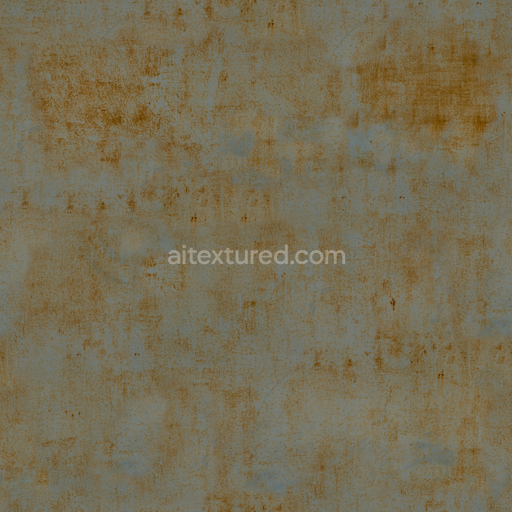


Build, preview, and export seamless PBR materials. Generate full map sets from a single image, inspect them in a real-time WebGL viewer, and re-package maps for Unreal, Unity, and Blender—directly in your browser.
AI text-to-texture: type a prompt and get a seamless, tileable base image ready for PBR workflows (great starting point for materials).
Create a full PBR set (Normal, Roughness, AO, Metallic, etc.) from a single image. Seamless and tiling-friendly.
Instant WebGL viewer: inspect materials on a sphere, plane, and cube. Check tiling and lighting in real time.
Re-packages maps per engine: Unreal (BaseColor + ORM), Unity (Mask/MetallicSmoothness), Blender (separate channels).
PNG ↔ JPG ↔ SVG: fast convert, SVG rasterize, embed/trace options, quality & background controls.