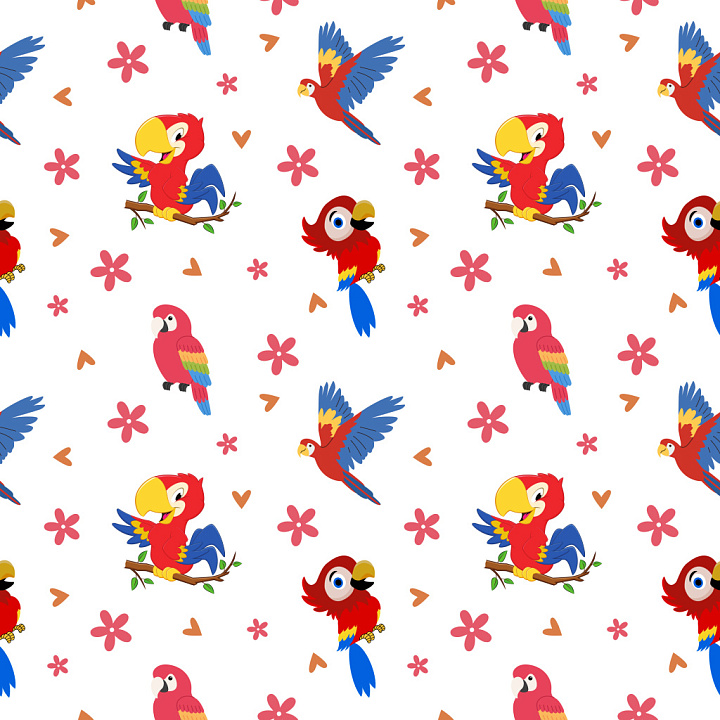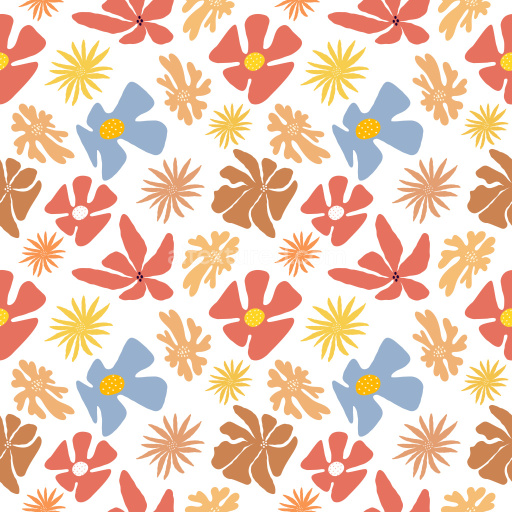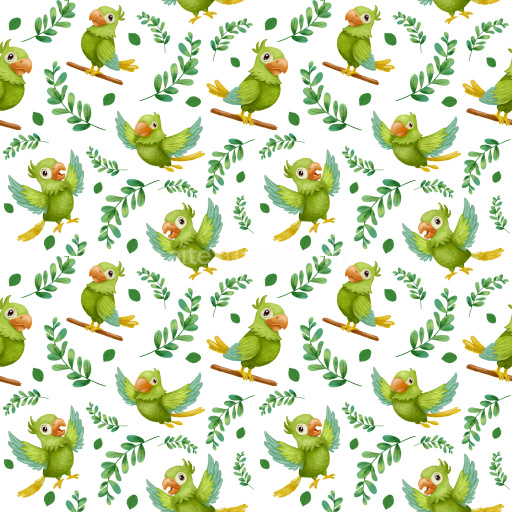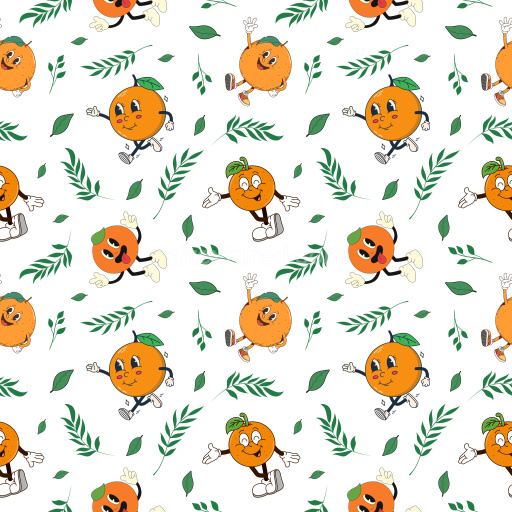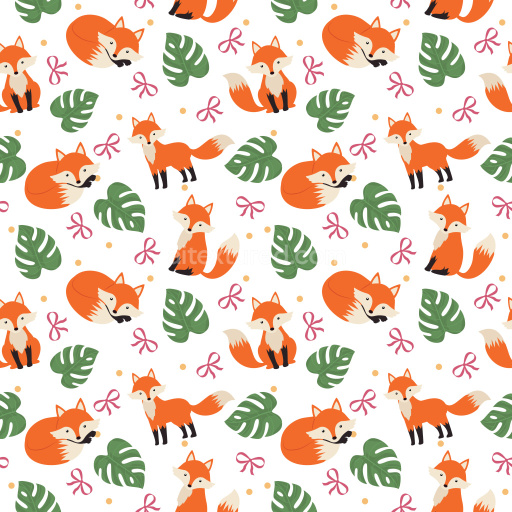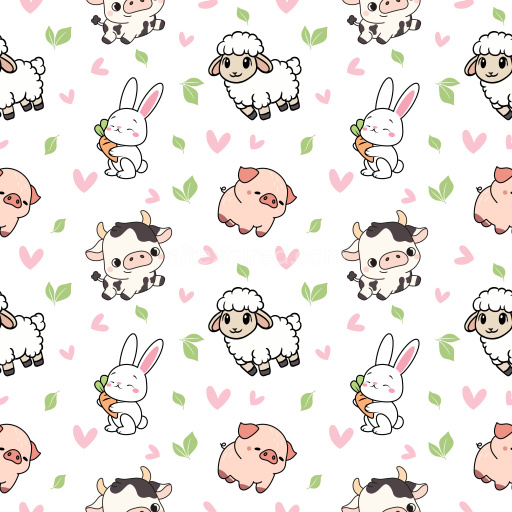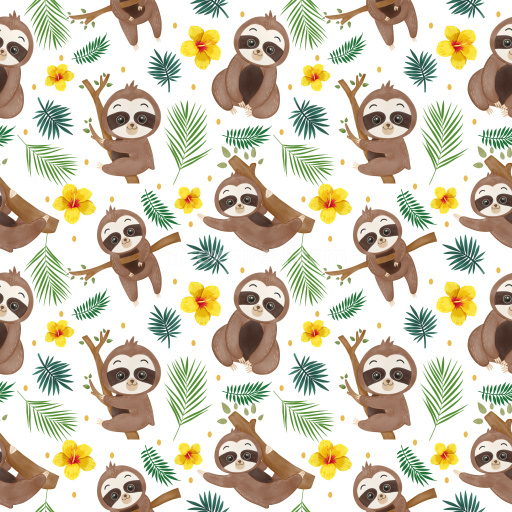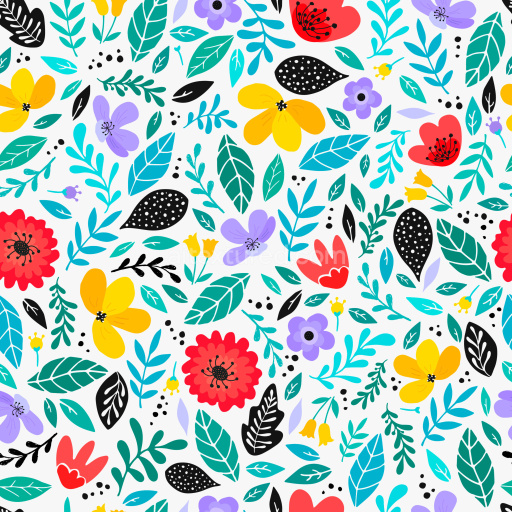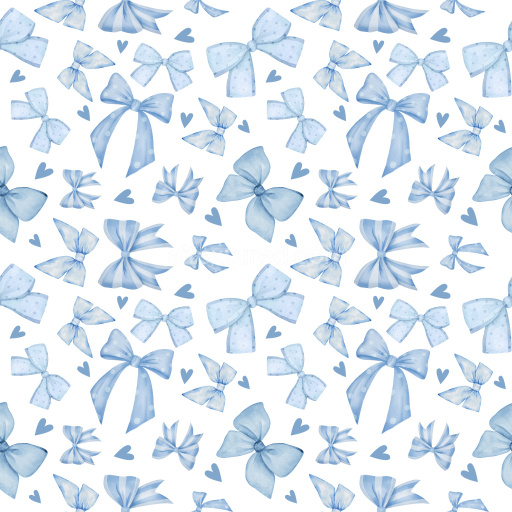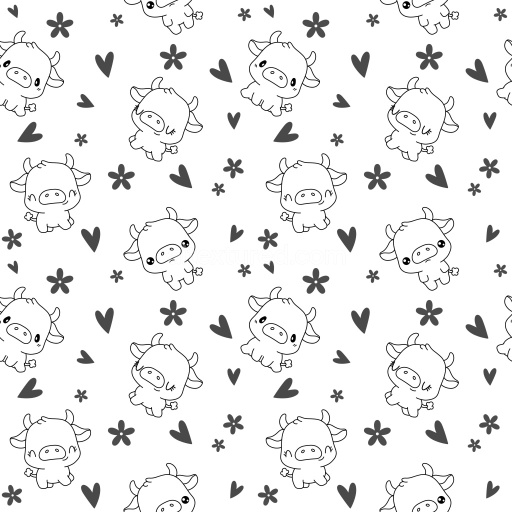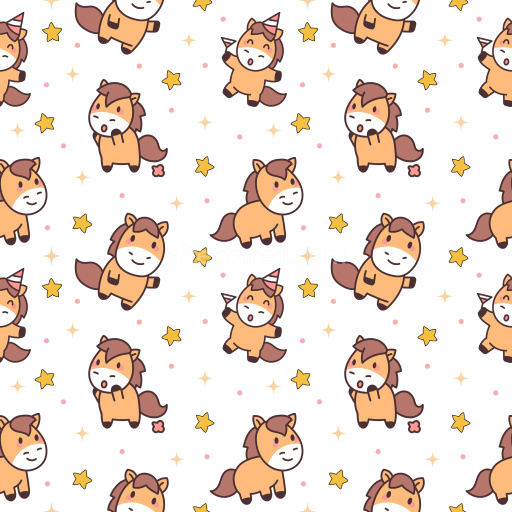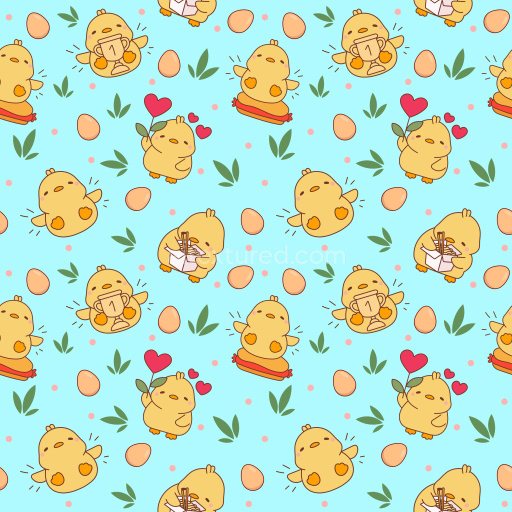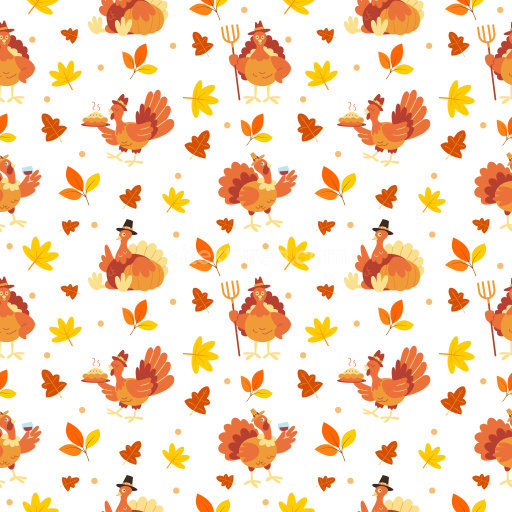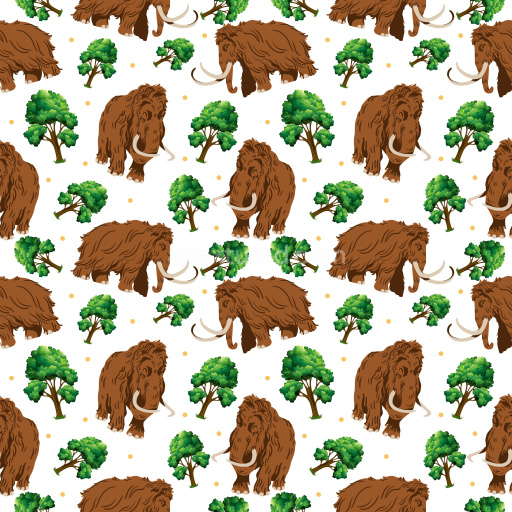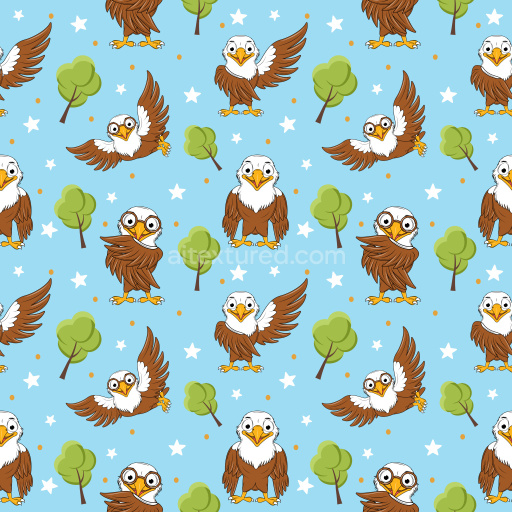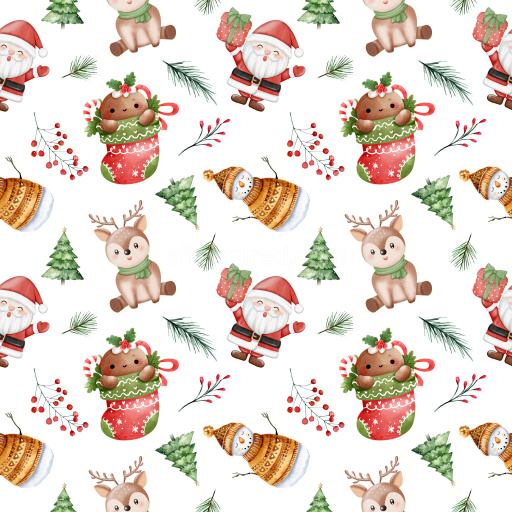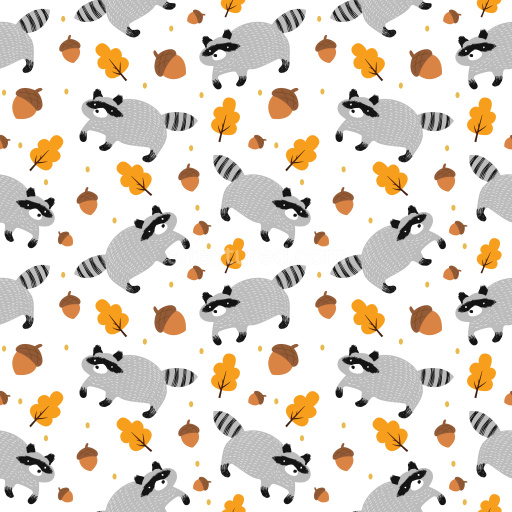
Seamless 3D Pattern PBR Texture with Colorful Cartoon Parrots and Floral Motifs

Seamless texture (tileable) · PNG. License: Free for personal & commercial use.

Pattern Bundle - Seamless 3D Pattern PBR Texture with Colorful Cartoon Parrots and Floral Motifs texture preview

Texture Info

IDpattern-bundle-seamless-pbr-cartoon-parrot-pattern-texture
CategoryPattern Bundle
FormatsPNG
Size1k (1024x1024px), 2k (2048x2048px), 4k (4096x4096px), 8k (8192x8192px)
ColorsRGB
TileableYes
This seamless PBR texture showcases a lively and playful pattern composed of colorful cartoon parrots in varied poses, set against a clean white background. The design features multiple parrot illustrations with bold, saturated colors — including vivid reds, royal blues, sunny yellows, and subtle greens. Each bird exhibits smooth, clean linework and simplified shapes, lending a fun and stylized cartoon aesthetic. Interspersed between the parrots are small decorative elements such as pink flowers and orange heart shapes, providing a rhythmic and balanced distribution throughout the tile. The pattern utilizes an open spacing arrangement, which keeps the composition bright and uncluttered, enhancing its visual appeal. With a flat, printed finish, the texture has sharp edges and a smooth surface feel, suitable for crisp digital and stylized renders. This texture is fully tileable and PBR-ready, ensuring seamless repetition without visible edges or mismatches for use in various 3D applications. Its joyful and youthful character makes it an excellent choice for stylized interior visualizations, kids’ room wallpapers, fabric prints, packaging design, playful UI backgrounds, or creative branding materials. Compatible with major 3D software like Blender, Unreal Engine, Unity, 3ds Max, and Cinema 4D, this parrot pattern brings a fun tropical flair to any project requiring vibrant and whimsical decor or stylized surface detail.

How to Use These Seamless PBR Textures in Blender

This quick guide shows how to connect a seamless PBR texture set in Blender using Principled BSDF. The workflow works for tileable materials used in Blender, Unreal Engine, Unity, archviz, and game environments.

What Is Included

  • albedo or base color for the visible surface color
  • normal for fine surface relief
  • roughness for gloss and reflectivity control
  • metallic for metal or dielectric response
  • ao for ambient occlusion in cavities
  • height for bump, parallax, or displacement
  • ORM packed maps for optimized real-time workflows
Blender node setup overview for a seamless PBR texture
Example node layout for a standard PBR material in Blender.

Quick Start

  1. Open the Shader Editor and create a new material.
  2. Add an Image Texture node for each map you want to use.
  3. Set Color Space to sRGB for Albedo and to Non-Color for Normal, Roughness, Metallic, AO, Height, and ORM.
  4. Connect the maps to the matching inputs on Principled BSDF.

Recommended Connections

  • Albedo -> Base Color
  • Roughness -> Roughness
  • Metallic -> Metallic
  • Normal -> Normal Map node -> Normal
  • Height -> Bump or Displacement, depending on your render setup
Adding an image texture node in Blender
Add an Image Texture node before assigning the downloaded maps.

Using ORM Maps

If your download includes a packed ORM texture, split its RGB channels: R = AO, G = Roughness, B = Metallic. This is useful for Unreal Engine and other optimized real-time pipelines.

Tiling and UV Scale

Because these textures are seamless, you can repeat them across large surfaces without visible seams. Use a Mapping node to increase or reduce tiling density on floors, walls, terrain, props, and modular assets.

Common Mistakes

  • Using sRGB on non-color maps
  • Connecting a Normal map directly without a Normal Map node
  • Overdriving Height or Bump values so the surface looks unnatural
  • Ignoring texture scale, which makes seamless materials look repetitive
Loading a downloaded texture set into Blender
Load the downloaded texture set and wire the maps to Principled BSDF.

For more examples, browse related categories such as Wood Textures, Concrete Textures, and Metal Textures.

AITEXTURED Tools

Build, preview, and export seamless PBR materials. Generate full map sets from a single image, inspect them in a real-time WebGL viewer, and re-package maps for Unreal, Unity, and Blender—directly in your browser.