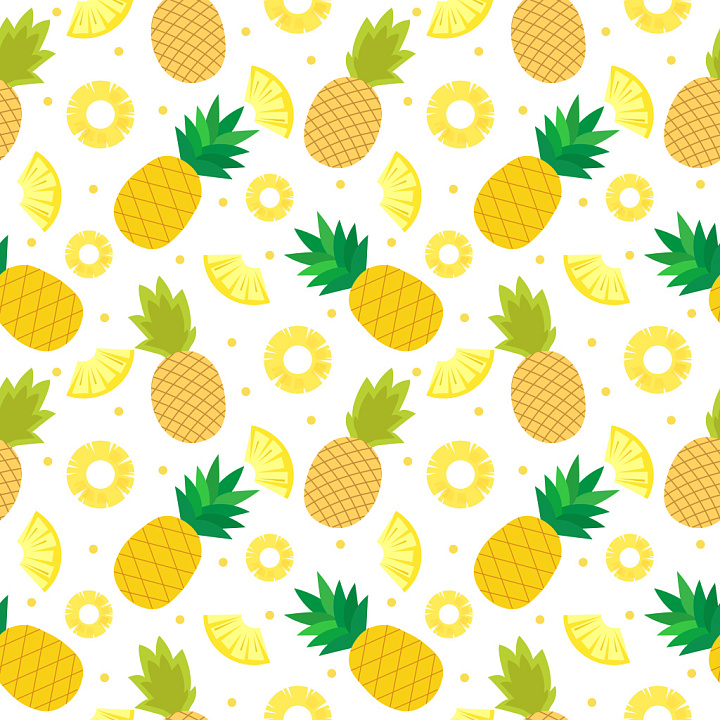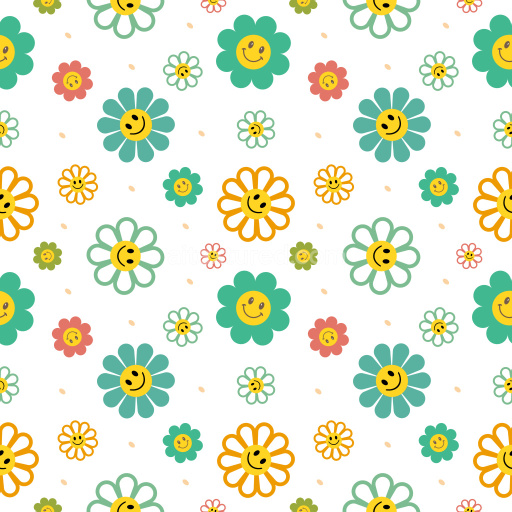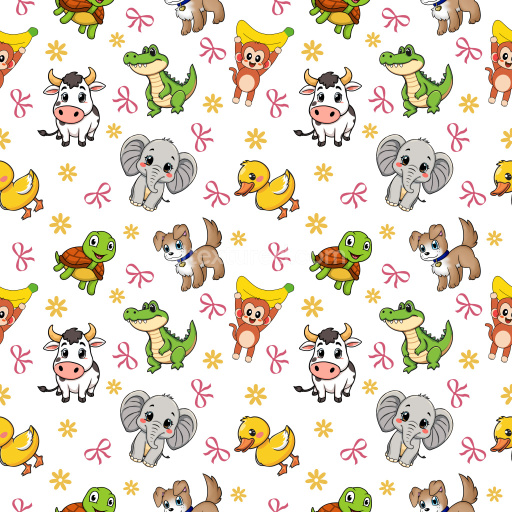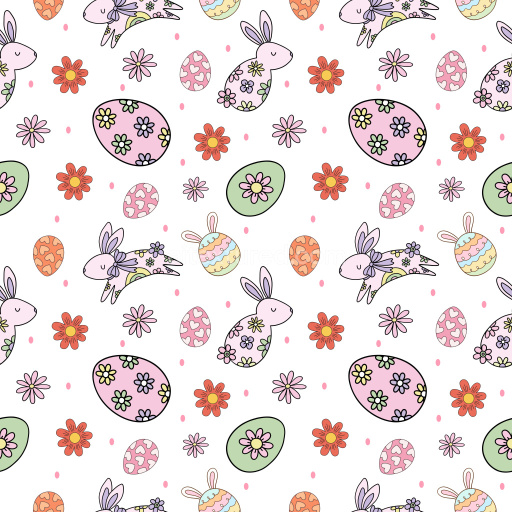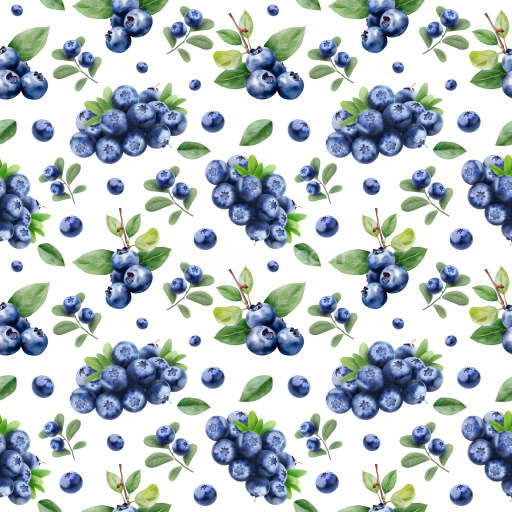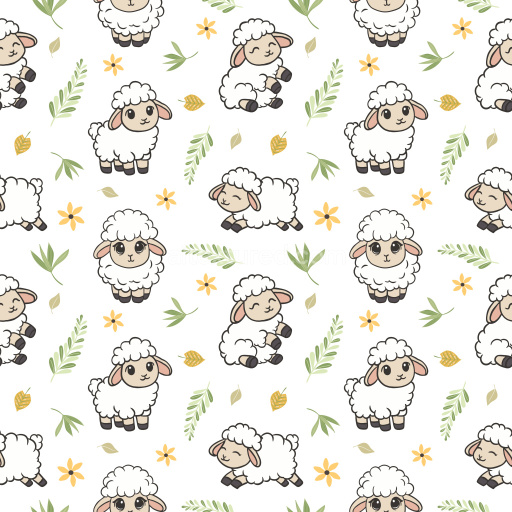
Seamless 3D Pineapple Pattern PBR Texture with Bright Tropical Fruit Motifs

Seamless texture (tileable) · PNG. License: Free for personal & commercial use.

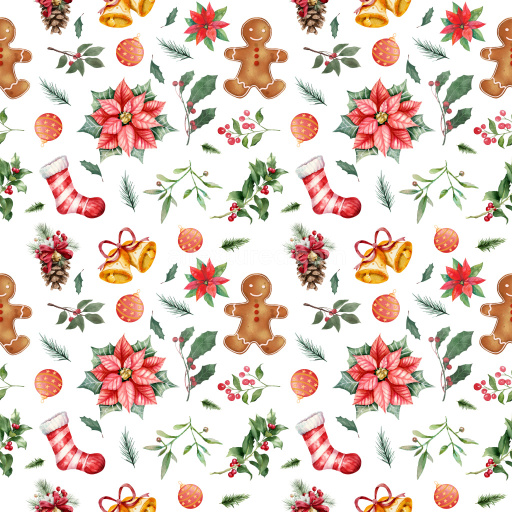
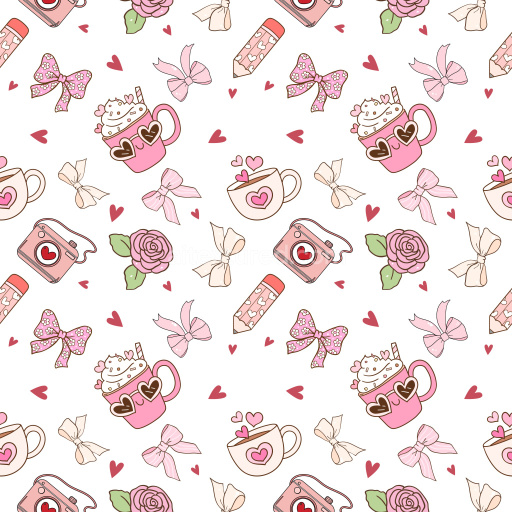
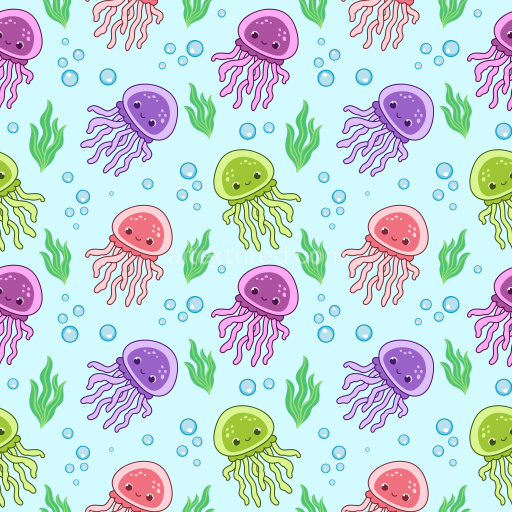
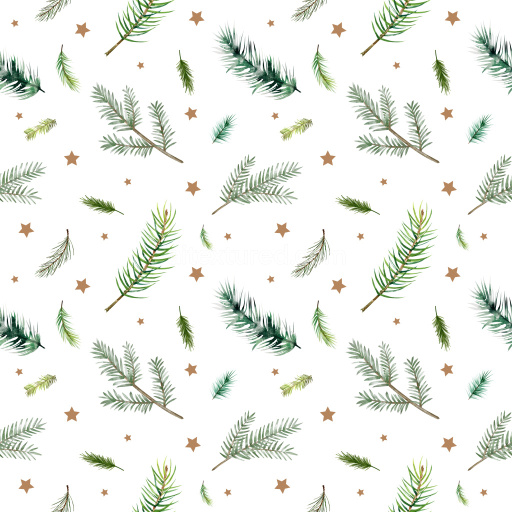
Pattern Bundle - Seamless 3D Pineapple Pattern PBR Texture with Bright Tropical Fruit Motifs texture preview

Texture Info

IDpattern-bundle-seamless-pbr-pineapple-pattern-texture-with-tropical-fruit-motifs
CategoryPattern Bundle
FormatsPNG
Size1k (1024x1024px), 2k (2048x2048px), 4k (4096x4096px), 8k (8192x8192px)
ColorsRGB
TileableYes
This seamless PBR texture presents a cheerful, repeating pattern of bright yellow pineapples accompanied by circular and wedge-shaped pineapple slices. The design features a clean, flat vector style with bold, solid colors and well-defined edges, offering a playful tropical aesthetic. The pineapples exhibit a subtle diamond lattice pattern in darker yellow, adding dimension and visual interest without complexity. Leaves vary in green hues, from olive to grass green shades, enhancing natural variation while maintaining a crisp graphic look. The spacing balances density and openness to ensure a smooth tiled repeat with no visible seams, making it perfect for filling large surfaces seamlessly.

The pattern's flat, print-like finish with no texture noise or shading focuses attention on its stylized motifs, lending itself well to modern and clean 3D applications. It is PBR-ready, suitable for rendering in popular engines such as Blender, Unreal Engine, Unity, 3ds Max, and Cinema 4D. This texture fits perfectly in projects requiring vibrant tropical or summer vibes, including 3D textiles, wallpaper, packaging, UI backgrounds, game environments, product visualization, and stylized interior scenes.

Its playful and bright visual language encourages use for decorative assets and branding materials targeting cheerful, fresh aesthetics. Whether applied to fabric materials on avatars, stylized environment props, or product mockups, this pineapple pattern lends warmth, fun, and a summery flair with seamless versatility and PBR compatibility.

How to Use These Seamless PBR Textures in Blender

This quick guide shows how to connect a seamless PBR texture set in Blender using Principled BSDF. The workflow works for tileable materials used in Blender, Unreal Engine, Unity, archviz, and game environments.

What Is Included

Blender node setup overview for a seamless PBR texture
Example node layout for a standard PBR material in Blender.

Quick Start

  1. Open the Shader Editor and create a new material.
  2. Add an Image Texture node for each map you want to use.
  3. Set Color Space to sRGB for Albedo and to Non-Color for Normal, Roughness, Metallic, AO, Height, and ORM.
  4. Connect the maps to the matching inputs on Principled BSDF.

Recommended Connections

Adding an image texture node in Blender
Add an Image Texture node before assigning the downloaded maps.

Using ORM Maps

If your download includes a packed ORM texture, split its RGB channels: R = AO, G = Roughness, B = Metallic. This is useful for Unreal Engine and other optimized real-time pipelines.

Tiling and UV Scale

Because these textures are seamless, you can repeat them across large surfaces without visible seams. Use a Mapping node to increase or reduce tiling density on floors, walls, terrain, props, and modular assets.

Common Mistakes

Loading a downloaded texture set into Blender
Load the downloaded texture set and wire the maps to Principled BSDF.

For more examples, browse related categories such as Wood Textures, Concrete Textures, and Metal Textures.

AITEXTURED Tools

Build, preview, and export seamless PBR materials. Generate full map sets from a single image, inspect them in a real-time WebGL viewer, and re-package maps for Unreal, Unity, and Blender—directly in your browser.

3D Texture Generator

AI text-to-texture: type a prompt and get a seamless, tileable base image ready for PBR workflows (great starting point for materials).

AI texture generator • text to texture • seamless tileable • 1K–8K PNG/WEBP • prompts • procedural • PBR-ready
Open →

PBR Texture Generator

Create a full PBR set (Normal, Roughness, AO, Metallic, etc.) from a single image. Seamless and tiling-friendly.

generate PBR textures • normal map • roughness • AO • metallic • tileable • 1K–8K PNG • free
Open →

Online Texture Preview

Instant WebGL viewer: inspect materials on a sphere, plane, and cube. Check tiling and lighting in real time.

WebGL PBR viewer • 3D material preview • tiling check • albedo/normal/roughness/metallic/AO/height • Blender • Unity • Unreal
Open →

Unity / Unreal / Blender Mapper

Re-packages maps per engine: Unreal (BaseColor + ORM), Unity (Mask/MetallicSmoothness), Blender (separate channels).

Unreal ORM • Unity HDRP/URP • Mask/MetallicSmoothness • DX/GL normal map • channel packing • auto-detect • ZIP output
Open →

Image Converter

PNG ↔ JPG ↔ SVG: fast convert, SVG rasterize, embed/trace options, quality & background controls.

image converter • PNG to JPG • JPG to PNG • SVG to PNG • SVG to JPG • PNG/SVG background • JPG quality • vector trace (potrace)
Open →