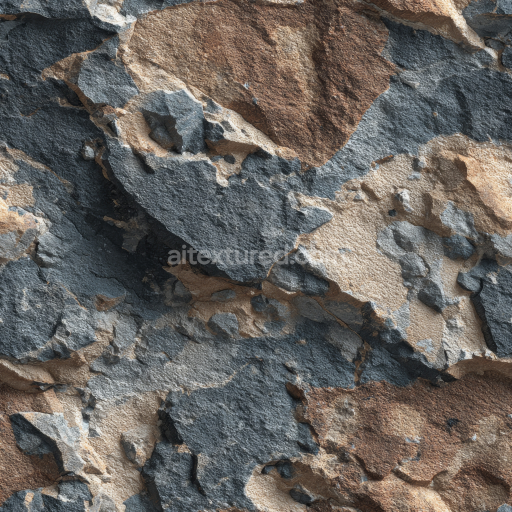
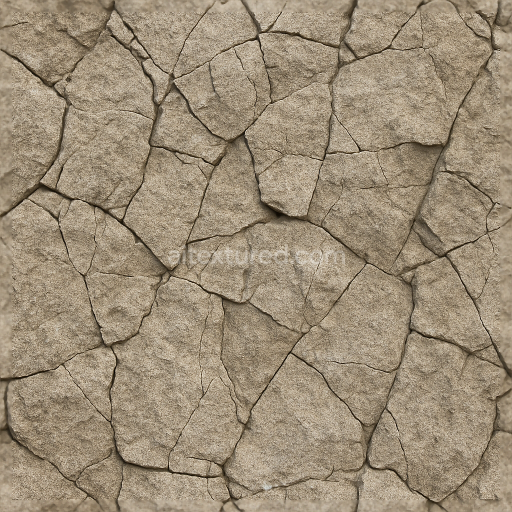
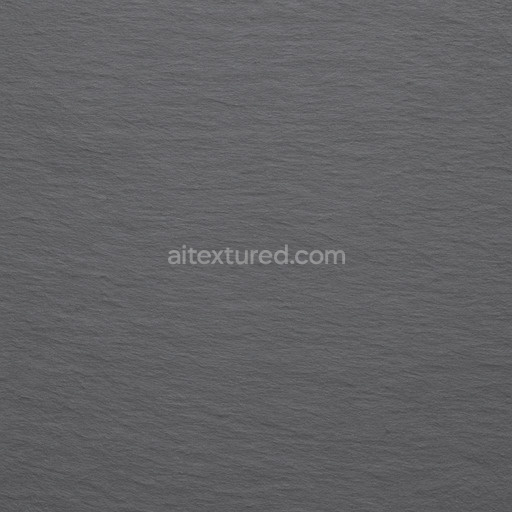
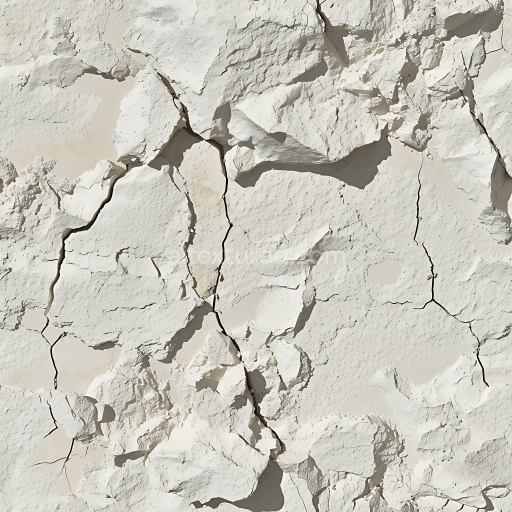
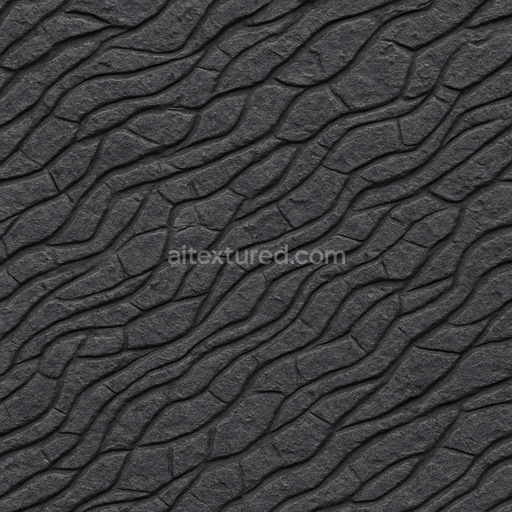
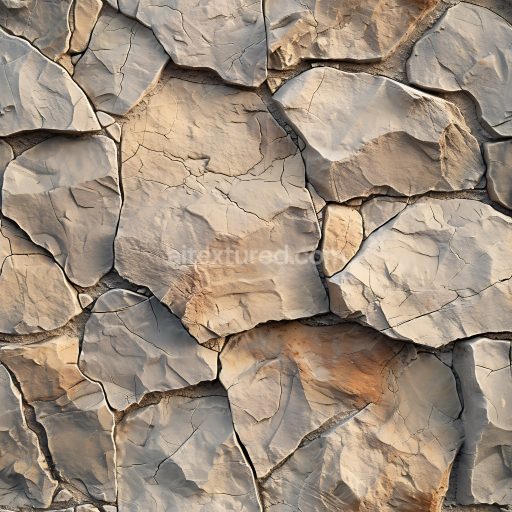
Weathered Rocky Cliff Wall PBR Texture with Earthy Browns and Grays
Seamless texture (tileable) · PNG, WEBP, PBR ZIP.
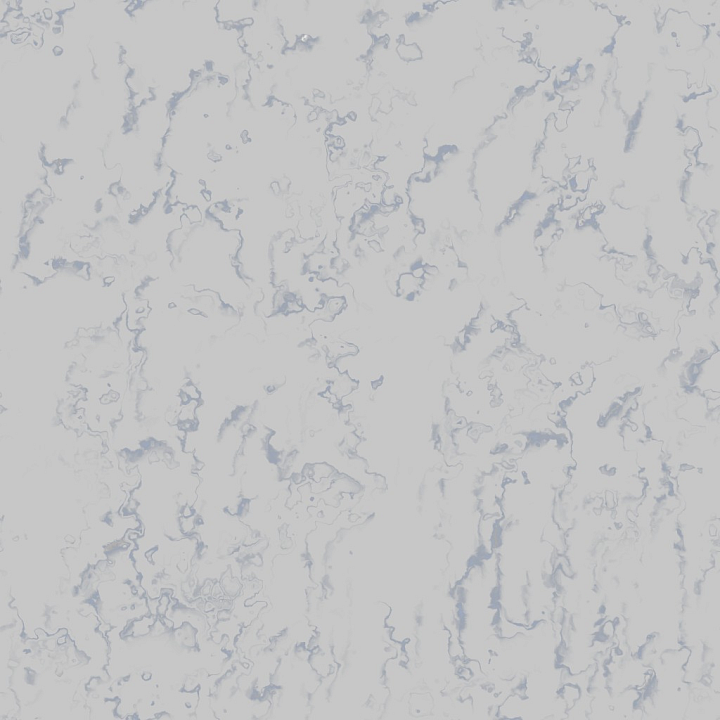
| ID | archviz-bathroom-kitchen-marble-rocks-stone-substance |
|---|---|
| Category | Stone |
| Formats | PNG, WEBP, PBR ZIP |
| Size | 1k (1024x1024px), 2k (2048x2048px), 4k (4096x4096px), 8k (8192x8192px) |
| Tileable | Yes |
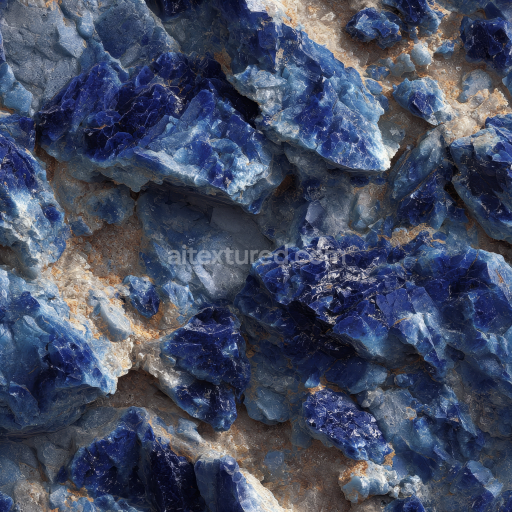
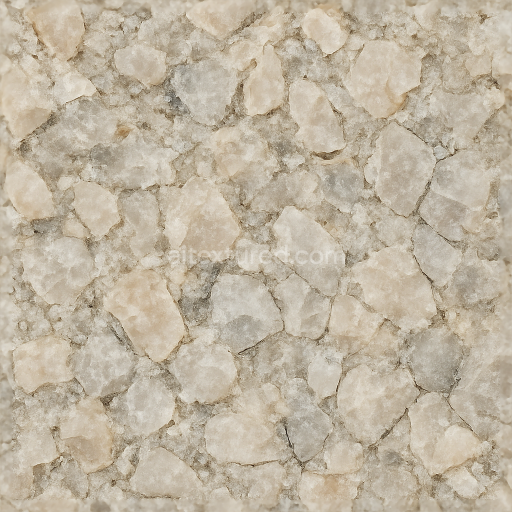
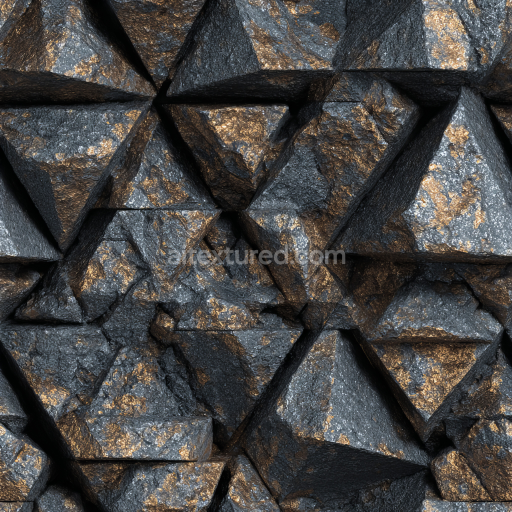
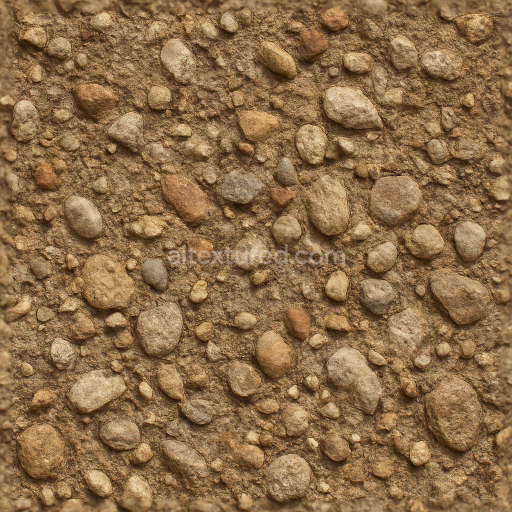
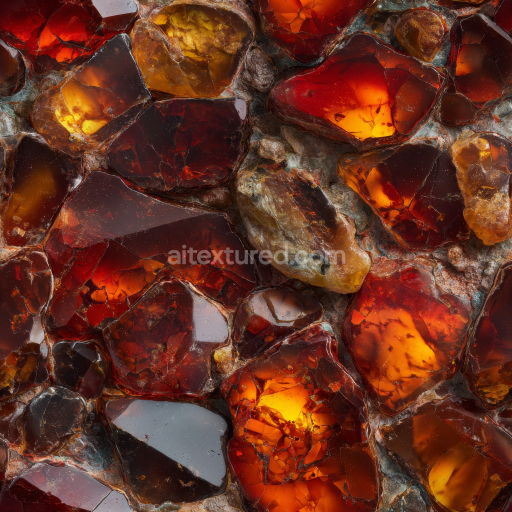
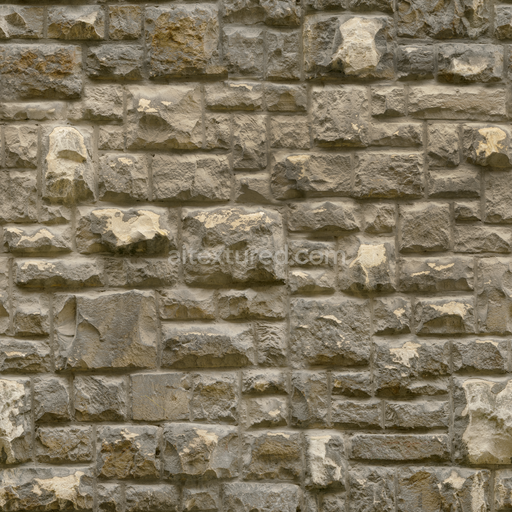
This Archviz Bathroom Kitchen Marble Rocks Stone Substance is a meticulously crafted seamless PBR texture created specifically for physically based rendering workflows in architectural visualization. At its core this material replicates the natural composition of high-end marble stone commonly found in luxury bathrooms and kitchens. The base substrate consists of a mineral-rich foundation primarily composed of fine crystalline aggregates that form delicate veins and intricate rock formations throughout the surface. These mineral inclusions are subtly bound by natural adhesive layers imparting authentic porosity and slight weathering effects that enhance the stone’s natural realism while maintaining seamless tiling. The surface finish is polished to a refined sheen accentuating the stone’s natural colorants—finely distributed pigments and oxide layers responsible for its warm consistent hues and subtle tonal variations that bring depth and richness to any architectural scene.
Optimized with an 8K resolution BaseColor (Albedo) map this texture captures the intricate marble patterns and nuanced color shifts essential for highly realistic renderings in archviz projects. The Normal map details the fine grain orientation and micro-surface irregularities enabling dynamic light interaction within engines such as Blender Unreal Engine and Unity. The Roughness channel balances reflectivity by simulating the polished yet subtly varied surface characteristics preventing an artificial or uniform look. Reflective metallic values are kept minimal accurately reflecting the non-metallic nature of natural stone while the Ambient Occlusion map adds depth through soft shadowing in crevices and veins. The Height/Displacement map delivers precise surface relief enhancing tactile realism and supporting advanced parallax effects across real-time and offline rendering workflows.
This marble stone substance is highly versatile within architectural visualization adapting seamlessly to different design contexts in bathrooms and kitchens. Designers can adjust the UV scale to maintain proportional realism—scaling down for smaller bathroom tiles or up for expansive kitchen countertops. Additionally fine-tuning the roughness channel allows simulation of finishes ranging from high-gloss polished marble to a matte honed look depending on specific project aesthetics. Fully optimized and compatible with multiple color spaces and gamma settings this PBR texture supports professionals aiming to achieve consistent natural and realistic stone surfaces that enhance the overall quality and authenticity of their archviz presentations.
Import the texture maps into Blender with sRGB color space for albedo/base color and Non-Color for normal, roughness, metallic, AO, height, and ORM maps. Connect normal maps through a Normal Map node, then adjust UV scale with a Mapping node so the material repeats naturally on your model.
For the full step-by-step setup, see How to Use Seamless Textures in Blender. Browse related material examples in wood, concrete, and metal.
Yes. This texture is designed as a seamless tileable PBR material, so it can repeat across large surfaces without visible borders.
Use the download controls on this page: they expose the available PNG, WEBP or engine ZIP choices and supported resolutions for this asset.
Use the engine ZIP choices to package compatible source maps for Blender, Unreal Engine or Unity, then verify the imported material in the target application.
Commercial-use permission is not verified for this record. Confirm the original source and license before production use.
Generate maps from existing images, preview materials, convert channels, and package compatible inputs for Blender, Unity, and Unreal Engine.
Choose a verified workflow for generating maps, previewing tiling, converting channels, or starting from the texture catalog.
Derive Normal, Roughness, AO, Metallic, Height and optional ORM maps from one or more source images, then review the results.
Instant WebGL viewer: inspect materials on a sphere, plane, and cube. Check tiling and lighting in real time.
Re-packages maps per engine: Unreal (BaseColor + ORM), Unity (Mask/MetallicSmoothness), Blender (separate channels).
PNG ↔ JPG ↔ SVG: fast convert, SVG rasterize, embed/trace options, quality & background controls.