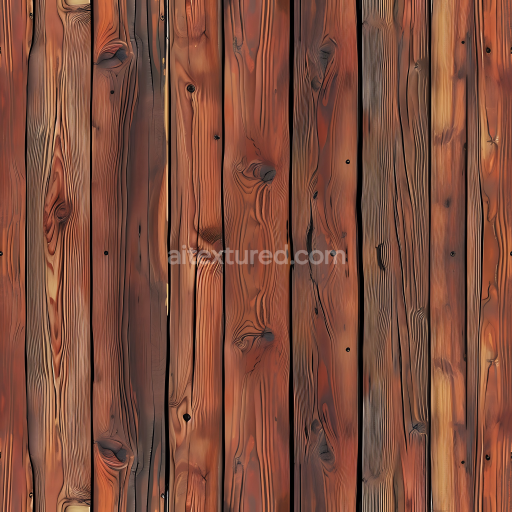
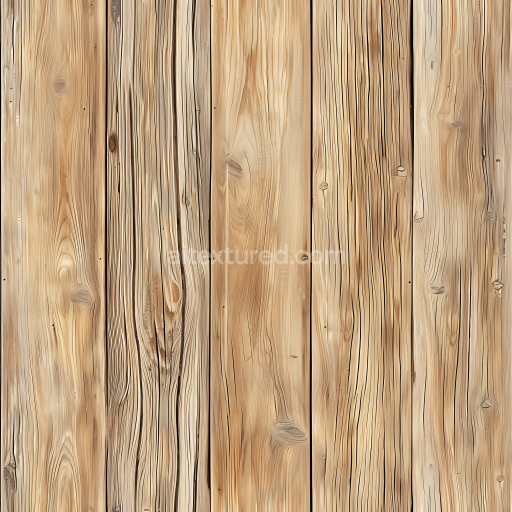
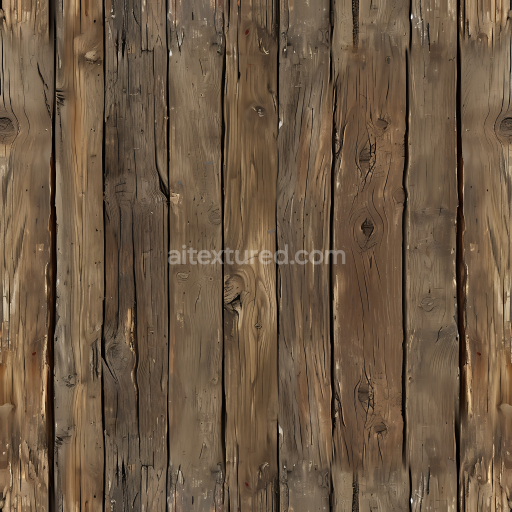
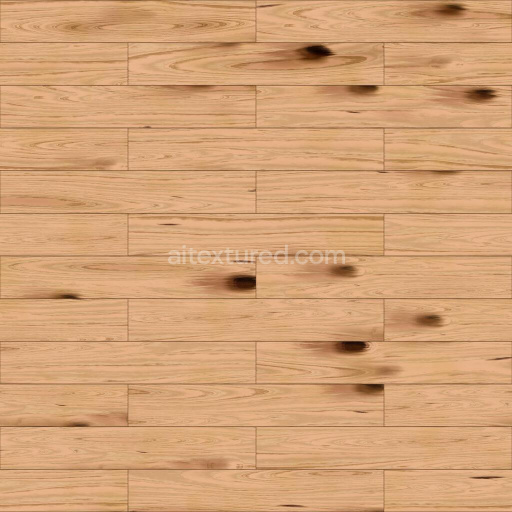
Rustic Pine Wood Floor Texture with Knots and Warm Tones
Seamless texture (tileable) · PNG, WEBP, PBR ZIP. License: AITextured Free Commercial License (FCL) v1.1. Free personal and commercial use. Raw resale, standalone redistribution, mirroring/scraping, competing asset packs, and AI/ML training are not allowed without written permission. Attribution is not required, but appreciated..
| ID | archviz-ceiling-feature-substance-designer-wall-wood |
|---|---|
| Category | Wood |
| Formats | PNG, WEBP, PBR ZIP |
| Size | 1k (1024x1024px), 2k (2048x2048px), 4k (4096x4096px), 8k (8192x8192px) |
| Color | sRGB |
| Tileable | Yes |
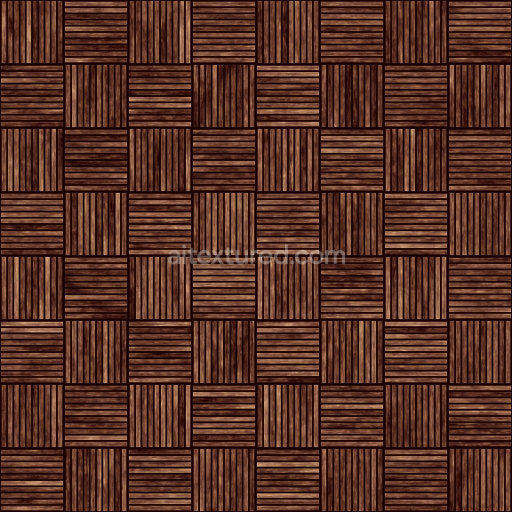
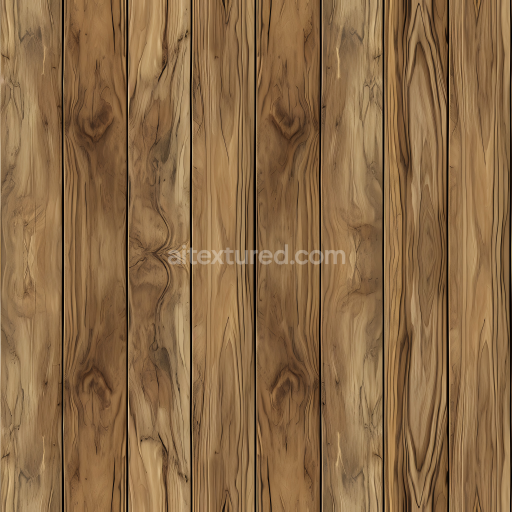
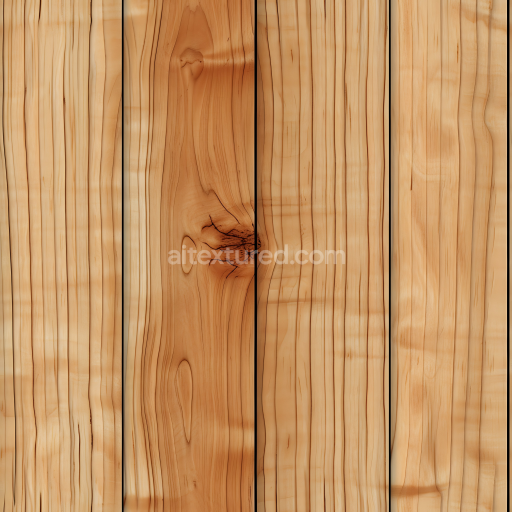
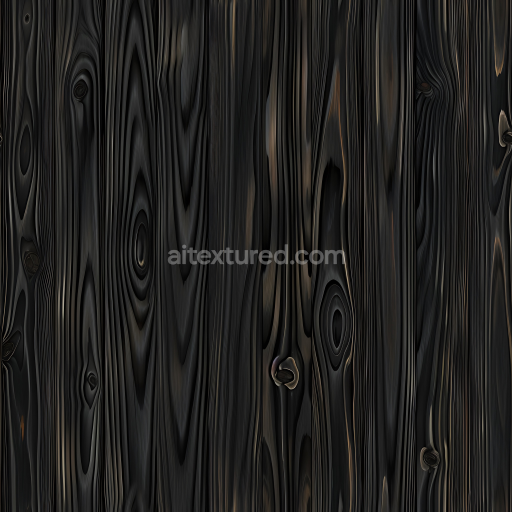
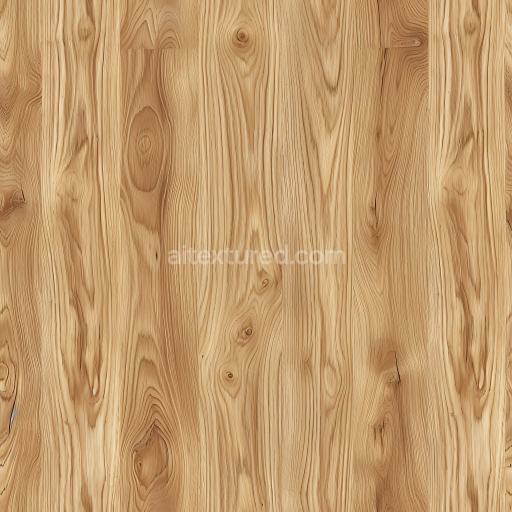
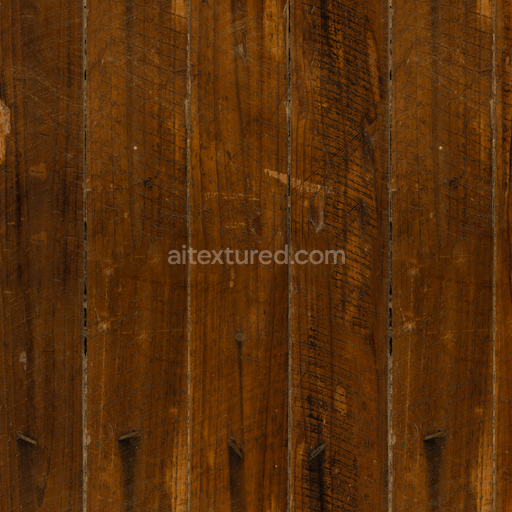
This Archviz Ceiling Feature Substance Designer Wall Wood texture is a meticulously crafted seamless PBR material that authentically replicates the natural complexity and warmth of wood as a base substrate. The composition emphasizes fine wood grain patterns enhanced by subtle organic fibers and carefully oriented grain structures which collectively contribute to a highly realistic surface appearance. The texture evokes a lightly brushed semi-matte wood finish with minimal porosity and moderate weathering suggesting a gently aged yet well-maintained ceiling or wall feature. Warm brown pigments and natural oxide layers serve as colorants imbuing the wood with rich depth and consistent hues that are accurately reflected across the BaseColor (Albedo) map making it ideal for large-scale tiling in detailed architectural visualization projects.
Designed to fully support physically based rendering workflows this wood texture includes a comprehensive set of PBR maps: Normal Roughness Metallic Ambient Occlusion and Height (Displacement). The Normal map captures the subtle elevations depressions and brushed grain surface irregularities enhancing tactile realism under varied lighting conditions. The Roughness map is calibrated to balance diffuse and specular reflections reflecting the semi-polished slightly weathered wood finish without excessive gloss. The Metallic channel is deliberately set near zero to emphasize the organic non-metallic nature of wood while Ambient Occlusion adds depth to shadowed grain crevices and joint details. The Height map supports displacement and parallax effects providing crucial depth perception to elevate realism in both real-time and offline rendering engines.
Rendered at an impressive 8K resolution this texture guarantees crisp detailed visuals even on expansive ceiling or wall features within archviz scenes. It is fully optimized for seamless integration with leading rendering engines such as Blender’s Cycles and Eevee Unreal Engine and Unity accommodating a broad range of visualization and game development workflows. For best results users should carefully adjust UV scale settings to avoid visible tiling repetition and consider fine-tuning the Roughness map based on specific lighting environments to achieve the perfect wood sheen and subtle weathering effects. This ensures that the final rendered surface maintains both visual authenticity and technical accuracy across diverse archviz projects.
Import the texture maps into Blender with sRGB color space for albedo/base color and Non-Color for normal, roughness, metallic, AO, height, and ORM maps. Connect normal maps through a Normal Map node, then adjust UV scale with a Mapping node so the material repeats naturally on your model.
For the full step-by-step setup, see How to Use Seamless Textures in Blender. Browse related material examples in wood, concrete, and metal.
Yes. This texture is designed as a seamless tileable PBR material, so it can repeat across large surfaces without visible borders.
You can download PNG/WEBP versions and use 1K, 2K, 4K and 8K download options when available on the page.
Yes. The download options and engine-mapped ZIP workflow are designed for Blender, Unreal Engine, Unity Standard, URP and HDRP material pipelines.
Yes. The texture is available under the AITextured free commercial license. Review the license page for redistribution and AI-training restrictions.
Build, preview, and export seamless PBR materials. Generate full map sets from a single image, inspect them in a real-time WebGL viewer, and re-package maps for Unreal, Unity, and Blender—directly in your browser.
AI text-to-texture: type a prompt and get a seamless, tileable base image ready for PBR workflows (great starting point for materials).
Create a full PBR set (Normal, Roughness, AO, Metallic, etc.) from a single image. Seamless and tiling-friendly.
Instant WebGL viewer: inspect materials on a sphere, plane, and cube. Check tiling and lighting in real time.
Re-packages maps per engine: Unreal (BaseColor + ORM), Unity (Mask/MetallicSmoothness), Blender (separate channels).
PNG ↔ JPG ↔ SVG: fast convert, SVG rasterize, embed/trace options, quality & background controls.