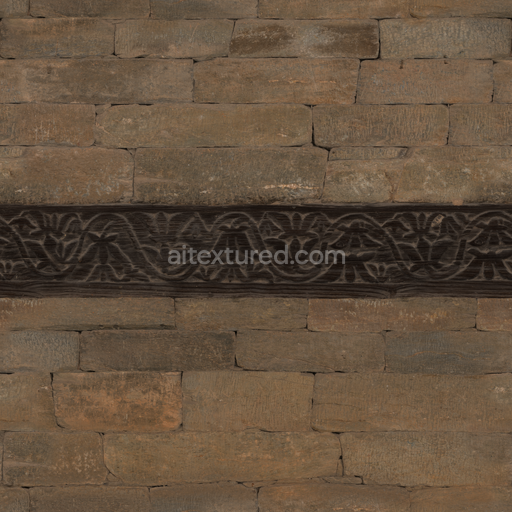
Wood Inlaid Stone
Seamless texture (tileable) · PNG, WEBP, PBR ZIP. License: AITextured Free Commercial License (FCL) v1.1. Free personal and commercial use. Raw resale, standalone redistribution, mirroring/scraping, competing asset packs, and AI/ML training are not allowed without written permission. Attribution is not required, but appreciated..
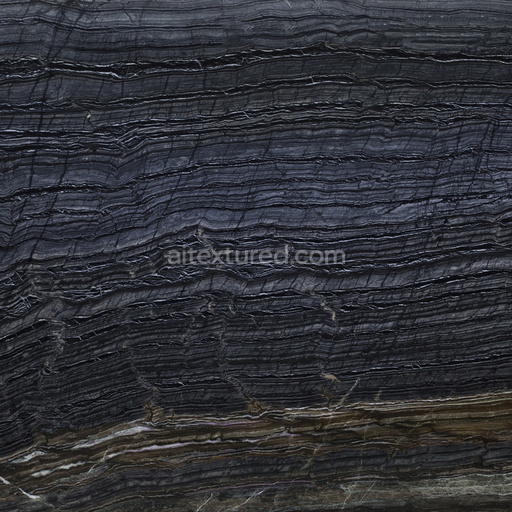
| ID | blackwood-azerocare-marble-by-share-textures-pbr-seamless-8k |
|---|---|
| Category | Wood |
| Formats | PNG, WEBP, PBR ZIP |
| Size | 1k (1024x1024px), 2k (2048x2048px), 4k (4096x4096px), 8k (8192x8192px) |
| Color | sRGB |
| Tileable | Yes |
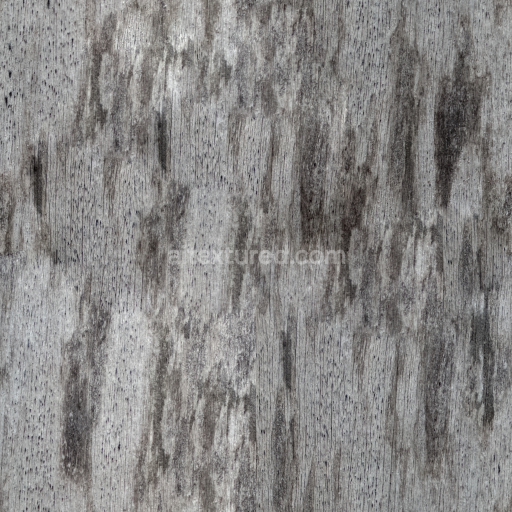
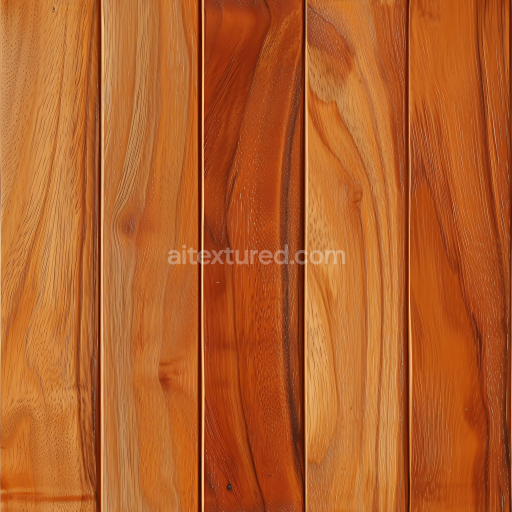
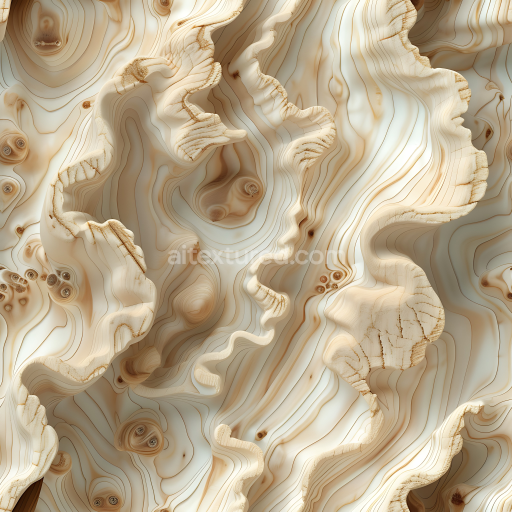
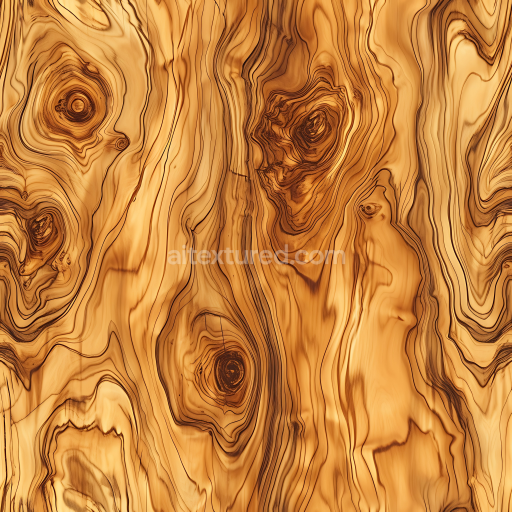
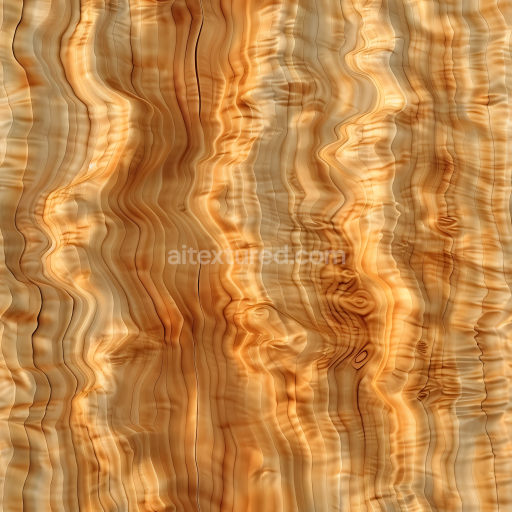
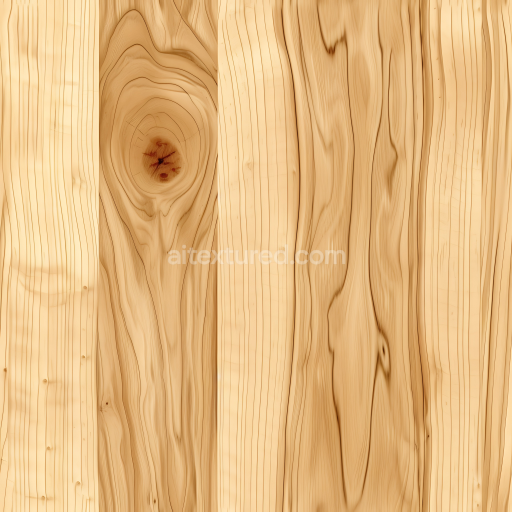
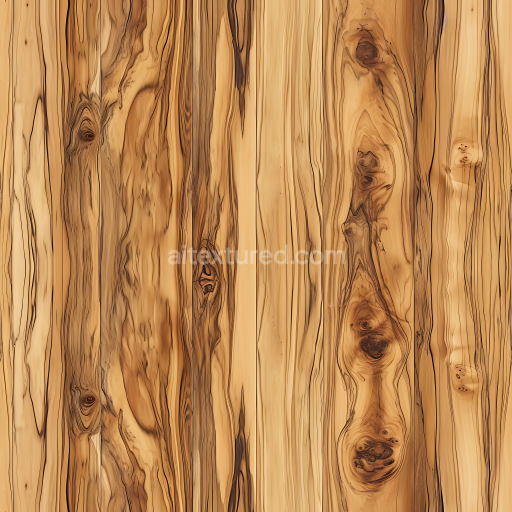
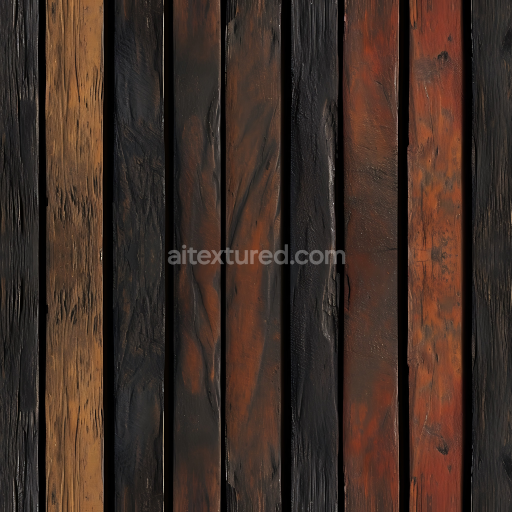
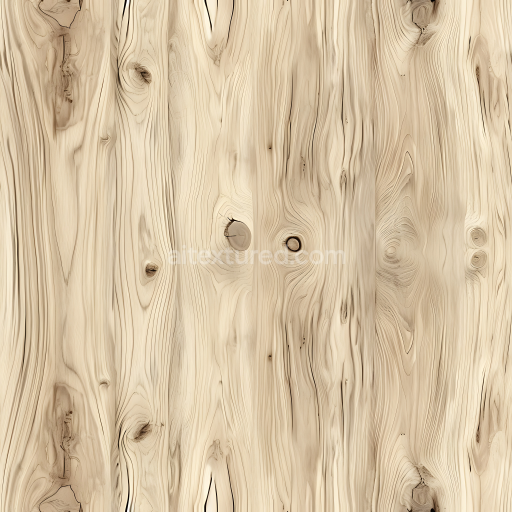
The Seamless Blackwood Azerocare Marble texture is a meticulously crafted PBR 3D material that beautifully captures the unique composition and refined elegance of natural marble subtly infused with the distinctive grain characteristics of blackwood. At its core this texture features a dense compact crystalline mineral substrate typical of high-quality marble known for its minimal porosity and smooth polished surface finish. This base structure reflects light softly lending a tactile quality that balances the cool sleek nature of stone with the warm organic essence of wood. Fine mineral binders and natural oxide layers enrich the base color producing delicate variations in cream and warm blackwood hues that create a sophisticated interplay of subtle veining and mineral patterns enhancing depth and visual complexity across the surface.
In terms of physically based rendering channels the Base Color (Albedo) map highlights the intricate pigment variations and fine veining that define the Azerocare marble’s signature look. The Roughness map captures the polished yet subtly textured surface delivering low reflectivity with gentle specular highlights that emphasize the texture’s refined character. Normal and Height maps accurately represent grain orientation micro-fissures and delicate surface undulations which when combined with parallax or displacement techniques produce convincing tactile depth and heightened realism. The Ambient Occlusion map enhances crevices and shadowed areas for consistent natural shading in diverse lighting environments. The Metallic channel remains unused reflecting the non-metallic nature of this composite stone and wood material.
Optimized for modern rendering pipelines this texture supports resolutions up to 8K to maintain exceptional clarity and detail even on large-scale surfaces without visible tiling artifacts. It integrates seamlessly with Blender’s Principled BSDF shader Unreal Engine’s PBR system and Unity’s URP/HDRP Lit shaders making it highly versatile for architectural visualization game assets and digital art projects. For optimal results adjusting UV scale or employing triplanar mapping is recommended to ensure consistent texel density and avoid repetitive patterns. Additionally combining the Normal map with Height or Parallax mapping can significantly improve surface depth perception and realism. To preserve accurate shading fidelity import the base color texture using sRGB color space while loading other data maps as Non-Color within your rendering pipeline.
Import the texture maps into Blender with sRGB color space for albedo/base color and Non-Color for normal, roughness, metallic, AO, height, and ORM maps. Connect normal maps through a Normal Map node, then adjust UV scale with a Mapping node so the material repeats naturally on your model.
For the full step-by-step setup, see How to Use Seamless Textures in Blender. Browse related material examples in wood, concrete, and metal.
Yes. This texture is designed as a seamless tileable PBR material, so it can repeat across large surfaces without visible borders.
You can download PNG/WEBP versions and use 1K, 2K, 4K and 8K download options when available on the page.
Yes. The download options and engine-mapped ZIP workflow are designed for Blender, Unreal Engine, Unity Standard, URP and HDRP material pipelines.
Yes. The texture is available under the AITextured free commercial license. Review the license page for redistribution and AI-training restrictions.
Build, preview, and export seamless PBR materials. Generate full map sets from a single image, inspect them in a real-time WebGL viewer, and re-package maps for Unreal, Unity, and Blender—directly in your browser.
AI text-to-texture: type a prompt and get a seamless, tileable base image ready for PBR workflows (great starting point for materials).
Create a full PBR set (Normal, Roughness, AO, Metallic, etc.) from a single image. Seamless and tiling-friendly.
Instant WebGL viewer: inspect materials on a sphere, plane, and cube. Check tiling and lighting in real time.
Re-packages maps per engine: Unreal (BaseColor + ORM), Unity (Mask/MetallicSmoothness), Blender (separate channels).
PNG ↔ JPG ↔ SVG: fast convert, SVG rasterize, embed/trace options, quality & background controls.