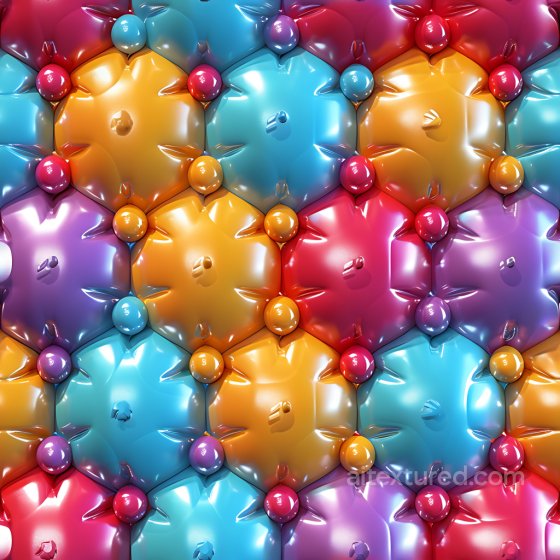
Free Seamless Inflated PBR Textures
Browse free tileable inflated PBR materials for 3D rendering, games, archviz and product visualization. Download PNG/WEBP maps in available resolutions for Blender, Unreal Engine and Unity.
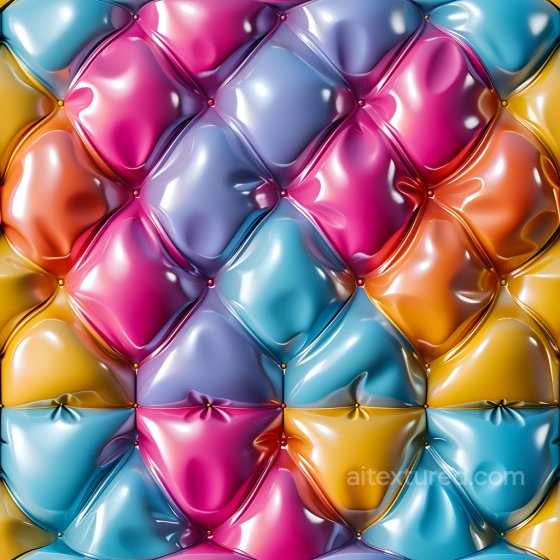
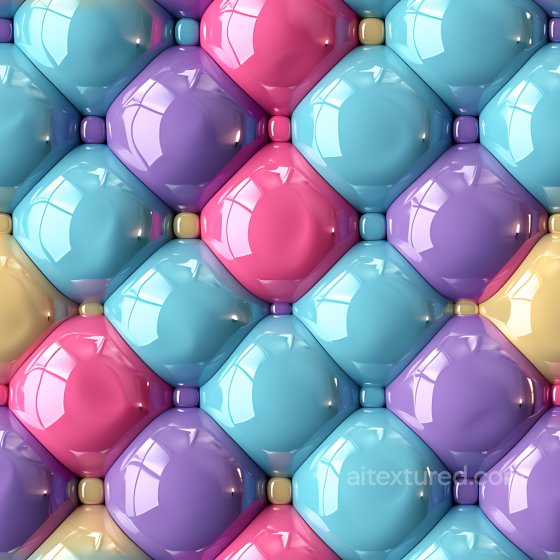
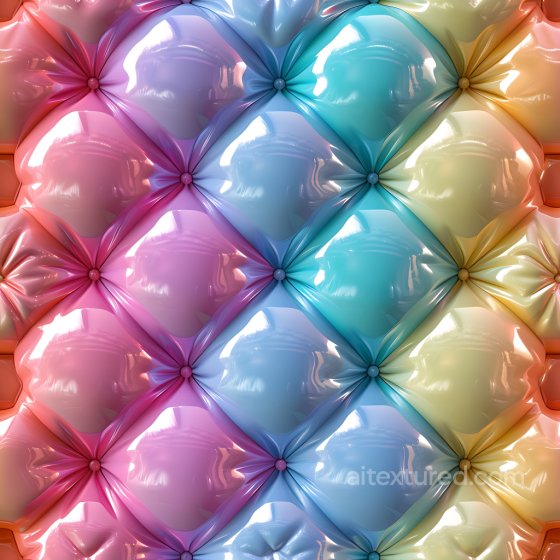
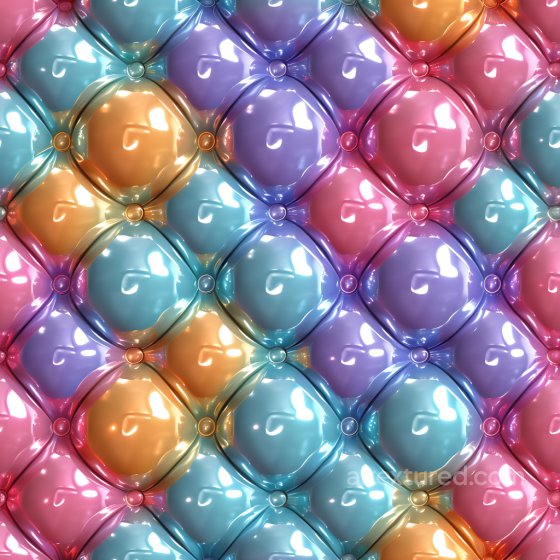
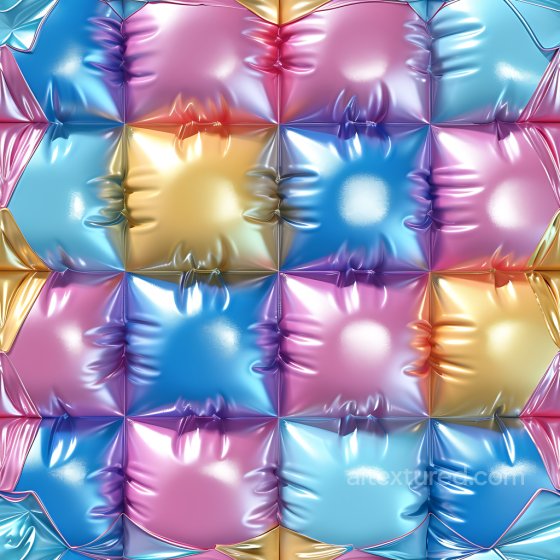
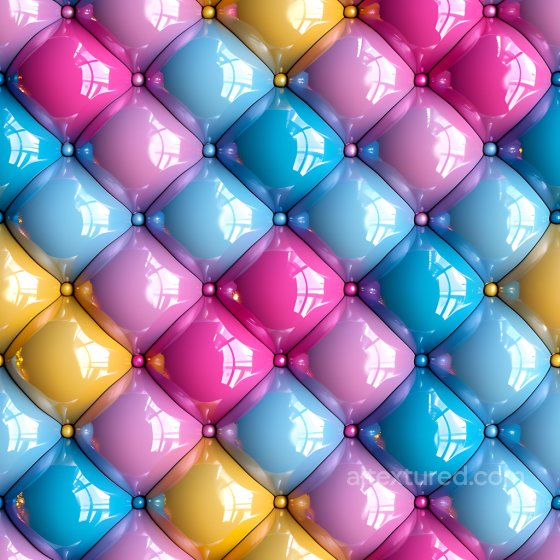
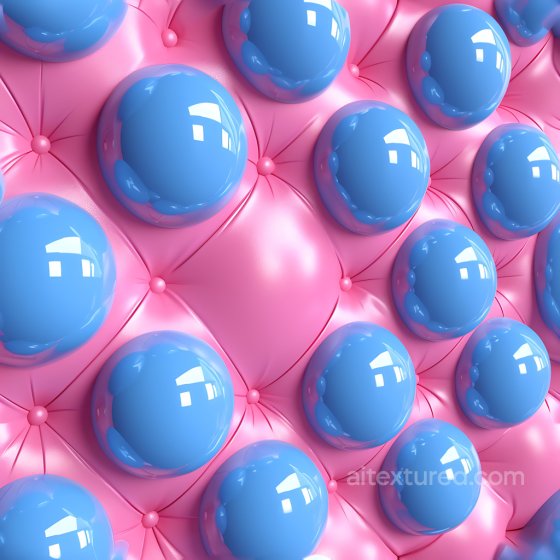
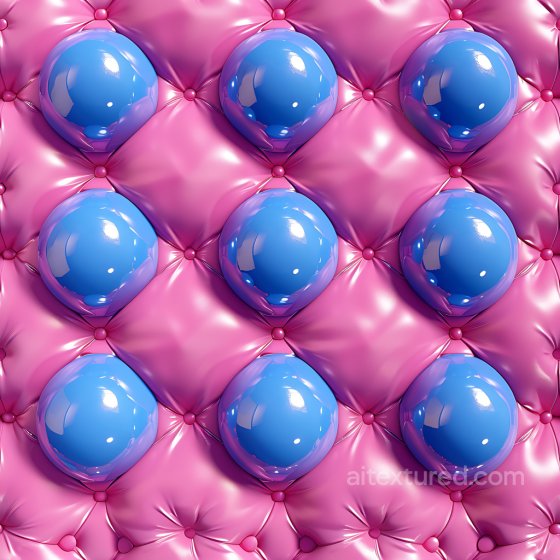
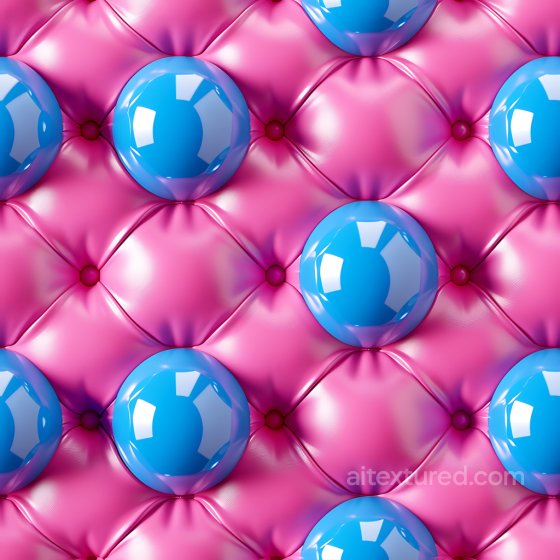
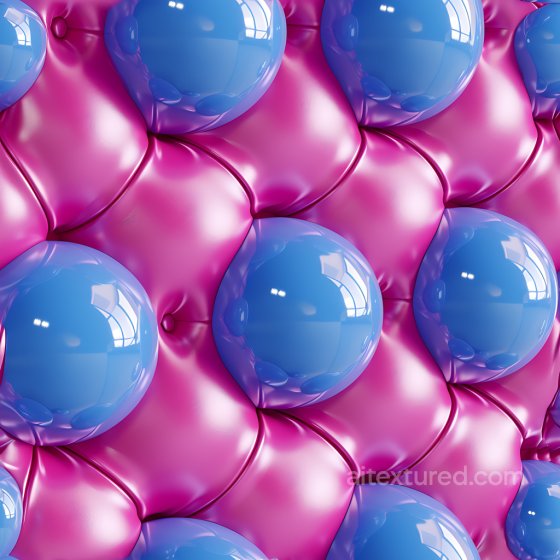
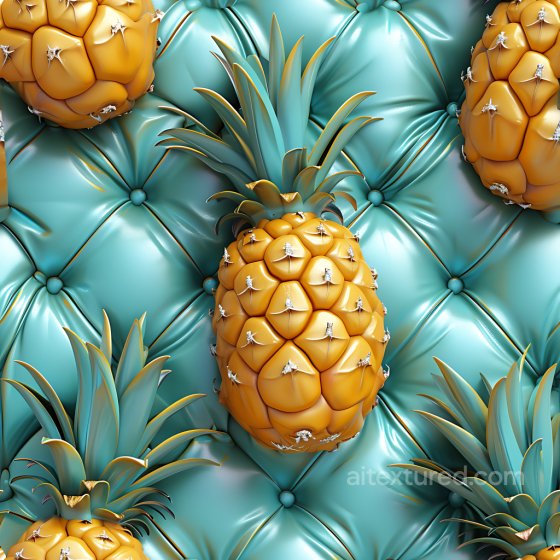
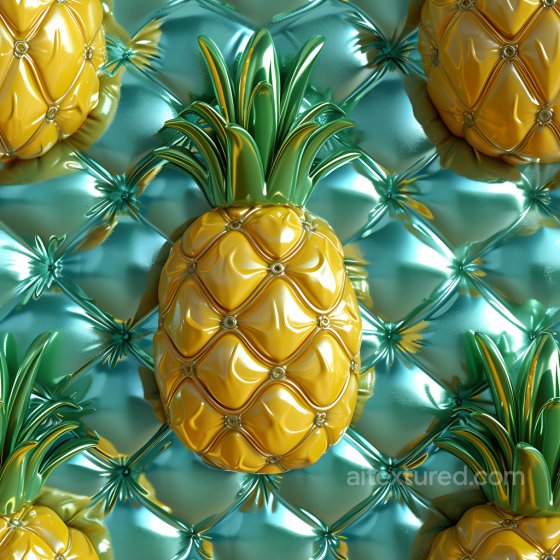
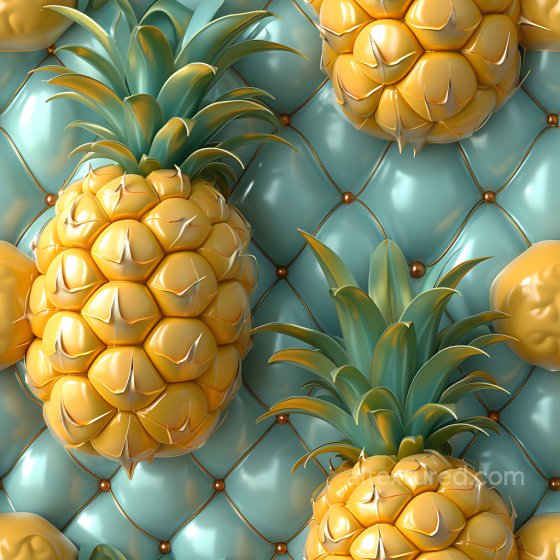
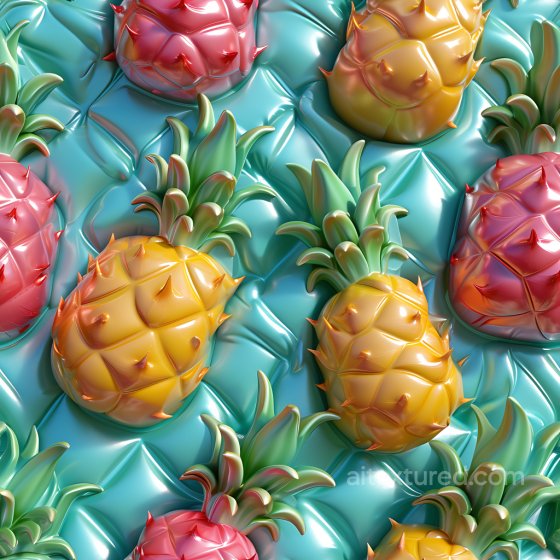
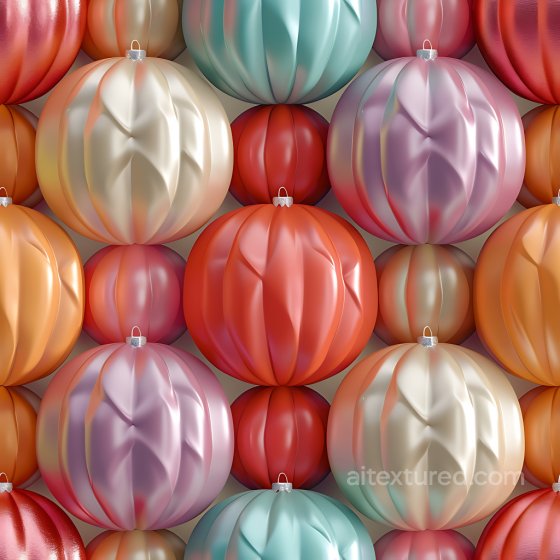
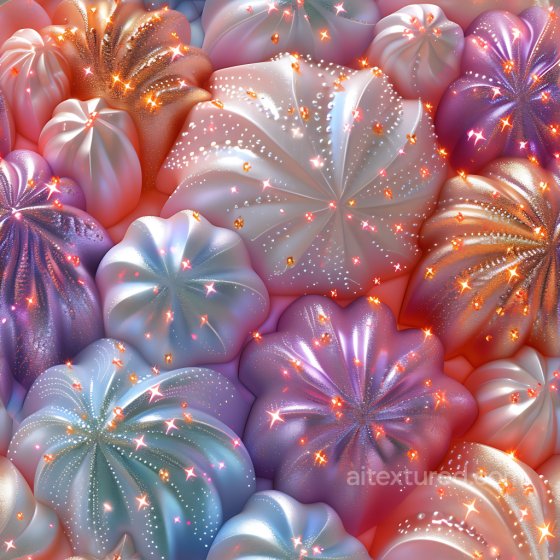
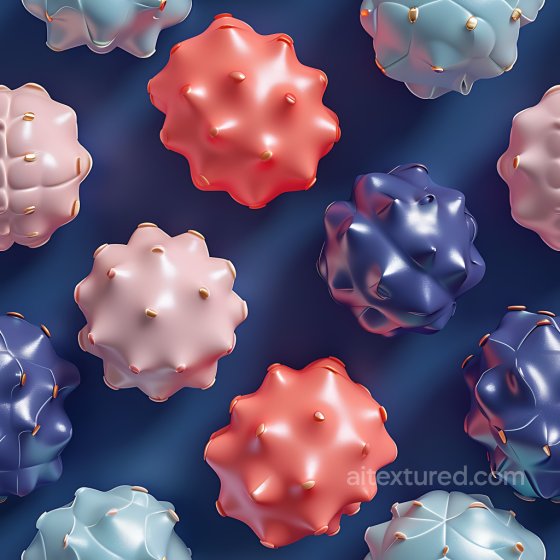
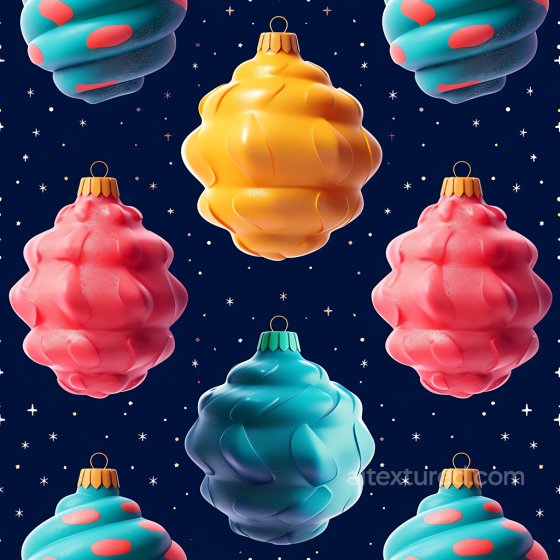
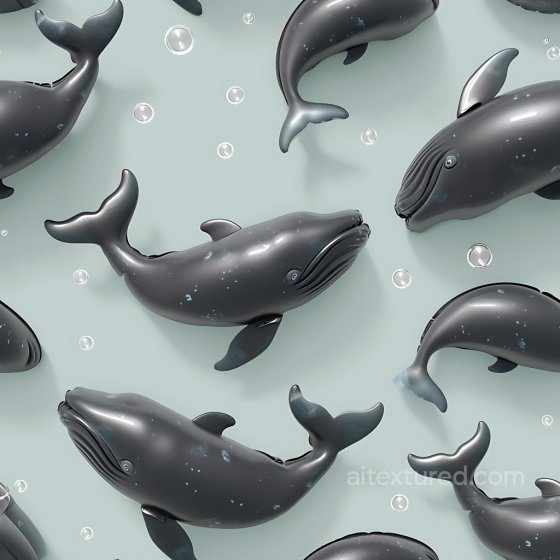
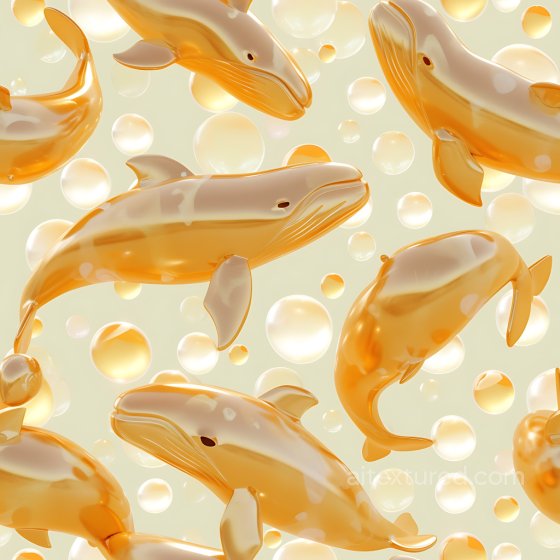
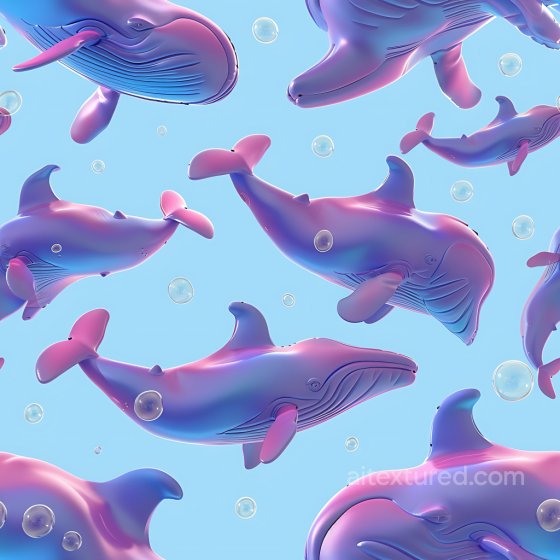
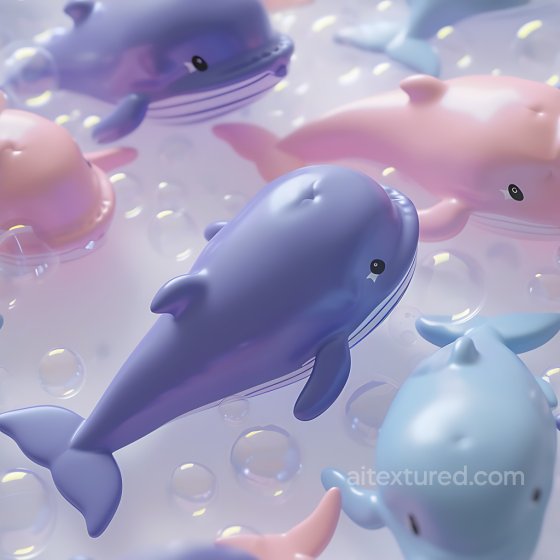
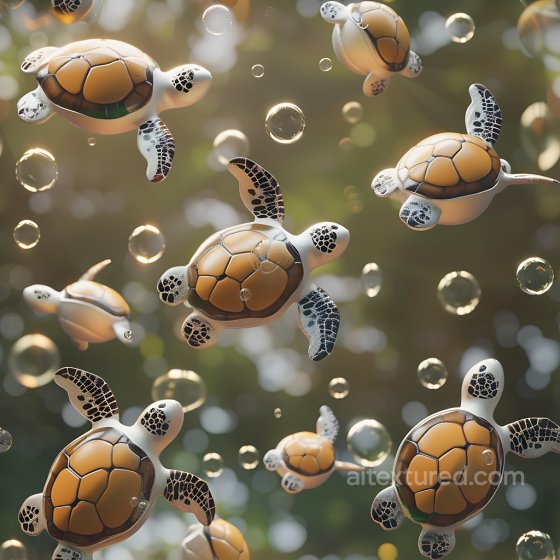
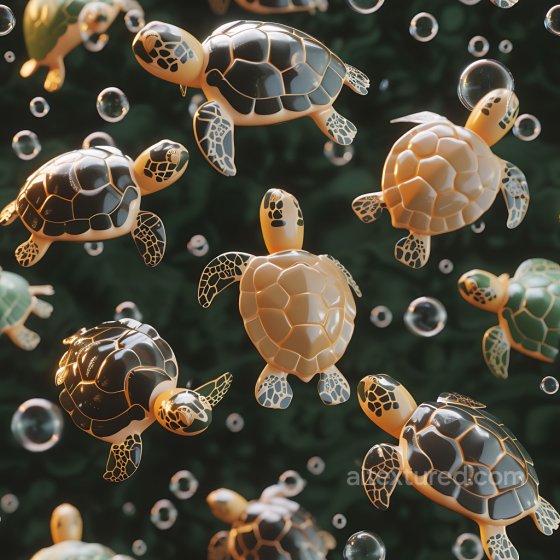
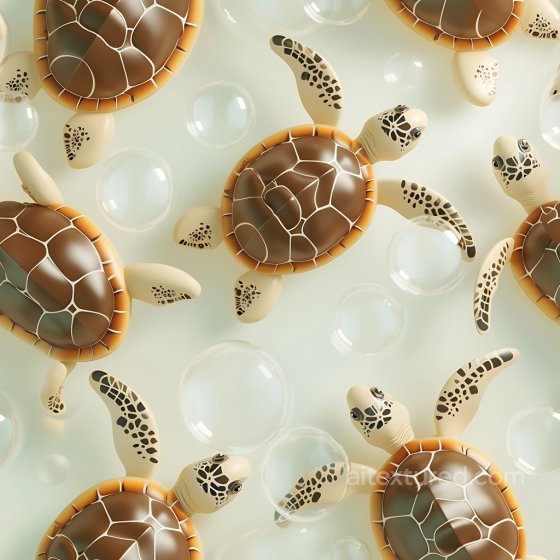
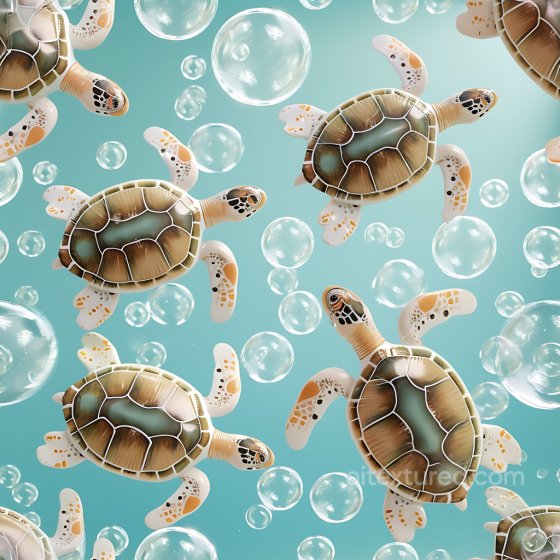
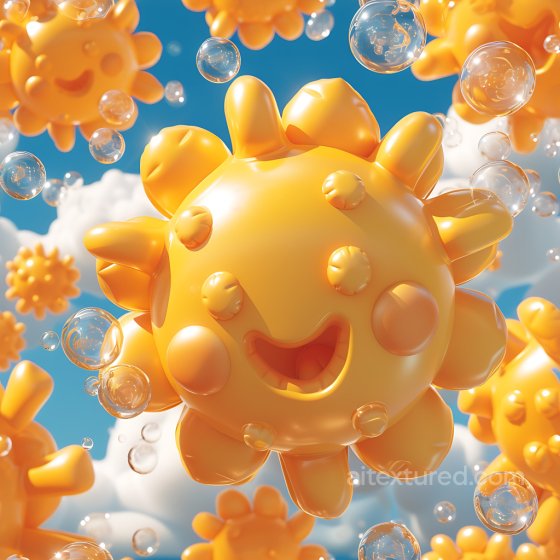
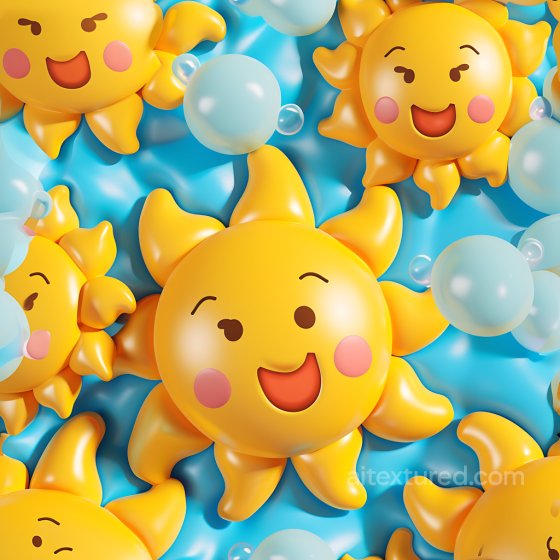
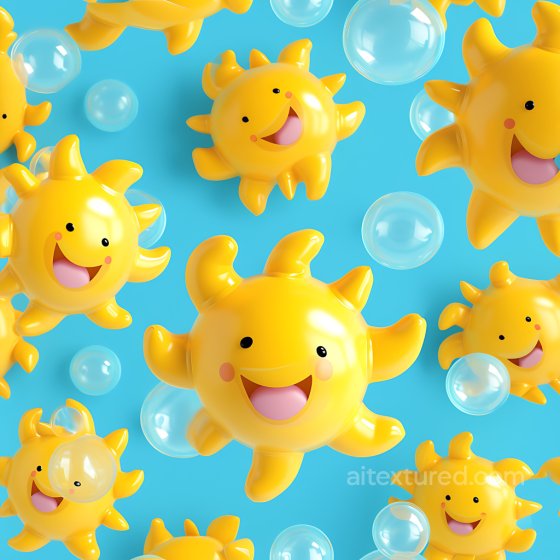
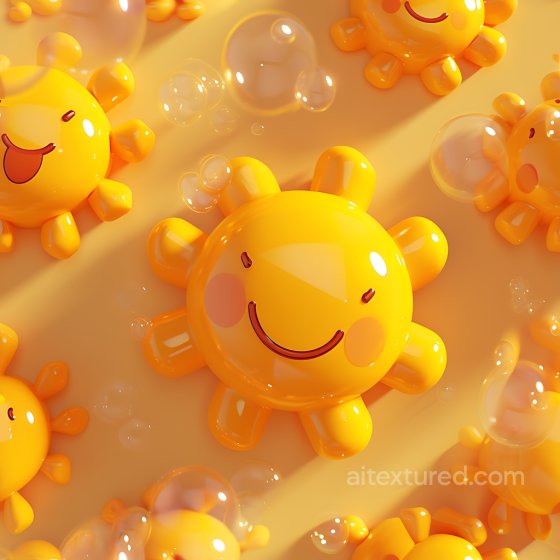
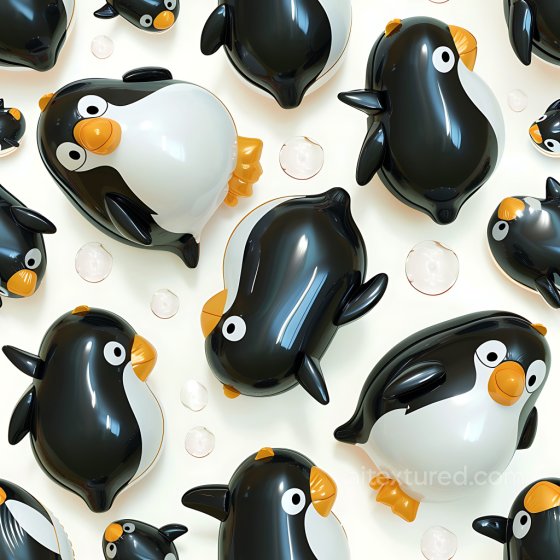
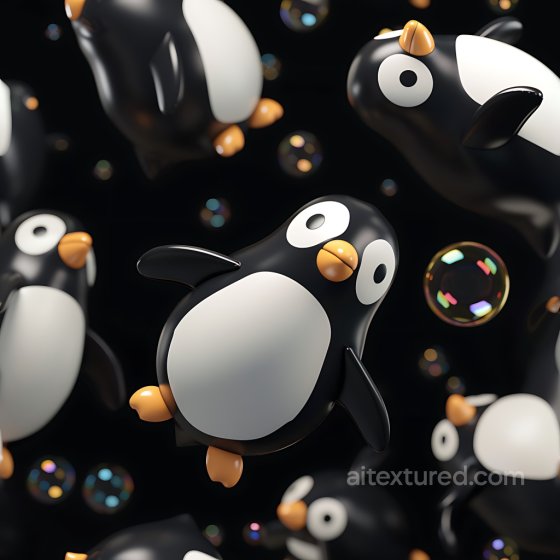
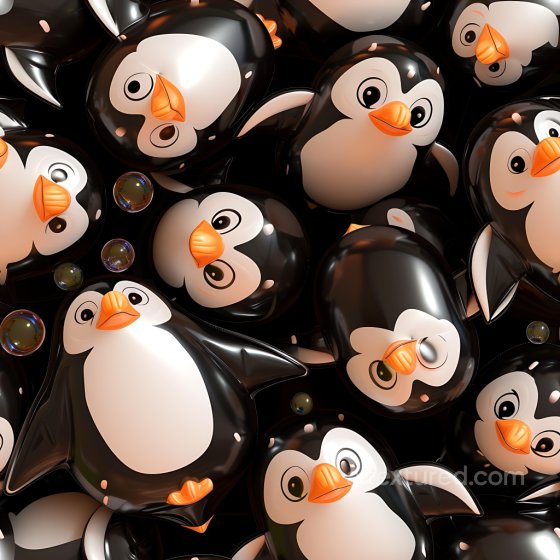
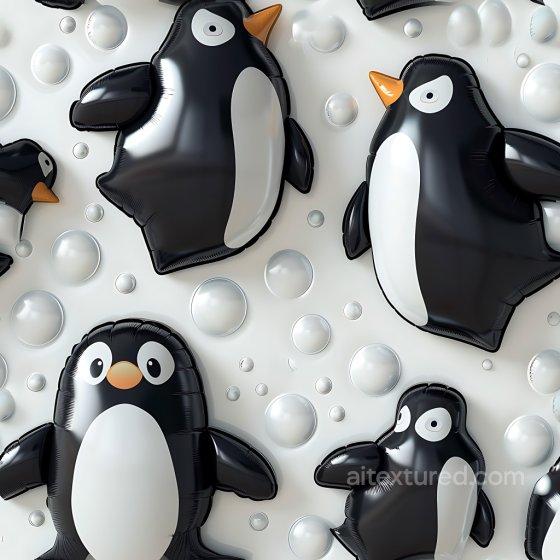
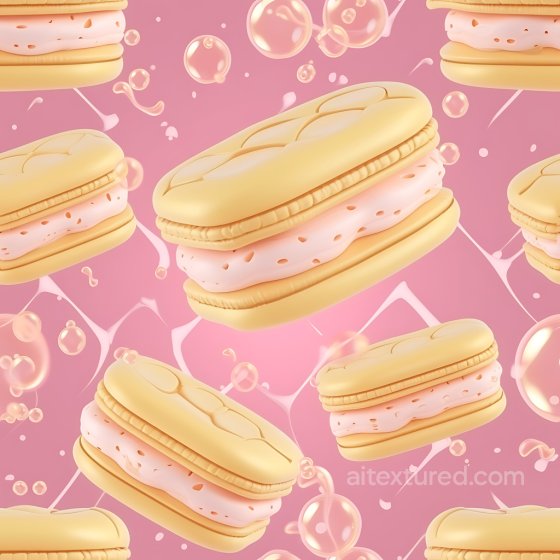
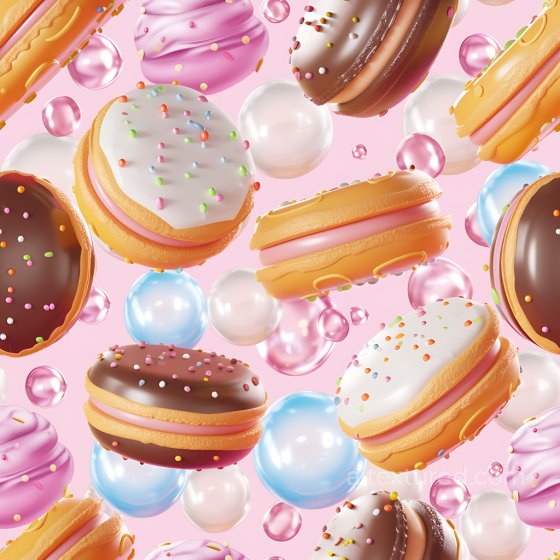
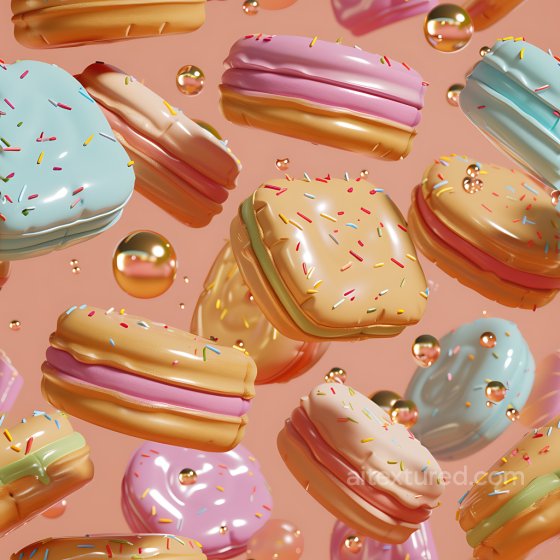
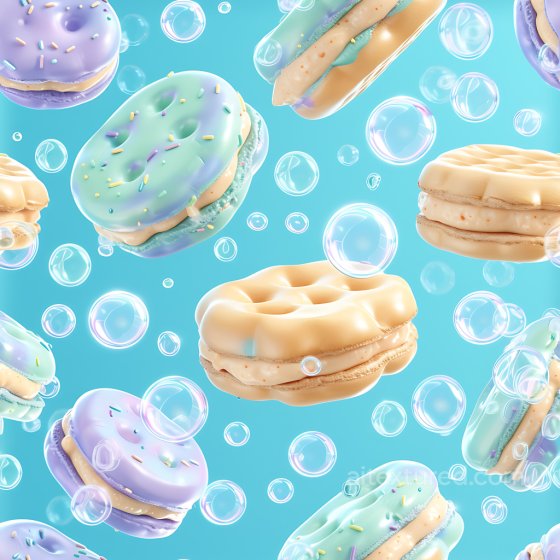
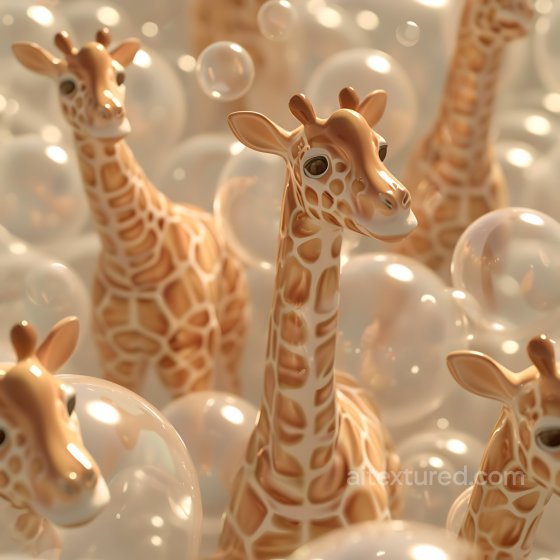
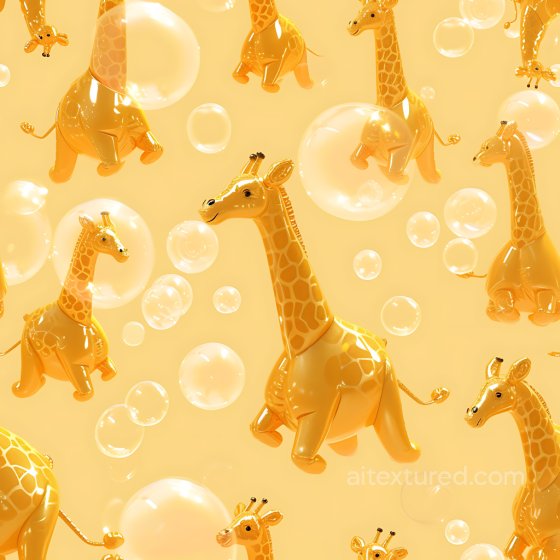
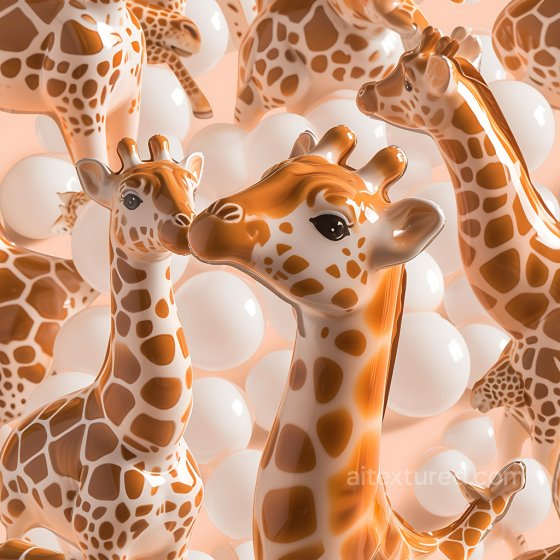
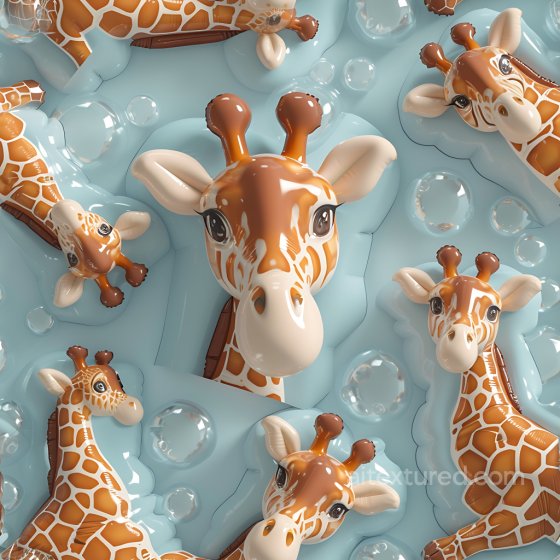
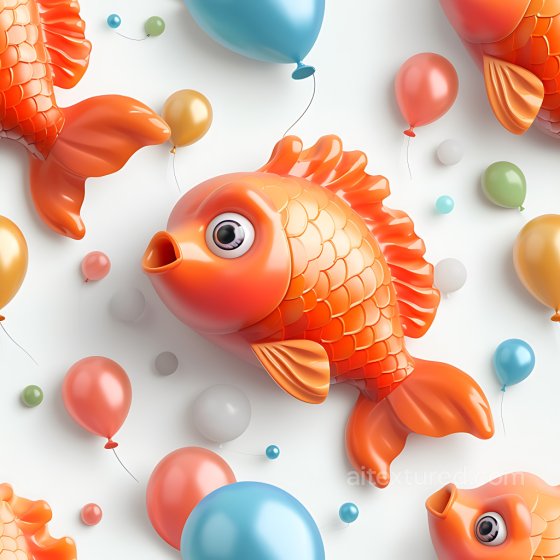
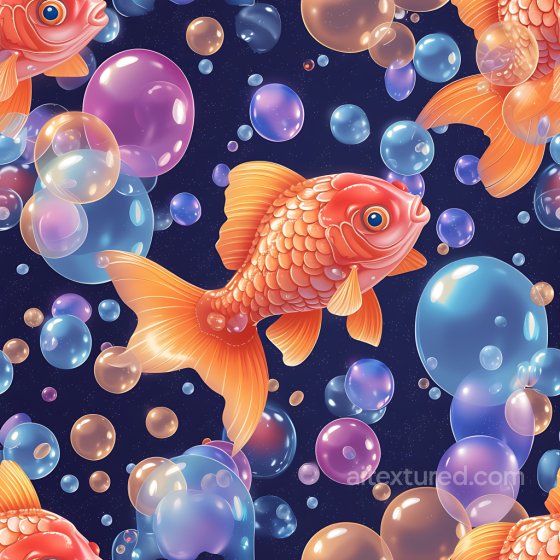
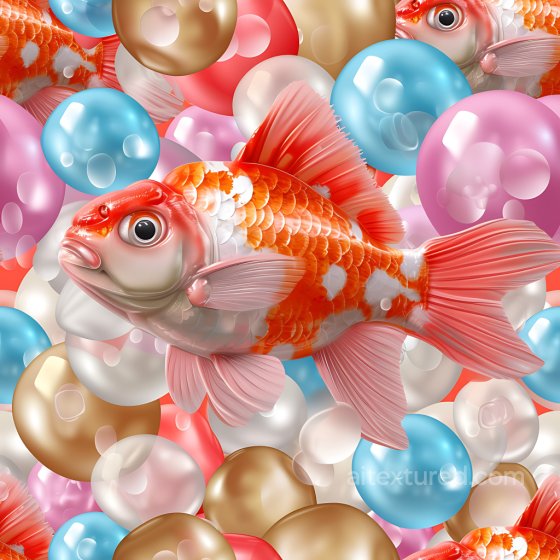
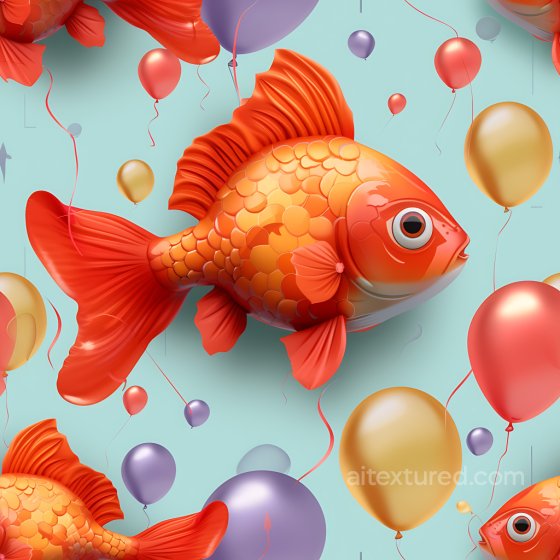
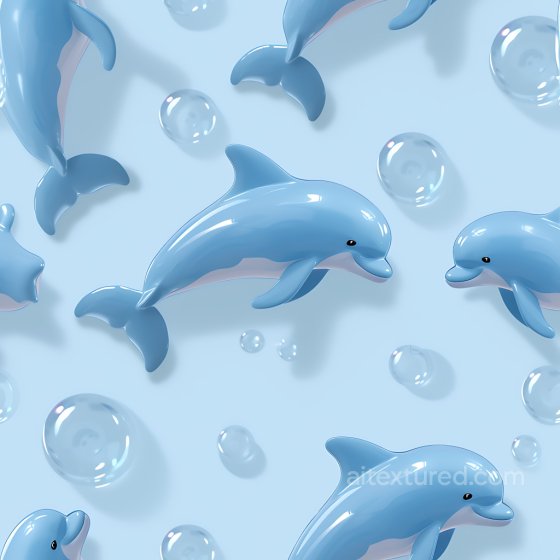
The Inflated collection focuses on puffy, pillowed, air-filled and quilted surfaces used in fashion, furniture, product design, and stylized environments. Expect materials such as vinyl/PVC and TPU, tufted leather, quilted nylon and polyester, air-mattress cells, bubble wrap, soft foam skins, and modular pillowed panels for walls and props. Every texture is seamless/tileable and prepared for a metal-rough PBR workflow, so you can plug them directly into Blender, Unreal Engine, and Unity.
Each entry ships with consistently named maps: BaseColor (Albedo), Normal, Roughness, AO, and Height/Displacement where available. Resolutions range from 1K to 8K in PNG/WEBP; albedo maps are in sRGB, scalar maps in linear space. Normal maps default to OpenGL; convert to DirectX if required by your engine.
Use these materials to build tufted seats, quilted jackets and bags, inflatable structures for events/exhibits, soft sci-fi modules, toy and wearable props, and Y2K/Bubble aesthetics. For realistic results:
-
Keep UV scale true to life (e.g., stitch spacing in centimeters).
-
Tune Normal strength for rounded cells; add Height/Parallax for close-ups to accentuate seams.
-
Use clear-coat/clear-specular for glossy vinyl; keep roughness slightly higher in valleys to avoid plastic “melt.”
-
Add thin-film tint or subtle subsurface/transmission only for semi-translucent TPU/latex looks; most upholstery remains opaque.
-
Combine AO + Roughness to emphasize stitch shadows and panel edges; clamp displacement depth to prevent self-intersection.
Source and license status varies by asset; review the detail page before use.
Inflated Texture FAQ
Are these inflated textures seamless?
Tiling support varies by asset. Open a texture page and use the tiled preview to check seams and repetition before production use.
Can I use these textures in Blender, Unreal Engine and Unity?
Map availability varies by asset. Review the map list, then use the engine mapper when target-specific packing is required.
Which maps are included?
Depending on the asset, downloads may include base color, normal, roughness, ambient occlusion, height and packed engine maps.
Are the textures free for commercial projects?
Check the license block on each texture page before using an asset in commercial production.
Explore More Texture Resources
Related texture categories
Texture workflow tools
AITextured Tools
Generate maps from existing images, preview materials, convert channels, and package compatible inputs for Blender, Unity, and Unreal Engine.
PBR Material Tools
Choose a verified workflow for generating maps, previewing tiling, converting channels, or starting from the texture catalog.
Input: image or existing maps → Output: preview, PBR maps, or engine-ready package
Explore tools
PBR Texture Generator
Derive Normal, Roughness, AO, Metallic, Height and optional ORM maps from one or more source images, then review the results.
Input: PNG/JPG/WEBP → Output: Normal, Roughness, AO, Height, Metallic, ORM ZIP
Create PBR maps
Online Texture Preview
Instant WebGL viewer: inspect materials on a sphere, plane, and cube. Check tiling and lighting in real time.
Input: material maps → Output: interactive render and tiling check
Preview material
Unity / Unreal / Blender Mapper
Re-packages maps per engine: Unreal (BaseColor + ORM), Unity (Mask/MetallicSmoothness), Blender (separate channels).
Input: PBR maps → Output: Blender, Unreal, Unity channel packages
Convert maps
Image Converter
PNG ↔ JPG ↔ SVG: fast convert, SVG rasterize, embed/trace options, quality & background controls.
Input: PNG/JPG/SVG → Output: converted image format
Convert images