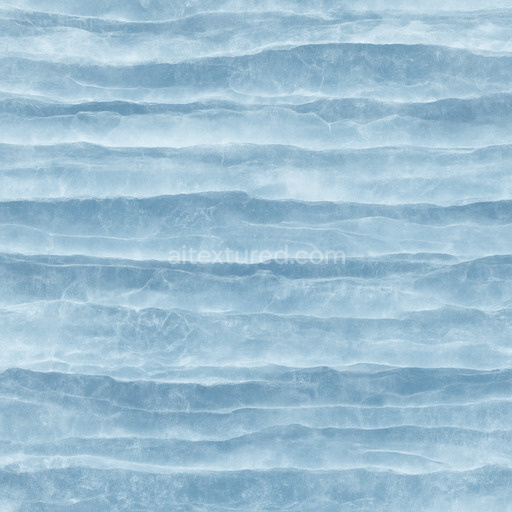
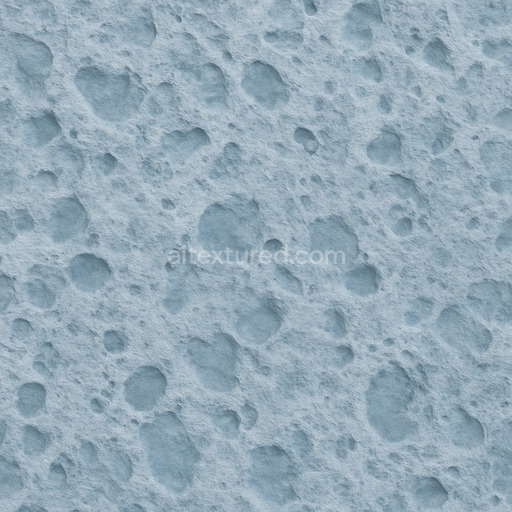
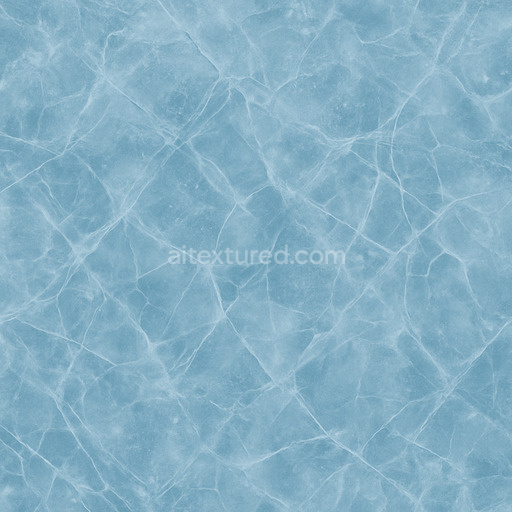
Layered Ice Seamless Texture
Seamless texture (tileable) · PNG, WEBP, PBR ZIP.
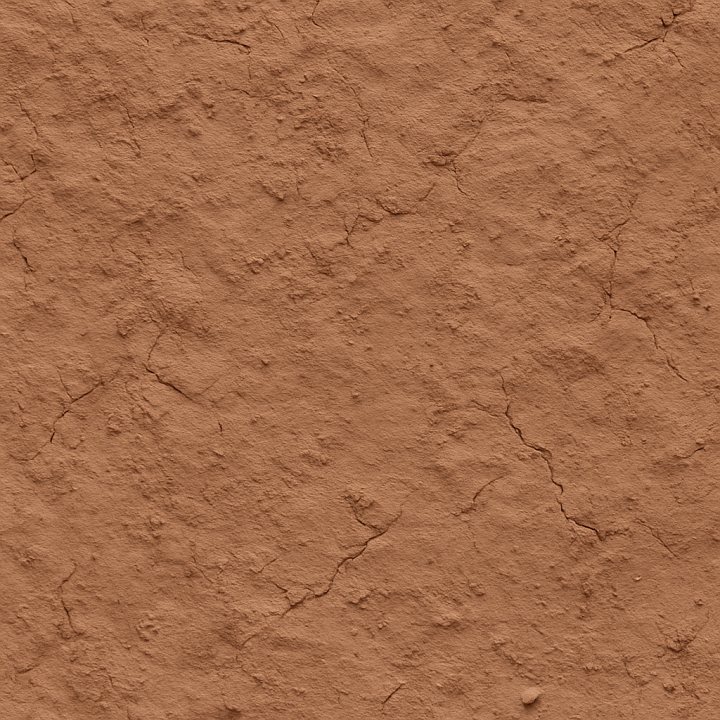
| ID | photorealistic-clay-seamless-texture |
|---|---|
| Category | Basic-materials |
| Formats | PNG, WEBP, PBR ZIP |
| Size | 1k (1024x1024px), 2k (2048x2048px), 4k (4096x4096px), 8k (8192x8192px) |
| Tileable | Yes |
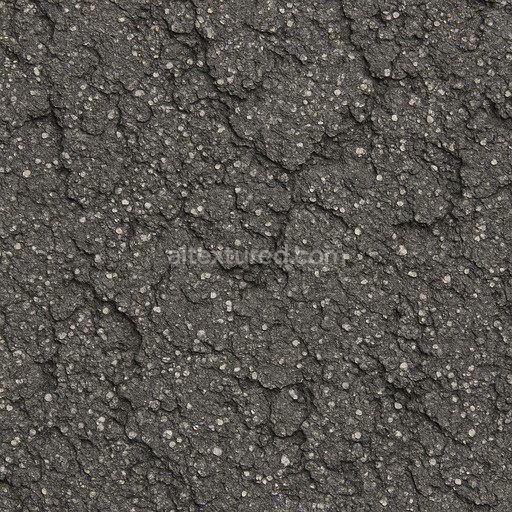
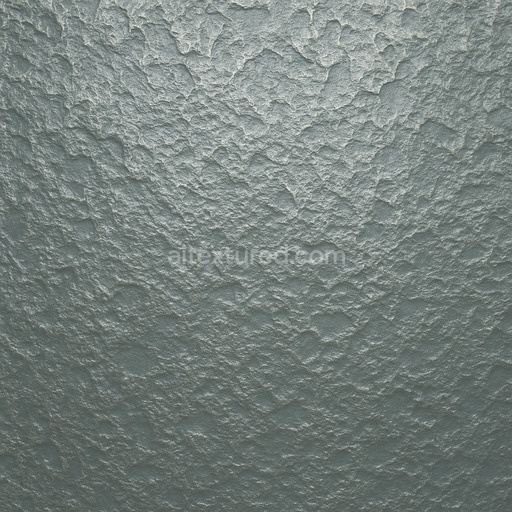
The Photorealistic Clay Seamless Texture is a meticulously crafted tileable texture designed to represent natural clay materials with exceptional realism. Its base substrate simulates fine-grained mineral clay characterized by a subtle mix of silicate particles and organic binders that create a softly porous yet cohesive surface. The texture captures the delicate interplay of microscopic aggregates and occasional fine fibers that give clay its unique tactile quality while the surface finish reflects a matte slightly roughened patina typical of weathered earthen materials. Color variations are achieved through a natural blend of iron oxide pigments and subtle mineral stains creating warm earthy tones that enhance authenticity across the BaseColor/Albedo channel. This texture’s physical properties are carefully balanced in PBR workflows: the Normal map conveys subtle surface imperfections and fine grain orientation Roughness maps deliver a natural matte finish with controlled specular highlights and Ambient Occlusion adds depth to crevices and micro-porosity. The Height/Displacement channel subtly emphasizes the texture’s micro-relief enhancing realism in close-up renders while Metallic remains close to zero reflecting clay’s non-metallic nature.
Produced at an ultra-high resolution of up to 8K this seamless photorealistic clay texture ensures crisp detail even on large surfaces making it ideal for architectural visualization environment art and concept prototyping. It scales elegantly without visible seams preserving the natural variation and grain orientation that bring basic-materials textures to life in 3D preview environments. Generated through advanced AI workflows the texture offers a sophisticated balance between sharp detail and controlled noise simulating natural wear and subtle weathering without artificial repetition. It is fully compatible and optimized for immediate use in leading 3D software such as Blender Unreal Engine and Unity supporting fast iteration cycles and out-of-the-box integration into your material libraries.
For the best visual results it is recommended to maintain consistent texel density across assets and ensure uniform UV unwrapping to minimize pattern distortion. Adjusting the roughness channel can fine-tune surface reflectivity to match lighting conditions and desired weathering effects while careful use of the Height/Displacement map can enhance depth perception in close-up shots or with parallax occlusion shaders. This tileable photorealistic clay seamless texture is a versatile addition to your basic-materials textures collection offering a natural believable look that accelerates development workflows without compromising on quality or realism.
The PBR texture photorealistic clay seamless texture offers a highly detailed and seamless photorealistic clay seamless texture ideal for enhancing PBR materials with realistic surface composition and uniform texture continuity.
Import the texture maps into Blender with sRGB color space for albedo/base color and Non-Color for normal, roughness, metallic, AO, height, and ORM maps. Connect normal maps through a Normal Map node, then adjust UV scale with a Mapping node so the material repeats naturally on your model.
For the full step-by-step setup, see How to Use Seamless Textures in Blender. Browse related material examples in wood, concrete, and metal.
Yes. This texture is designed as a seamless tileable PBR material, so it can repeat across large surfaces without visible borders.
Use the download controls on this page: they expose the available PNG, WEBP or engine ZIP choices and supported resolutions for this asset.
Use the engine ZIP choices to package compatible source maps for Blender, Unreal Engine or Unity, then verify the imported material in the target application.
Commercial-use permission is not verified for this record. Confirm the original source and license before production use.

Generate maps from existing images, preview materials, convert channels, and package compatible inputs for Blender, Unity, and Unreal Engine.
Choose a verified workflow for generating maps, previewing tiling, converting channels, or starting from the texture catalog.
Derive Normal, Roughness, AO, Metallic, Height and optional ORM maps from one or more source images, then review the results.
Instant WebGL viewer: inspect materials on a sphere, plane, and cube. Check tiling and lighting in real time.
Re-packages maps per engine: Unreal (BaseColor + ORM), Unity (Mask/MetallicSmoothness), Blender (separate channels).
PNG ↔ JPG ↔ SVG: fast convert, SVG rasterize, embed/trace options, quality & background controls.